Introduction
This article is primarily a memorandum. There may be many unclear points, so please bear with me.
In particular, I hope this serves as a useful reference for how to use the annotation endpoint used by the IIIF Toolkit, as introduced below.
https://github.com/utlib/IiifItems/wiki/The-Mirador-Omeka-Annotator-Endpoint
Overview
The IIIF Toolkit plugin for Omeka Classic is a very useful tool that can load IIIF manifest files and add annotations to images.
https://zenn.dev/nakamura196/books/2a0aa162dcd0eb/viewer/b37a8c
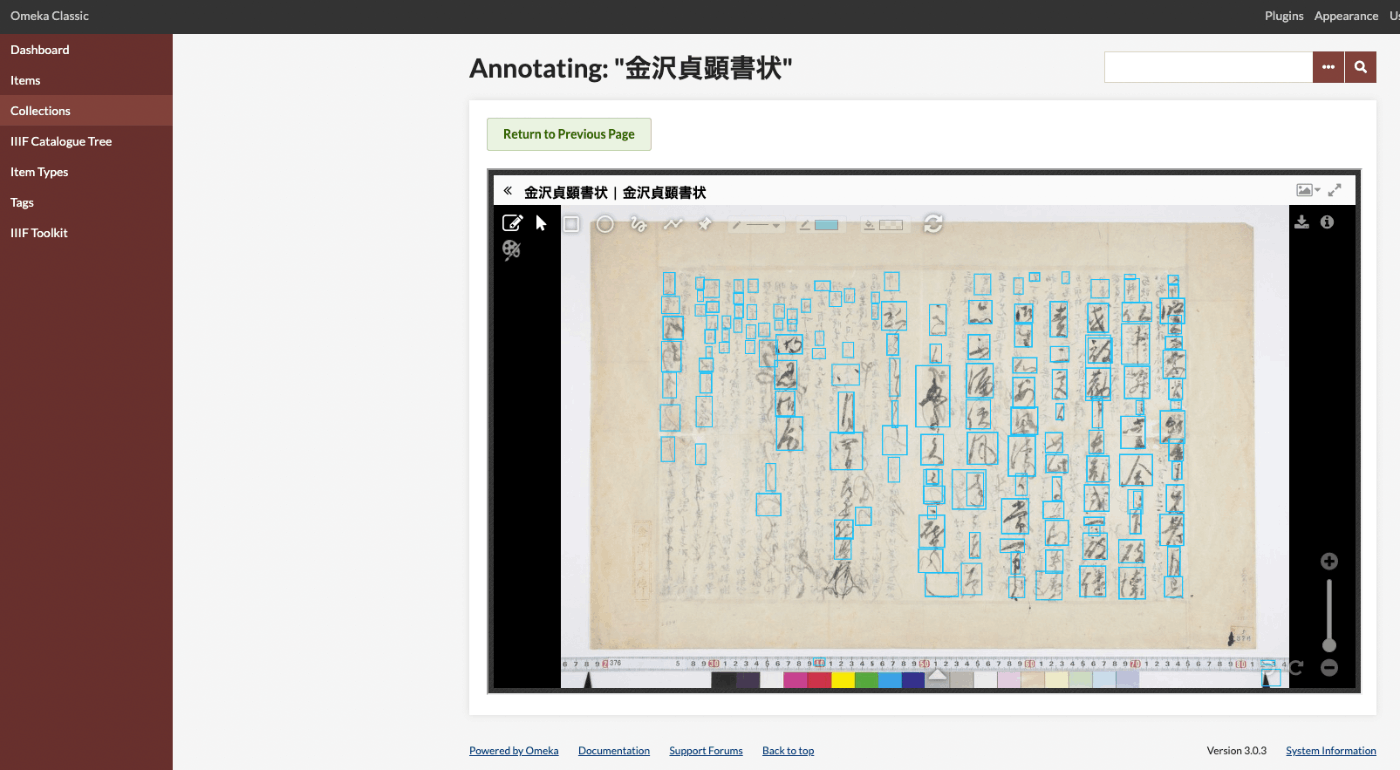
This article covers how to bulk register annotations that were created independently of Omeka Classic into Omeka Classic.
The following Google Colab notebook has been prepared. I hope it serves as a useful reference.
Usage
Prerequisite 0
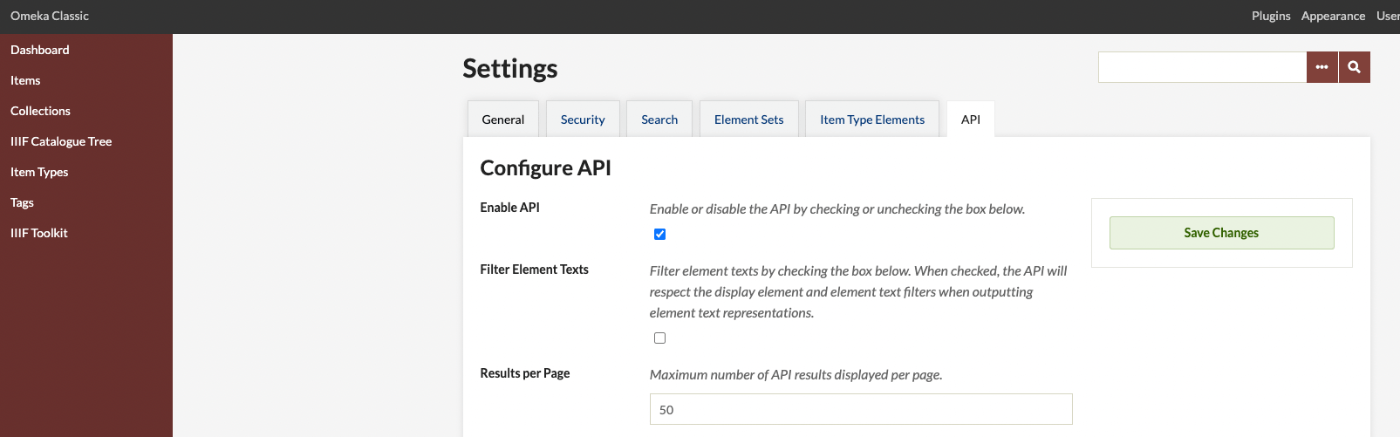
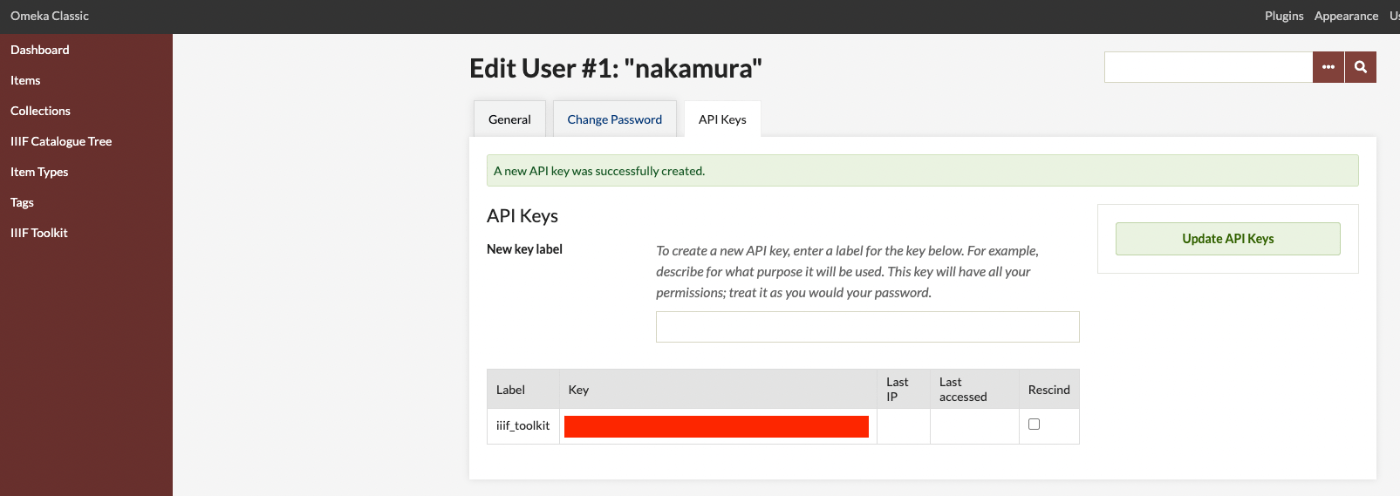
Before running the above notebook, you need to enable the Omeka Classic API and issue an API key.
Enabling the Omeka Classic API
As shown below, enable the API, which is OFF by default.
Issuing an API Key
Since access using an API key is required for private items, issue an API key for each user.
Running the Notebook
Follow the above notebook to register data using the Omeka Classic API.
Result
As shown below, you can confirm that the annotations have been bulk registered.
Summary
I hope this serves as a useful reference for working with the API provided by the IIIF Toolkit for Omeka Classic.