Overview#
Let’s try the overlay feature provided by Cantaloupe.
https://cantaloupe-project.github.io/manual/5.0/overlays.html
BasicStrategy#
With BasicStrategy, overlays are applied based on the settings in cantaloupe.properties.
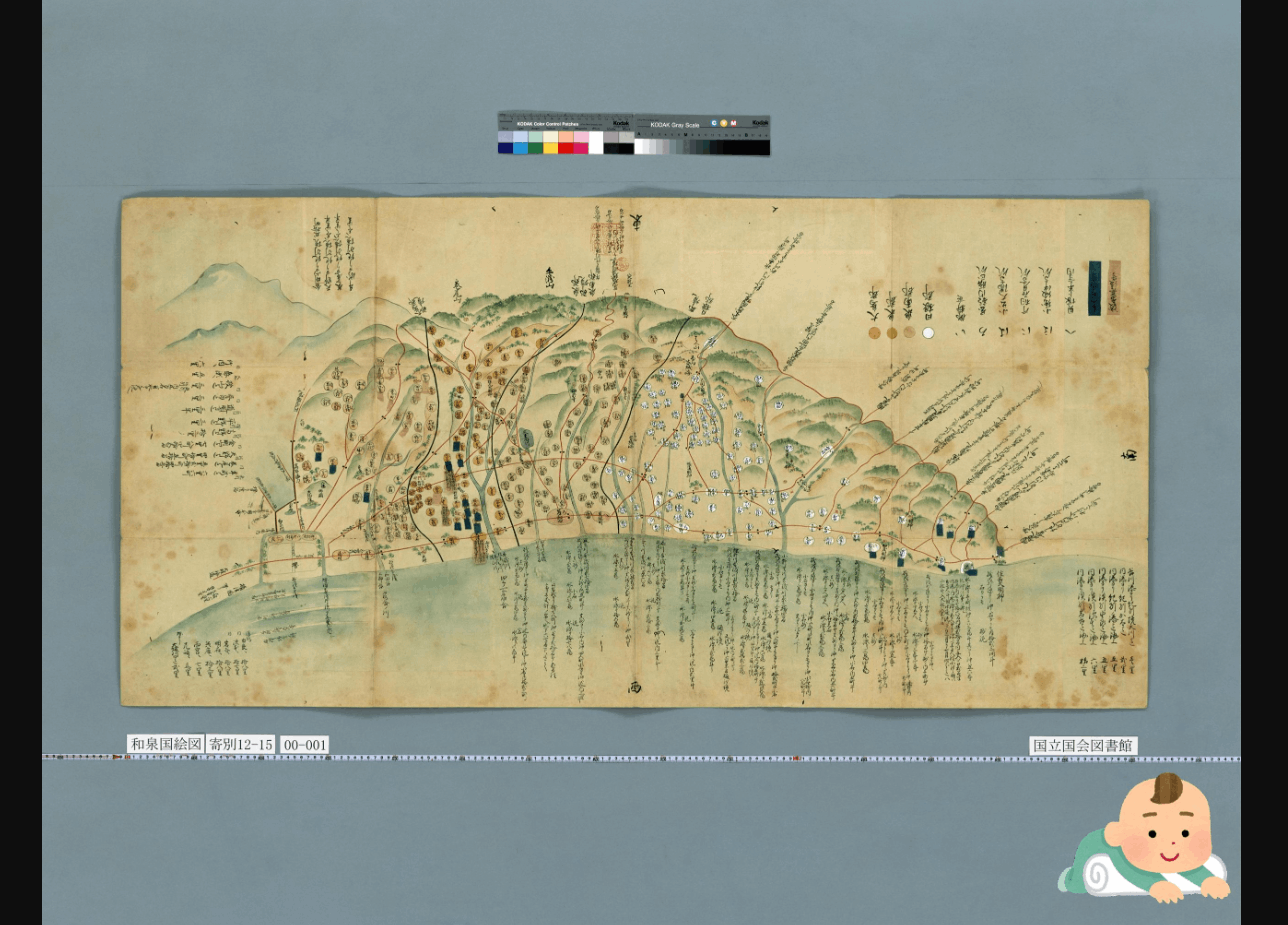
As shown below, you can overlay an image on another image. I used the following image from Irasutoya.
https://www.irasutoya.com/2020/12/blog-post_279.html
Since I set position to bottom right in the configuration file described below, the specified image appeared in the bottom right as shown below.
I modified overlays.BasicStrategy.enabled and overlays.BasicStrategy.image in cantaloupe.properties.
ScriptStrategy#
With ScriptStrategy, overlays are applied based on the overlay function in the script set in delegate_script.pathname of cantaloupe.properties.
In this case, the target script file is /home/ubuntu/delegates.rb.
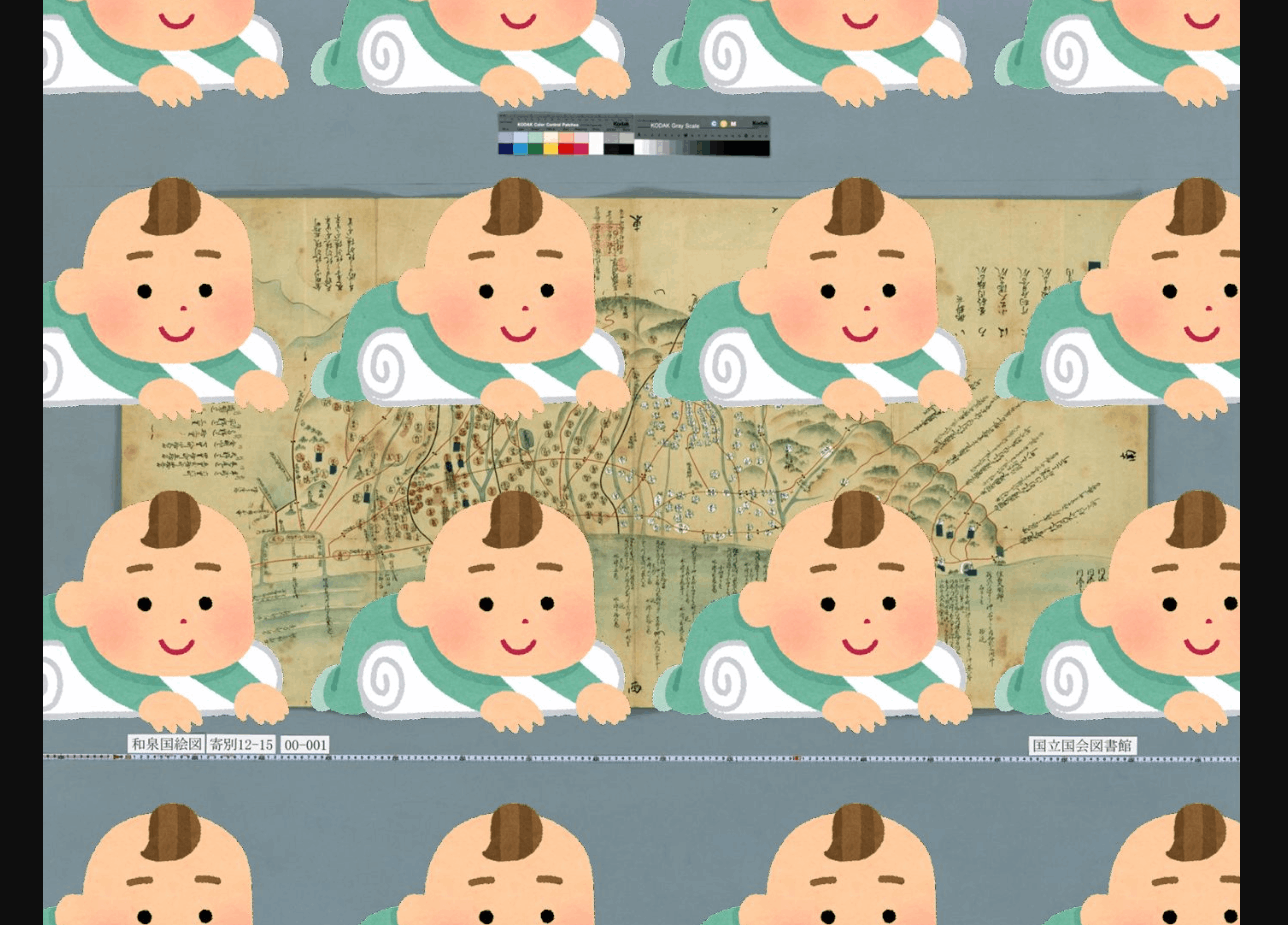
By setting position to repeat in the script described below, I was able to overlay images as shown below.
An example of the script is as follows:
When I tried the following example from the official site, resulting_size was nil and it did not work properly. I plan to continue investigating.
Text Overlay#
As shown below, not only images but also text string overlays are possible. The text string is displayed in the bottom right.
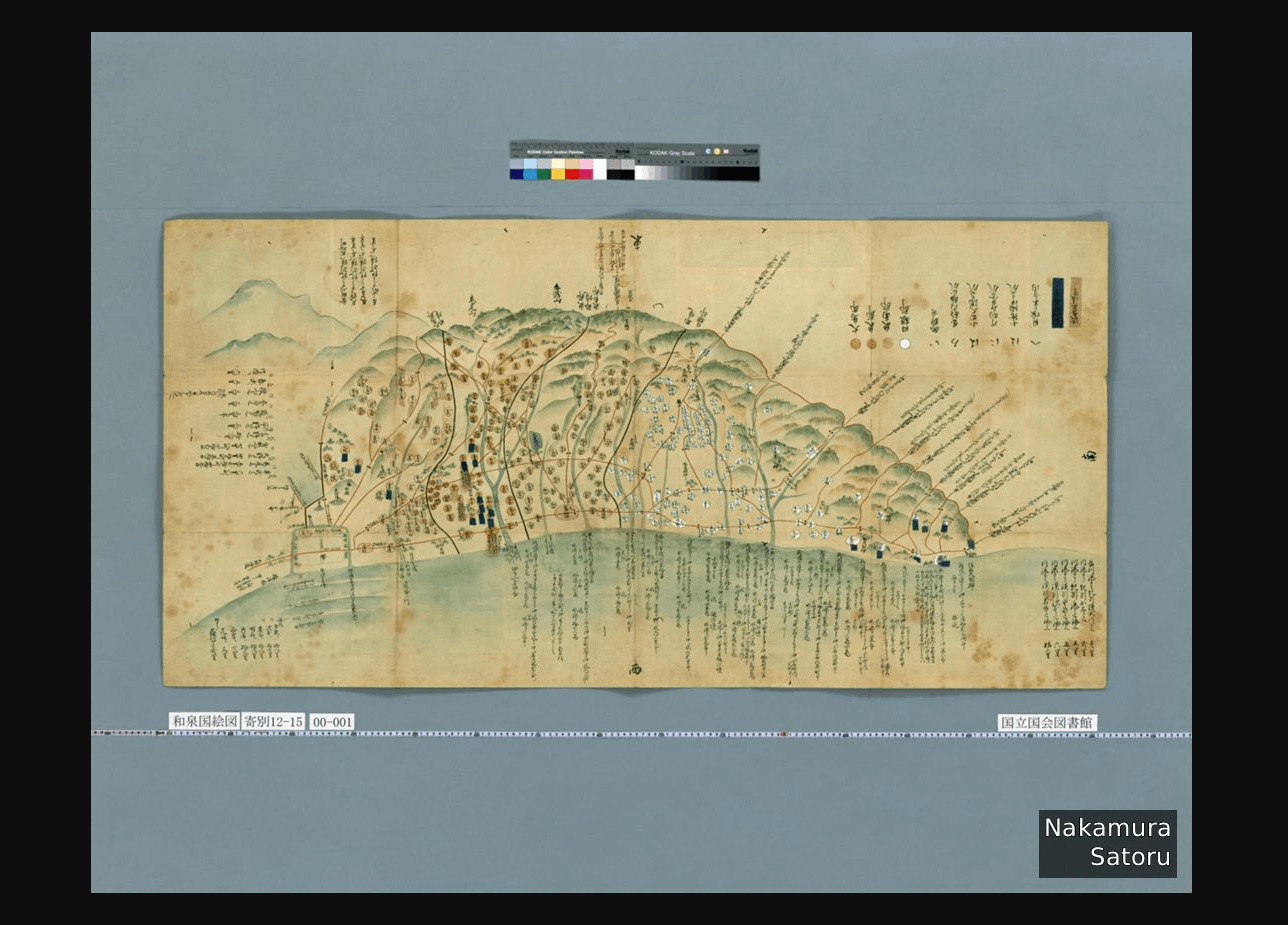
This time I used the BasicStrategy described above and modified cantaloupe.properties as follows:
Summary#
Cantaloupe provides a diverse range of features, and I felt that it has wide applicability. I plan to continue investigating.