Overview#
I created a library that applies Google Cloud Vision to image files and generates IIIF manifest and TEI/XML files.
https://github.com/nakamura196/iiif_tei_py
This article explains how to use the library.
Usage#
You can check the usage and more at the following page.
https://nakamura196.github.io/iiif_tei_py/
Installing the Library#
Install the library from the GitHub repository.
Creating a GC Service Account#
Download a GC (Google Cloud) service account key (JSON file) by referring to articles such as the following.
https://book.st-hakky.com/data-science/data-science-gcp-vision-api-setting/
Then create a .env file as follows.
Execution#
As a sample input image, we use the following image that is also used in the IIIF Cookbook.
https://iiif.io/api/presentation/2.1/example/fixtures/resources/page1-full.png

Create and execute a file like the following.
In the above example, the IIIF manifest file is created at ./tmp/01/output.json and the TEI/XML file is created at ./tmp/01/output.xml.
Verifying the Results#
IIIF#
Below is an example of displaying the IIIF manifest file in Mirador.
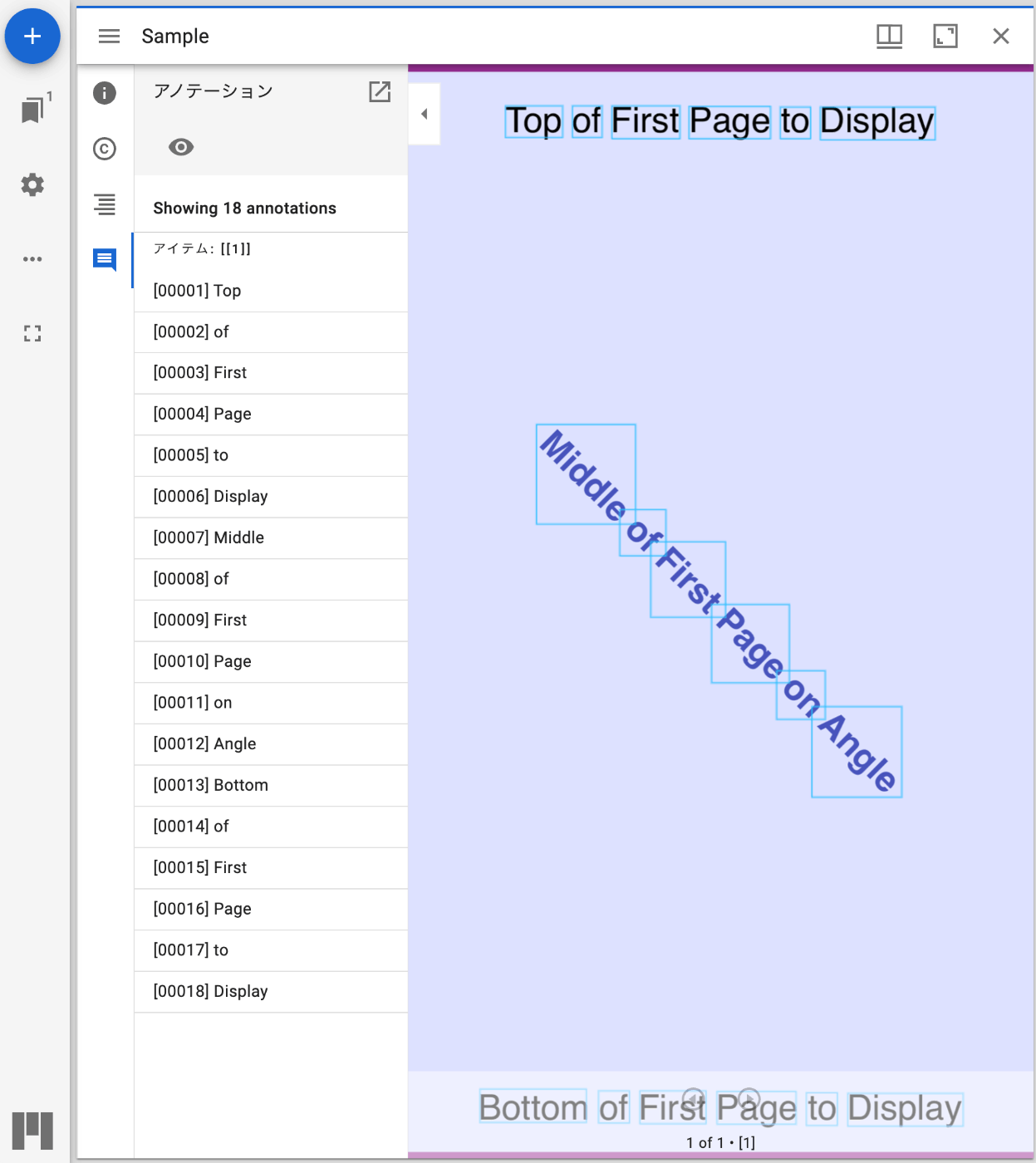
The contents of the JSON file are as follows.
TEI#
Below is an example of displaying the TEI/XML file in Oxygen XML Editor.
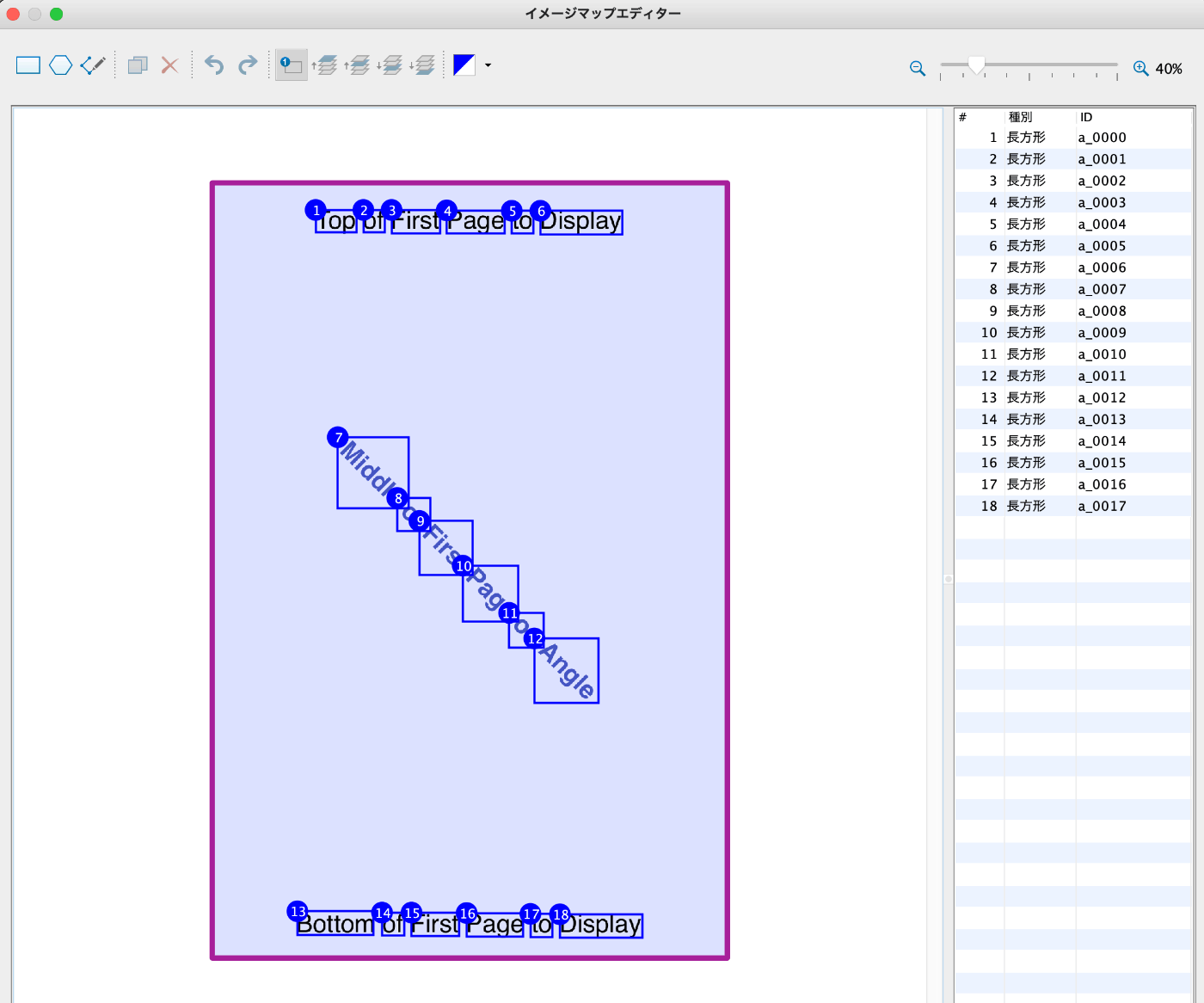
The contents of the XML file are as follows.
Summary#
I hope this serves as a useful reference for use cases such as creating pre-proofreading text using Google Cloud Vision.
