Overview
I created a Drupal module to trigger GitHub Actions.
https://github.com/nakamura196/Drupal-module-github_webhook
Below is an explanation of how to use it.
Usage
Configuration
After installing the module, navigate to the following path.
/admin/config/github_webhook
You will see a screen like the following.
It is divided into two main sections: Repositories and Trigger Webhook.

First, enter the repository information for the GitHub Actions target in Repository 1 under Repositories. You can add and remove repositories using Add repository and Remove repository.
For Event Type, enter the value configured on the GitHub Actions side. The default value webhook assumes Actions configured like the following.
After configuration, press the Submit button at the bottom of the screen to save.
Execution
Select the target repository and press the Trigger Webhook button.

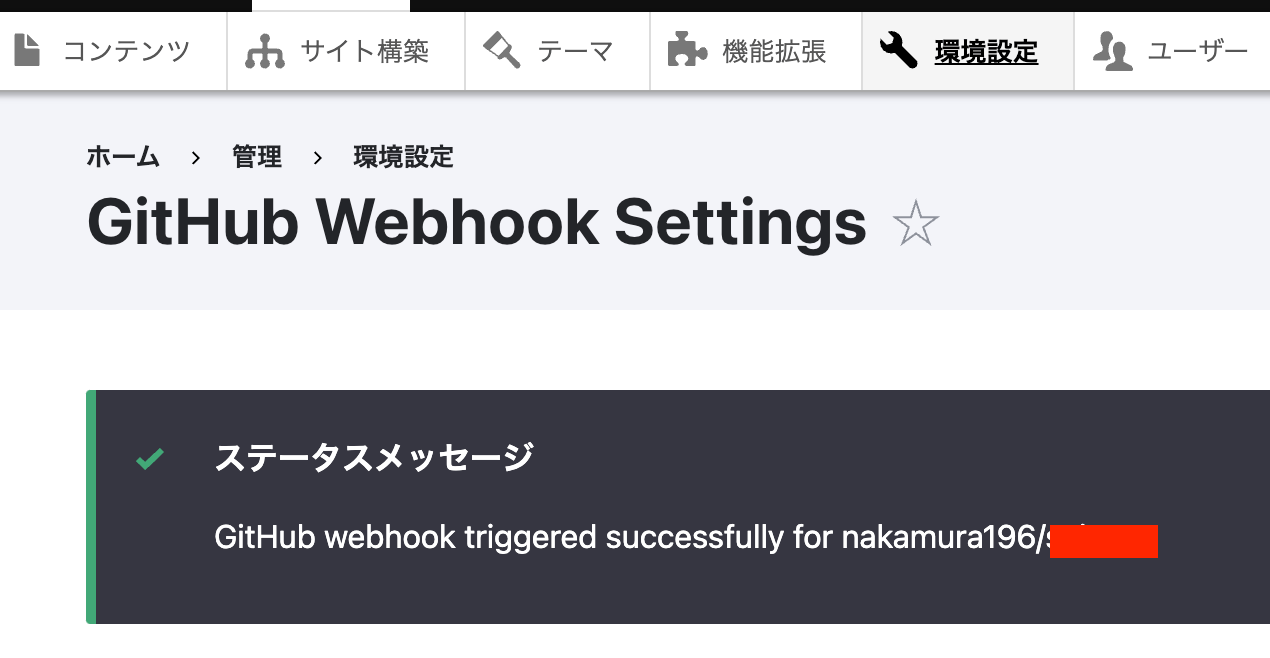
If triggered successfully is displayed as shown below, the operation was successful.
References
In this article, I introduced a custom-built module, but an execution method using Pipedream is introduced in the following article.
I hope that serves as a useful reference as well.
Summary
While there is much room for improvement, I hope this serves as a useful reference when using Drupal as a headless CMS.