Overview
This article explains the steps to build Drupal 10 in a Docker environment and install the WDB module for linguistic databases.
Prerequisites
- Docker Desktop is installed
- Git is installed
Steps
1. Building the Docker Environment
First, create a docker-compose.yml file:
Next, create the necessary directories and start the containers:
2. Initial Drupal Configuration
Access http://localhost:8080 in your browser and proceed through the installation wizard.
Database connection settings:
- Database type: MySQL/MariaDB
- Database name: drupal
- Database username: drupal
- Database password: drupal
- Host: mariadb
- Port: 3306 (default)
3. Installing WDB Module Dependencies
The WDB module has the following dependencies:
- jQuery UI
- jQuery UI Dialog
- Views (Drupal core module)
Install the jQuery UI modules using Composer:
4. Downloading the WDB Module
Clone the WDB module from GitHub:
5. Configuring the Private File System
The WDB module uses the private file system for its linguistic data import functionality.
Add the setting to settings.php:
Set directory permissions:
6. Enabling the Modules
- Access the admin page (http://localhost:8080/admin/modules)
- Enable the following modules:
- jQuery UI
- Views (within core modules)
- WDB Core Functionality
Directory Structure
Final directory structure:
Troubleshooting
Port Conflict Error
If an existing container is using port 8080:
Private File System Not Recognized
Check the settings in the admin panel: Configuration > Media > File system (/admin/config/media/file-system)
Summary
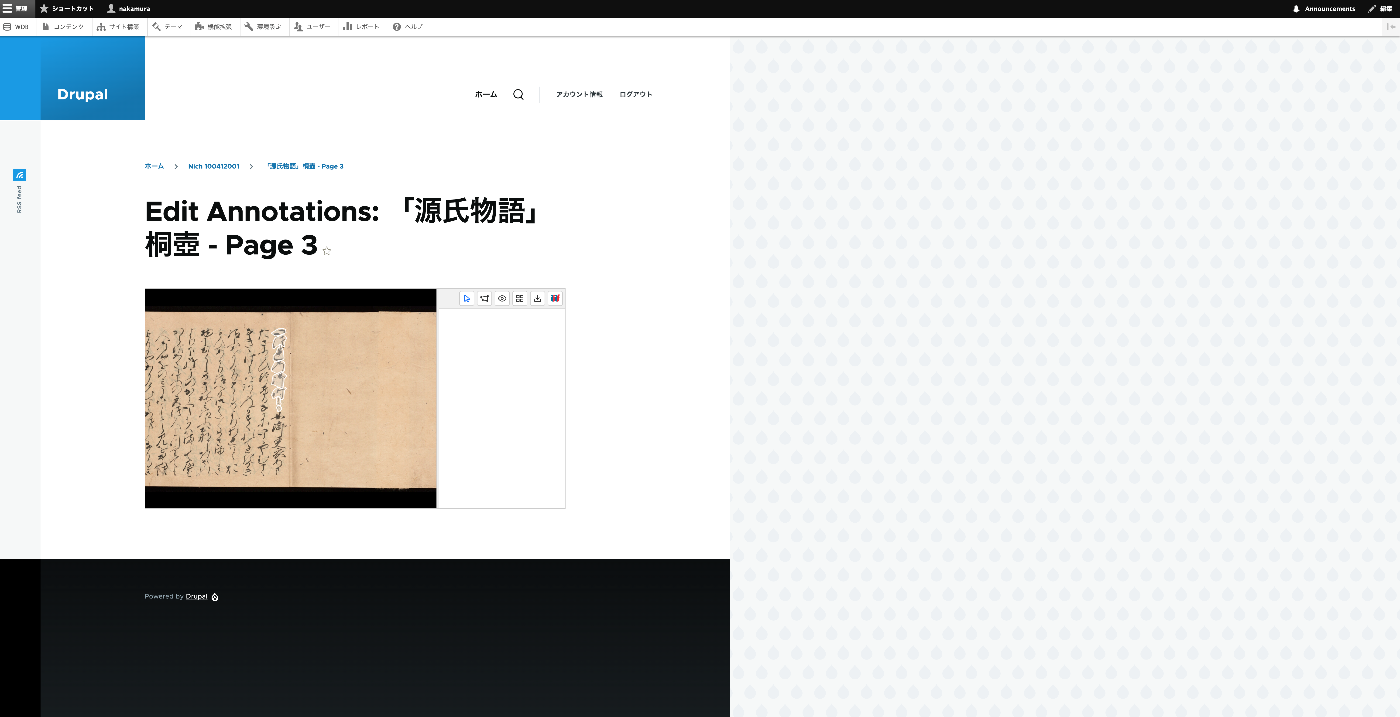
With these steps, you can set up Drupal 10 and the WDB module in a Docker environment. The WDB module provides database functionality for linguistic research, including features such as text annotation, vocabulary management, and an IIIF-compatible image viewer.