Prepare a TEI/XML file like the following. The url value of <graphic> can specify a relative path from the file, an absolute path on your PC, or a URL published on the internet.
In the following example, the file digidepo_3437686_pn_null_9c48d89b-e2ec-4593-8d00-6fbc1d29d1bd.jpg stored in the same folder as the TEI/XML file is referenced.
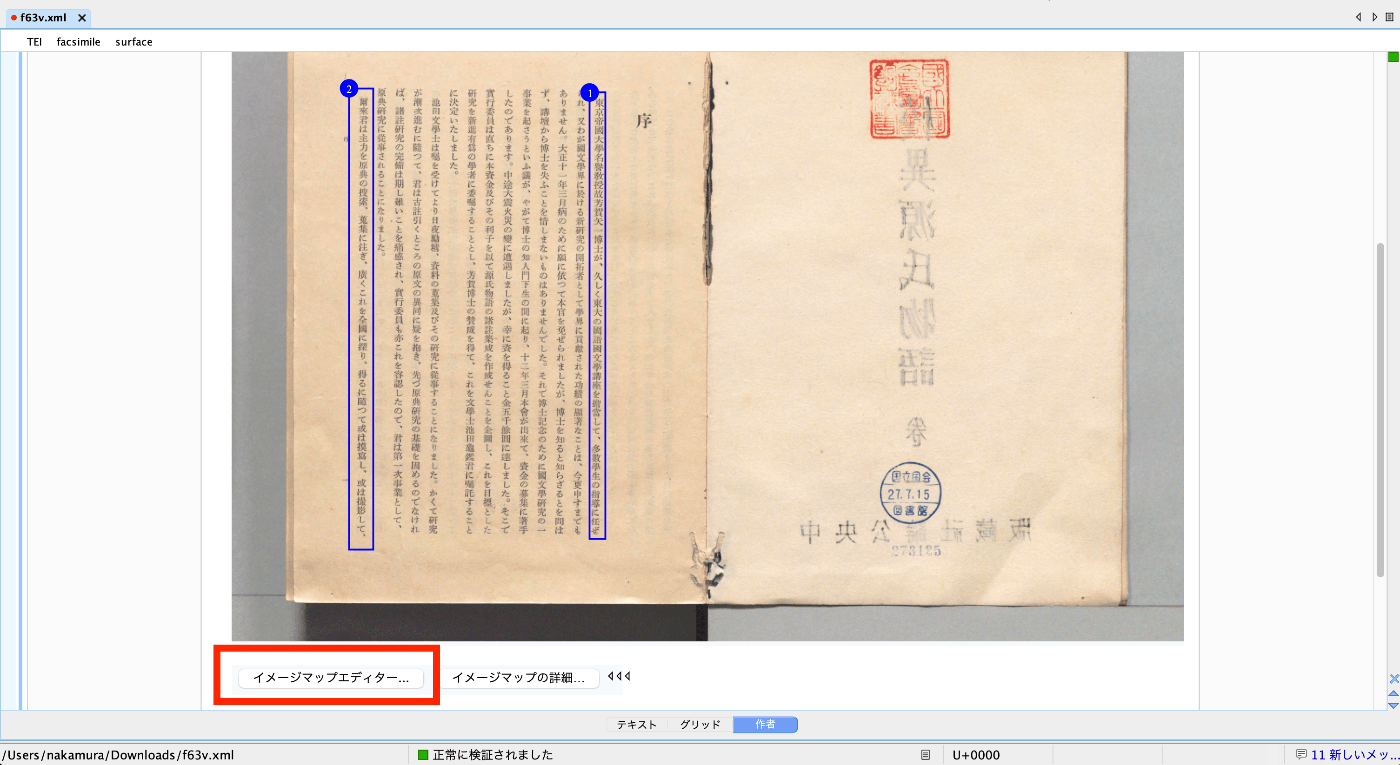
Clicking the “Author” button at the bottom of the screen displays the “Image Map Editor” as shown below. Refer to the video above to add annotations.
As a result, zone tags are automatically added as follows.