Overview
This is a memo on how to restrict the allowed values for tag attributes using Roma.

Background
In the following article, I described how to restrict the attributes available for a tag.
For example, making only the key and type attributes available for the persName tag.
In this article, I go further to restrict the allowed values for specific attributes. For example, allowing only “right marginal note” or “left marginal note” to be set for the type attribute.
Configuration in Roma
Configure tag attributes by referring to the following article.
Here, we assume that the type attribute has already been set for the persName tag. Then, click the pencil icon as shown below.

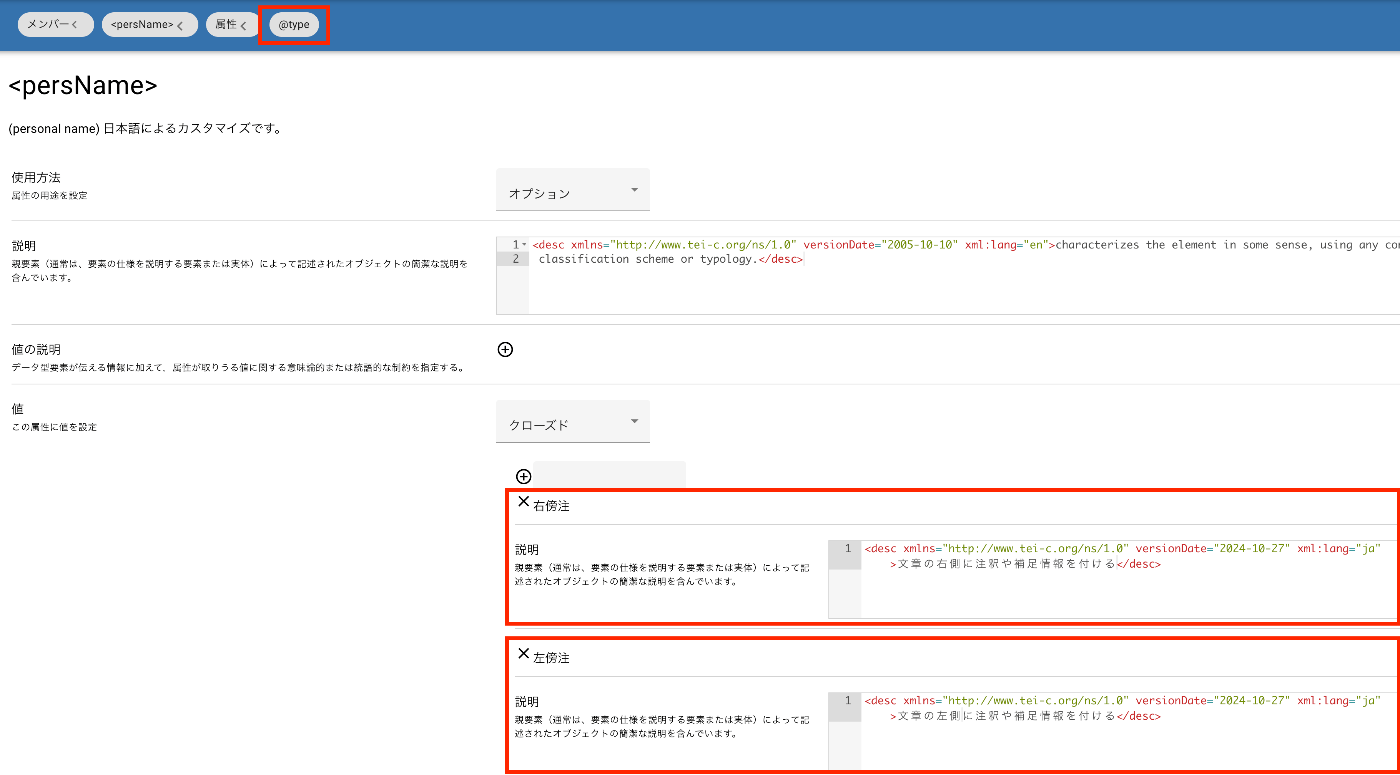
You will be taken to a page for editing attribute information as shown below. In the “Values” section, register values such as “right marginal note” and “left marginal note.” You can also add “Description” text as needed.
Display Example in Oxygen XML Editor
After downloading as an RNG file and loading it from TEI/XML, it is displayed as follows in Oxygen XML Editor.

Display Example in LEAF Writer
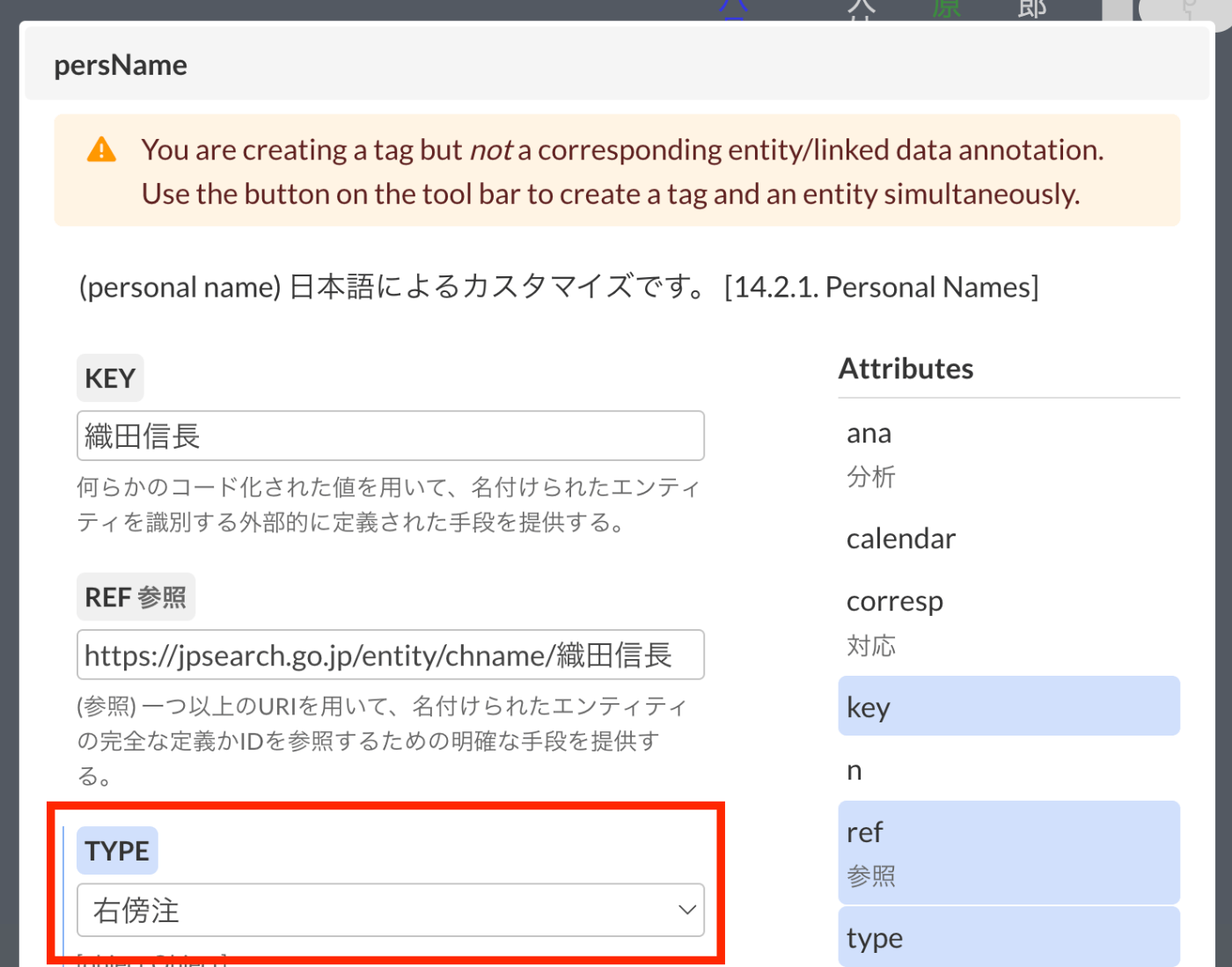
In LEAF Writer, the options are presented in a select box as shown below.

Summary
I hope this is helpful for those implementing TEI/XML.