Overview
The following module is available for setting up Google Analytics in Omeka S.
https://omeka.org/s/modules/GoogleAnalytics/
As of April 2023, the above module also supports GA4, but as of April 2022, it was not supported as mentioned in the following post.
https://forum.omeka.org/t/google-analytics-4-gtag-js/15034
Therefore, the following module was introduced, and I decided to try it.
https://omeka.org/s/modules/AnalyticsSnippet/
Note that, as mentioned above, as of April 2023, the first module also supports GA4, so either module can be used for setting up Google Analytics.
Installation
The installation follows the standard procedure. This time, we install version=3.3.3.4.
Configuration
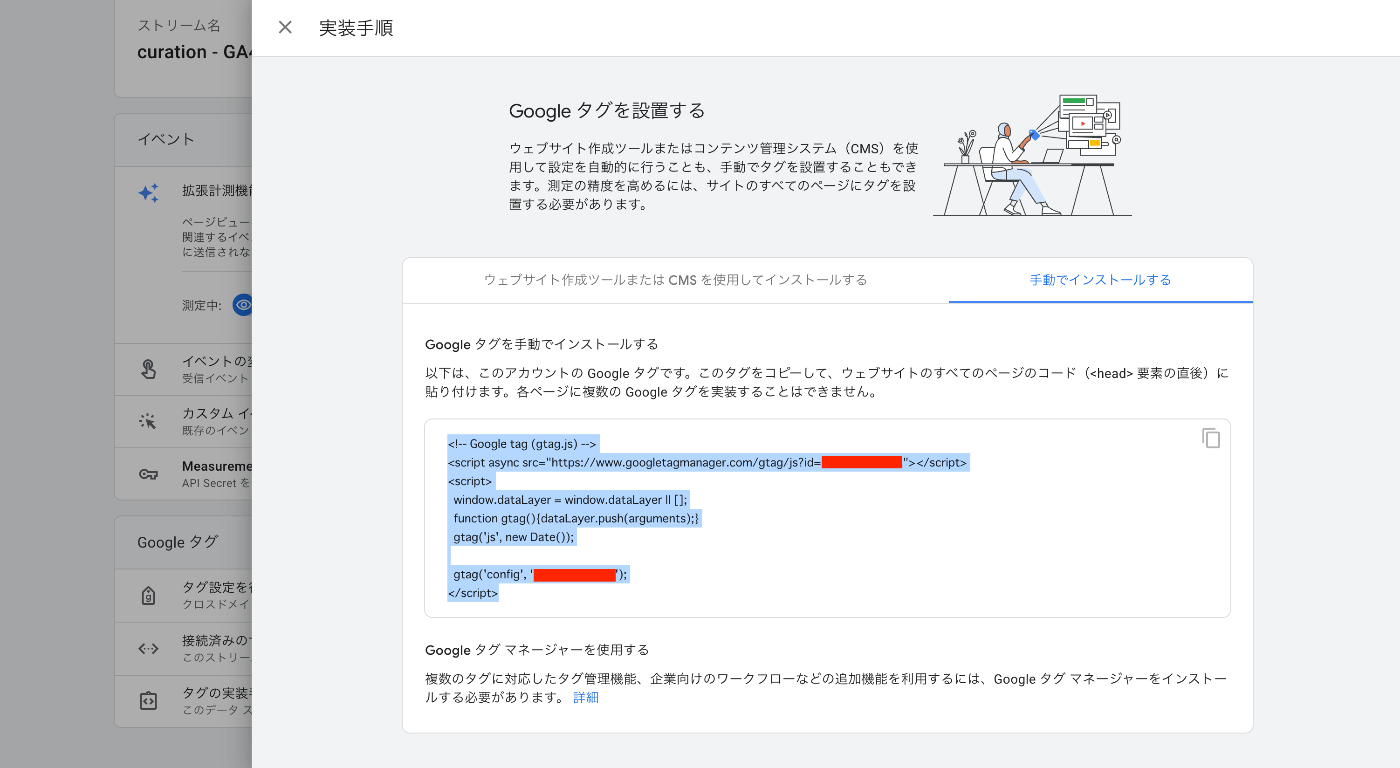
Paste the code in the site settings screen.

The code can be obtained from the Google Analytics settings screen.
Summary
I hope this serves as a helpful reference for setting up GA4 in Omeka S.