Overview
I had the opportunity to use OldMaps Online, so this is a memo of my experience.
https://www.oldmapsonline.org/
Registration
Log in with a Google account or similar. With a free account, I was able to register one private image.
For this example, I use the “Bird’s-eye View of the Main Campus and Faculty of Agriculture Buildings, Tokyo Imperial University” (Graduate School of Agricultural and Life Sciences / Faculty of Agriculture, The University of Tokyo).
https://da.dl.itc.u-tokyo.ac.jp/portal/assets/187cc82d-11e6-9912-9dd4-b4cca9b10970
I registered the image using the following manifest file.
https://iiif.dl.itc.u-tokyo.ac.jp/repo/iiif/187cc82d-11e6-9912-9dd4-b4cca9b10970/manifest
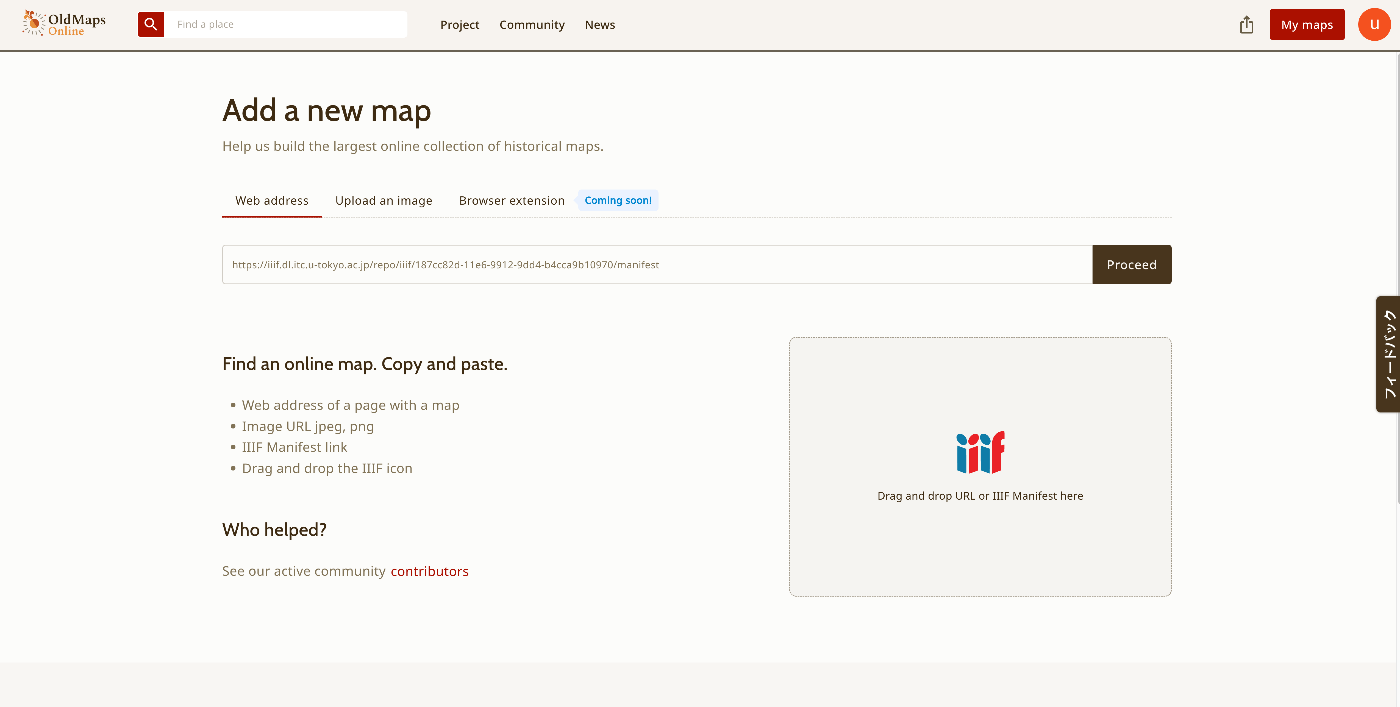
After that, the image for registering metadata was displayed.
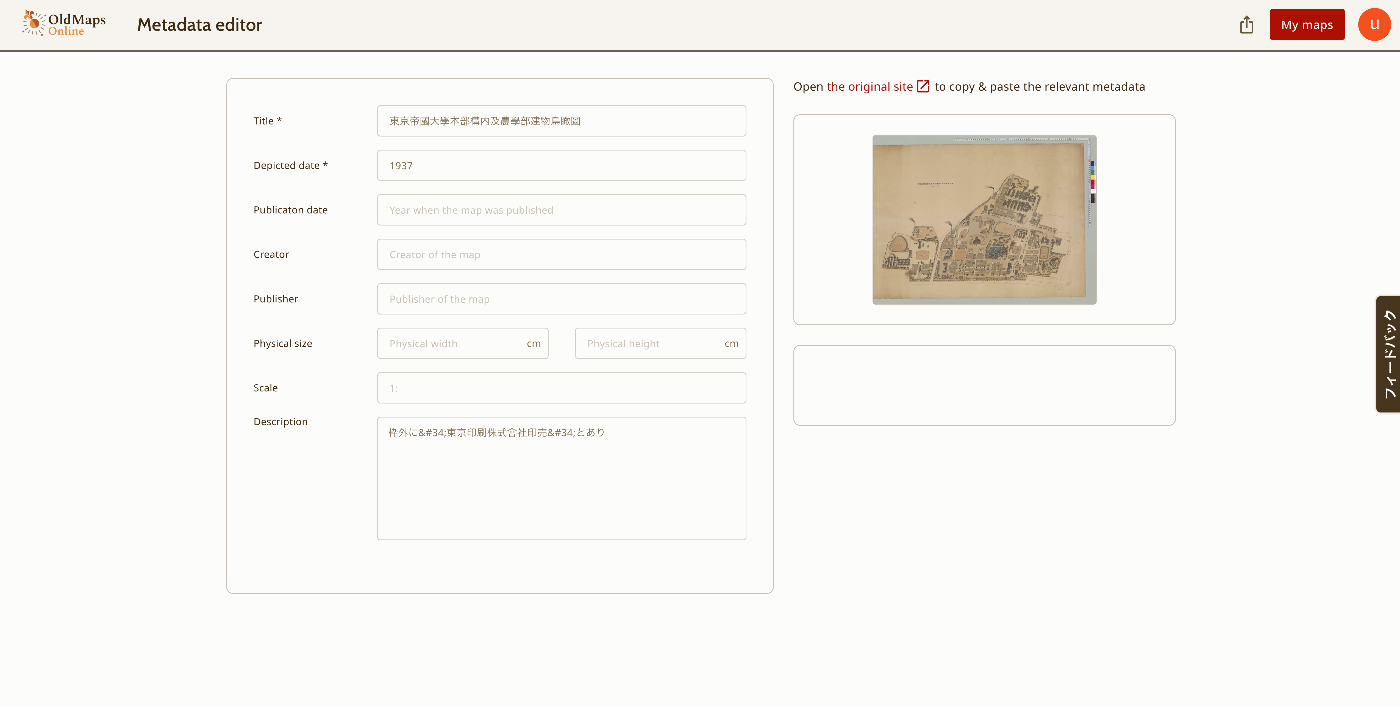
Menu
As shown below, the features “This map,” “Georeference,” “Transcribe,” and “Compare” are provided. “This map” navigates to the page described above.

Below, I will review the other features.
Georeference
This is a feature for performing georeferencing.
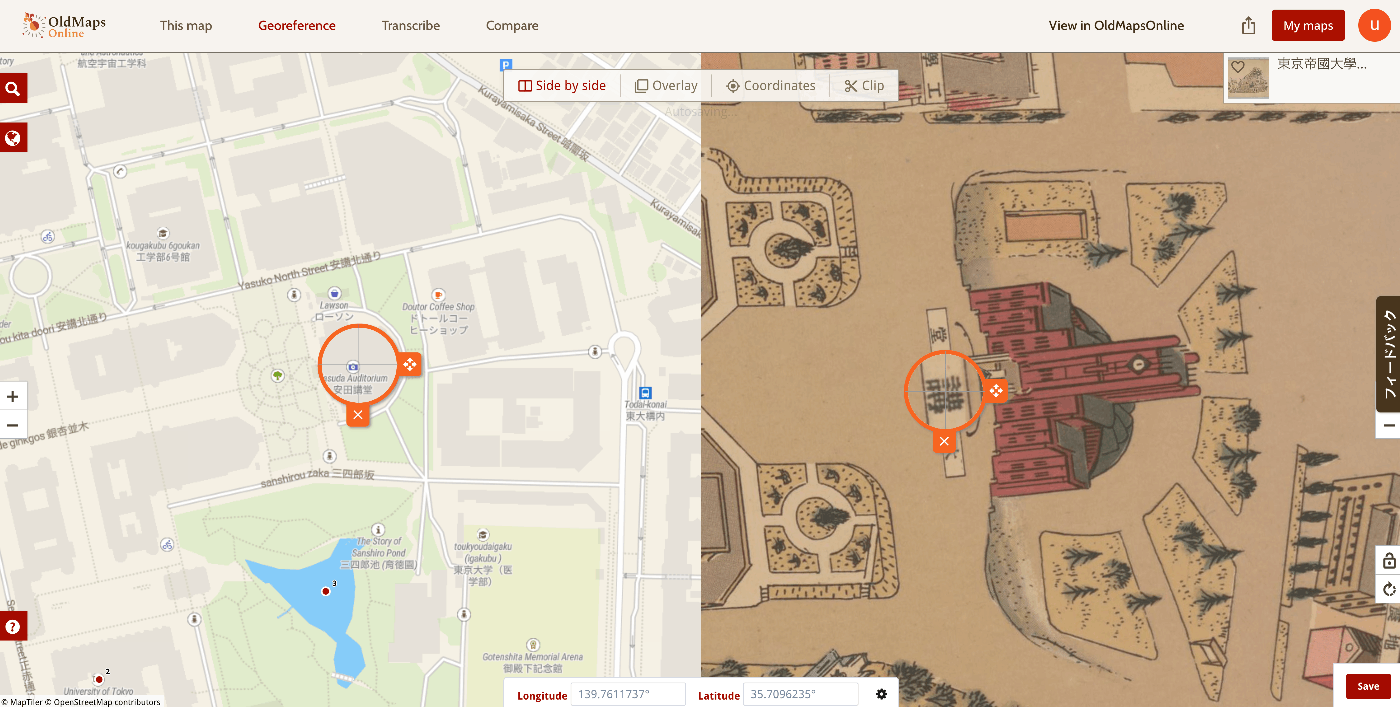
Side by side display is available,
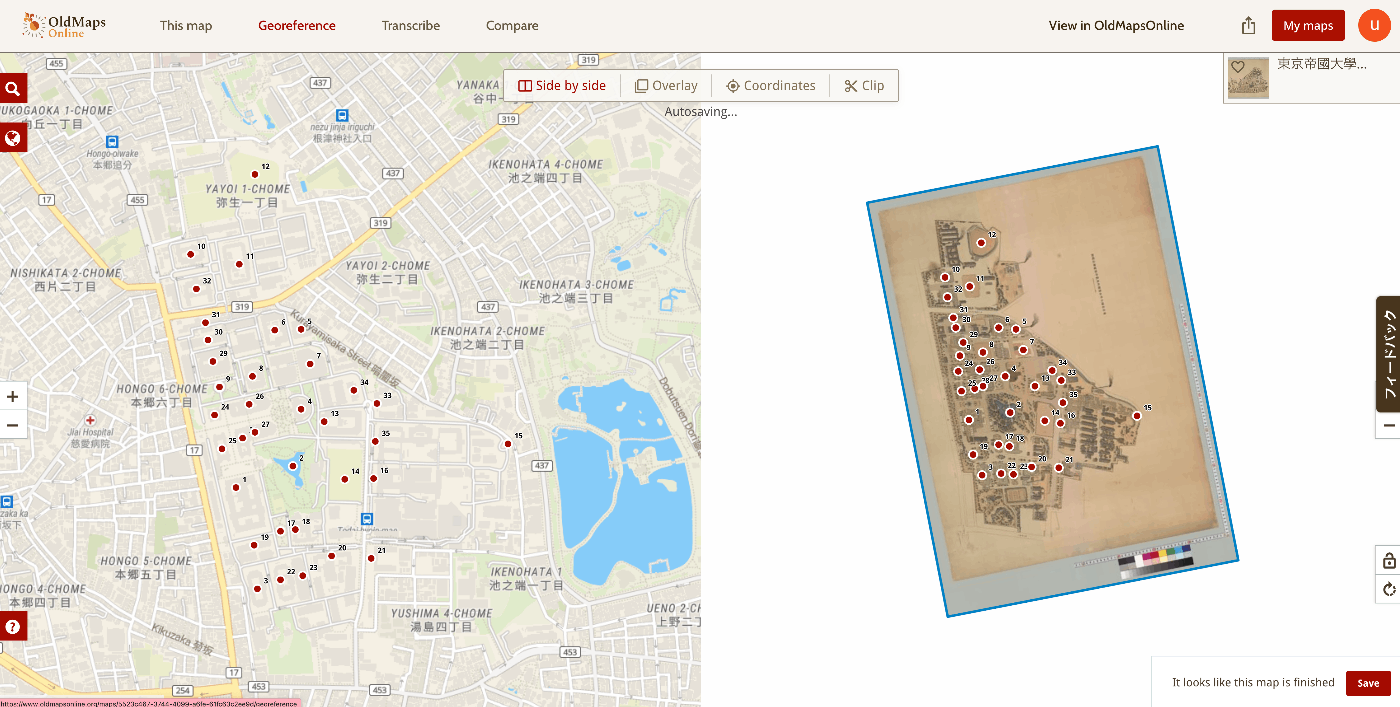
as well as overlay display.
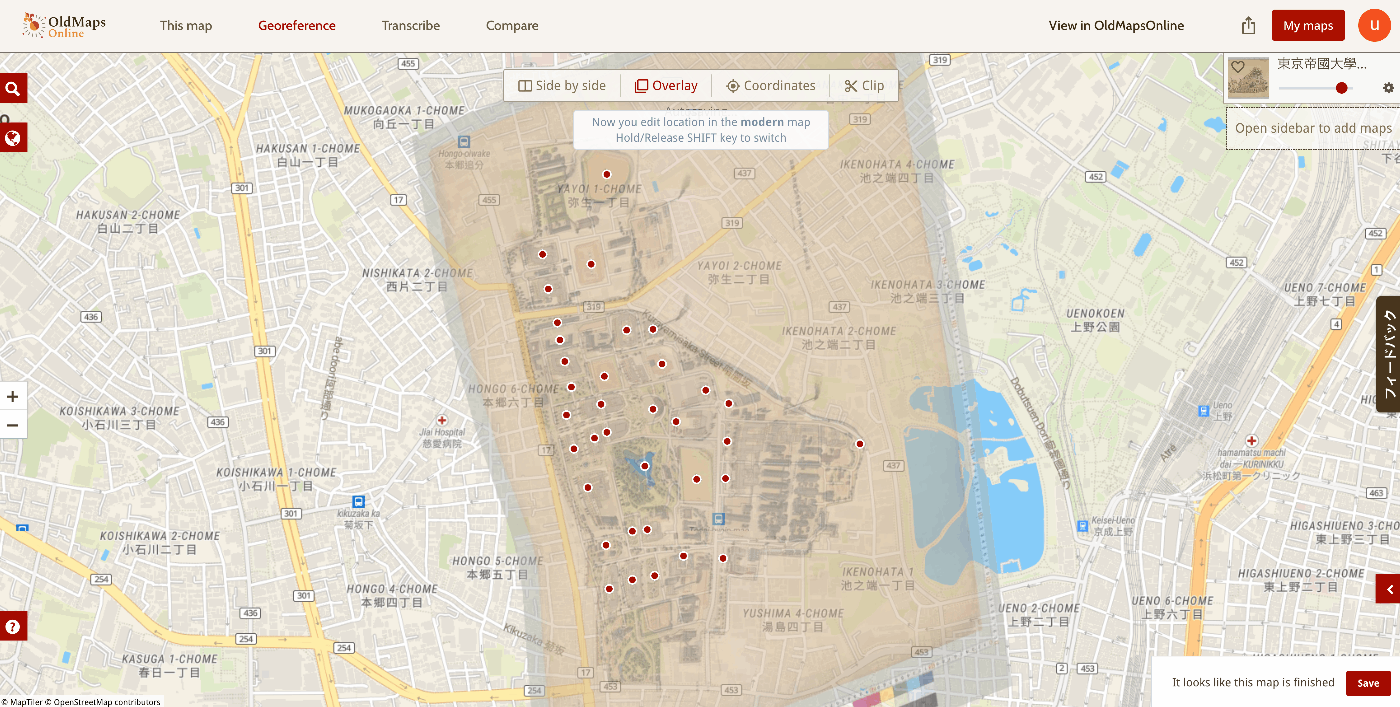
For this example, I marked 35 points.
Transcribe
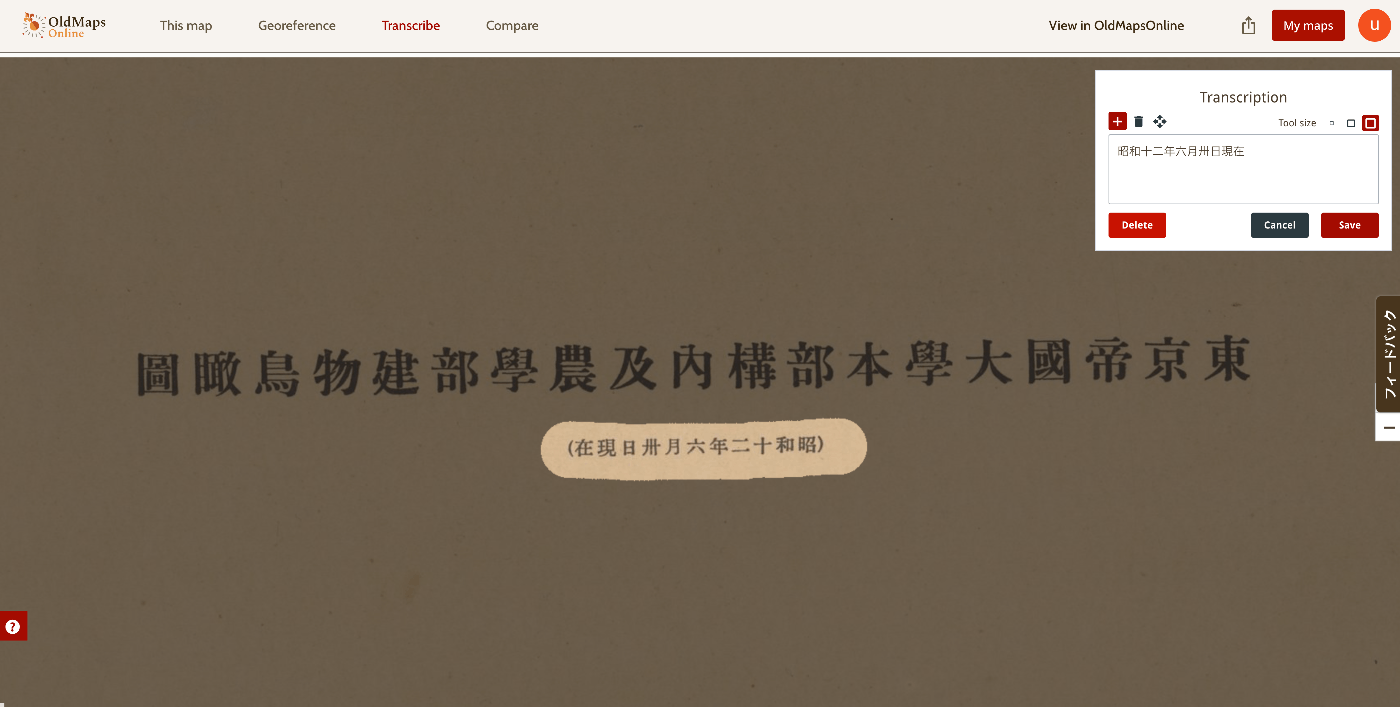
A transcription feature is also provided. You can select a portion of the image and enter its text as shown below.
Compare
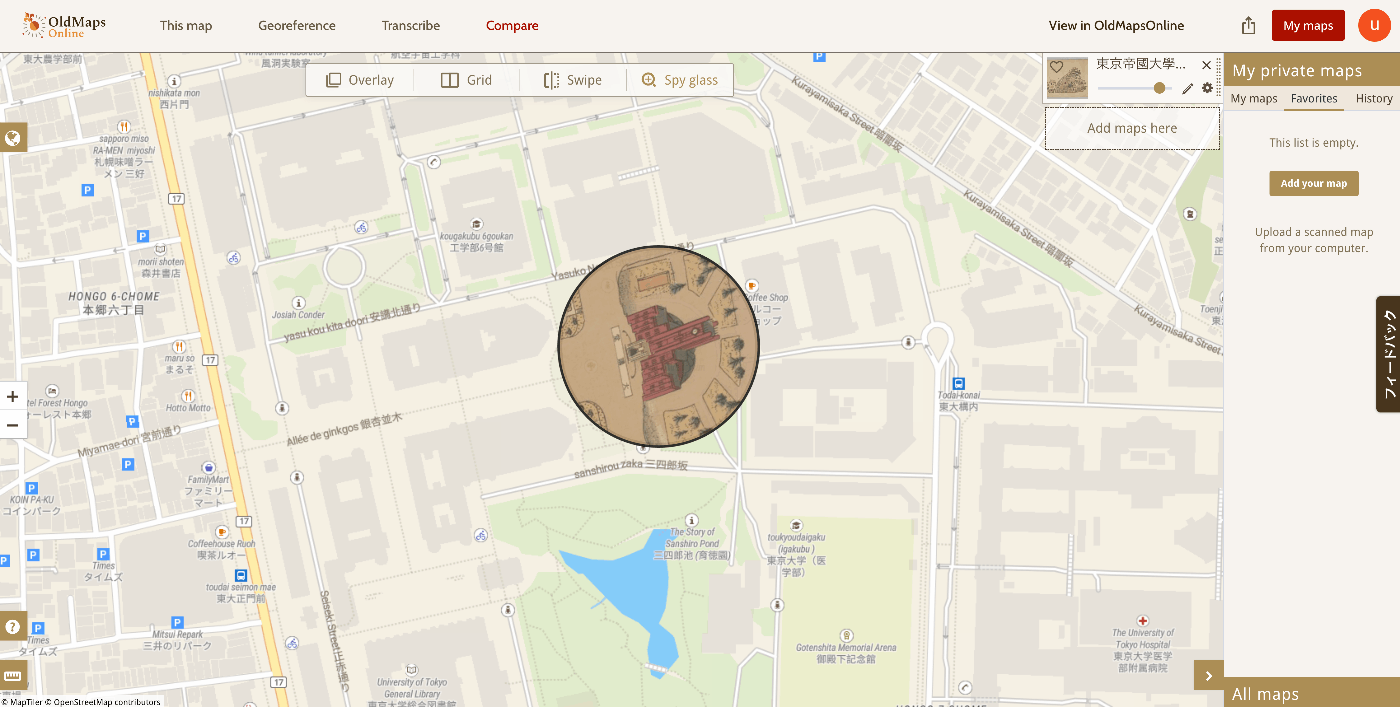
This feature allows you to view georeferenced results.
Grid display,
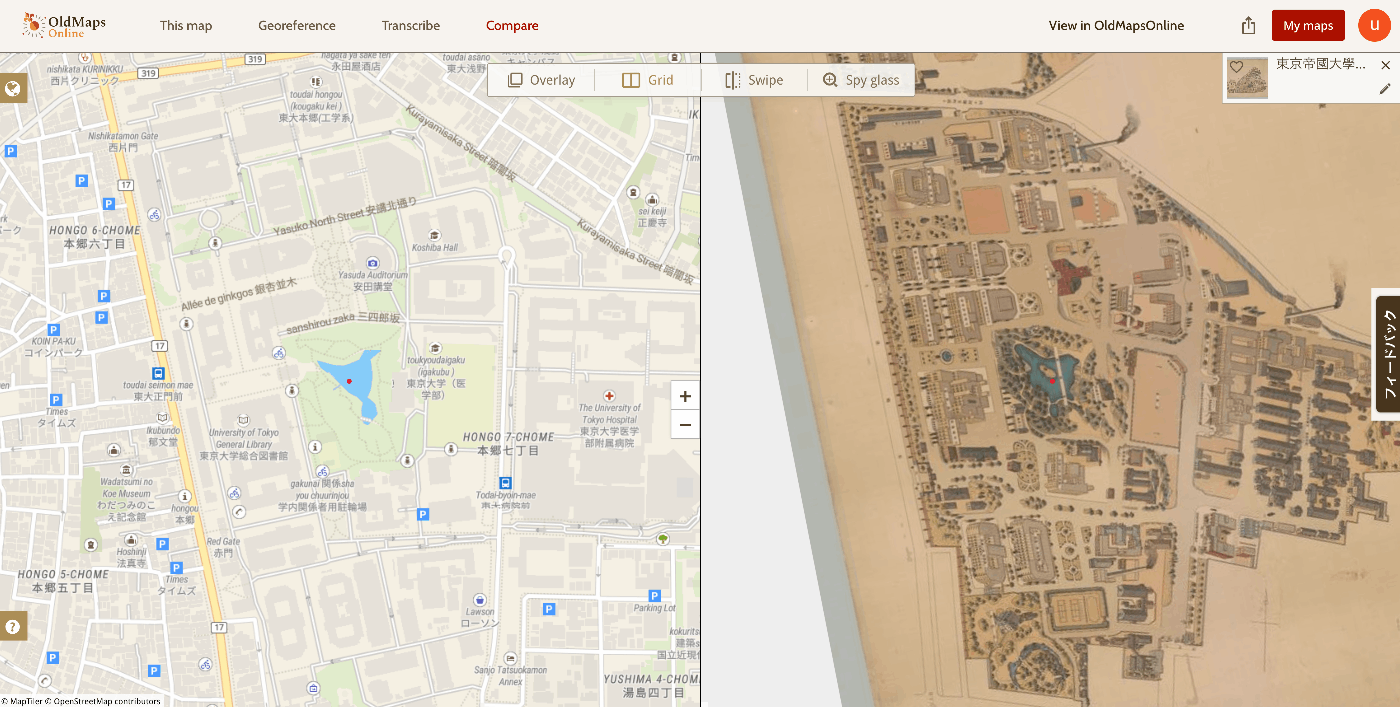
swipe display,
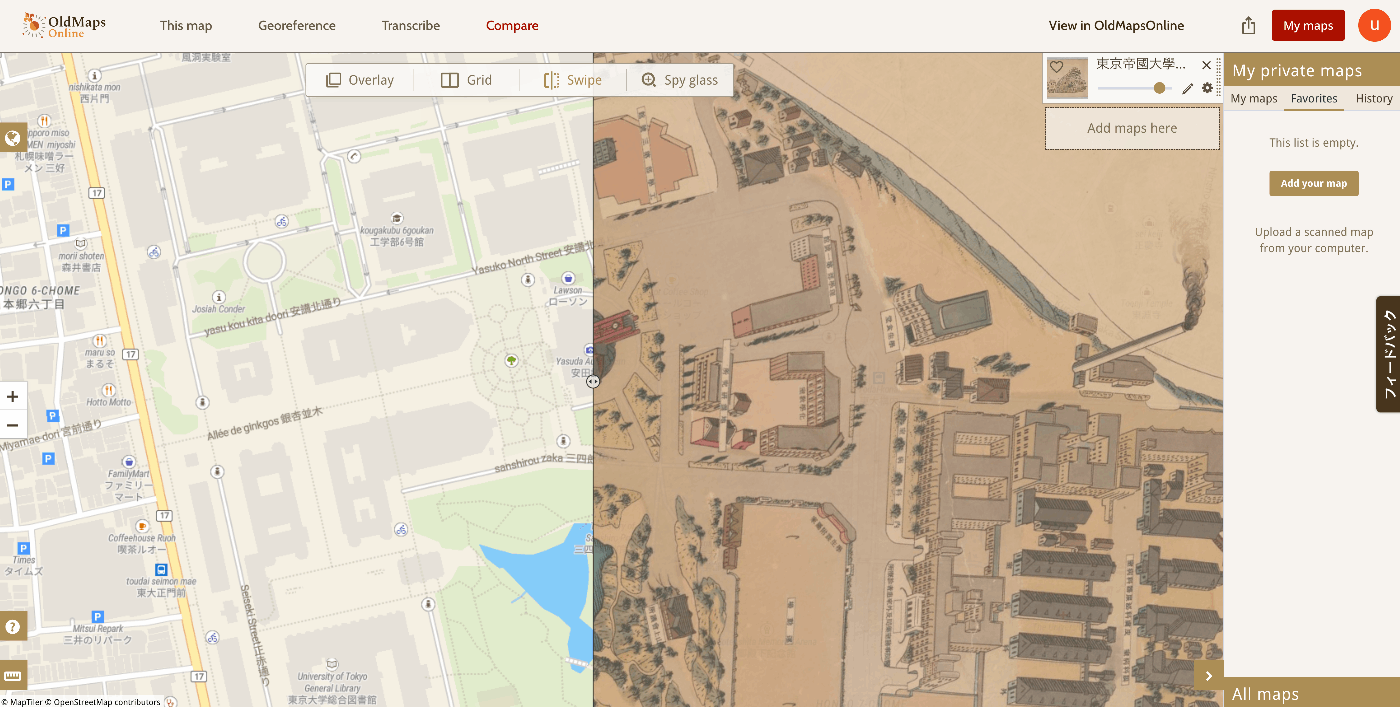
and spy glass display are among the various interfaces provided.
Results
The map created this time can be viewed at the following link.
https://www.oldmapsonline.org/compare#map/5523c467-3744-4099-a6fe-61fc63c2ee9d
Summary
I hope this serves as a helpful reference for working with historical maps.