Overview
A bug has been reported regarding setFilter in @elastic/search-ui.
https://github.com/elastic/search-ui/issues/1057
This bug has already been fixed in the following commit.
https://github.com/elastic/search-ui/pull/1058
However, as of October 7, 2024, the latest version incorporating this fix has not been released.
Therefore, I attempted to build and release it independently, and this is a memo of that procedure.
Fix
First, I fetched the repository.
https://github.com/nakamura196/search-ui
Then, I made the following modifications.
https://github.com/nakamura196/search-ui/commit/f7c7dc332086ca77a2c488f3de8780bbeb683324
Specifically, changes were made to package.json and .npmrc.
Publishing the Package
The package is published using the following procedure.
1. Generate a GitHub Personal Access Token
A GitHub personal access token is required to access the GitHub Package Registry. Create a token following these steps:
- Log in to your GitHub account.
- Click on your profile image in the upper right and select “Settings.”
- Select “Developer settings” from the left menu.
- Select “Personal access tokens (classic)” and click “Generate new token.”
- Select the necessary permissions (such as
write:packagesandread:packages) and generate the token.
2. Log in to npm
Next, execute the following command to log in to the GitHub Package Registry:
When executed, the following information will be requested:
- Username: Your GitHub username
- Password: The personal access token generated earlier
- Email: The email address registered with GitHub
3. Publish the Package Again
Once authentication is complete, run npm publish again to publish the package.
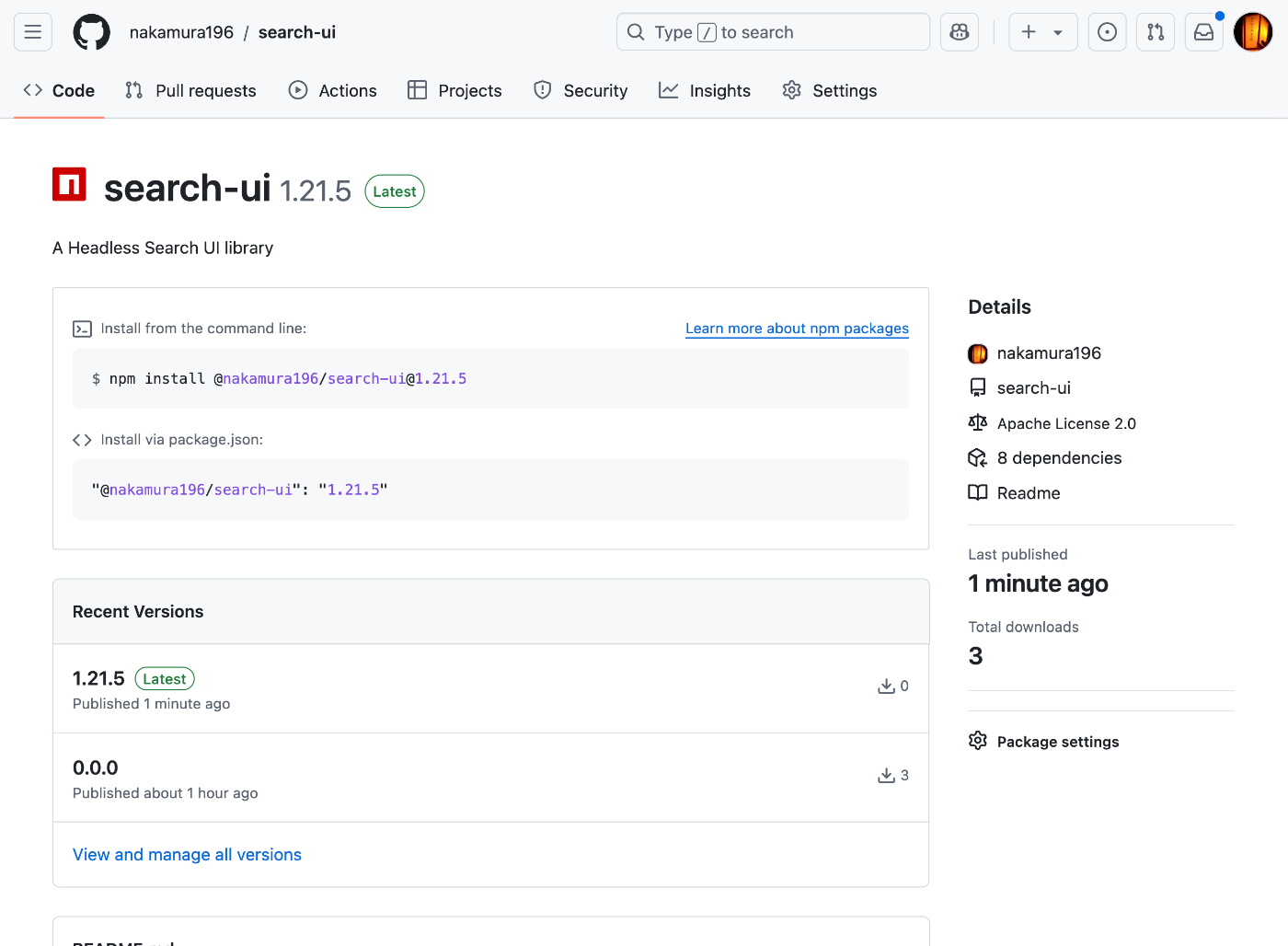
As a result, a page like the following was created.
Usage
In the repository where you want to use it, create the following. Assuming a build on Vercel, GITHUB_TOKEN is referenced from environment variables.
Summary
In the end, the above method did not successfully fix the original issue with setFilter, but I hope the package publishing method serves as a helpful reference.