Overview
I have developed and published the “IIIF Viewers” module for Omeka S, which displays IIIF manifest URI icons and viewers. The development of this module was supported by the National Institute of Japanese Literature.
https://github.com/omeka-j/Omeka-S-module-IiifViewers
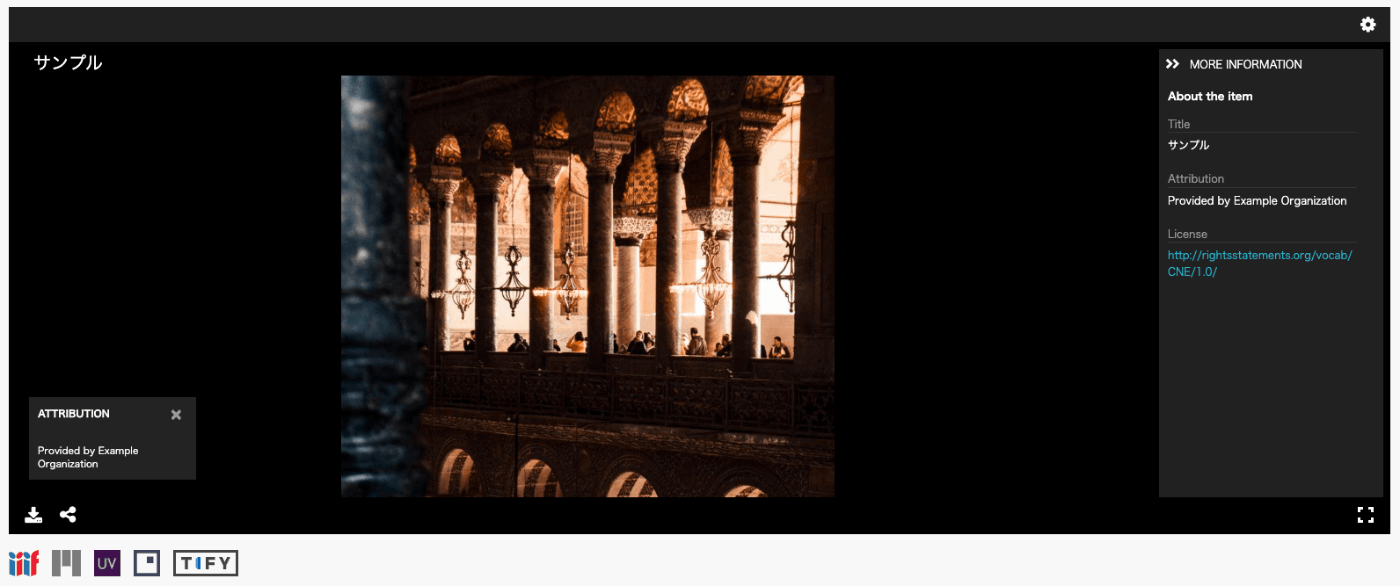
Below, I will explain how to use this module.
Installation
The module can be installed using the standard method for Omeka S.
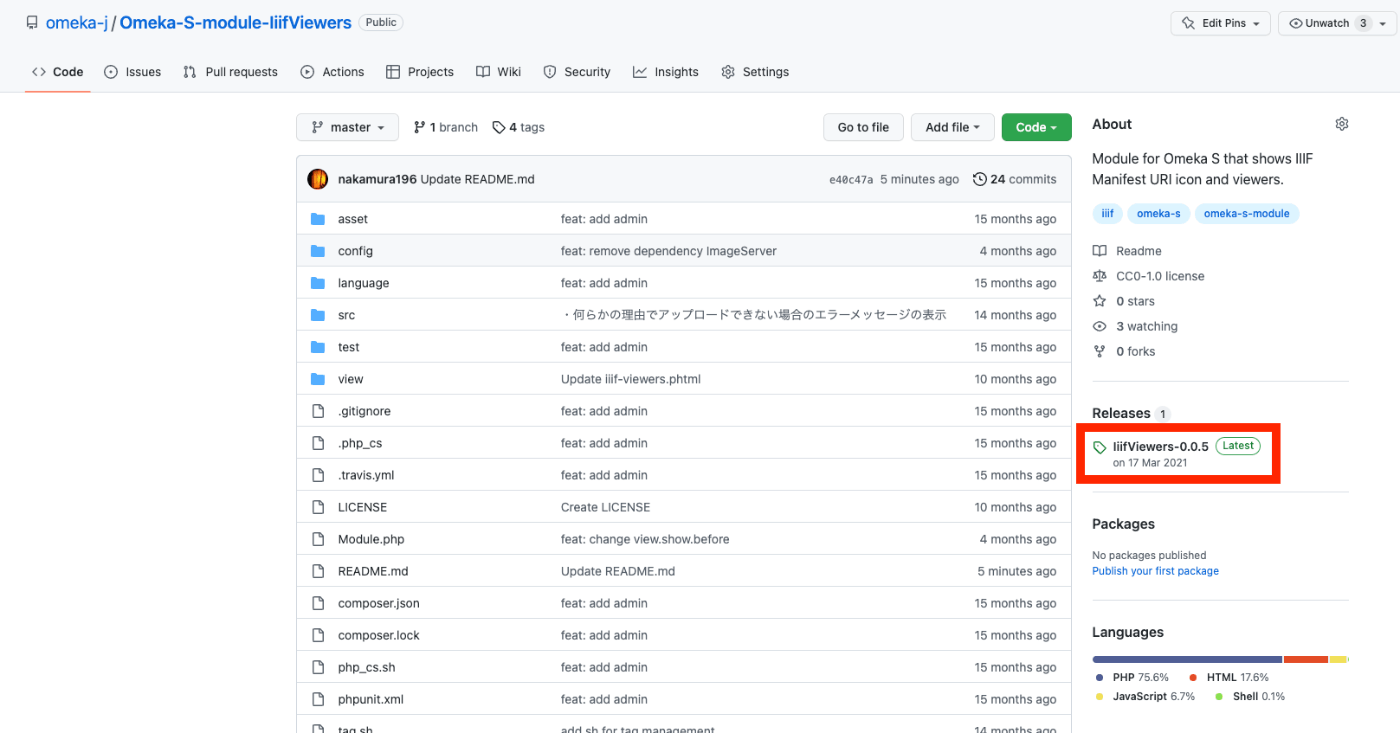
Specifically, first click on the “Releases” link shown below.
Next, click the following link to download the zip file. Extract the downloaded file and place the extracted folder “IiifViewers” into the “modules” folder of your installed Omeka S.
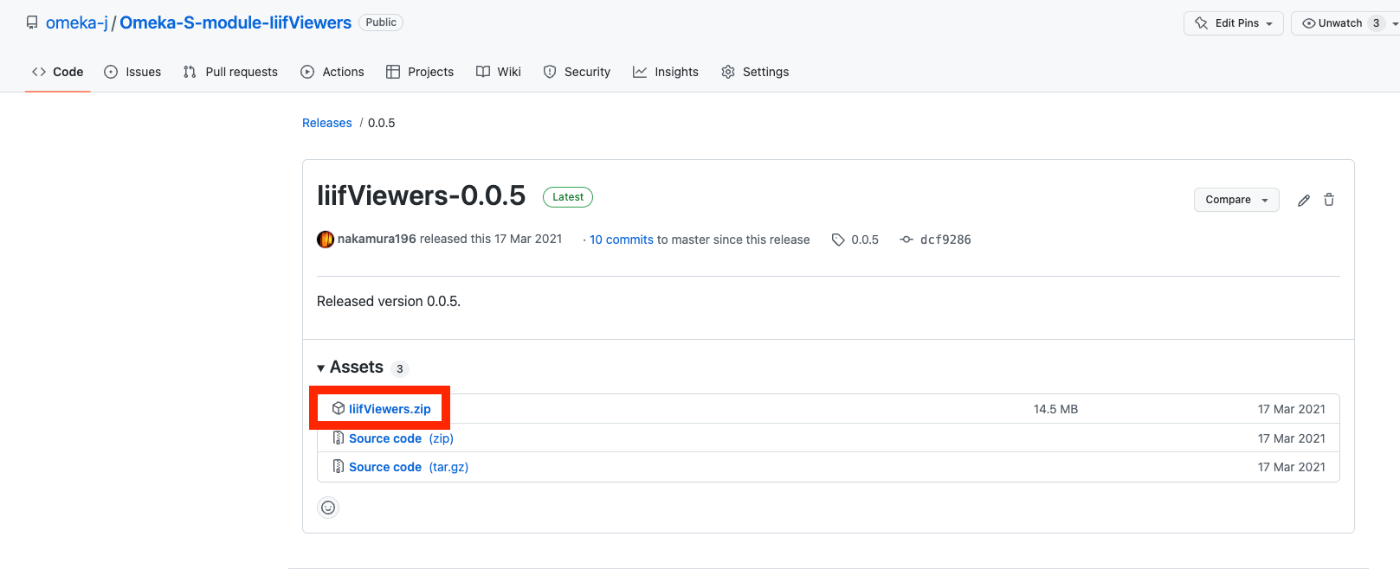
At the time of writing, you can download the latest version from the following URL.
https://github.com/omeka-j/Omeka-S-module-IiifViewers/releases/download/0.0.5/IiifViewers.zip
Usage
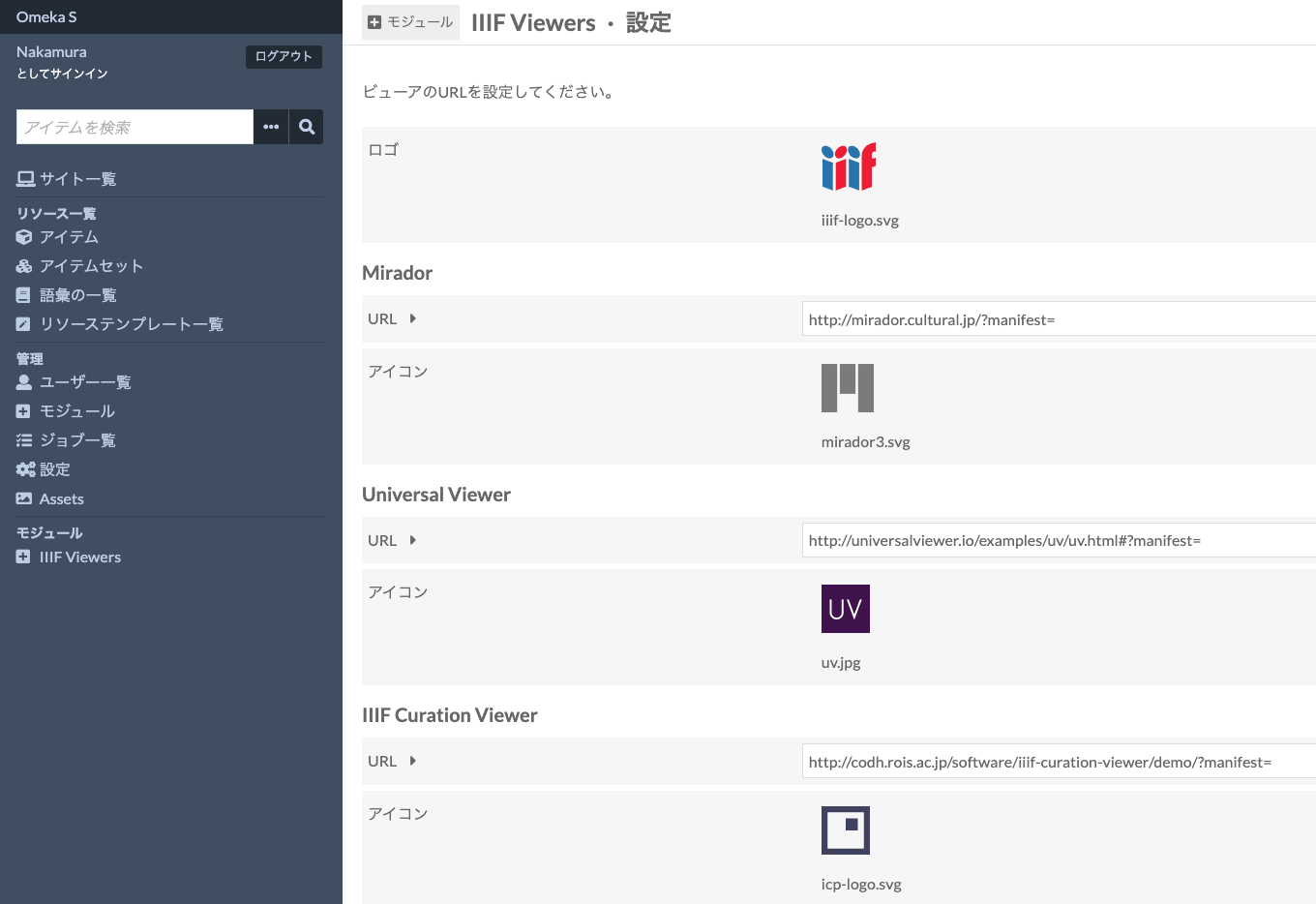
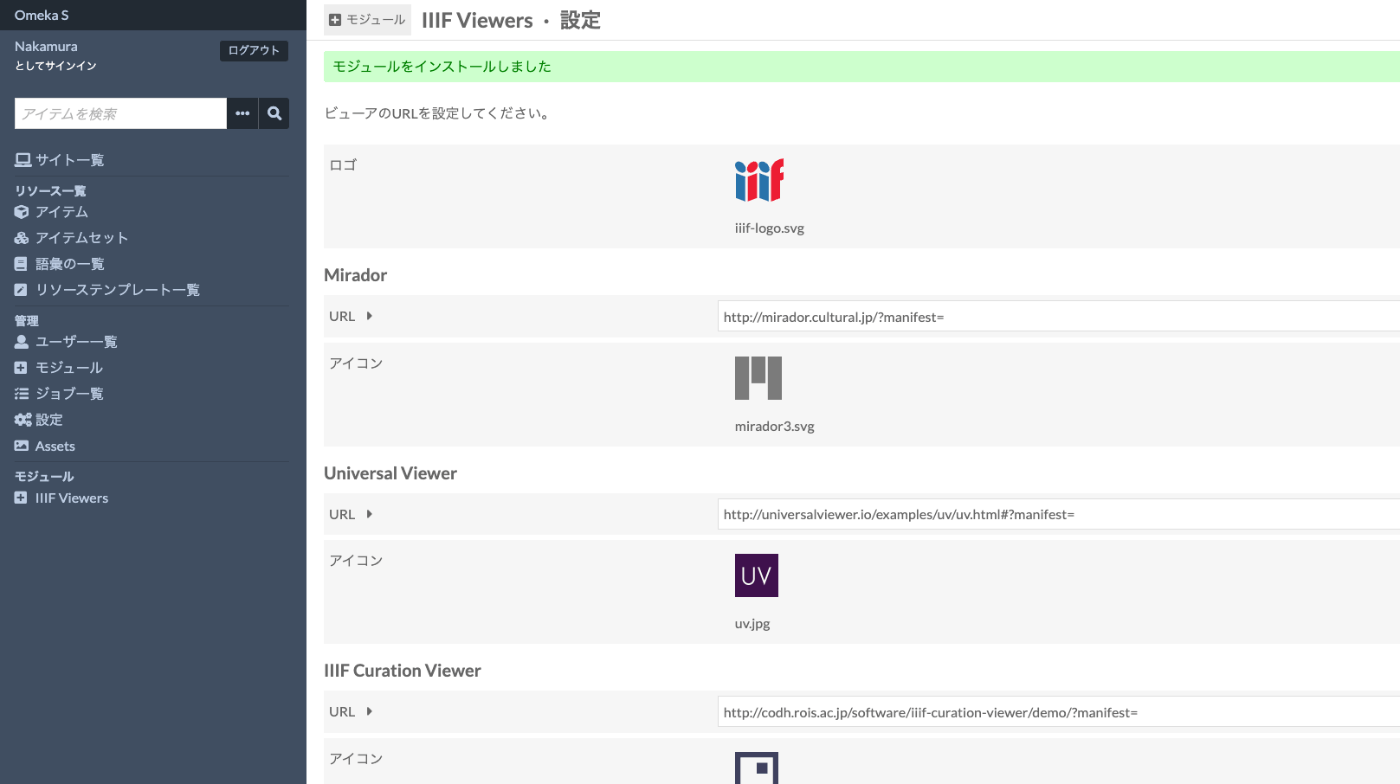
After installation, you will be taken to the following settings screen. You can specify the links to various IIIF-compatible viewers used by this module. (The default settings work fine as-is.)
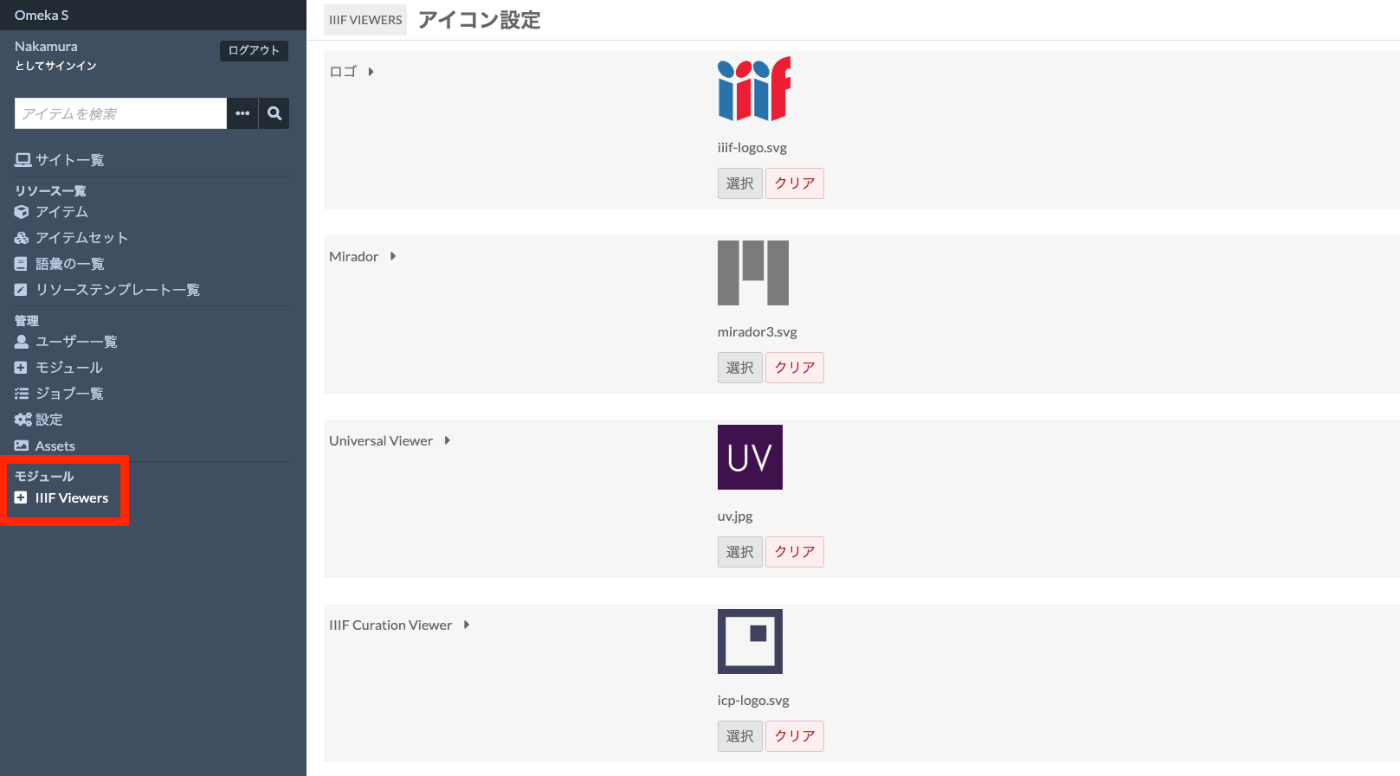
Additionally, you can specify icons for each viewer by clicking the “Modules > IIIF Viewers” link on the left side of the screen.
Customization Example
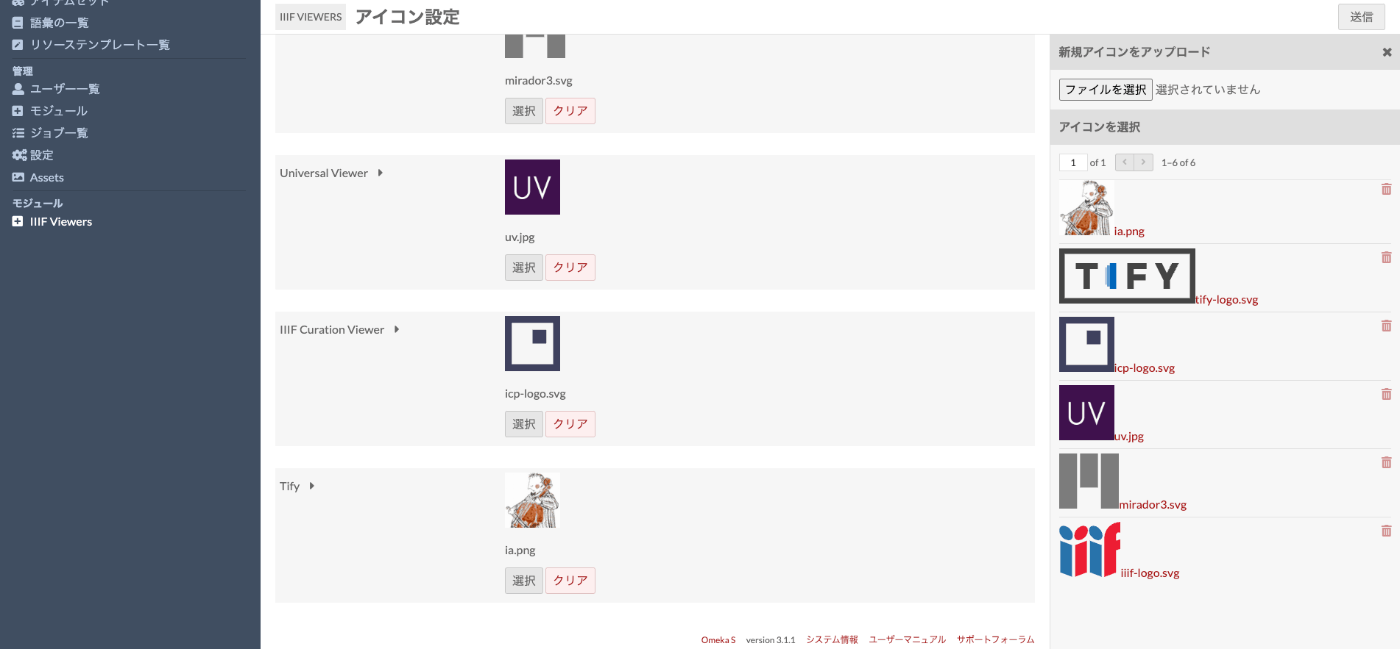
For example, let’s change the “TIFY” setting to the “Image Annotator” developed by Masahide Kanzaki.
https://www.kanzaki.com/works/2016/pub/image-annotator
First, change the logo from the following screen.
Next, select the “Configure” button from the module list screen.

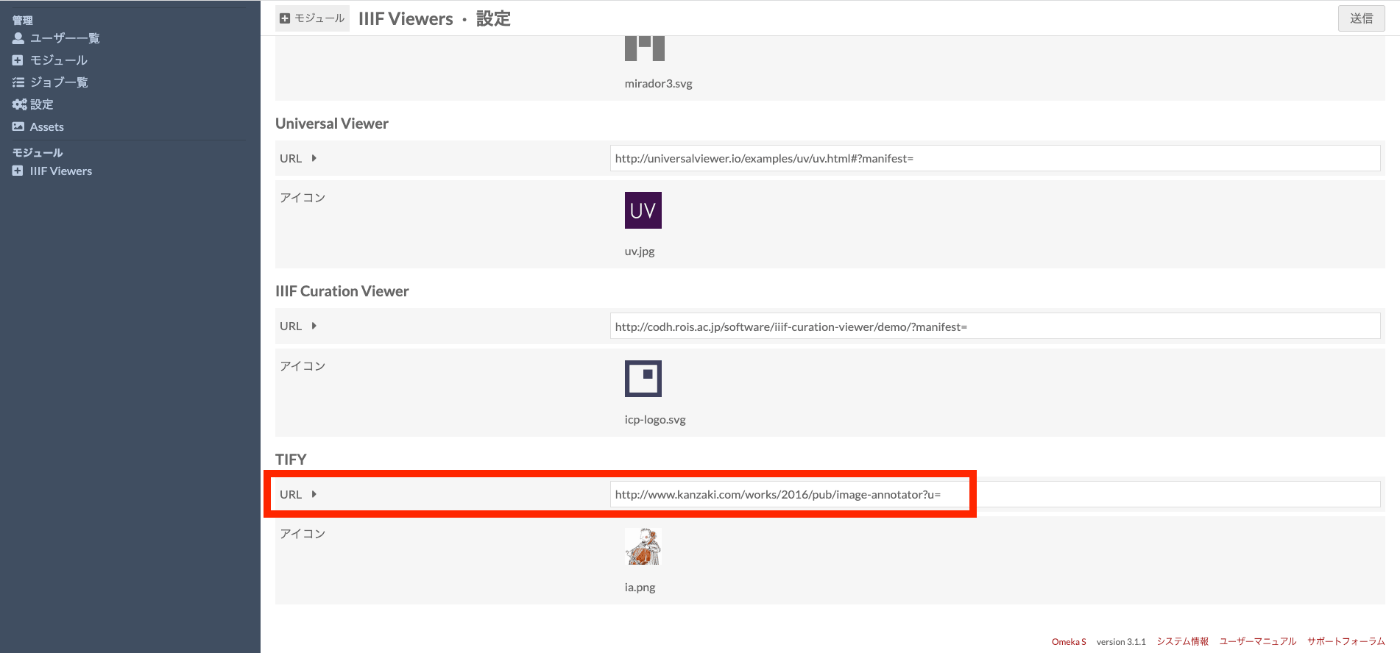
Then, change the URL value for “TIFY” to the following.
http://www.kanzaki.com/works/2016/pub/image-annotator?u=
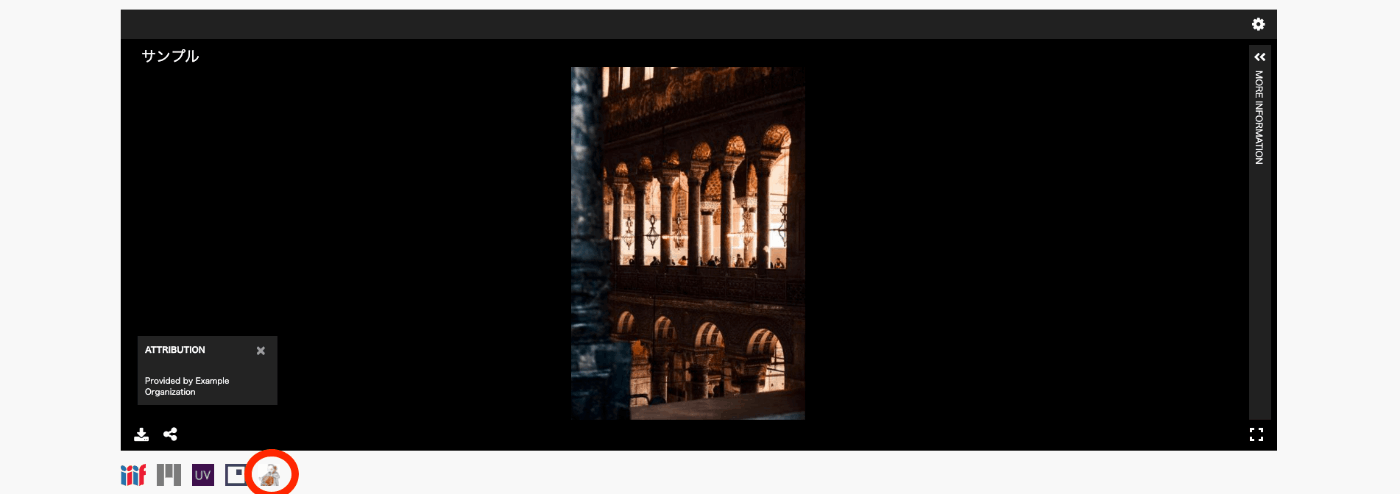
As a result, the newly added icon is displayed as shown below. Clicking the icon allows you to view images in Image Annotator.
Summary
In the future, I would like to modify the module to allow configuring any number of IIIF-compatible viewers.
If you have requests for new features or bug fixes, please let me know. Pull requests are also welcome.
I hope you find this module useful.