Overview
This article explains how to perform partial match searches using filters added through the Advanced Search module.
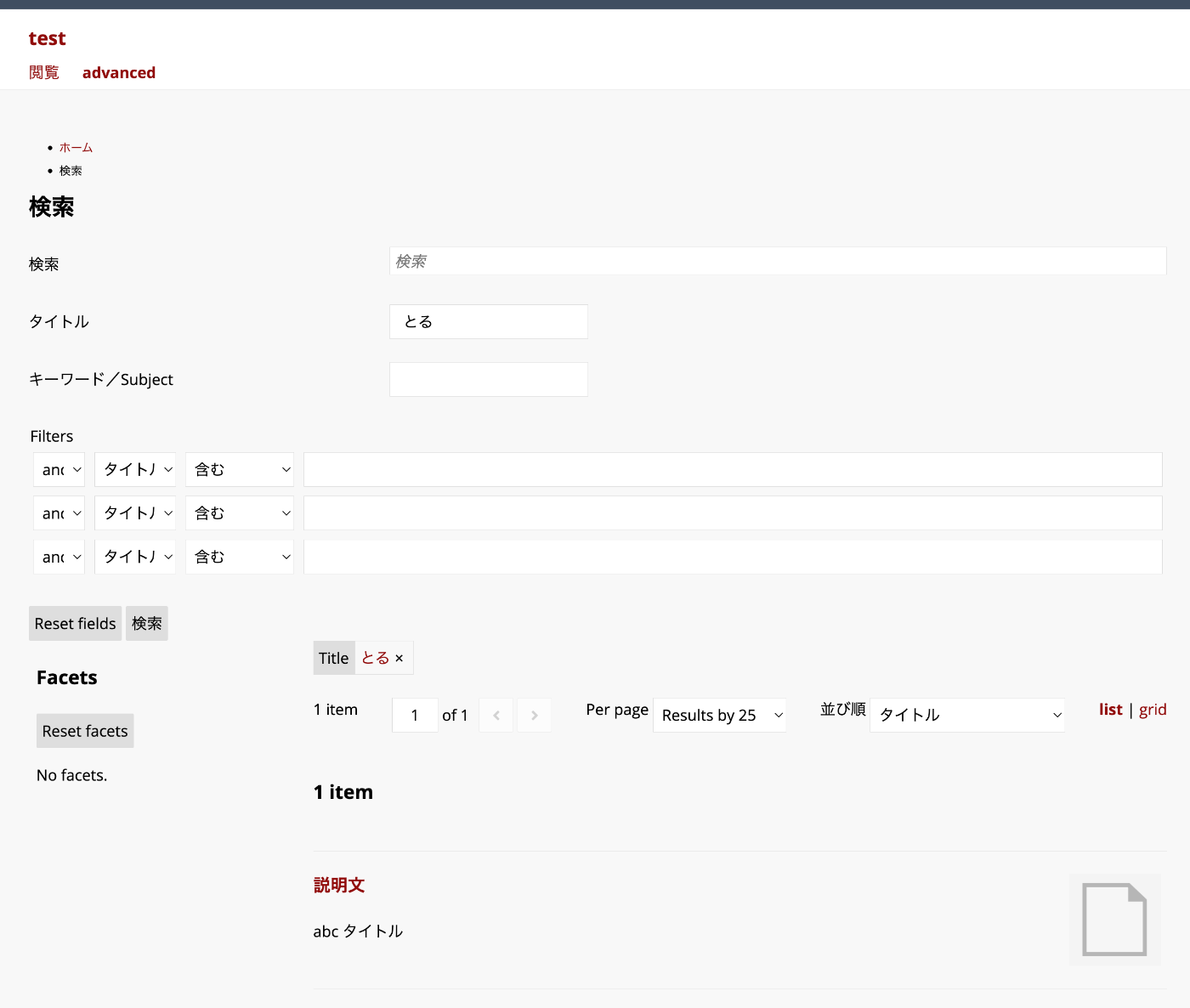
In the example above, the query string “toru” matches items with the title “abc title”.
Background
The Advanced Search module allows you to flexibly configure search conditions and facets.
https://omeka.org/s/modules/AdvancedSearch/
In particular, when combined with the “Reference” module, faceted search like the following can be achieved.
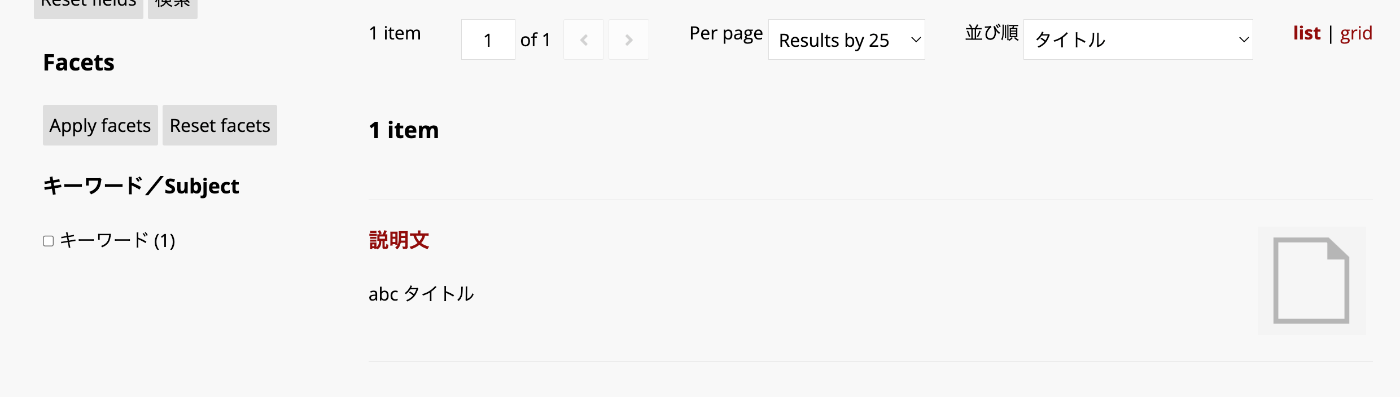
You can also add filters. However, when performing partial match searches with filters, additional configuration is required.
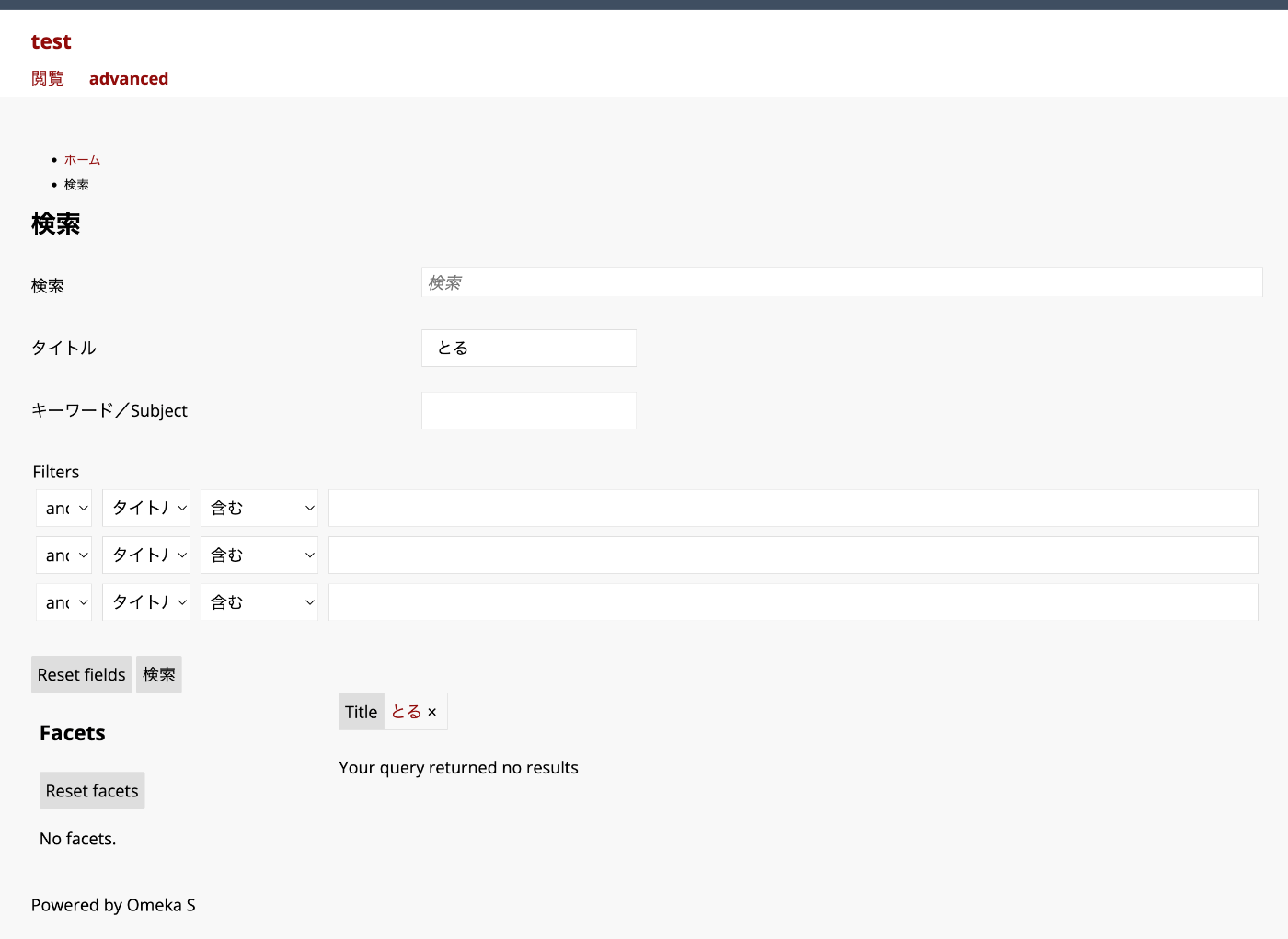
In the example above, when using the query string “toru”, items with the title “abc title” are not matched.
Configuration Method
Filters are added in the Filters section of the following settings screen. (Please adjust the slug as needed.)
/admin/search-manager/config/1/configure
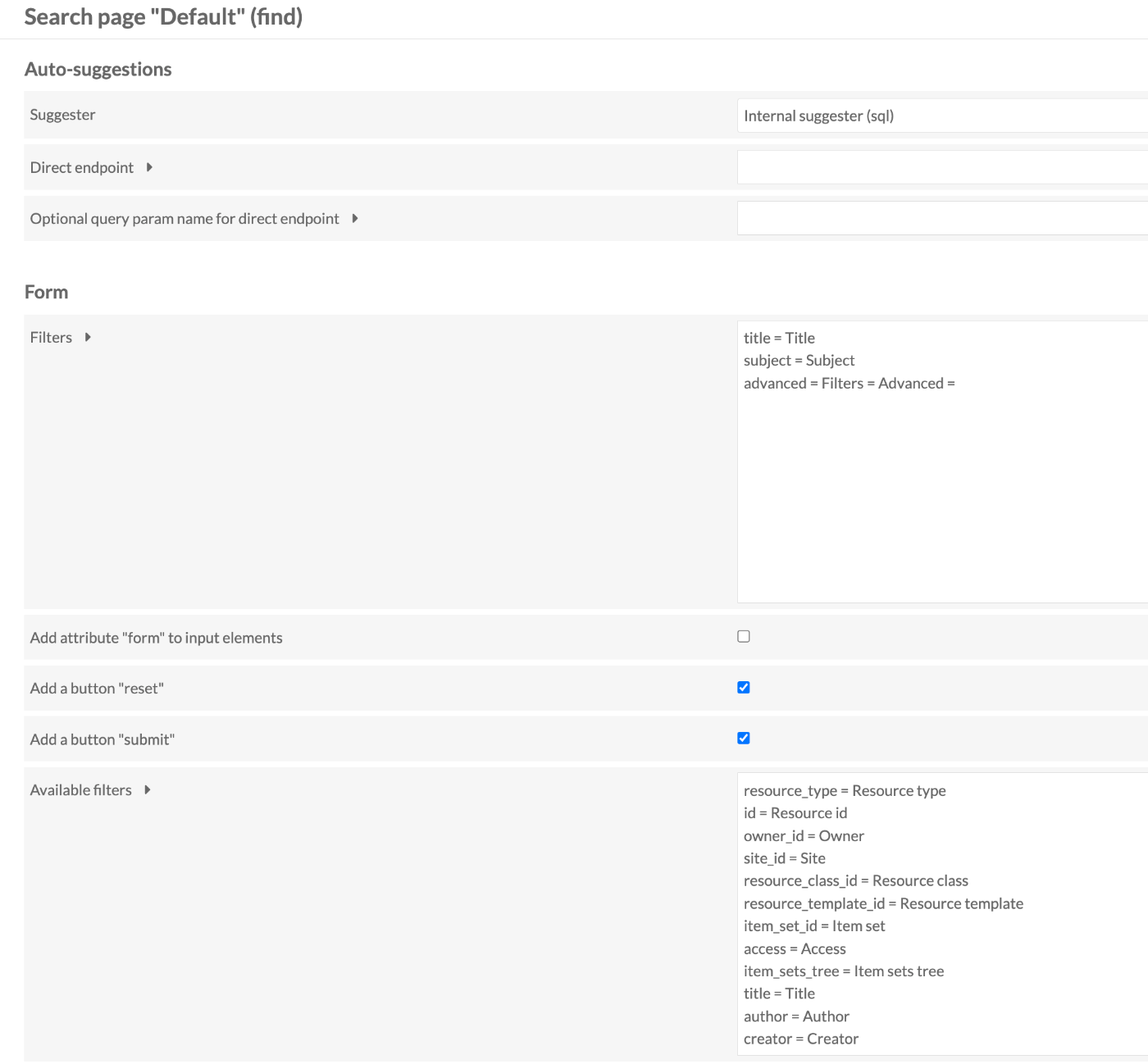
In the example above, title and subject are added as filters as follows.
With this configuration alone, the search for title and subject is an exact match.
To enable partial matching, add Text as follows.

This achieves partial matching for title and exact matching for subject.
Summary
I hope this serves as a helpful reference when using the Advanced Search module in Omeka S.