In Archivematica, metadata schemas other than Dublin Core (DC) can be embedded into the AIP’s METS.xml. This guide explains how to include non-DC metadata such as EAD and MODS in a Transfer using source-metadata.csv, and verifies via API that they are correctly stored in the AIP.
Table of Contents
- Background and Purpose
- How source-metadata.csv Works
- XML Validation Feature
- Verification 1: MODS-Only Metadata Registration
- Verification 2: Simultaneous EAD + MODS Registration
- Storage Format of Non-DC Metadata in METS.xml
- Verification 3: Metadata Addition via Reingest
- Summary
Background and Purpose
In a standard Archivematica Transfer, Dublin Core metadata described in metadata/metadata.csv is stored as <dmdSec> in METS.xml. However, in actual digital archive operations, there are use cases where metadata schemas other than DC need to be handled:
- EAD (Encoded Archival Description): A widely used standard for hierarchical archival description
- MODS (Metadata Object Description Schema): A schema used for detailed library material description
- LIDO: A descriptive standard for museum and gallery materials
- MARC21: A catalog data format for libraries
Archivematica provides functionality to associate arbitrary XML metadata with a Transfer through a CSV file called source-metadata.csv, storing it as <dmdSec> in the AIP’s METS.xml. This guide verifies this functionality via API.
How source-metadata.csv Works
CSV Format
source-metadata.csv is a CSV file placed in the metadata/ directory of a Transfer, consisting of 3 columns.
| Column | Description |
|---|---|
filename | Relative path of the file or directory the metadata applies to (starting from objects/) |
metadata | Path to the XML metadata file (relative from the metadata/ directory) |
type | Metadata type identifier. Used for the OTHERMDTYPE attribute in METS.xml |
Transfer Directory Structure
Associating Multiple Metadata with the Same File
In source-metadata.csv, multiple metadata entries with different type values can be associated with the same filename across multiple rows.
In this example, both EAD and MODS are associated with the objects directory (all files within it), and each is stored as a separate <dmdSec> in METS.xml.
Processing Flow
source-metadata.csvis read during Transfer- XML files specified in the
metadatacolumn are parsed - If XML Validation is enabled, validation against schemas is performed
- XML that passes validation is embedded as
<dmdSec>in METS.xml
XML Validation Feature
Overview
Archivematica includes a feature to validate XML metadata specified in source-metadata.csv against schemas. This feature is disabled by default and is positioned as an experimental feature.
To enable it, set the MCP Client environment variables.
Validation Configuration File
Validation settings are described in a Python file. Below is an example configuration used in Archivematica’s test environment.
The keys of the XML_VALIDATION dictionary are matched against XML documents in the following order:
- Value of the
xsi:noNamespaceSchemaLocationattribute - Last value of the
xsi:schemaLocationattribute - Namespace URI of the root element
- Local name of the root element
When the value for a key is None, validation is skipped, but storage in <dmdSec> still occurs. When a key does not exist in the dictionary, that metadata is silently skipped and is not stored in <dmdSec> either.
Supported Schemas in Test Environment
| Namespace / Key | Metadata Type | Validation |
|---|---|---|
http://www.openarchives.org/OAI/2.0/oai_dc/ | Dublin Core (OAI-PMH) | XSD |
http://www.lido-schema.org | LIDO | XSD |
http://www.loc.gov/MARC21/slim | MARC21 | XSD |
http://www.loc.gov/mods/v3 | MODS | XSD |
http://slubarchiv.slub-dresden.de/rights1 | SLUB Rights | XSD |
alto | ALTO (OCR) | XSD |
metadata | Generic metadata | Skip |
bag-info | BagIt information | Skip |
Note: EAD (
urn:isbn:1-931666-22-9) is not included in the default test environment configuration. To use EAD, an entry must be added to the configuration file.
Verification 1: MODS-Only Metadata Registration
Administration > Processing configuration screen – managing processing profiles (default / automated / backlog) used when submitting Transfers
Verification Environment
- Archivematica 1.19 (Docker environment)
- Dashboard:
http://127.0.0.1:62080 - Storage Service:
http://127.0.0.1:62081 - XML Validation: Enabled (test environment default settings)
Creating the Transfer Package
Create a Transfer package with the following structure.
source-metadata.csv:
mods.xml:
Executing the Transfer via API
Results
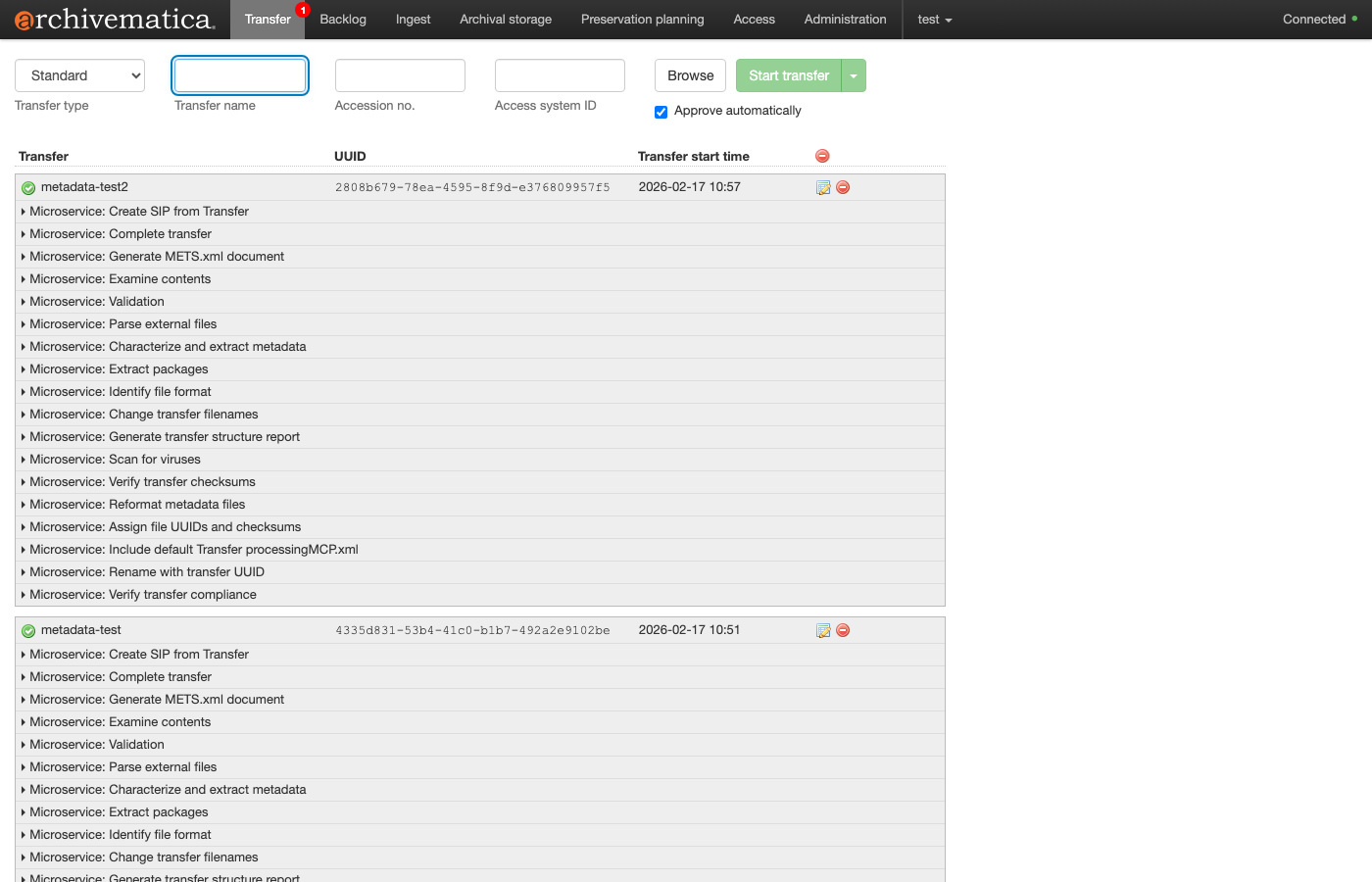
Transfer tab – Transfer processing for metadata-test and metadata-test2 is complete, with each Microservice status displayed
Transfer -> Ingest completed and the AIP was successfully created. Examining the <dmdSec> of METS.xml, only MODS was stored as a dmdSec.
Reason EAD was not stored: The following error was recorded in the MCP Client log.
0
Because the EAD namespace (urn:isbn:1-931666-22-9) was not registered in the XML Validation configuration file, it was skipped during validation processing and was not stored in <dmdSec>.
Verification 2: Simultaneous EAD + MODS Registration
Modifying the XML Validation Configuration
To handle EAD, the EAD namespace was added to the configuration file.
1
By specifying None, XSD schema validation is not performed, but storage in the <dmdSec> of METS.xml is still carried out.
Executing the Transfer via API
A new Transfer package (metadata-test2) was submitted via API with the same structure as before.
Results: METS.xml dmdSec
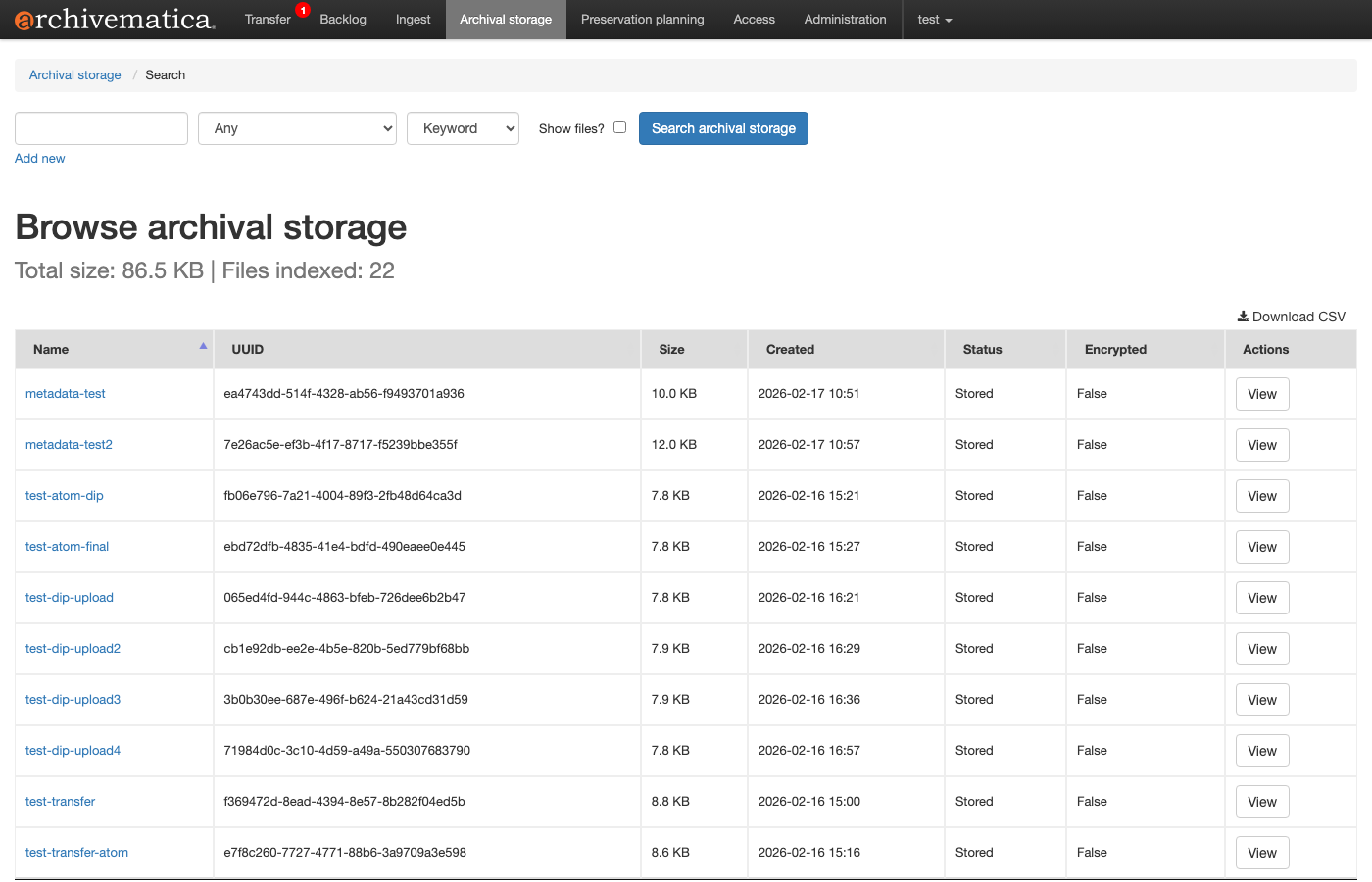
Archival Storage list – AIPs for metadata-test (Verification 1) and metadata-test2 (Verification 2) have been successfully stored
This time, 3 dmdSecs were generated.
dmdSec_1: PREMIS:OBJECT (standard)
2
dmdSec_2: EAD
3
dmdSec_3: MODS
4
structMap Association
In structMap, it was confirmed that both EAD and MODS are associated with the objects directory via DMDID="dmdSec_2 dmdSec_3".
5
Storage Format of Non-DC Metadata in METS.xml
MDTYPE Attribute Handling
Values specified in the type column of source-metadata.csv are stored in METS.xml as follows.
6
Examining Archivematica’s source code (archivematicaCreateMETSMetadataXML.py), metadata via source-metadata.csv is always stored as MDTYPE="OTHER", with the type column value set in the OTHERMDTYPE attribute.
7
This differs from Dublin Core (which is stored as MDTYPE="DC" via metadata.csv).
STATUS Attribute
- Initial Ingest:
STATUS="original" - Re-ingest:
STATUS="update"
During Re-ingest, existing dmdSecs with the same type are treated as superseded, and a new dmdSec is added with STATUS="update".
XML File Storage Location
XML files referenced by source-metadata.csv are also saved as files within the AIP.
8
Verification 3: Metadata Update via Reingest
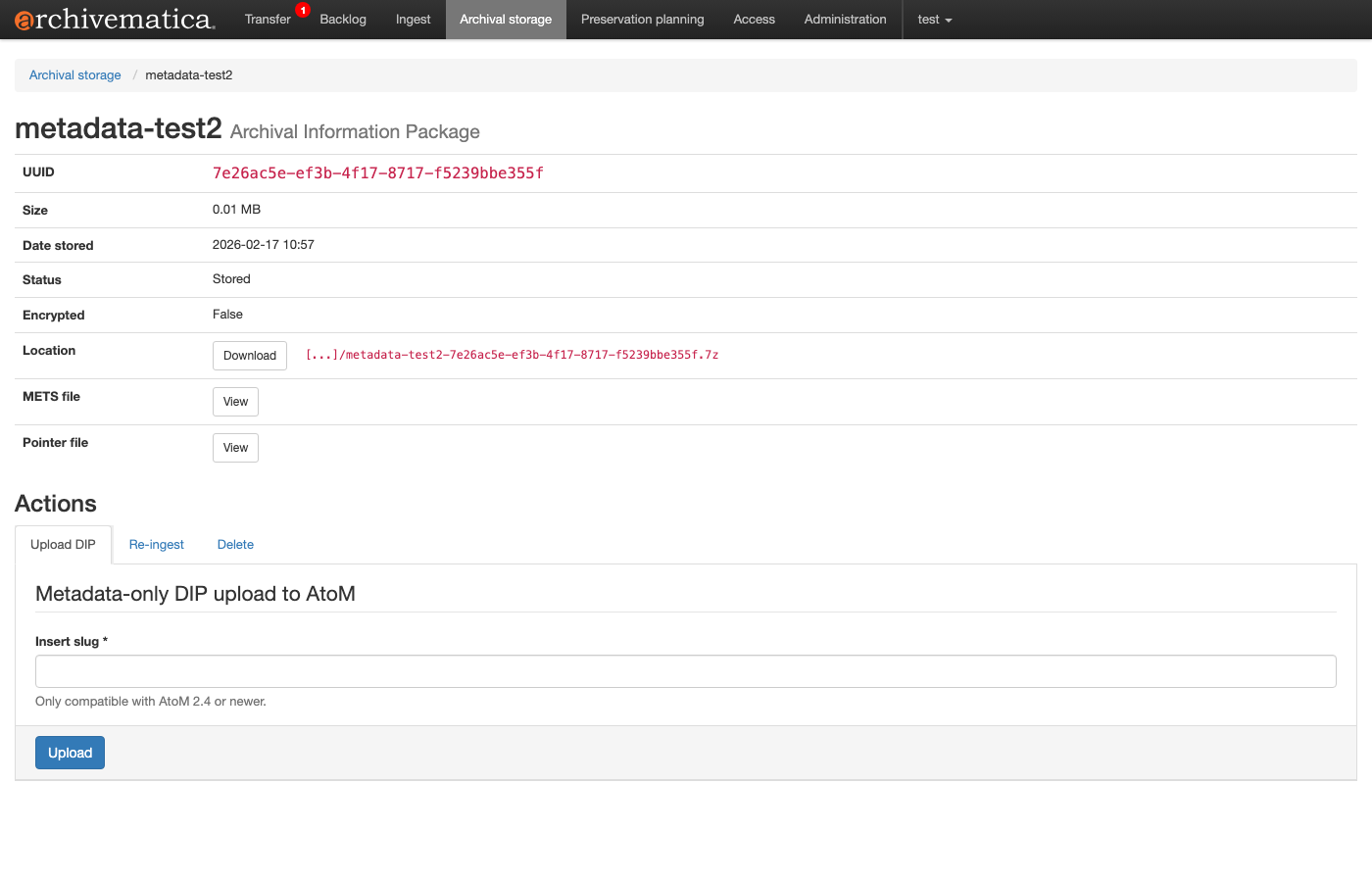
AIP detail screen – UUID, size, storage location, and METS file download link for metadata-test2 can be confirmed
Purpose of Verification
Metadata re-ingest was performed on the AIP created in Verification 2 (containing EAD + MODS) to verify the following:
- When existing MODS metadata is updated, is the old metadata retained as
supersededand the new metadata added asupdate? - Are XML files added during Re-ingest saved within the AIP?
Starting the Reingest
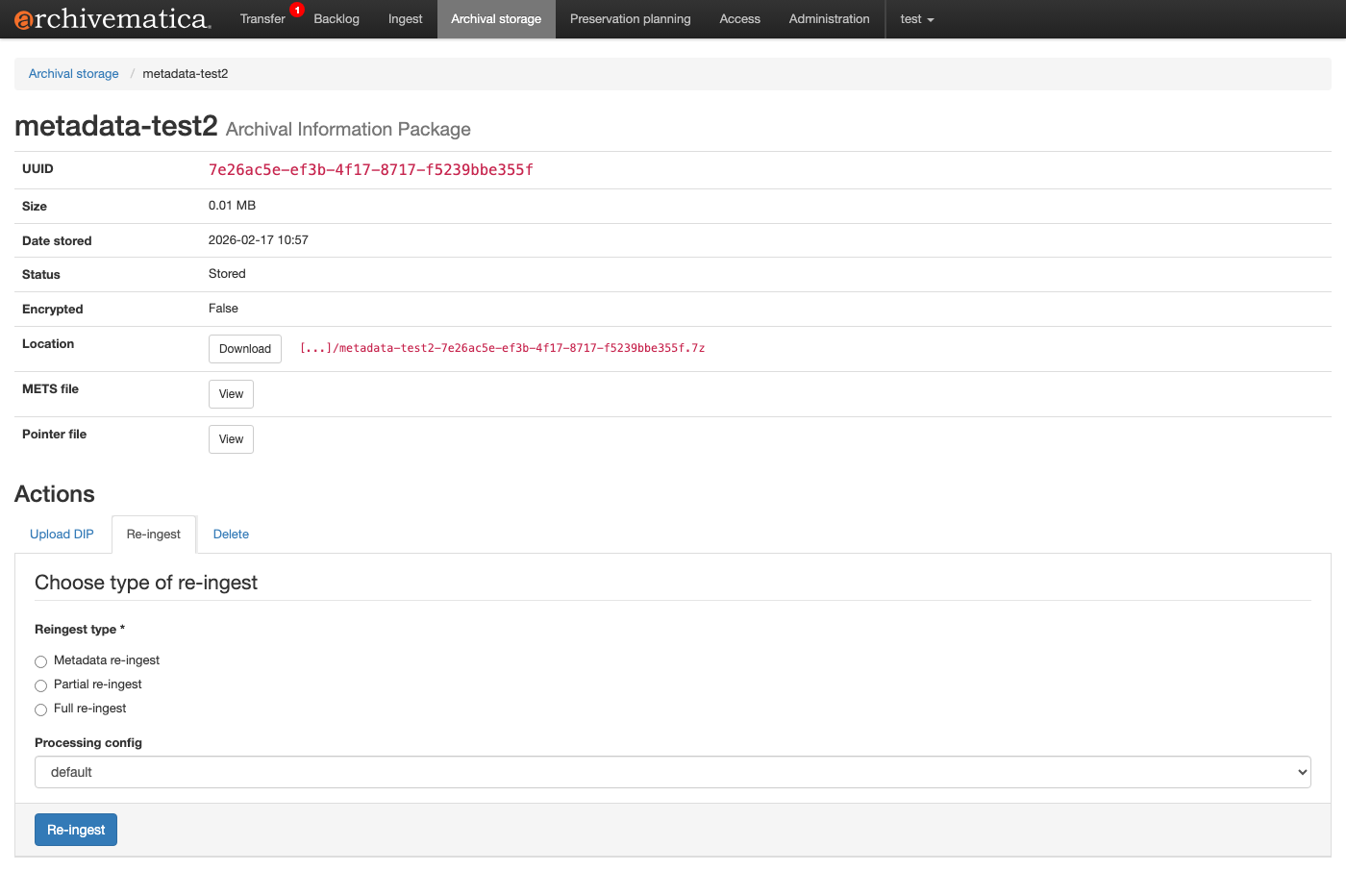
Re-ingest tab on the AIP detail screen – select Reingest type (Metadata / Partial / Full) and Processing config. In this case, Metadata re-ingest was executed via API
The Storage Service API was used to start a Metadata re-ingest.
9
0
Adding Metadata
When Reingest starts, the AIP is extracted and submitted to Archivematica’s Ingest workflow. Before approving “Approve AIP reingest”, new metadata files are placed in the extracted AIP’s data/objects/metadata/ directory.
Important: During Reingest, only objects/metadata/source-metadata.csv (root level) is processed. CSVs under objects/metadata/transfers/ are only read during the initial Ingest.
1
source-metadata.csv (for Reingest):
2
When the same value as an existing dmdSec is specified in the type column (MODS), the existing dmdSec becomes superseded and a new dmdSec is added as update. When a new type value (DC-CUSTOM) is specified, it is added as a new dmdSec.
Reingest Approval and Processing
3
After approval, the Ingest workflow proceeds. Even during Metadata re-ingest, decision points such as Normalize and Transcribe must be passed (manual selection is required if the automated processing config is not applied).
Results: METS.xml After Reingest
After Reingest completion, the METS.xml contained 4 dmdSecs.
| dmdSec | STATUS | TYPE | Description |
|---|---|---|---|
| dmdSec_1 | original | PREMIS:OBJECT | SIP identification information (no change) |
| dmdSec_2 | original | OTHER(EAD) | Initial Ingest EAD (no change) |
| dmdSec_3 | original-superseded | OTHER(MODS) | Initial Ingest MODS (changed to superseded) |
| dmdSec_4 | update | OTHER(MODS) | Updated MODS added during Reingest |
dmdSec_3 (old MODS -> superseded):
4
dmdSec_4 (new MODS -> update):
5
structMap Changes
After Reingest, all dmdSecs including superseded ones are referenced in the structMap for the objects directory.
6
Additionally, metadata files added during Reingest are saved as files within the AIP.
7
Why DC-CUSTOM Was Not Included in dmdSec
dc-reingest.xml (Dublin Core Terms format) was saved as a file within the AIP, but was not stored in dmdSec. The following error was recorded in the MCP Client log.
8
The only Dublin Core registered in the XML Validation configuration is the OAI-PMH format (http://www.openarchives.org/OAI/2.0/oai_dc/), and the DC Terms format (http://purl.org/dc/terms/) was not registered. Since XML Validation registration rules are namespace URI-based, even the same Dublin Core requires separate registration if the namespace differs.
Summary
Verification Results Summary
| Verification Item | Result |
|---|---|
| MODS metadata dmdSec storage | Success |
| EAD metadata dmdSec storage | Success (after adding XML Validation configuration) |
| Multiple metadata association to same object | Success (EAD + MODS stored simultaneously) |
| structMap dmdSec association | Normal (DMDID="dmdSec_2 dmdSec_3") |
| MODS metadata update via Reingest | Success (old: original-superseded, new: update) |
| structMap update after Reingest | Normal (DMDID="dmdSec_2 dmdSec_3 dmdSec_4") |
| AIP storage of files added during Reingest | Success |
| Storage of unregistered namespace DC Terms | Failed (not registered in XML Validation configuration) |
Notes
XML Validation Configuration: In environments where XML Validation is enabled, the namespaces of metadata schemas used must be registered in the validation configuration file. If not registered, metadata is silently skipped. Errors are only recorded in logs, and Ingest / Re-ingest processing continues.
MDTYPE Handling: Metadata via
source-metadata.csvis always stored asMDTYPE="OTHER". It is not stored with METS standard MDTYPE values likeMDTYPE="MODS"orMDTYPE="EAD".source-metadata.csv Location During Reingest: During initial Ingest,
metadata/transfers/<transfer-name>/source-metadata.csvis used, but during Reingest, onlymetadata/source-metadata.csv(root level) is processed.Metadata Version Management via type Column: The
typecolumn insource-metadata.csvfunctions as an identifier for metadata updates during Reingest. Using the sametypevalue causes the existing dmdSec to becomesuperseded, while using a newtypevalue adds a new dmdSec.Namespace-Based Registration: Even for the same metadata standard (e.g., Dublin Core), if different namespace URIs are used, each must be registered separately in the XML Validation configuration.