Background
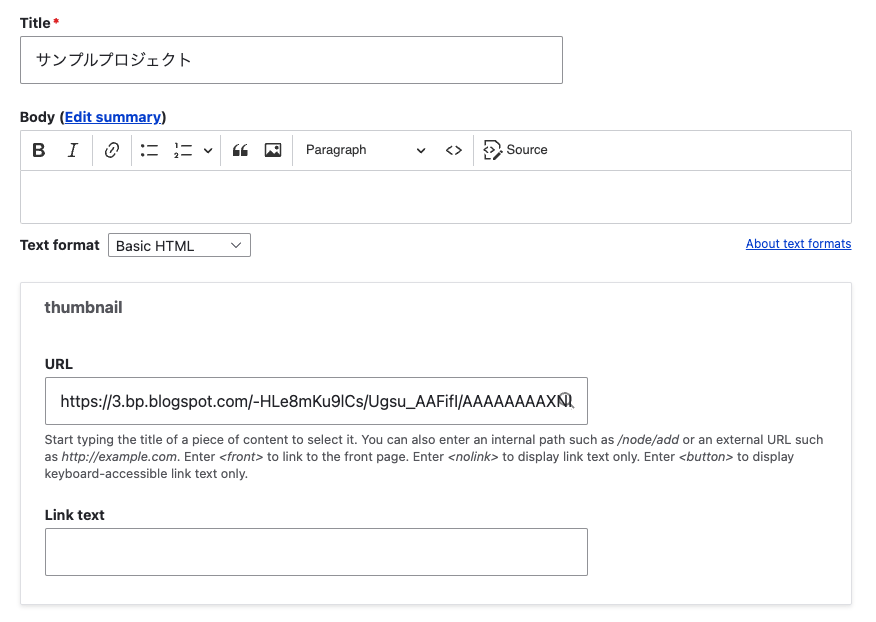
Consider the case where you enter an image URL in a field called thumbnail with the Field type set to Link, as shown below.
This time, I’ll use the following image from Irasutoya.
https://3.bp.blogspot.com/-HLe8mKu9lCs/Ugsu_AAFifI/AAAAAAAAXNI/-yW12EVgQ5s/s800/book_yoko.png

Here are my notes on displaying such data in Views like the following.
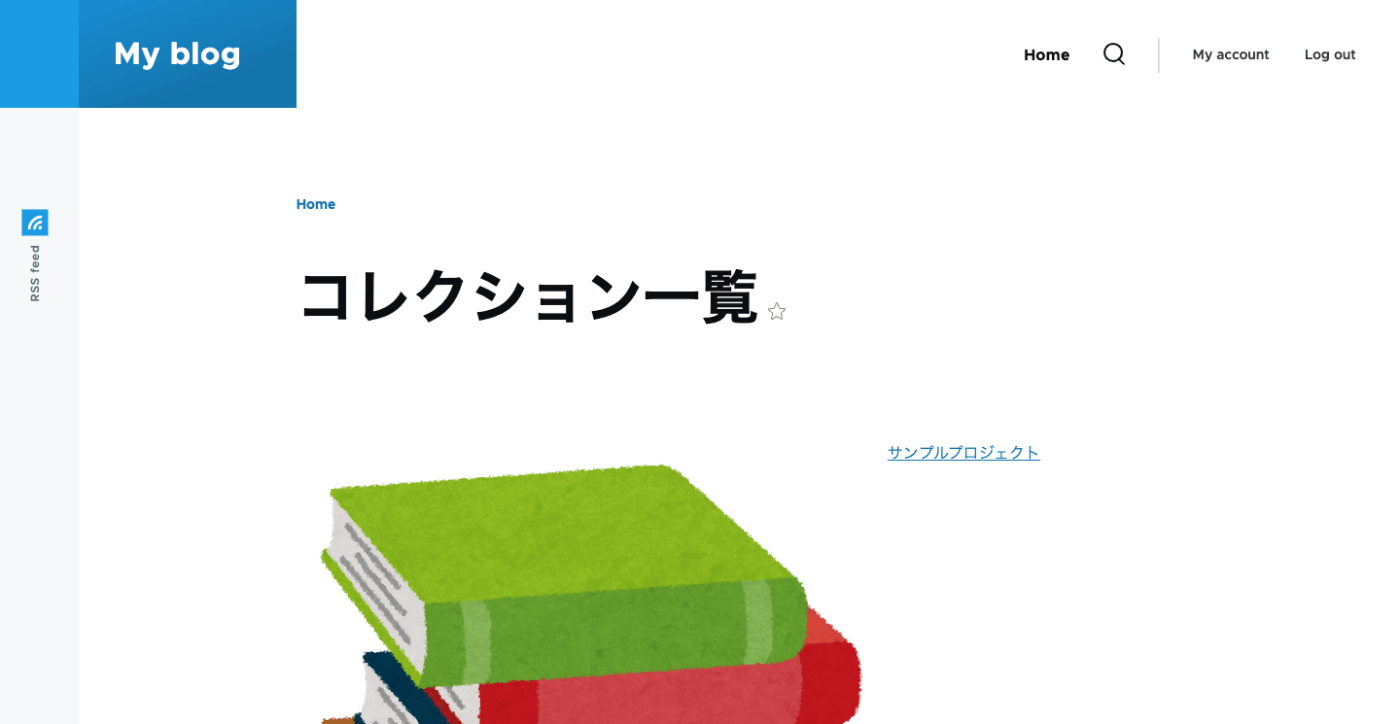
Views
I configured the following in the Views Rewrite results settings.
When the Field type is set to Link, the following Replacement patterns were needed.
- {{ field_thumbnail }} == thumbnail
- {{ field_thumbnail__uri }} == Raw uri
- {{ field_thumbnail__title }} == Raw title
- {{ field_thumbnail__options }} == Raw options
Summary
Initially, I specified {{ field_thumbnail }} but the image didn’t display, which caused some trouble.
I hope this serves as a helpful reference.