Overview
In Omeka S, you can set public/private settings for each resource (item sets, items, media, etc.), but for files such as images associated with media, even if the private setting is applied, anyone who knows the file URL can access it. Typically, the URL follows this pattern:
<Omeka installation directory>/files/original/<hash value>.jpg
If the private setting is applied to the media, it would be rare for this file URL to be known, but there are cases where you want to avoid a situation where “anyone with the link” can access it.
A module that addresses this is “Access”.
https://omeka.org/s/modules/Access/
This article provides a brief introduction to this module.
Reference: In Drupal’s Case
In Drupal, this issue could be addressed using Private files. The following article was helpful for this implementation.
https://wheelercreek.com/blog/how-configure-private-files-directory-drupal-9-10
By registering files as Private files and combining with the Access Content and Field Permissions modules, I was able to restrict anonymous user access to Private files.
How to Use the Access Module
This module appears to support various settings including IP address-based access control and anonymous user access control in combination with the Guest module.
For this use case, as a simple configuration, I set it so that anonymous users cannot view original and large images, but can view medium and smaller images.
In other words, I built an environment where non-logged-in users cannot view large images but can only view relatively small images.
Installation
It can be installed using the standard method.
Web Server Configuration
This part can be a bit tricky. Details are described at the following link.
Below is an example for Apache. Add the following after RewriteEngine On in the .htaccess file.
The above is for cases where Omeka S is installed at the root of a domain or subdomain. Configuration examples for other installation methods are also described in the manual above.
With the above, when accessing <Omeka installation directory>/files/original/<hash value>.jpg, the URL is rewritten to <Omeka installation directory>/access/files/original/<hash value>.jpg.
The rewritten URL is dynamically created by Omeka S, which determines whether to return the image based on IP address, login status, etc.
In the case of Drupal introduced earlier, Public files are paths where files are stored, and Private files are URLs dynamically generated by Drupal, so Omeka S implements a similar switching mechanism.
Configuration
After installing the module, the following settings screen is displayed. For this use case, uncheck all checkboxes.

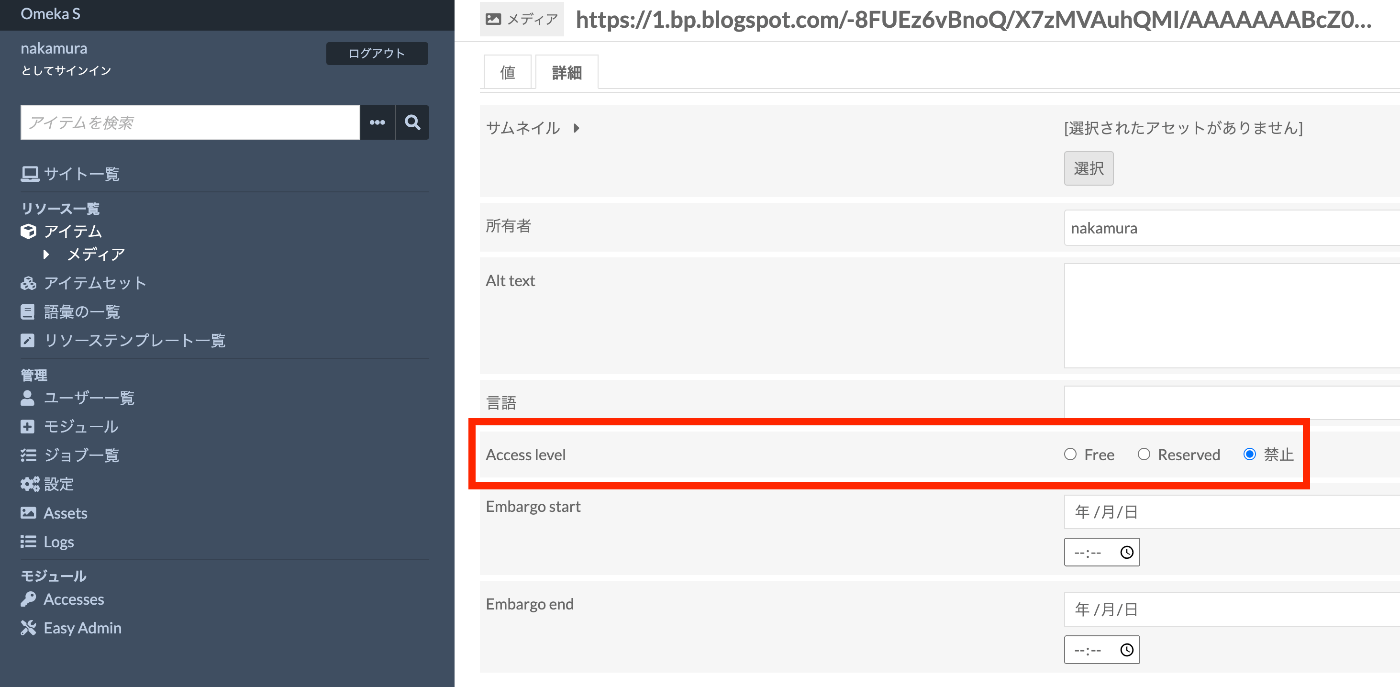
By enabling this module, you can set the Access level for each resource. For this use case, set it to forbidden.
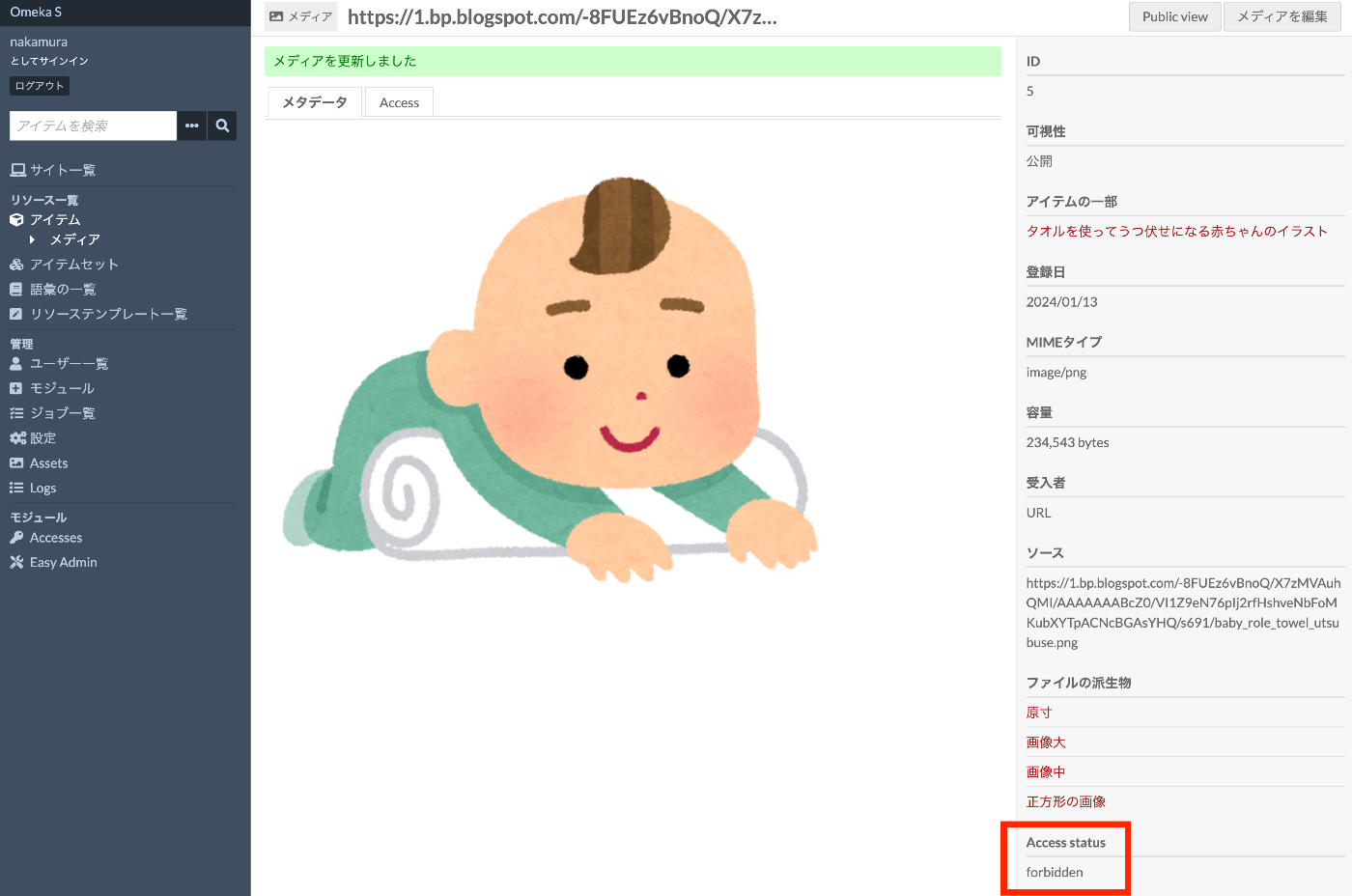
I am using an image from “Irasutoya”. The Access status is set to forbidden, but logged-in users can still view the image.
On the other hand, when non-logged-in users view the image, a lock icon is now displayed. You can confirm that access to the original image and others is blocked.
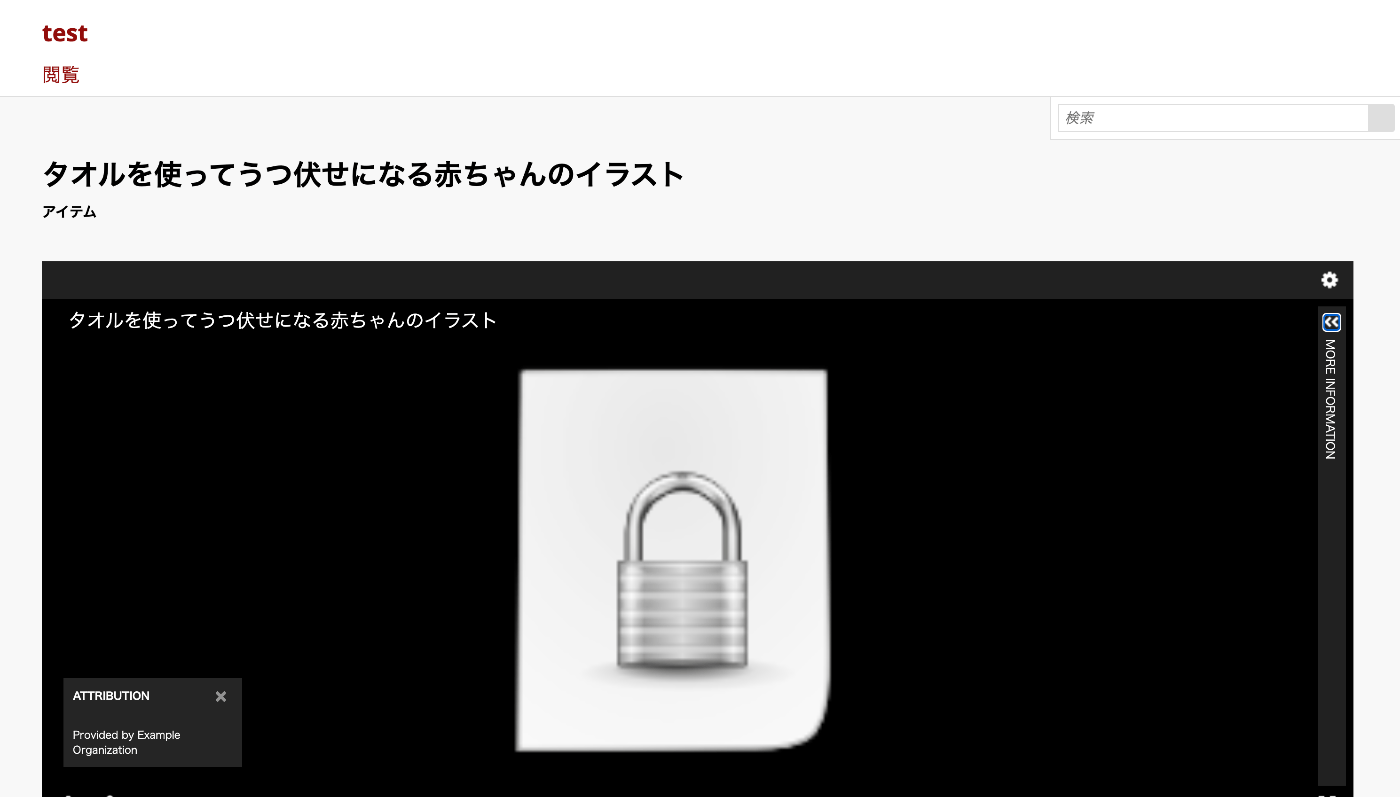

Note that the small image at the bottom of the screen above is still displayed. This is a square file, which is medium cropped to a square. Since it is smaller than large and does not match the Rewrite rule, it is displayed normally.
Notes
When using the Amazon S3 module to store files in Amazon S3, this did not work as of 2024-01-14. This is noted in the following TODO, because the URL for original files changes.
https://github.com/Daniel-KM/Omeka-S-module-AmazonS3?tab=readme-ov-file#todo
In the case of Drupal, by configuring according to articles like the following, Private files stored in S3 worked correctly.
https://www.vardot.com/en/ideas/blog/how-integrate-amazon-s3-drupal-step-step-guide
Since Omeka S is a system primarily focused on publishing, it appears less capable of handling private files compared to Drupal. Considering these characteristics, it seems best to choose the appropriate CMS based on the use case.
Summary
I introduced one example of handling private files in Omeka S. There appear to be many other possible configurations, so I would like to investigate further.
I hope this serves as a helpful reference for others.