Overview
I had an opportunity to run ArchivesSpace with Docker, so here are my notes.
Method
Instructions are described at the following link.
https://docs.archivesspace.org/administration/docker/
Clone and start the containers as follows.
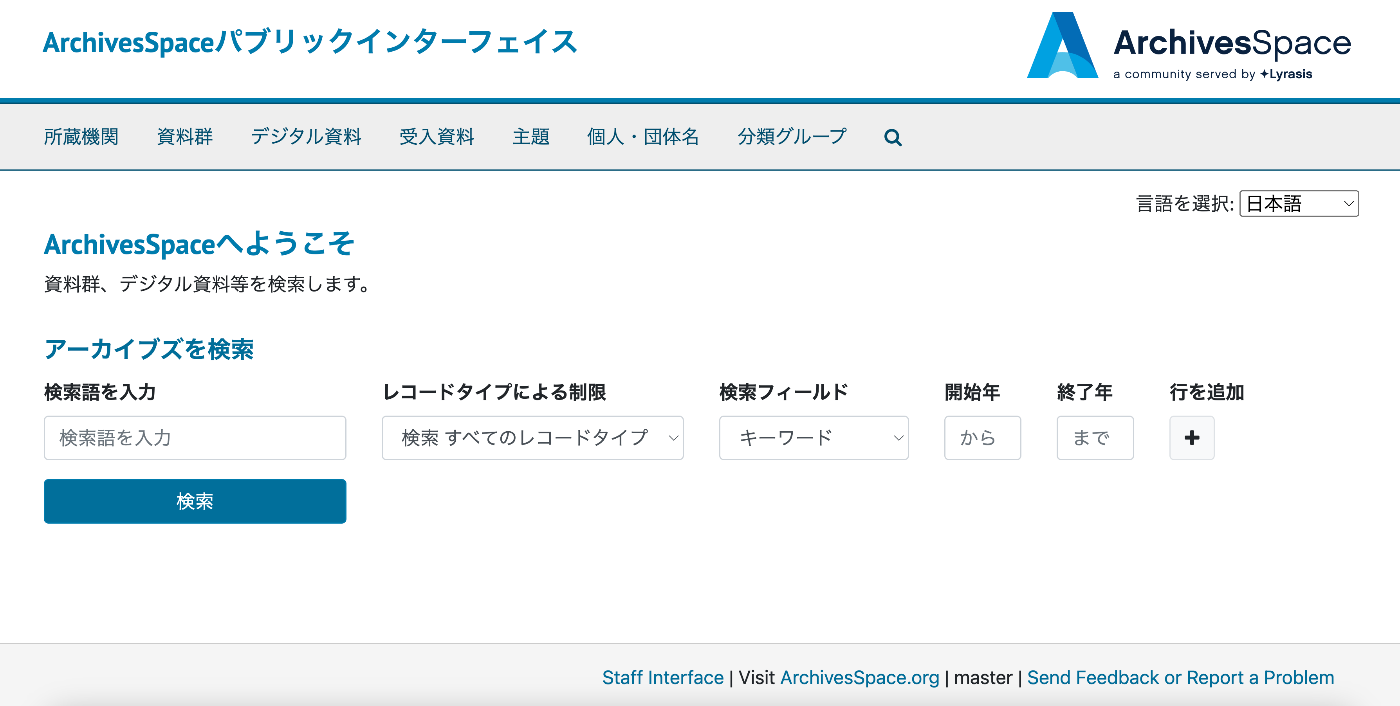
The documentation states the following, but I was able to access the Public User interface on port 3001, the Staff User Interface on port 3000, and the backend system on port 4567.
Using the default proxy configuration, the Public User interface becomes available at http://localhost/ and the Staff User Interface at: http://localhost/staff/ (default login with: admin / admin)
Updating Translation Files
Translation data can be applied by updating the translation files at public/config/locales/ja.yml for the Public User interface and frontend/config/locales/ja.yml for the Staff User Interface.
Below is a comparison of screens before and after updating the translation files.

Summary
I hope this serves as a helpful reference for using ArchivesSpace.