Introduction
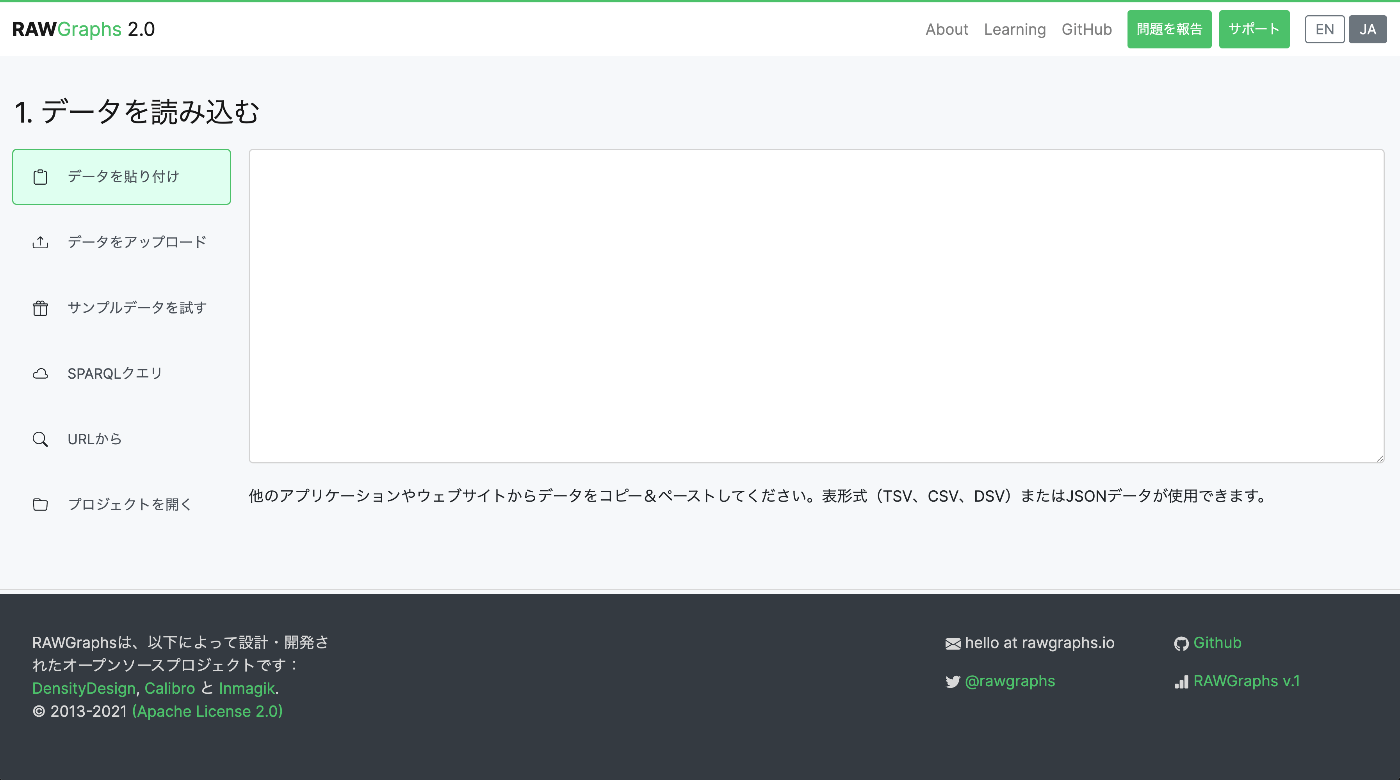
I localized and published a Japanese version of the data visualization tool RAWGraphs.
https://rawgraphs-ja.vercel.app/
RAWGraphs is an open-source web application that can transform complex data into beautiful visualizations. Without any coding, you can create various charts simply by dragging and dropping CSV or JSON data.
What is RAWGraphs?
RAWGraphs is a data visualization tool developed by DensityDesign Research Lab in Italy.
Key features:
- No coding required: Just paste data in the browser
- Diverse charts: Over 30 types including Alluvial Diagram, Treemap, Voronoi Tessellation, and more
- SVG export: Download created charts in SVG or PNG format
- Privacy protection: Data is not sent to a server; it is processed within the browser
Libraries Used
!
An older compatible version of i18next was used instead of the latest version, because the RAWGraphs build environment (react-scripts 4.x) does not fully support optional chaining (?.) syntax.
Implementation Steps
1. i18n Initialization
Created src/i18n.js to build the multilingual support foundation.
2. Translation File Structure
The translation files were organized by section:
3. Applying to Components
Each component uses the useTranslation hook:
4. Language Switching UI
Added a language switching button to the header:
Translated Sections
The following UI texts were all localized to Japanese:
| Category | Content |
|---|---|
| Navigation | Header, footer |
| Data loading | Paste, upload, SPARQL, loading from URL |
| Chart selection | Chart list, filters |
| Data mapping | Dimensions, variable descriptions |
| Customization | Color, size, artboard settings |
| Export | Download buttons |
| Error messages | Parse errors, type mismatches, etc. |
| Tooltips | Various hint displays |
Challenges
1. Library Compatibility
Using the latest version of i18next (v23 and later) caused build errors:
!
This was because the newer i18next uses optional chaining syntax, which is incompatible with the older Babel configuration. The solution was to specify a compatible older version (v21 series).
2. Translating Dynamic Text
Messages containing dynamic numbers like “7 rows (35 cells) have been successfully parsed” used the interpolation feature of i18next:
3. Pinning Dependency Package Versions
During builds on Vercel, regeneration of yarn.lock caused dependency packages to be updated, resulting in errors where CSS files could not be found:
This was resolved by strictly pinning versions in package.json:
!
Removing the caret (^) prevents automatic updates via semver.
Deployment
Automatic deployment was configured using Vercel. Simply pushing to the GitHub repository triggers automatic build and deployment.
Summary
By using react-i18next, the Japanese localization of RAWGraphs was achieved.
!
Key Points
- Library selection: Verify compatibility and choose appropriate versions
- Structured translation files: Organize by section to ensure maintainability
- Dynamic content support: Leverage the interpolation feature
- User settings persistence: Save language settings with localStorage
Please try the Japanese version of RAWGraphs!
https://rawgraphs-ja.vercel.app/
Repository
https://github.com/nakamura196/rawgraphs-app