This article summarizes the steps to generate XYZ tiles from IIIF Georeference Extension JSON, serve them with TileServer GL, and display them with MapLibre GL JS.
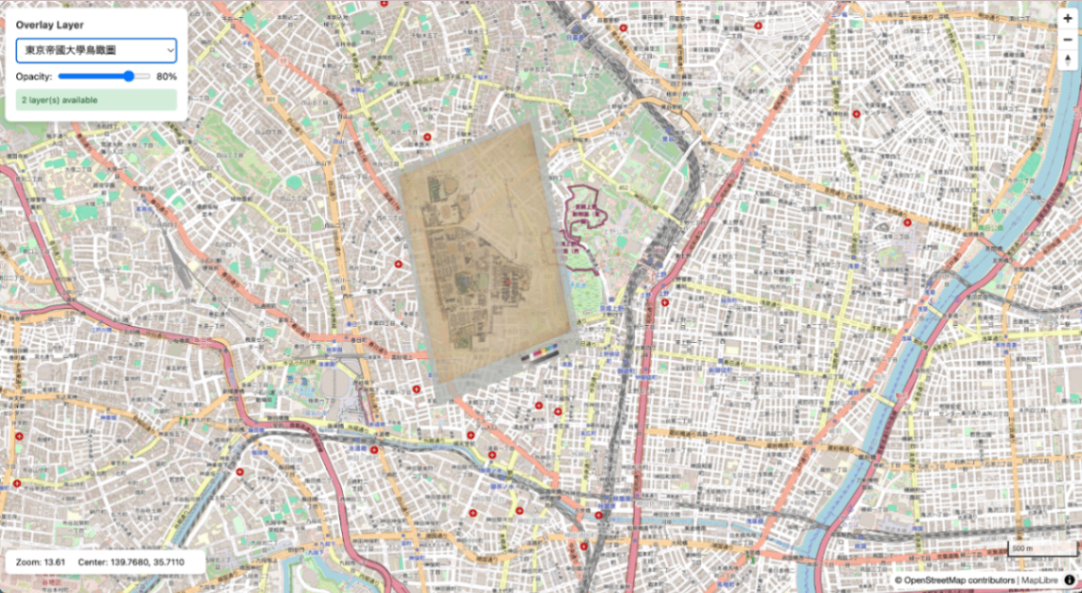
Bird’s-eye view map of the University of Tokyo overlaid on OSM
Overview
Prerequisites
- Docker / Docker Compose
- Python 3.x
- GDAL (
gdal_translate,gdalwarp,gdal2tiles.py) - Pillow (
pip3 install pillow) - mb-util
Installing GDAL
Installing mb-util
1. Project Structure
2. Docker Compose Configuration
docker-compose.yml:
3. Generating XYZ Tiles from IIIF Images
Use iiif-georef-tiles.
Both Canvas format and Manifest format are supported.
Example: Bird’s-eye View Map of the University of Tokyo
Both Canvas format and Manifest format are accepted as input. For Manifest format, the first Canvas is automatically extracted.
Processing flow:
- Fetch IIIF Georeference JSON (automatically extract Canvas for Manifest format)
- Download image from IIIF Image API (
full/maxto get maximum server size) - Embed all GCPs (gdal_translate)
- Coordinate transformation (gdalwarp, polynomial order obtained from JSON)
- Generate XYZ tiles (gdal2tiles.py)
4. Converting XYZ Tiles to mbtiles
To serve with TileServer GL, convert XYZ tiles to mbtiles format.
Important: Specify the --scheme=xyz option. Without it, the Y coordinates will be inverted and tiles will be displayed in the southern hemisphere.
Adding Metadata
The mbtiles generated by mb-util do not contain metadata, so add it manually:
Note: Do not add metadata such as scheme=xyz. mb-util internally stores Y coordinates in TMS format, and TileServer GL recognizes them as TMS format by default. Adding scheme=xyz will cause coordinate conversion to be skipped, resulting in tiles not being displayed correctly.
5. Starting TileServer GL
Verification
- TileServer GL: http://localhost:8888/
- TileJSON: http://localhost:8888/data/tokyo_utokyo.json
- Data list: http://localhost:8888/data.json
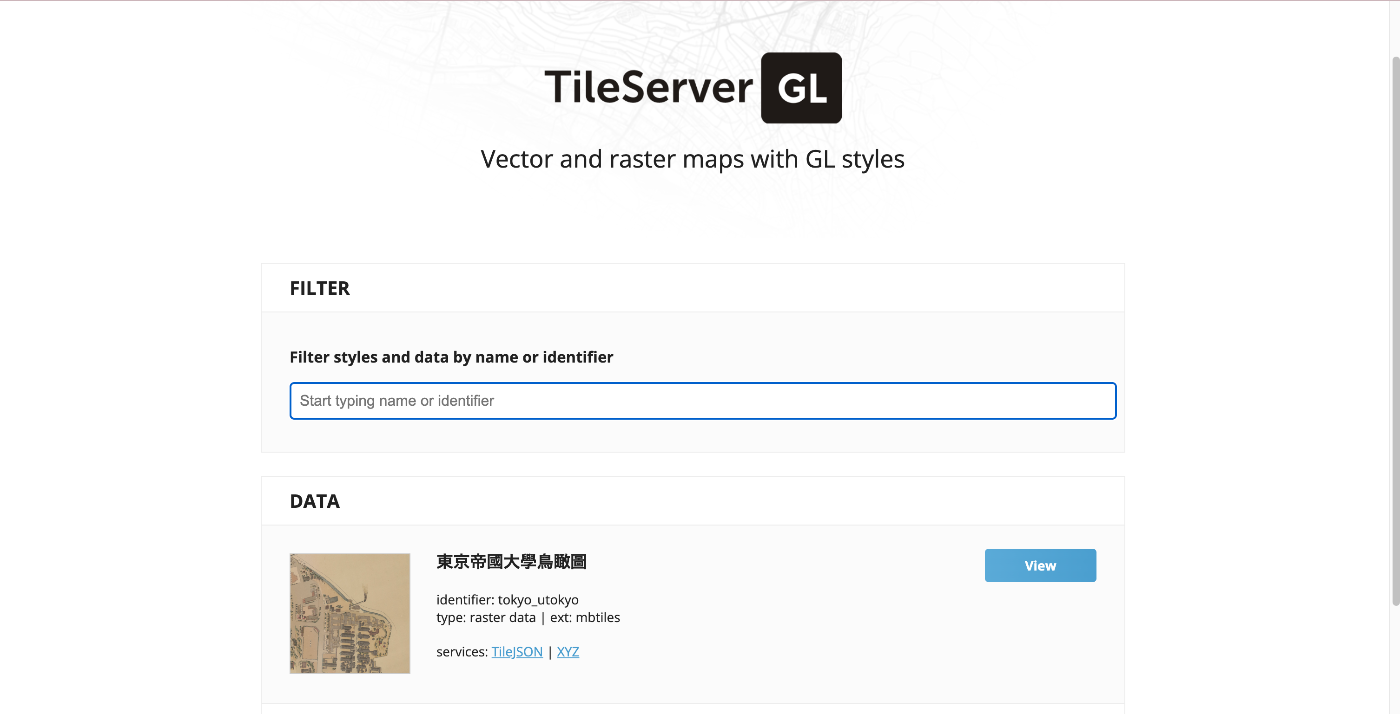
TileServer GL top page
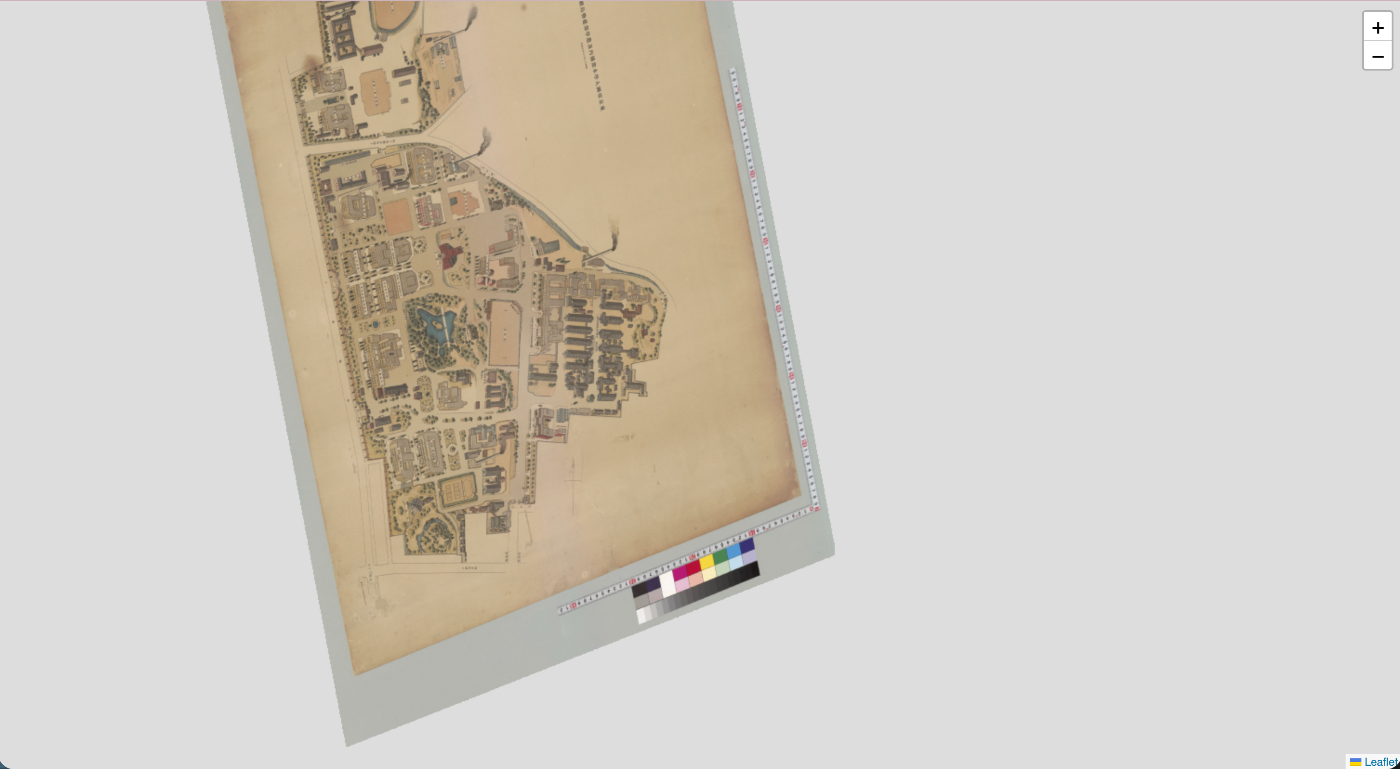
Data detail page (TileJSON information)
6. Displaying with MapLibre GL JS
Fetch tiles from TileServer GL and display them with MapLibre.
0
Adjusting Opacity
By adjusting opacity with a slider, comparison with the base map becomes easier.
| Opacity 100% | Opacity 50% |
|---|---|
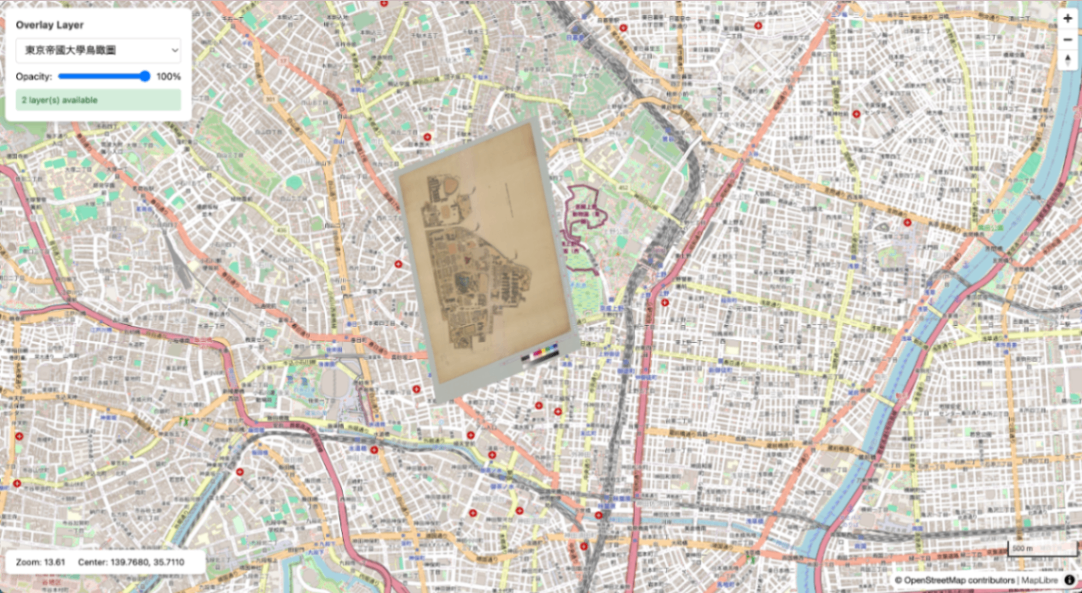 | 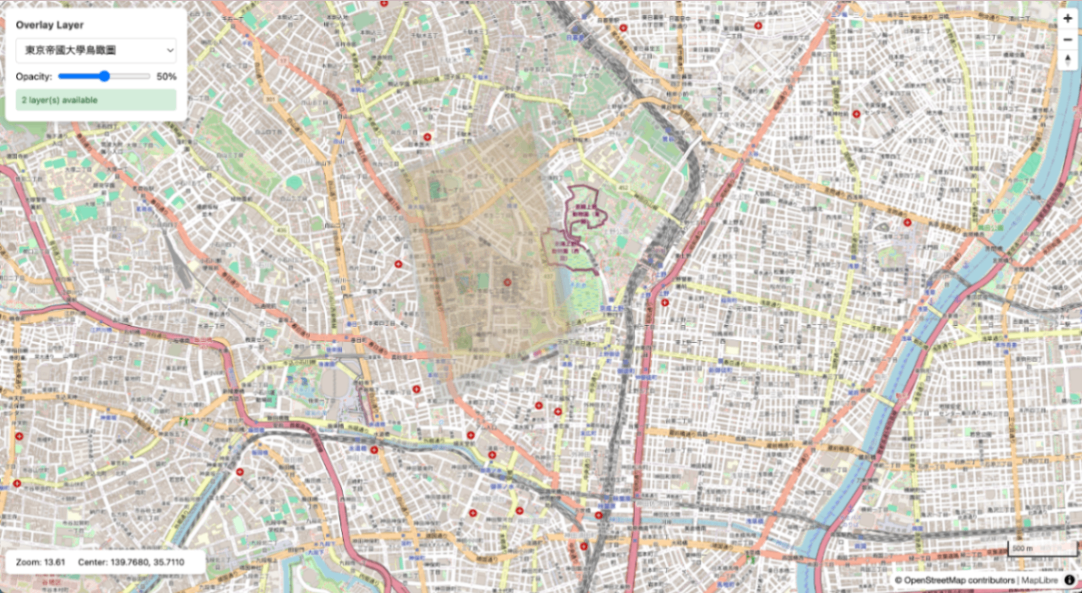 |
Basic Commands
1
Endpoints
| URL | Description |
|---|---|
| http://localhost:8888/ | TileServer GL top page |
| http://localhost:8888/data.json | Data source list |
| http://localhost:8888/data/{name}.json | TileJSON |
| http://localhost:8888/data/{name}/{z}/{x}/{y}.png | Tile retrieval |
| http://localhost:8889/ | MapLibre viewer |
