Overview
In Omeka S, visibility can be set at the field level (public/private). These are notes on how to achieve this in Drupal.
Installation
Configuration
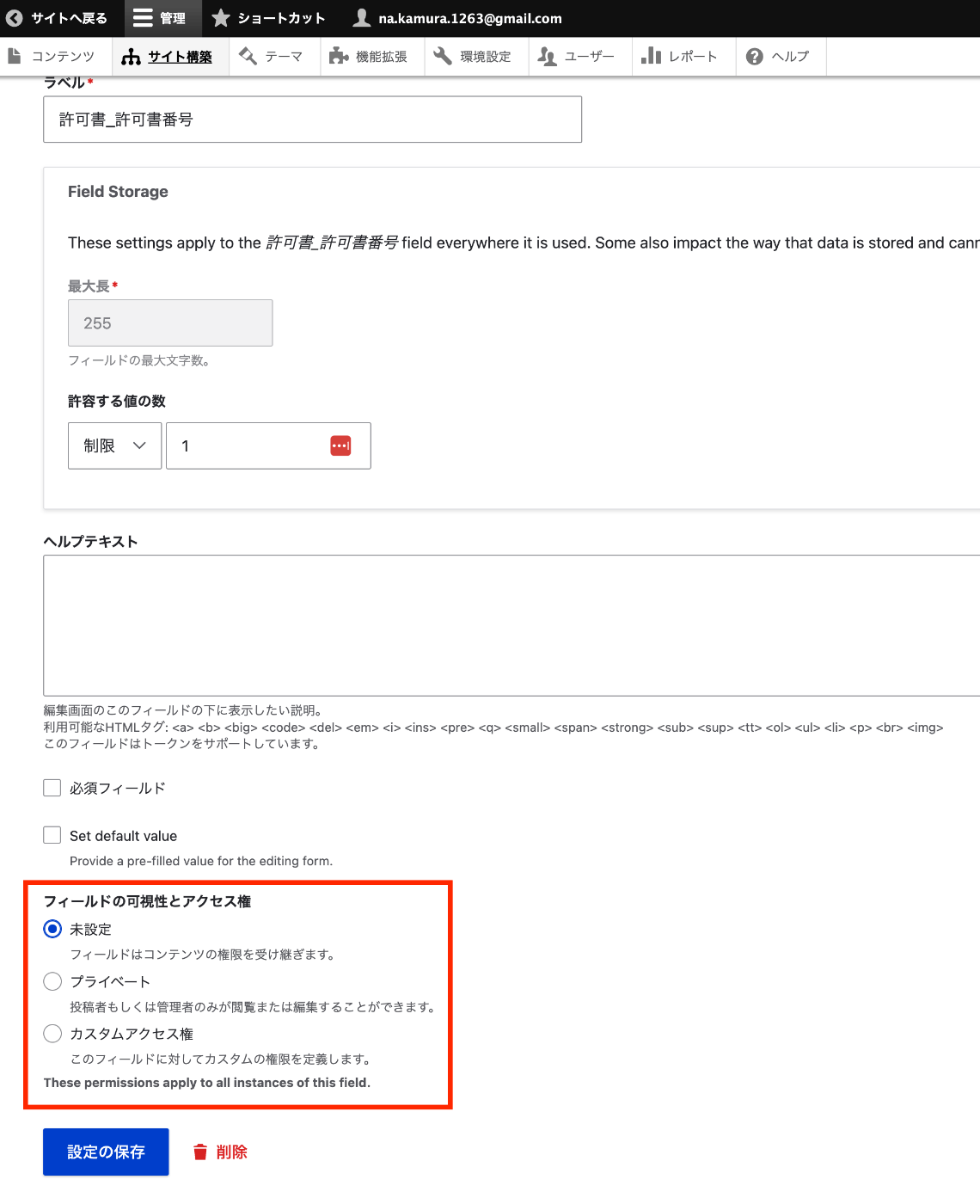
Navigate to the edit page for a specific field of a content type, such as:
/admin/structure/types/manage/bib_1/fields/node.bib_1.field_003_permission_number
As shown below, you can configure the field visibility.
Programmatic Access
Field view permissions can be checked using the access function as follows.
Summary
There may be better approaches, but I hope this serves as a helpful reference for setting field-level visibility in Drupal.