Overview
Versioning Machine (VM5.0) is an application for visualizing textual variant information.
This article explains how to use Visual Studio Code (VSCode) to display your own TEI/XML files in this application.
The target TEI/XML files contain variant information described using the <listWit> tag, as shown below:
As described later, this article uses text data from a letter with Goethe’s autograph held in the University of Tokyo General Library, which is publicly available at the following link:
https://utda.github.io/goethe/data/xml/goethe.xml
Downloading the Source Code
Access the following page:
http://v-machine.org/download/
Then click “Click here” as shown below:
Click here to download the latest or earlier versions of the Versioning Machine.
A Google Form will appear as shown below. Fill in the required fields and submit:

The following page will be displayed:

Clicking the link on the page above will navigate to the following page, where you can find a link to download the zip file:

Visual Studio Code
Extract the downloaded zip file. Then open Visual Studio Code, click the “Explorer” icon on the left side of the screen, and click the “Open Folder” button.
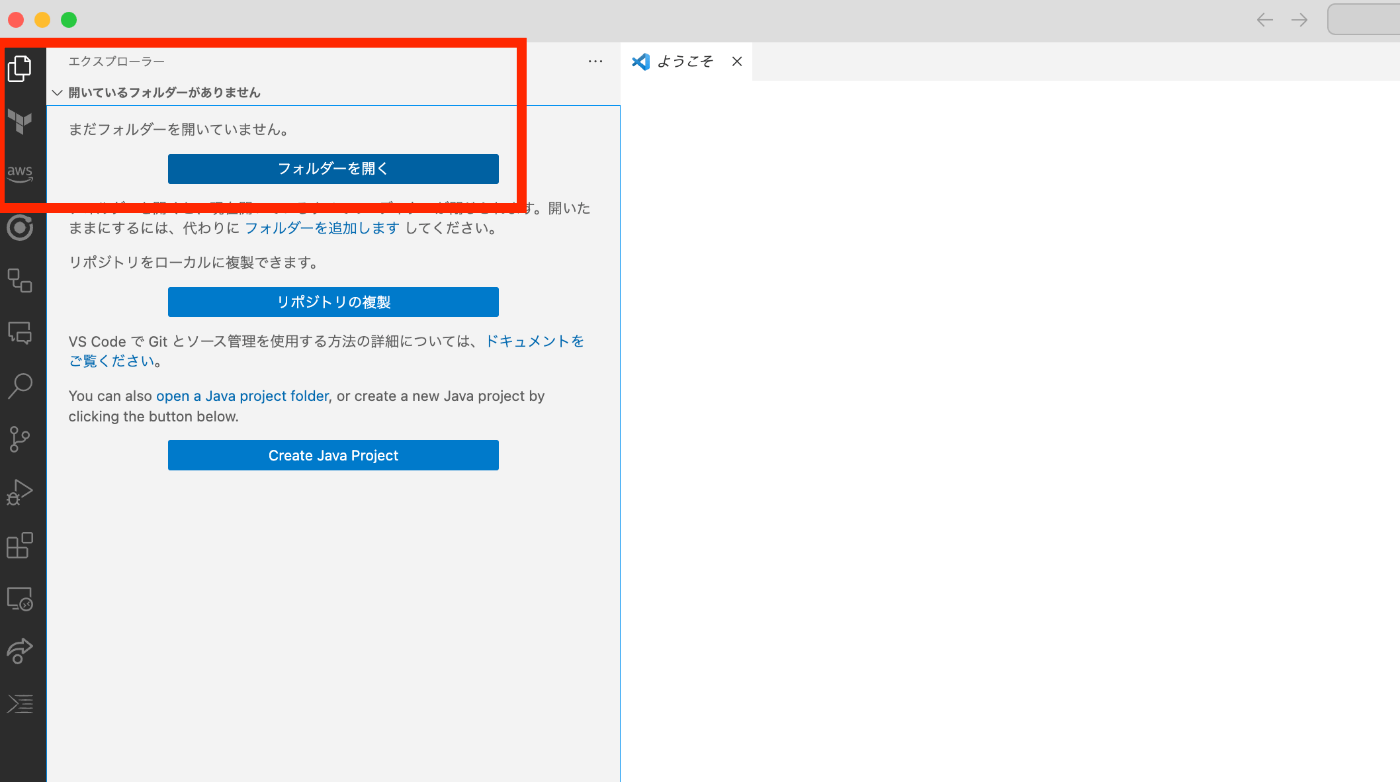
You should now have the Versioning Machine folder open in VSCode as shown below:
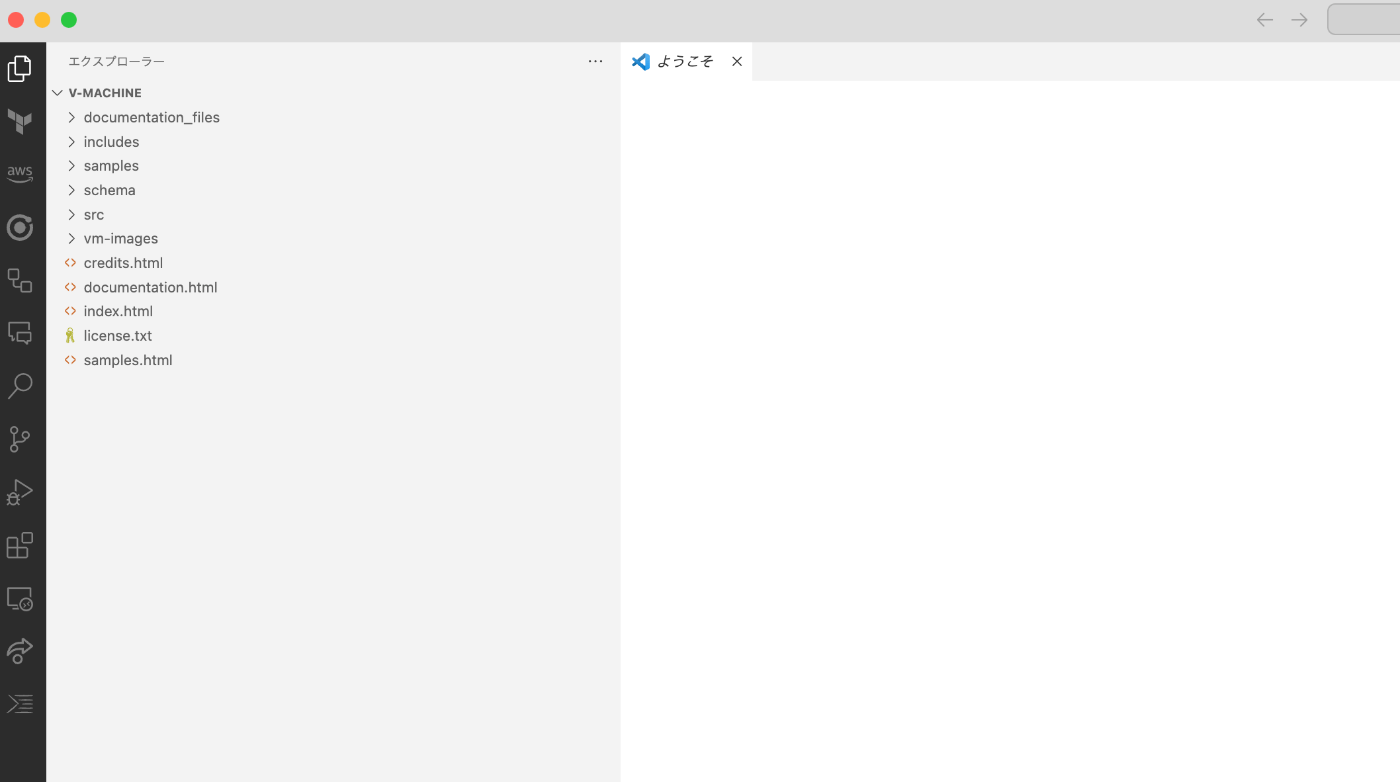
Installing the “Live Server” Extension
In this article, we use the VSCode extension “Live Server” to start a local server.
Click the “Extensions” icon on the left side of the screen and type “live server” in the search field.

After installing this extension, the text “Go Live” will appear in the bottom-right corner of the screen.

Clicking it will open the browser at a URL like http://127.0.0.1:5500/index.html.
Versioning Machine
Versioning Machine will start as shown below:

You can view display examples from “Sample Texts” in the menu bar. For example, clicking the following link:

will open the following page at a URL like http://127.0.0.1:5500/samples/prophecy_of_merlin.xml:
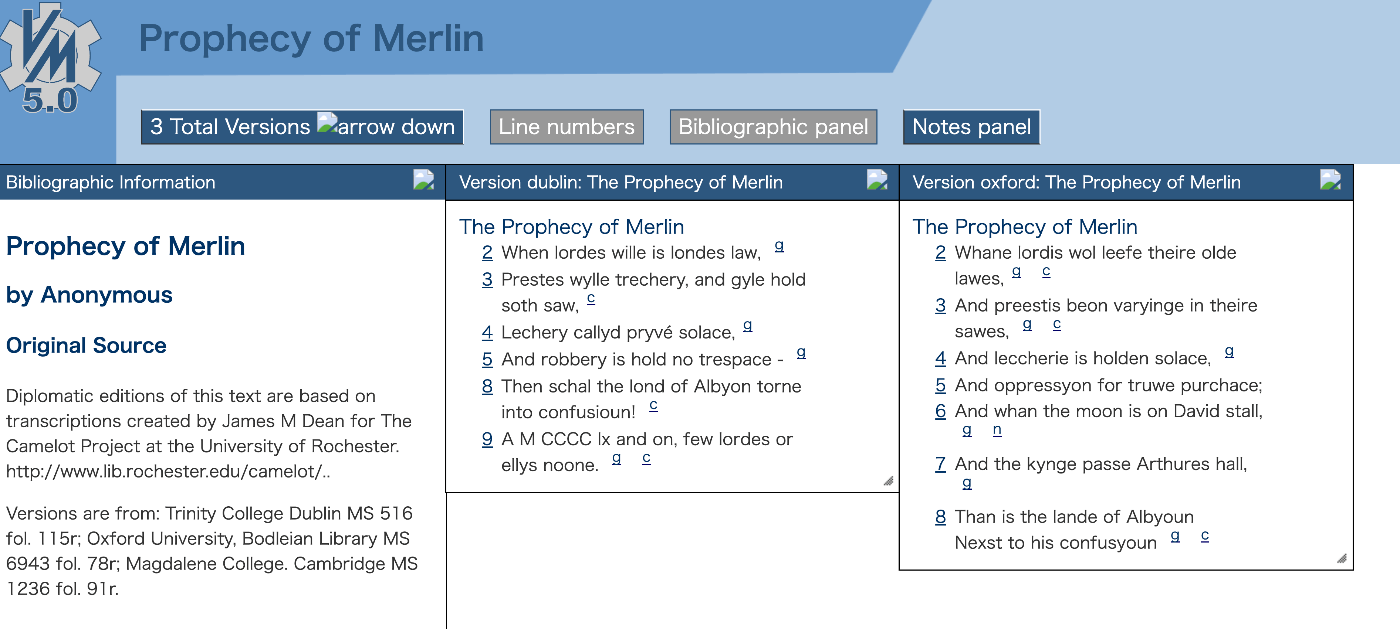
The above is an example of displaying the prophecy_of_merlin.xml file inside the samples folder. Using such sample files as reference, you can visualize your own files with Versioning Machine.
Using Your Own Files
Here we use text data from a letter with Goethe’s autograph held in the University of Tokyo General Library, which is publicly available at:
https://utda.github.io/goethe/data/xml/goethe.xml
Download this file and place it in the samples folder mentioned earlier.
Then add the following line: <?xml-stylesheet href="../src/vmachine.xsl" type="text/xsl" ?>.

As a result, you can visualize your own TEI/XML by accessing a URL like:
http://127.0.0.1:5500/samples/goethe.xml

Additional Notes
In the screen above, some image links are broken.
To fix this, perform the following string replacements in the src/vmachine.xsl file:
| Original string | Replacement string |
|---|---|
| vmachine-Dateien/menuArrowUp.htm | ../vm-images/arrowup.png |
| vmachine-Dateien/menuArrowDown.htm | ../vm-images/arrowdown.png |
| vmachine-Dateien/closePanelButton.htm | ../vm-images/closePanel.png |
As a result, the display will render correctly without broken links:

Summary
By uploading the folder created in this tutorial to a server, you can also make it publicly available.
I hope this serves as a useful reference for using Versioning Machine.
I would also like to express my gratitude to the people who provide Versioning Machine.