Overview
This article introduces one approach for bulk deleting collections in Omeka Classic. In Omeka Classic (Version 3.1.1), there is no GUI for selecting and deleting multiple collections at once. However, this functionality is available for items.
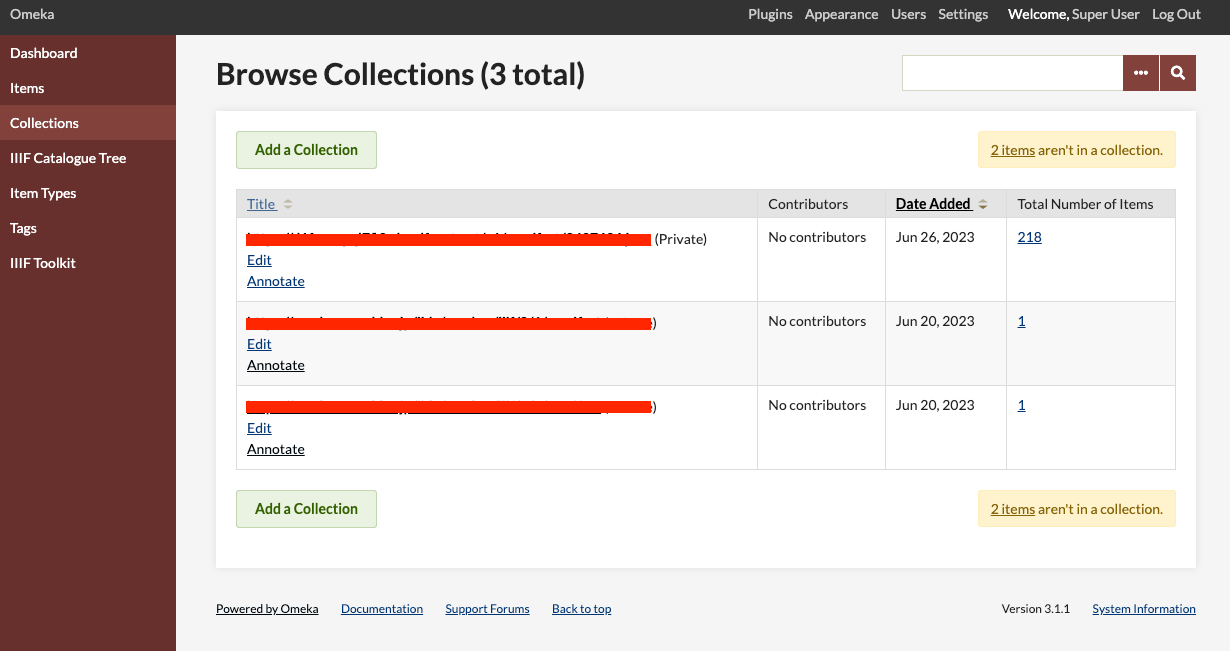
Therefore, we will use the API to perform bulk deletion of collections.
Obtaining the API Key
Follow the instructions below to enable the API and generate an API key:
https://omeka.org/classic/docs/Admin/Settings/API_Settings/
Specifically, first access the following page:
/admin/settings/edit-api

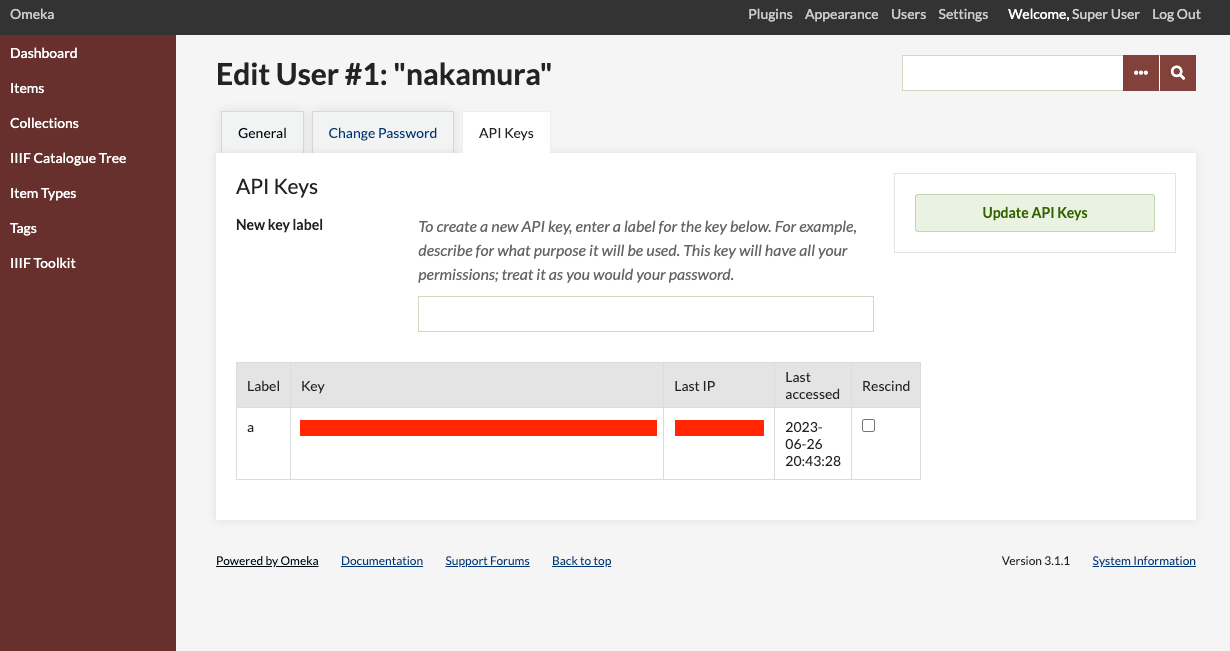
Then navigate to the page for each user and select the “API Keys” tab. Generate an API key from “New key label”.
/admin/users/api-keys/1
Python Script
You can perform bulk deletion of collections using the following Python script. In this example, only collections with zero items are deleted.
Summary
I hope this serves as a useful reference for bulk deleting collections in Omeka Classic.