Overview
When performing bulk data registration using Omeka S’s BulkImport, you can configure various settings for the registration method.
While these settings can be configured each time you upload, using pre-registered settings can help reduce errors made by operators.
Here, I introduce a configuration example for bulk registration when associating IIIF images with already registered items.
Item Example
Create an item with sample as the dcterms:identifier as shown below:

Configuration
Access the following page:
/admin/bulk/bulk-import
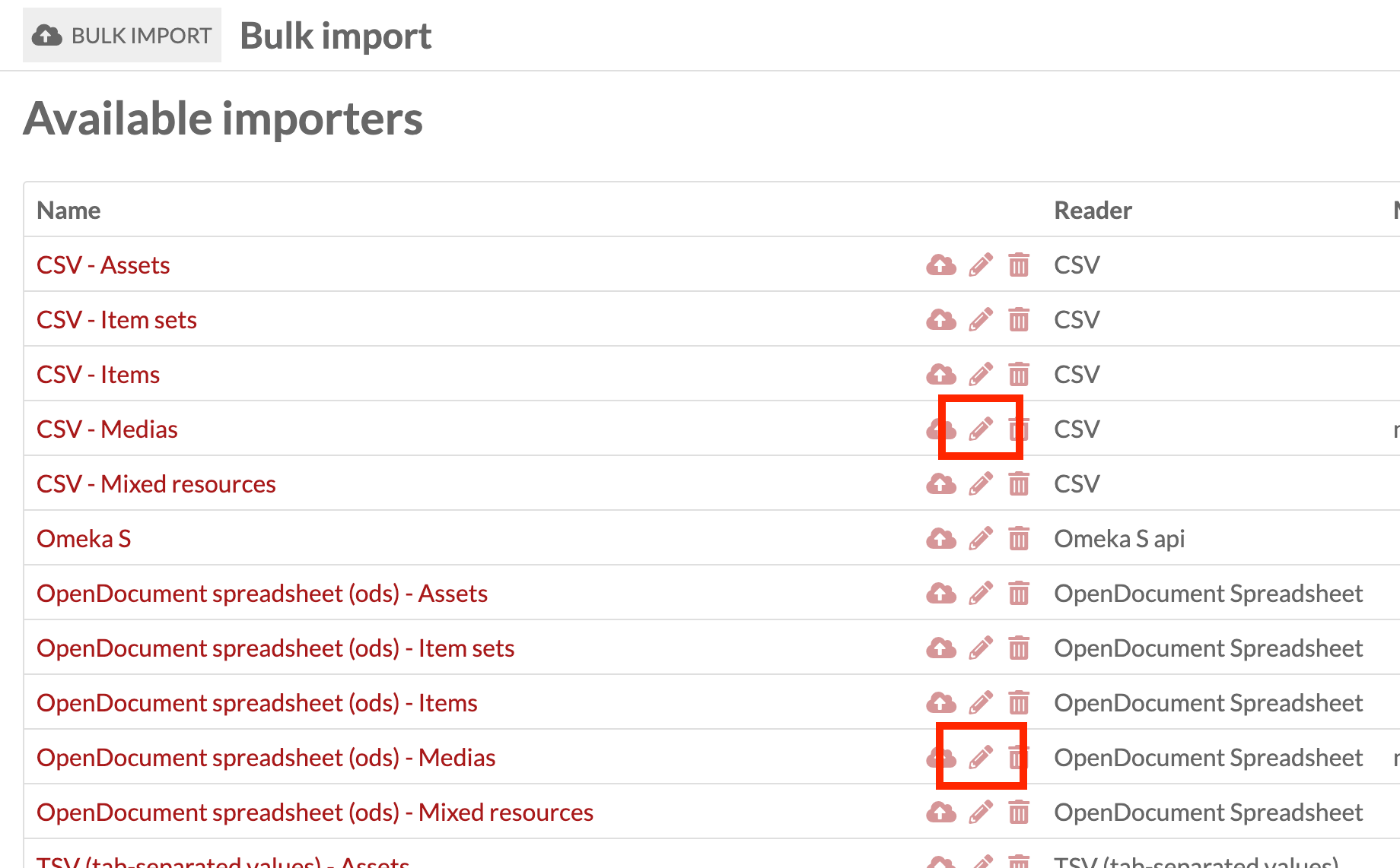
Click the edit icon for “CSV - Medias” or “OpenDocument spreadsheet (ods) - Medias” depending on the format you want to register.
In the Importer tab, set the Mapper to Manual. This allows you to review the mapping results during registration and check for any mapping errors.

In the Processor tab, set “Identifier to use for linked resources or update” to dcterms:identifier. This allows you to specify the item to associate media with using dcterms:identifier in your CSV or ODS file.

Data Example
Prepare data like the following:
| iiif | o:item | dcterms:source |
|---|---|---|
| https://dl.ndl.go.jp/api/iiif/3437686/R0000001/info.json | sample | https://dl.ndl.go.jp/api/iiif/3437686/R0000001/info.json |
For how to specify items in CSV or ODS files, please refer to the following:
https://nakamura196.hatenablog.com/entry/2021/07/28/080952#アイテム
The mapping table is available here:
Registration
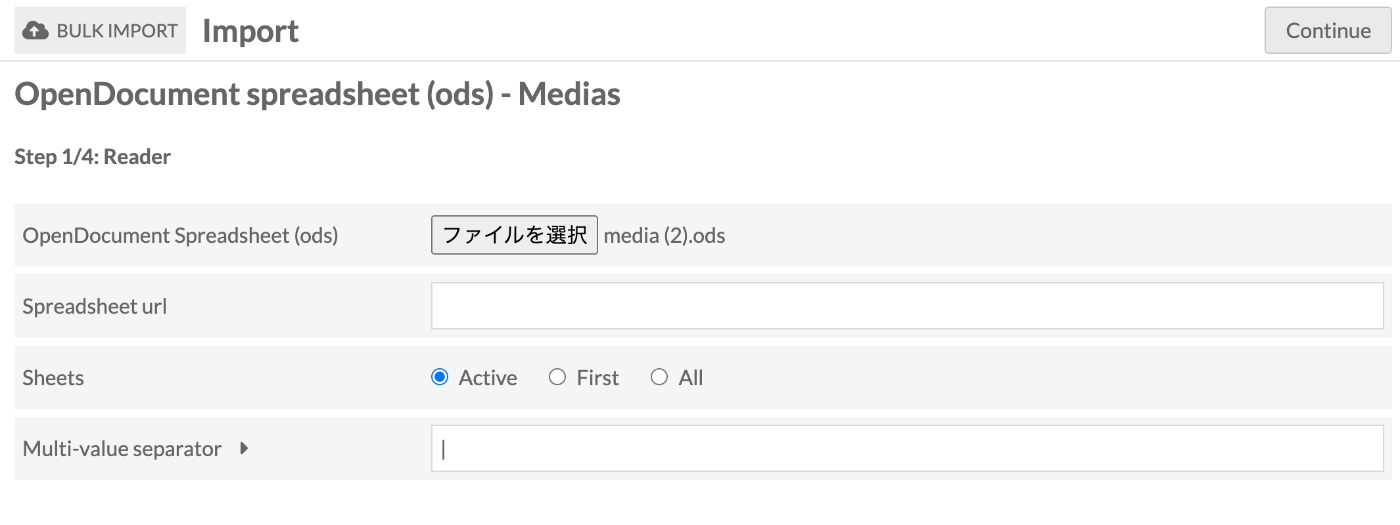
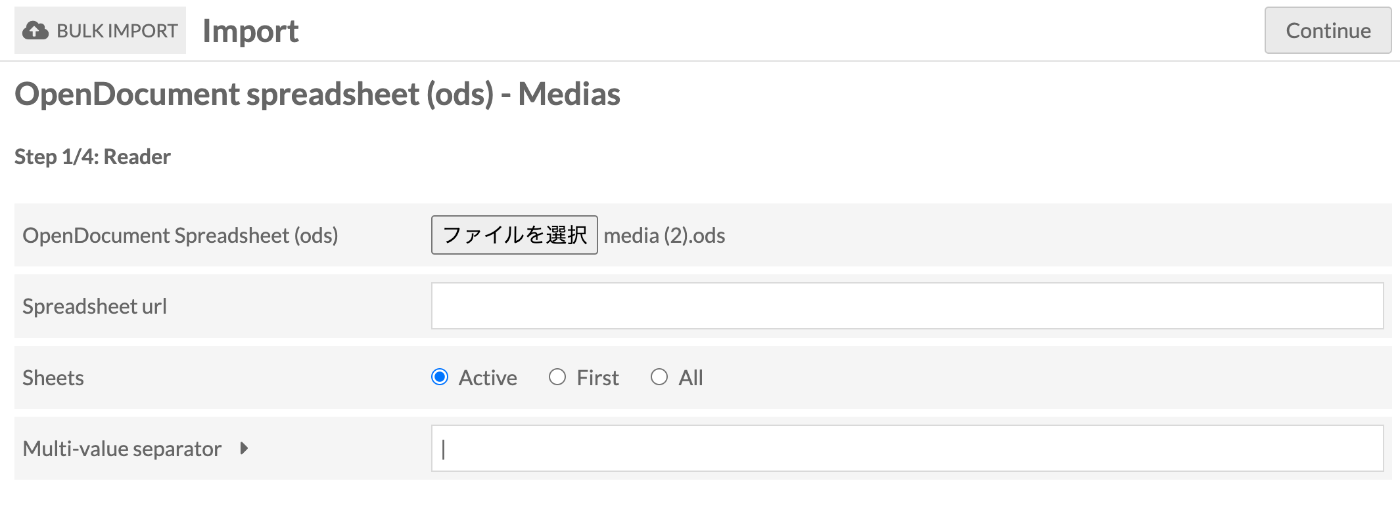
In Step 1/4: Reader, select the file.
(Generally no action needed) In Step 2/4: Mapper, verify that the number of resources to register and the mapping results are correct.
(Generally no action needed) In Step 3/4: Processor, verify that the value previously set for Identifier to use for linked resources or update is registered.

(No action needed) In Step 4/4: Confirmation, click the “Start import” button in the upper right corner.

As a result, the image was successfully registered as shown below:

Summary
The above is just one example configuration. Many other options are available, so I recommend customizing the pre-configuration according to your needs.
I hope this serves as a useful reference for bulk registration with Omeka S’s BulkImport, particularly for associating IIIF images with already registered items.