Overview
On the advanced search screen for each site built with Omeka S, users can select a property and search for specific values.
With the default settings, all properties registered in Omeka S are displayed, which can make it difficult to use.
This article introduces how to limit the properties shown as selectable options, as shown below:

This article targets Omeka S version 4.0.4.
Documentation
The relevant documentation can be found here:
https://omeka.org/s/docs/user-manual/sites/site_settings/#:~:text=Advanced search vocabulary members
Although not the latest version, a Japanese translation of the manual created by machine translation is available here:
Method
Access the following and select the Settings tab:
/admin/site/s/
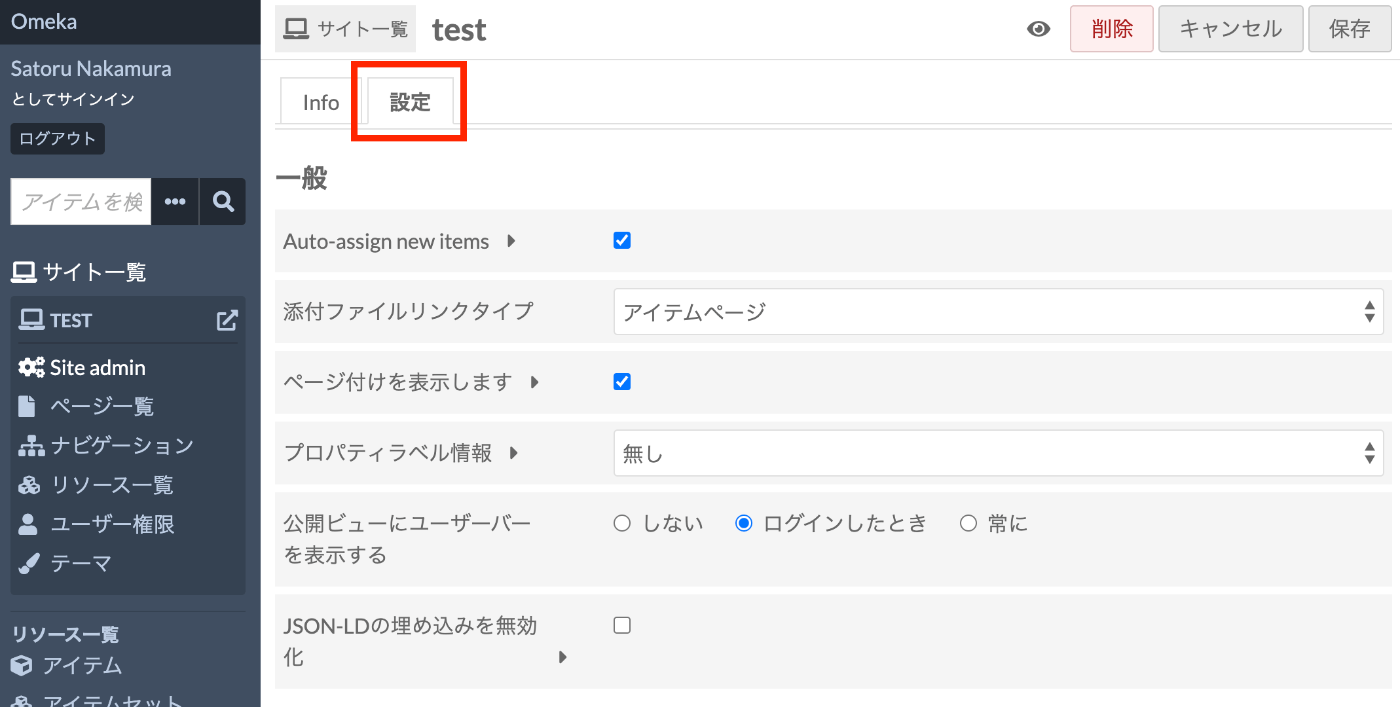
Under the section with the heading Search, there is an item called Advanced search vocabulary members.

Using this form, you can limit the properties available in advanced search.
Summary
The procedure may vary slightly depending on your Omeka S version, but I hope this serves as a useful reference.