Overview
I recently published a plugin for comparing annotations in Mirador 3:
https://github.com/nakamura196/mirador-compare-plugin
This time, I connected this repository with Zenodo.
As a result, a DOI is now automatically assigned each time a release is created:
https://zenodo.org/doi/10.5281/zenodo.10449856

Zenodo Configuration
Access the following and select the GitHub repository to link:
/account/settings/github/
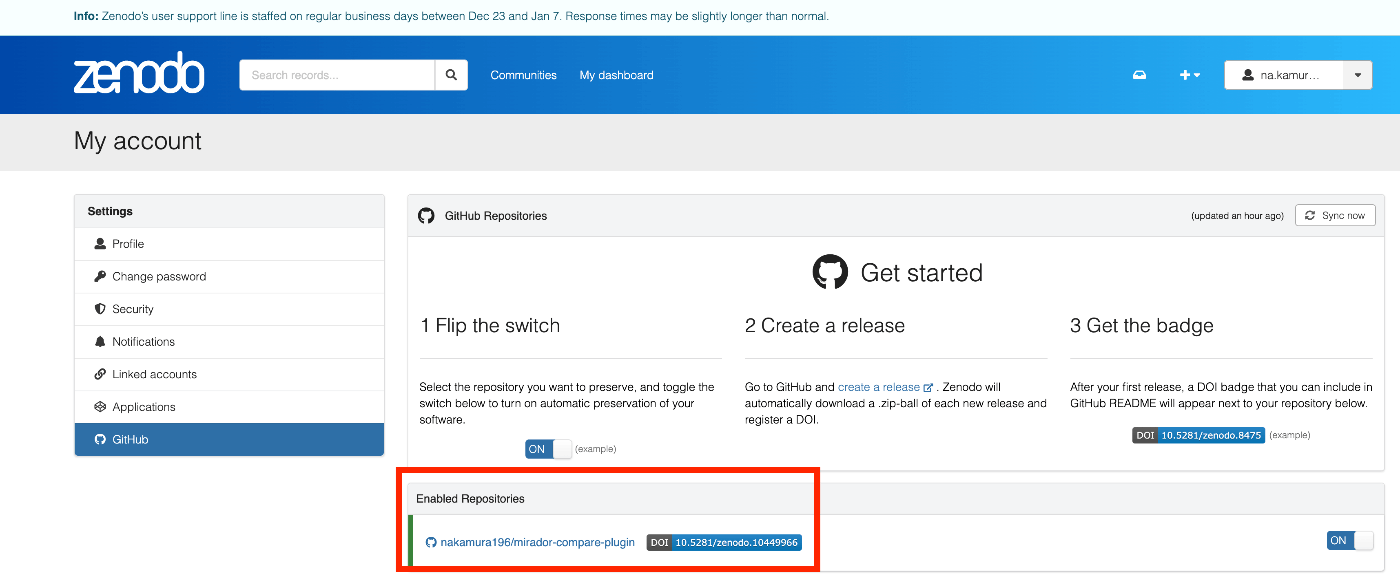
GitHub
The following is not required, but prepares the GitHub repository for integration with Zenodo.
Creating CITATION.cff
By creating this, the ORCID ID appears to be displayed under Creators:
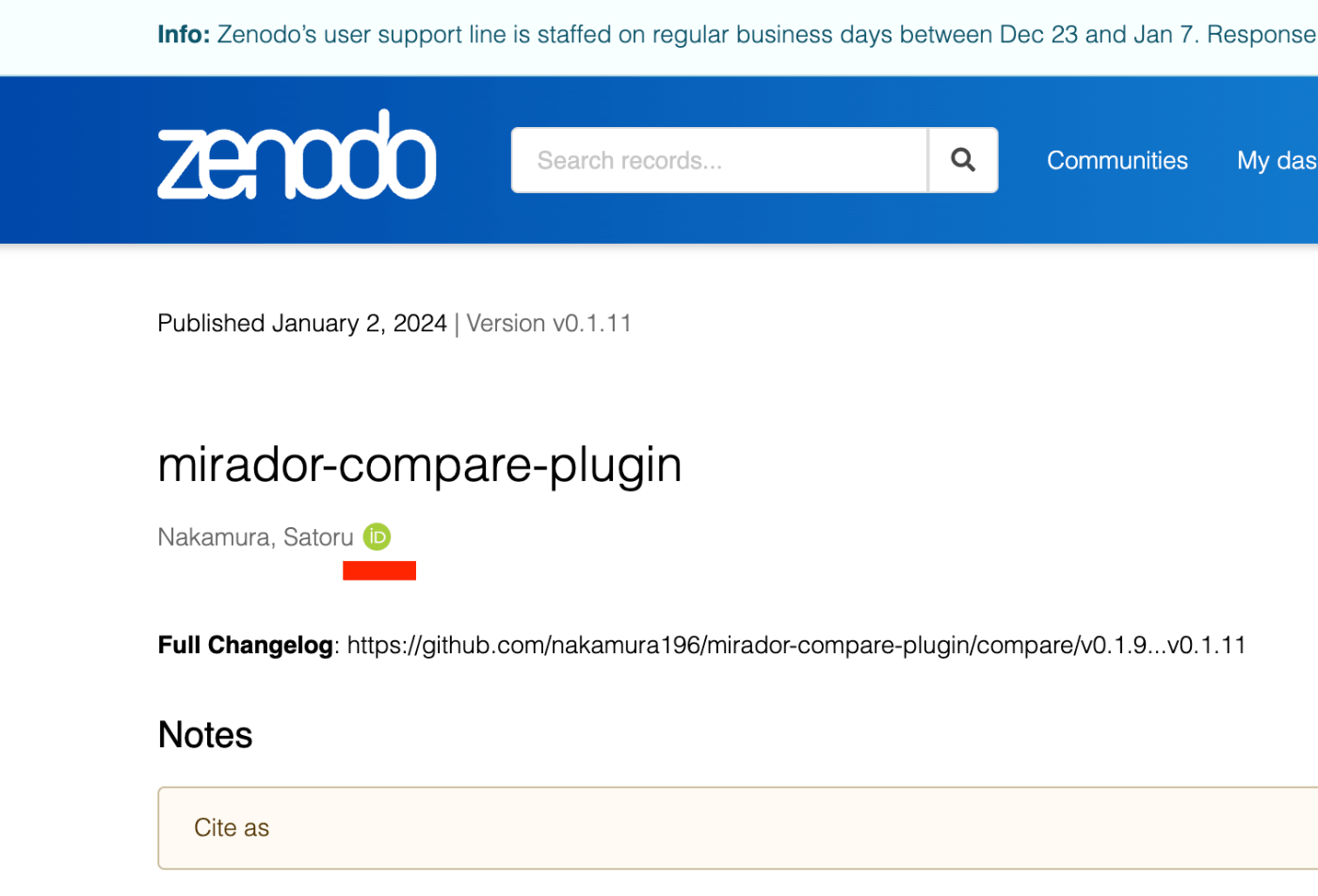
Specifically, create a file like the following:
https://github.com/nakamura196/mirador-compare-plugin/blob/main/CITATION.cff
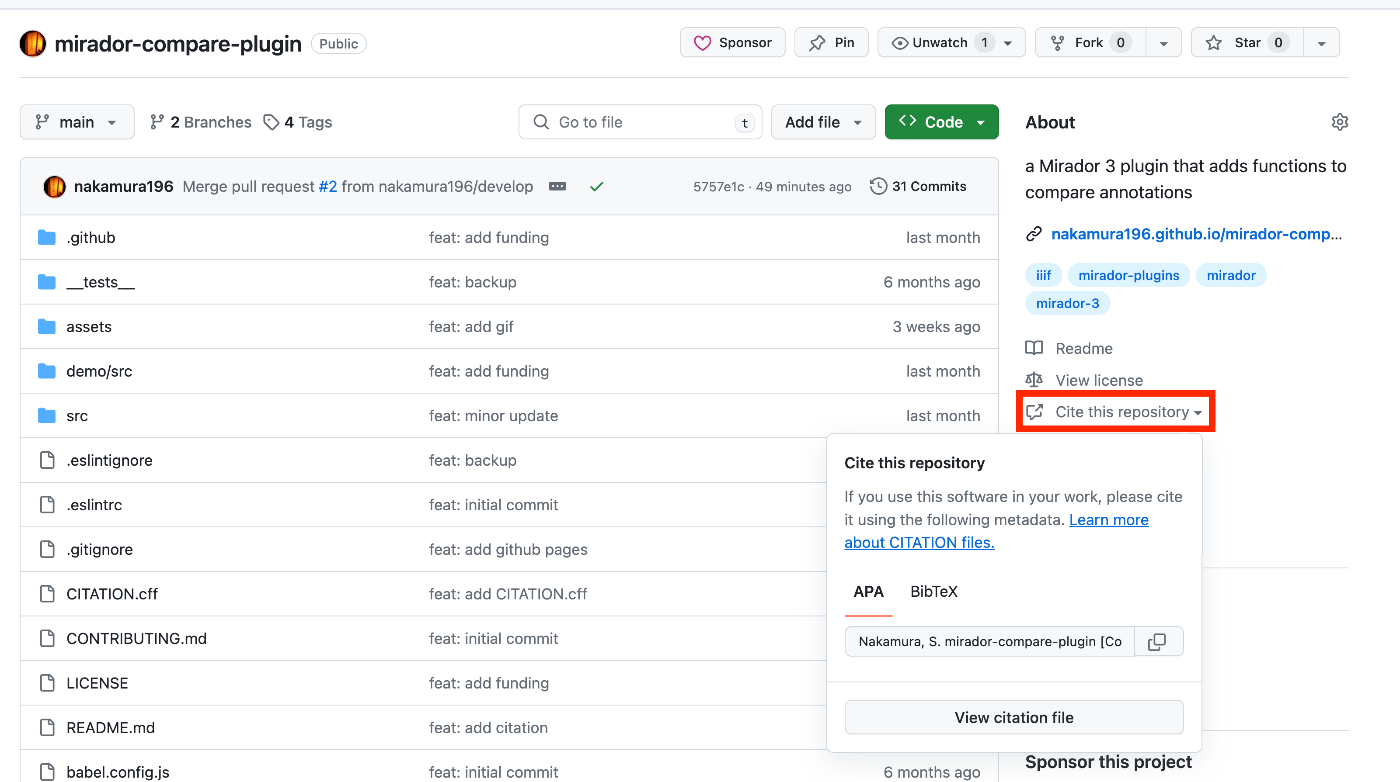
With this, “Cite this repository” now appears on the GitHub repository page:
Displaying a Badge
The following was helpful:
https://gist.github.com/seignovert/ae6771f400ca464d294261f42900823a
Access the following URL to get the id. In this case, it was 664611010:
https://api.github.com/repos/nakamura196/mirador-compare-plugin
Using this id, add the following to README.md:
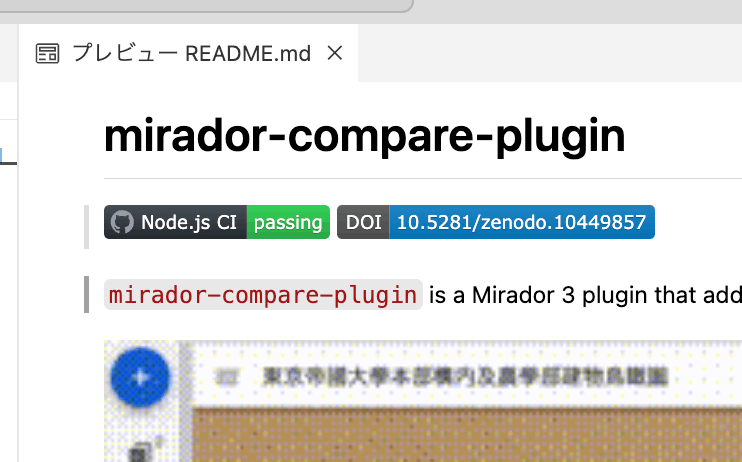
As a result, the badge is displayed as follows:
Adding Cite as to README.md
Referencing ResearchObject/ro-crate-py, I added a Cite as section to README.md.
At this point, by using the ID listed below, I was able to create a URL that redirects to the latest version:

Specifically, using the ID 10449856, I created the content to add to the README:
Creating a Release
Pull Request and Merge
Create a branch:
After pushing, run the following:
Release
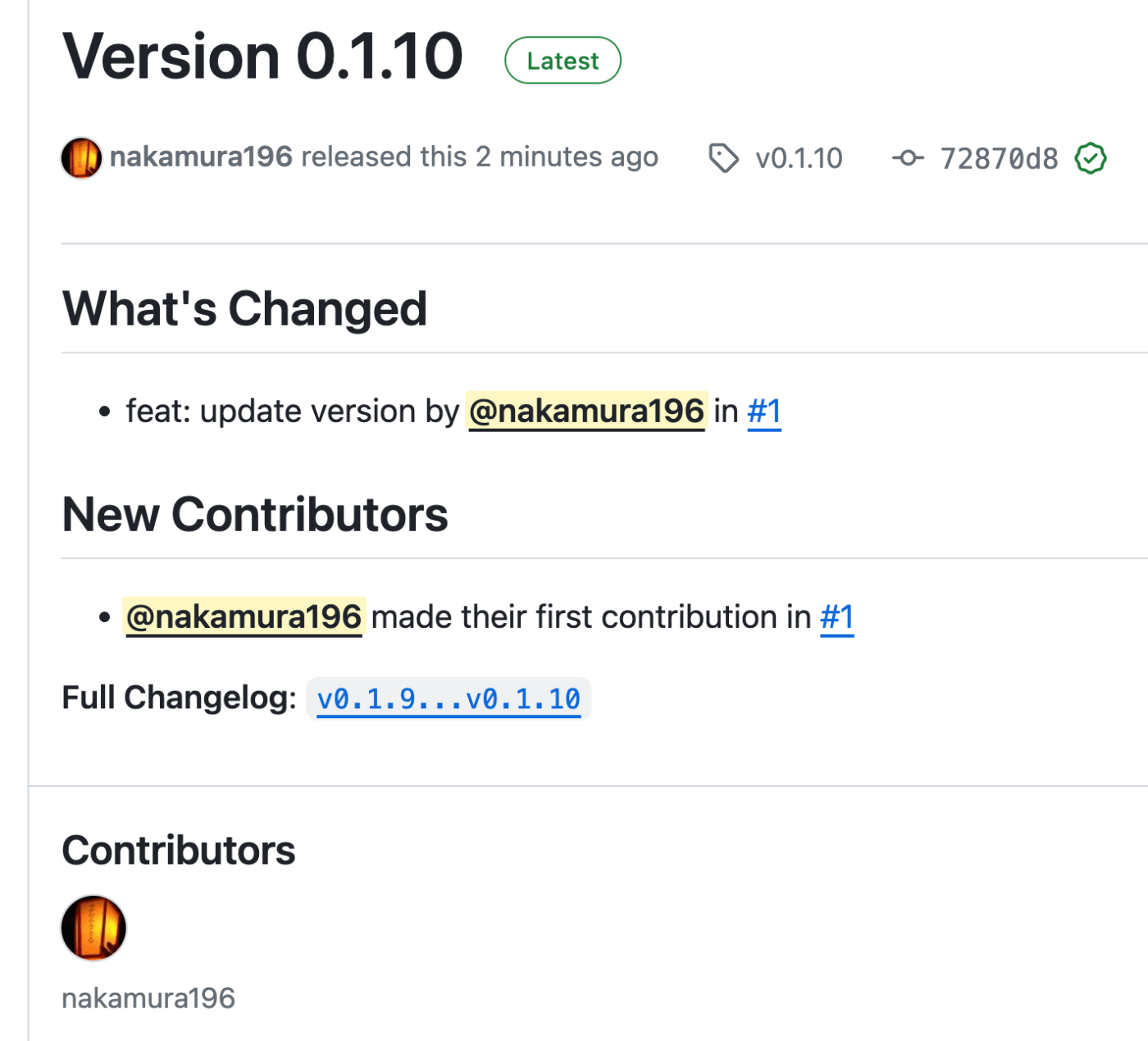
Selecting Write using generated notes as template above automatically creates text like the following:
Zenodo
The page was created as follows:
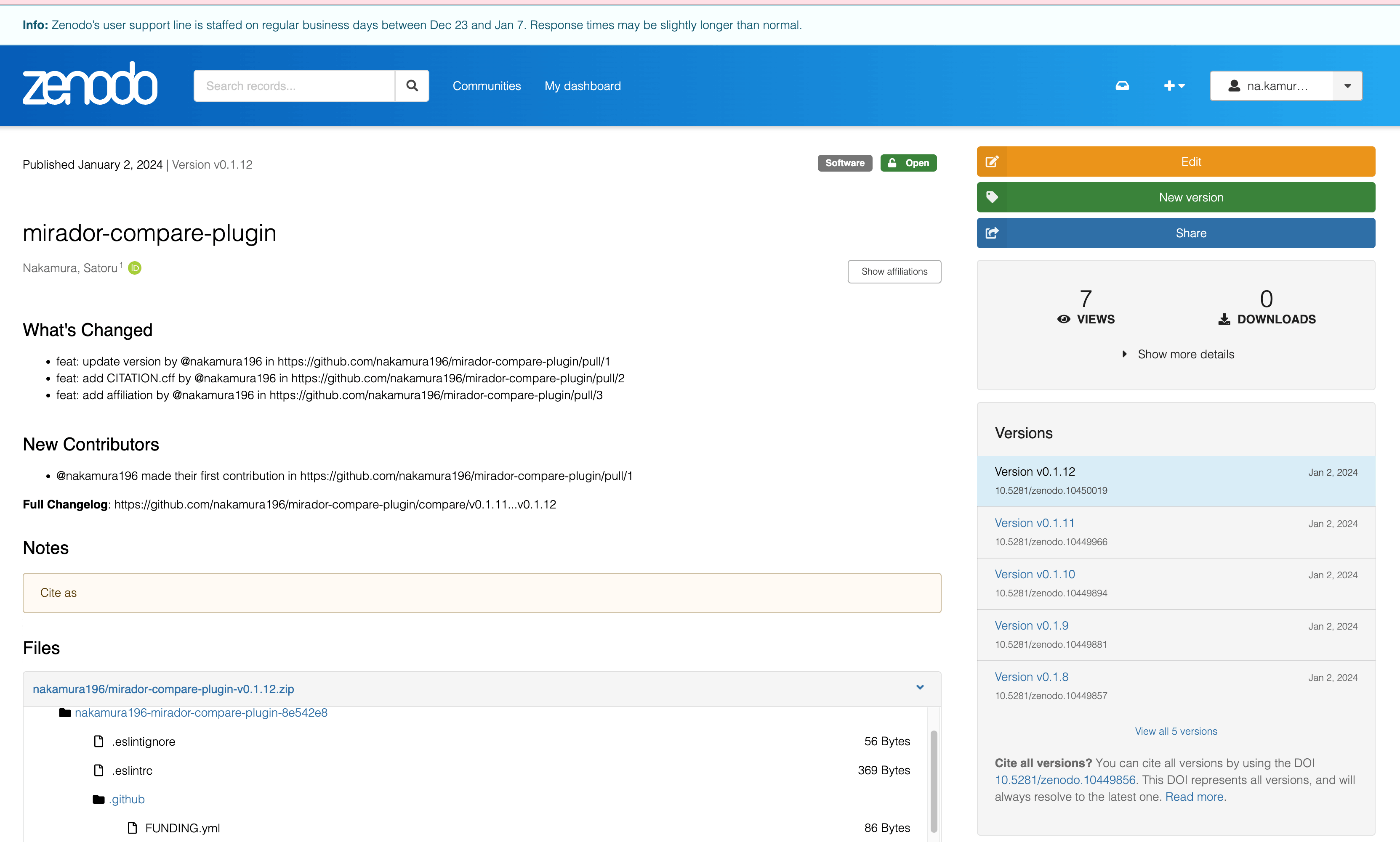
The Title and Creators appear to use values from CITATION.cff.
Without CITATION.cff registered, it displayed as follows, showing the GitHub repository name and username directly:

After registering CITATION.cff, it was registered including the ORCID ID and affiliations as follows:

Summary
I confirmed that Zenodo and GitHub are highly integrated. This should make it easier to cite software in academic papers.
I hope this serves as a useful reference.