Overview
Zotero is described as follows.
Zotero is a free, easy-to-use tool to help you collect, organize, annotate, cite, and share research.
These are notes on how to use Zotero.
From Identifiers
You can import from DOI as shown below.

Websites
Install the following Chrome extension “Zotero Connector.”
https://chromewebstore.google.com/detail/ekhagklcjbdpajgpjgmbionohlpdbjgc
Click the extension on the website you want to cite, and you can register it as shown below.

Creating References
You can create a bibliography from a collection.

For DH2024 and JADH2024, “Digital Humanities Abstracts” is likely specified as the citation style.
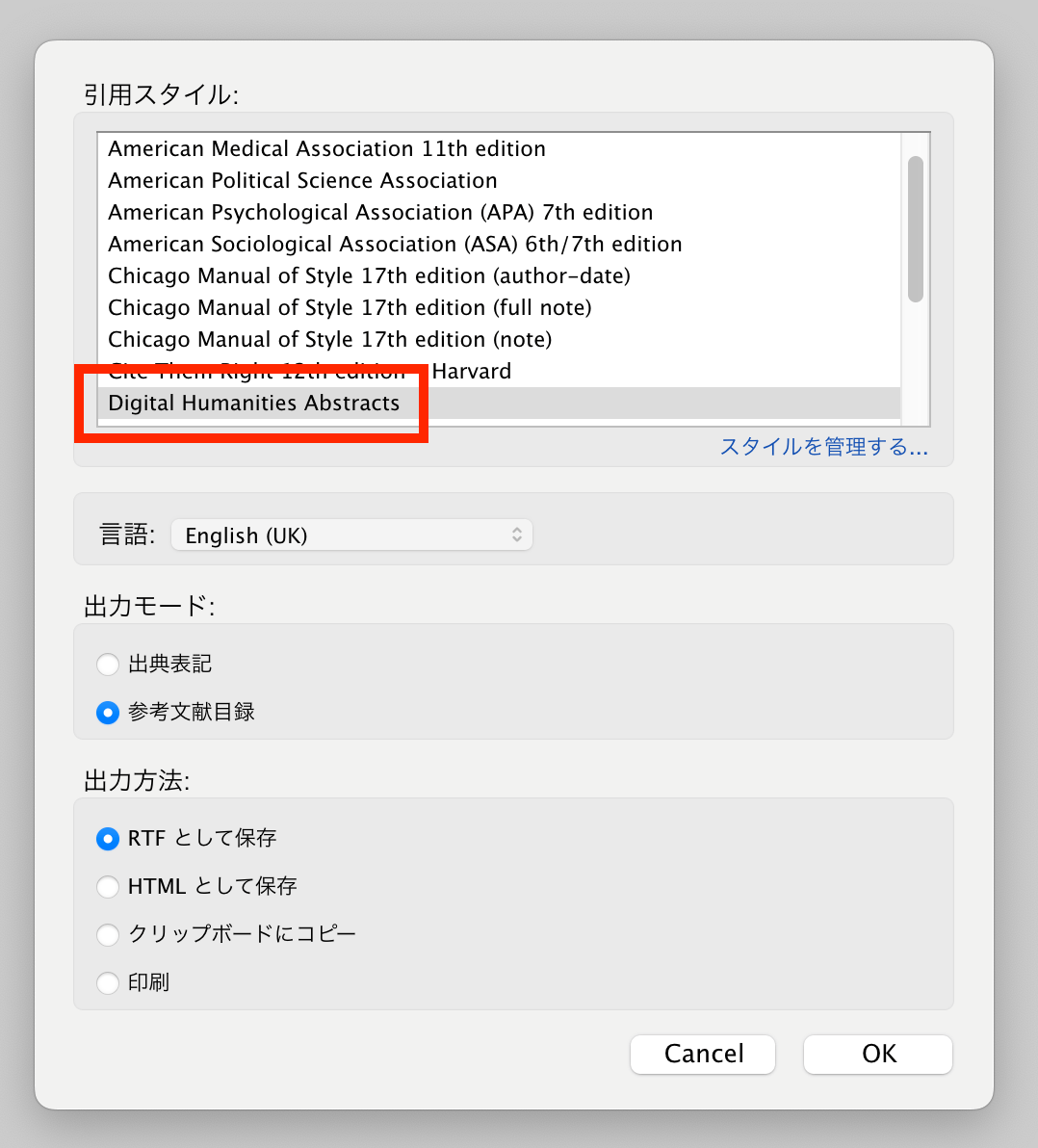
As a result, you can output a bibliography list as follows.

Installing the “Digital Humanities Abstracts” Citation Style
Download from the following link.
If Zotero Connector is installed, you can import the citation style as shown below.

Closing
I hope this serves as a useful reference.