Overview
The New York Public Library provides a Digital Collections API.
This article explains an example of how to use this API.
Sign Up
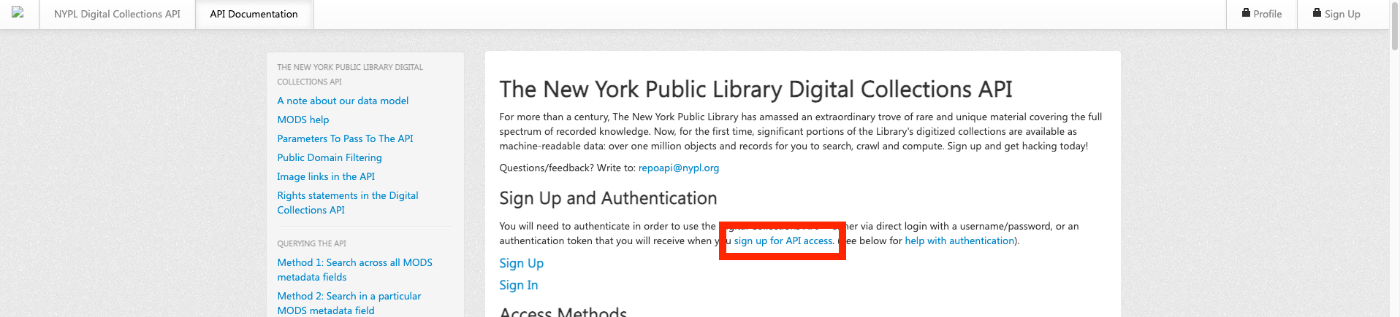
First, click the following link to sign up.
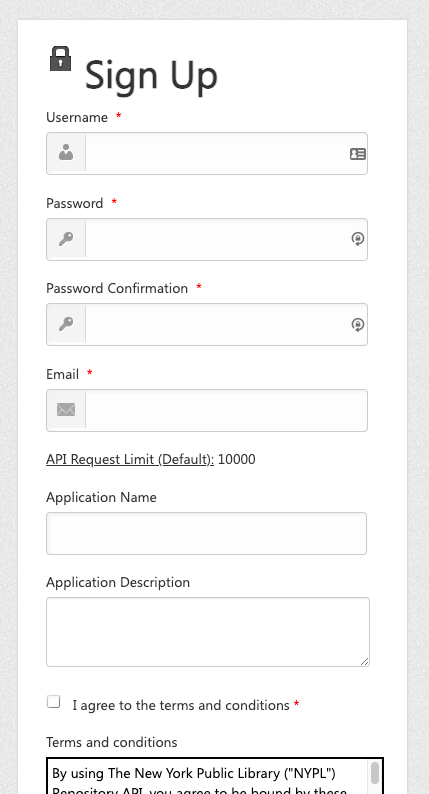
A form like the following will be displayed, so enter the required information.
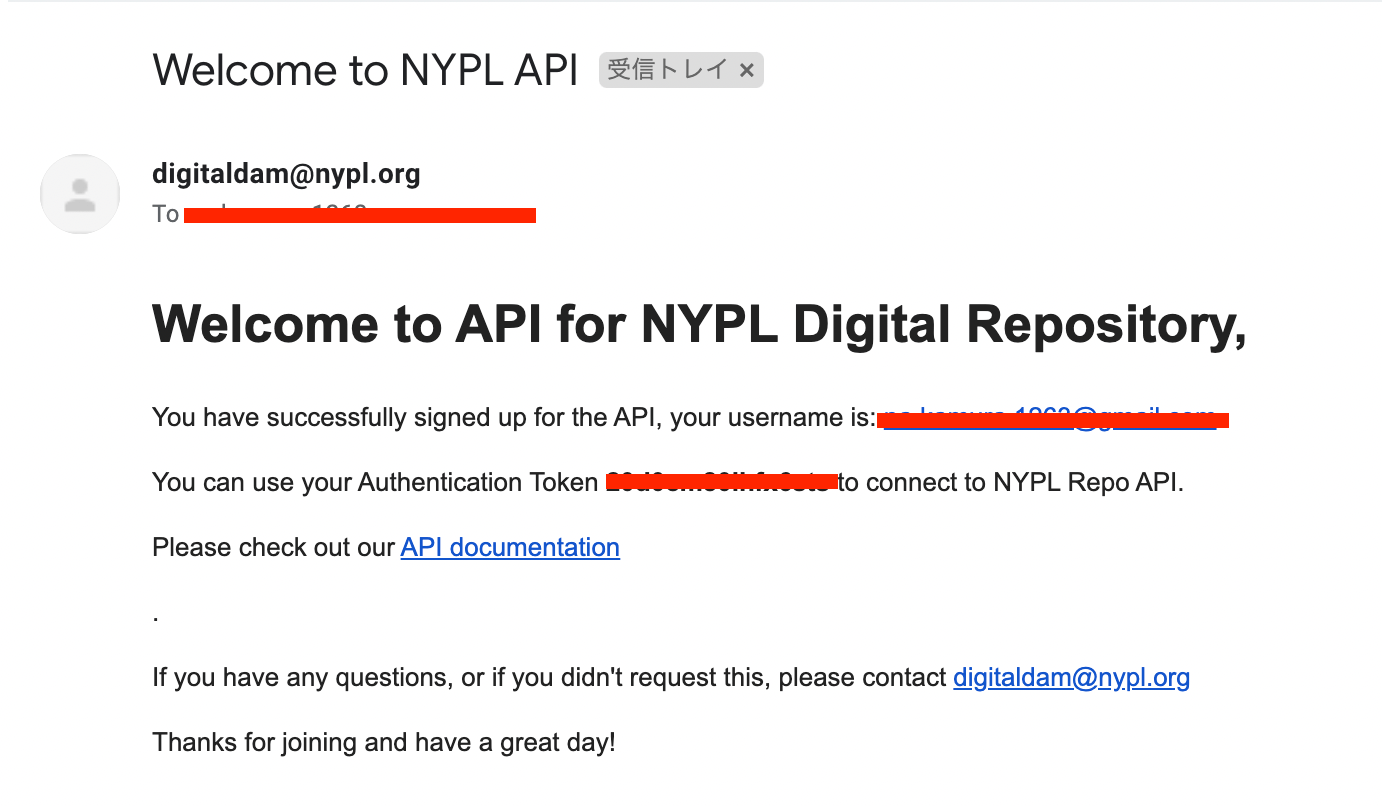
After entering your information, you will receive an email with the subject Welcome to NYPL API. This email contains the Authentication Token.
Extracting Metadata
The New York Public Library Digital Collections API provides various endpoints. This time, we’ll use the following endpoint to extract metadata for each item.
http://api.repo.nypl.org/api/v1/items/item_details/[:id]
Specifically, we’ll use the following item as an example.
https://digitalcollections.nypl.org/items/510d47e1-d3b0-a3d9-e040-e00a18064a99
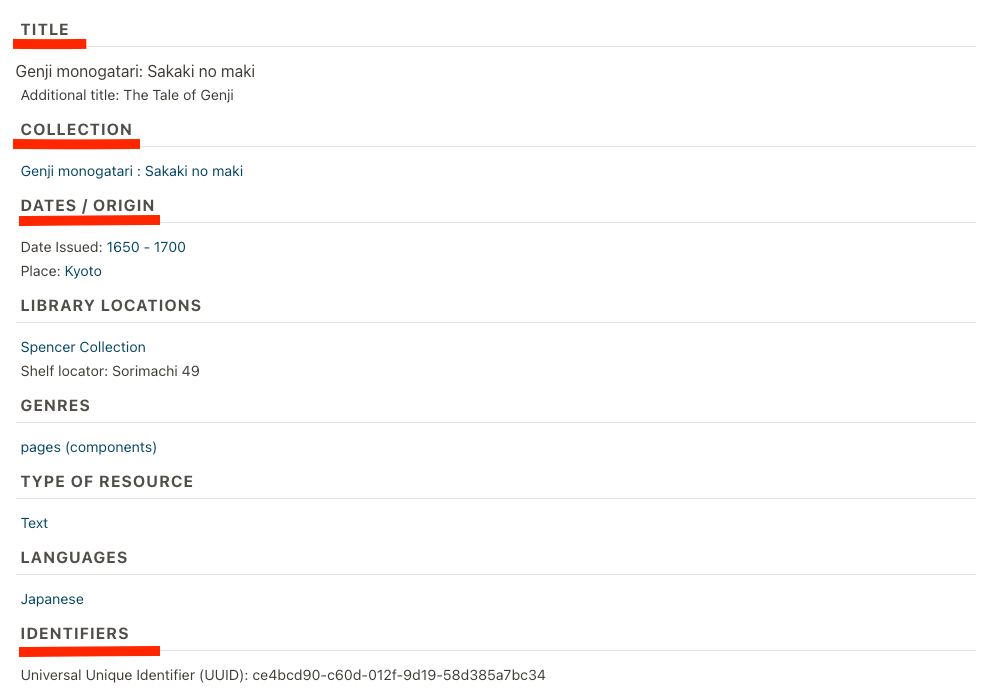
And we’ll attempt to extract the metadata shown below.
I created a sample program for metadata extraction in the following Google Colab. I hope it serves as a useful reference.
https://colab.research.google.com/drive/1sO9plTqraPwdBF61sArlD6k6pZRpfJL8?usp=sharing
Running the above program yields metadata such as the following.
Summary
I hope this serves as a useful reference for data utilization using APIs.