Overview#
I had the opportunity to try text annotation using Recogito, so this is a personal note for future reference.
Recogito is available at the following link.
https://recogito.pelagios.org/
It is described as follows.
Semantic Annotation without the pointy brackets. Recogito is an annotation tool for texts and images - not just for Digital Humanities scholars.
Sample Data#
We will use the following resource published by the National Diet Library as an example.
https://dl.ndl.go.jp/pid/2585164/1/1
How to Use#
Access Recogito and log in using the “Login” button in the upper right corner of the screen.

After logging in, click the “New” button on the left side of the screen and select “From IIIF manifest.”
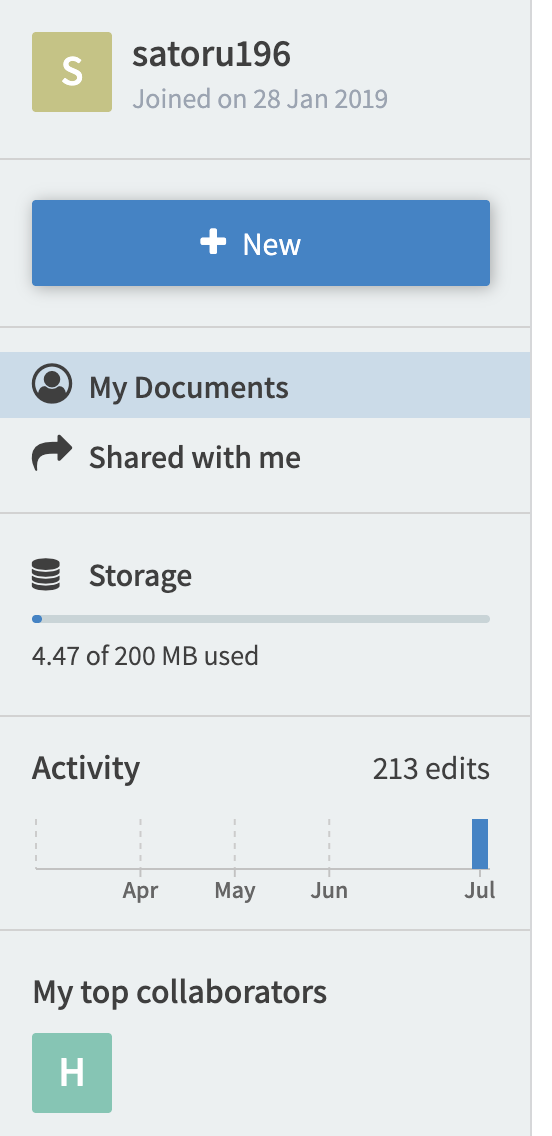
Enter the following manifest file to be used as sample data.
https://dl.ndl.go.jp/api/iiif/2585164/manifest.json
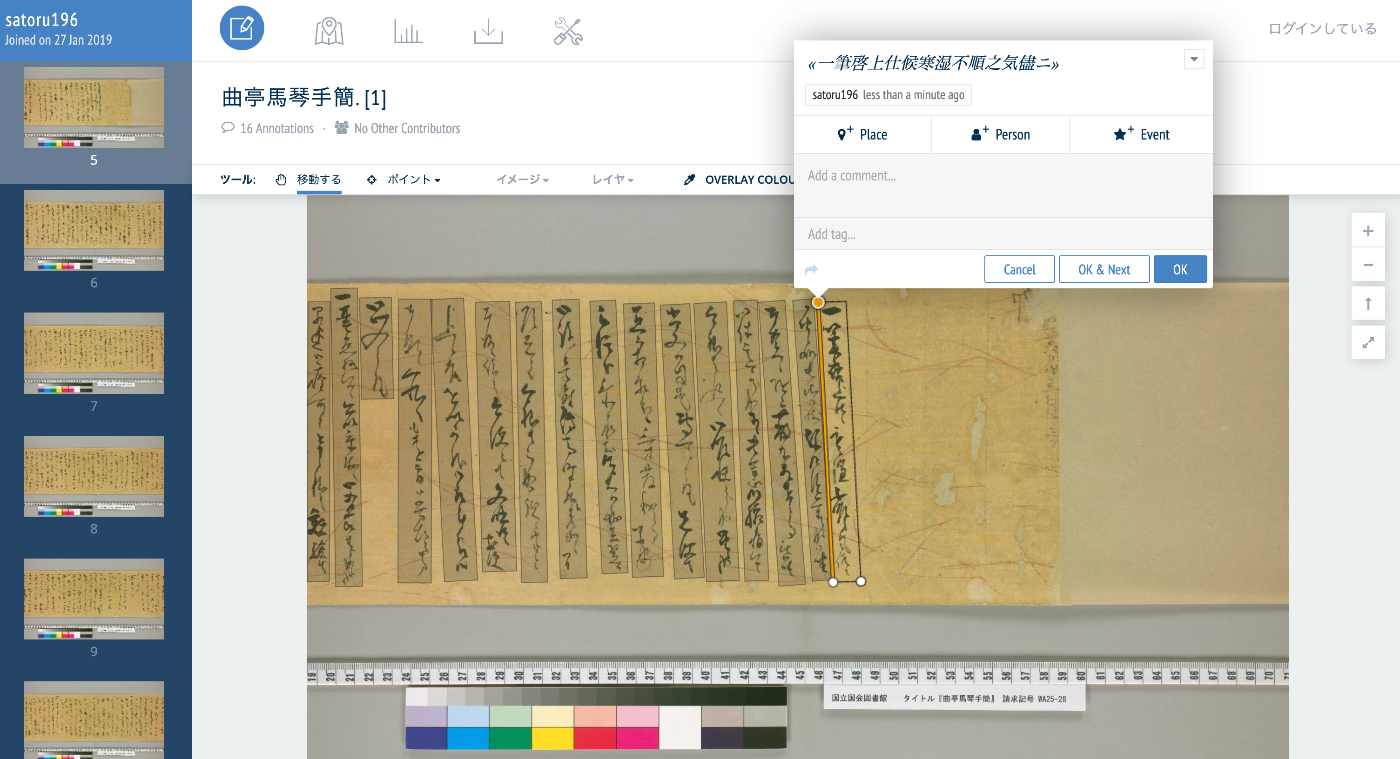
You will be taken to the editing screen as shown below.

Then, create a rectangle and enter text in the “Transcribe…” field.
Download#
You can export in various formats using the download icon at the top of the screen.
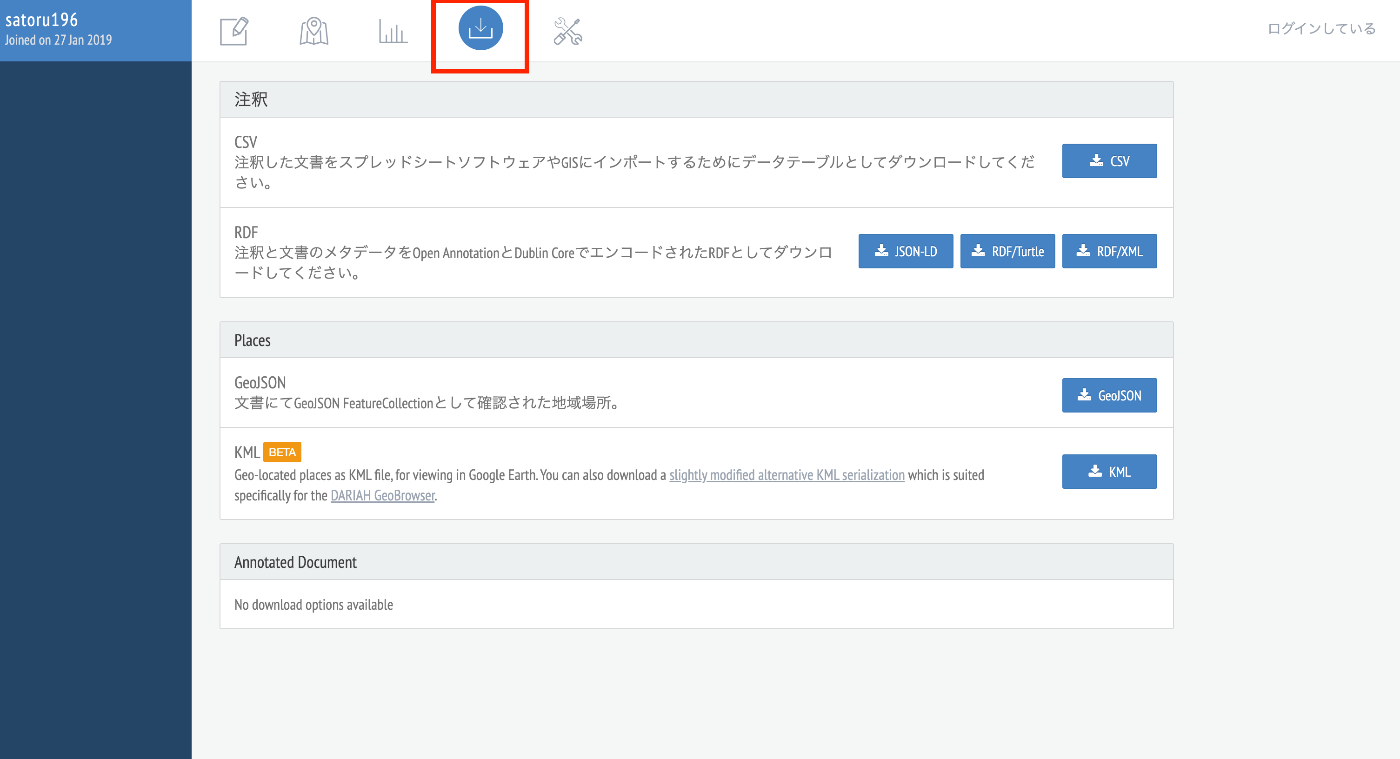
The result downloaded in JSON-LD format is as follows. It was exported in Open Annotation format.
Summary#
I hope this serves as a useful reference for text annotation using Recogito.