Overview
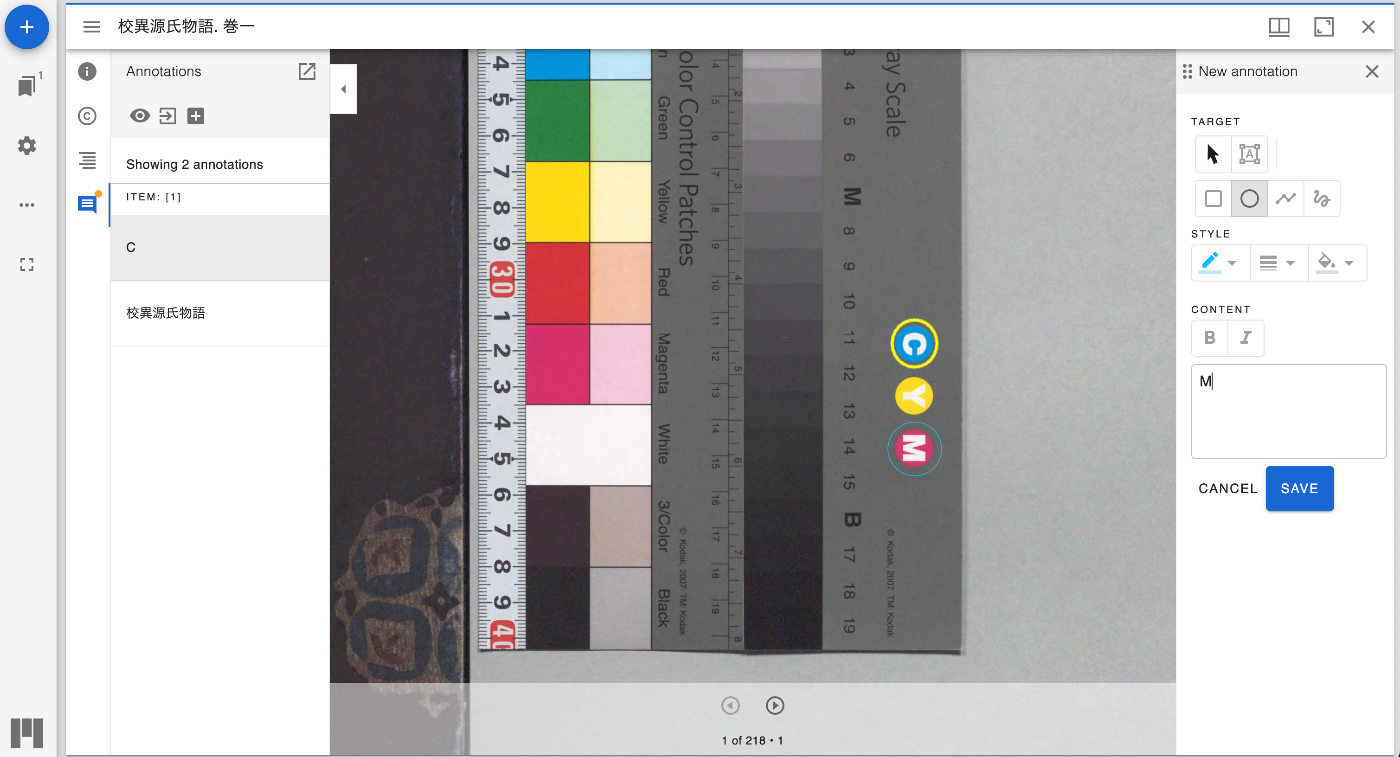
I developed a Firestore adapter for the Mirador 3 mirador-annotations plugin, so this is a personal note. You can try it at the following link.
https://mirador-annotations.vercel.app/
Background
The Mirador 3 mirador-annotations plugin stores annotations in local storage by default.
However, as introduced in the following article, you can save annotations to a different location by changing the adapter.
So this time, I developed an adapter to save annotations to Google’s Firestore.
How to Use
The system is designed to save annotations per user.
Therefore, first log in using the button shown below.
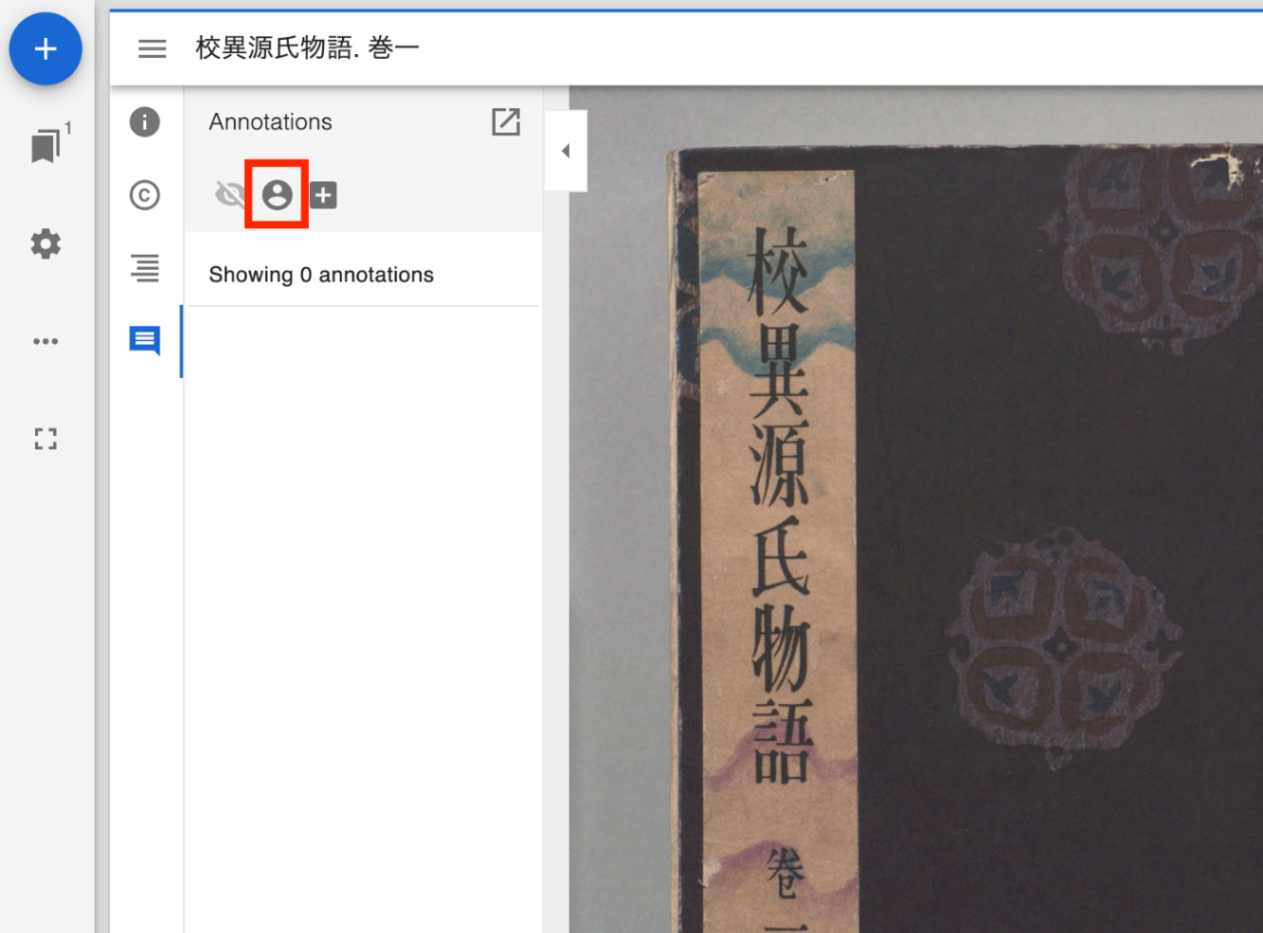
After logging in, annotations you have added will be displayed.

There is no difference in how annotations are registered.
When you log out, the annotations will be hidden.
Repository
The source code is available at the following link.
https://github.com/nakamura196/mirador-annotations
In particular, the following is the adapter developed this time.
https://github.com/nakamura196/mirador-annotations/blob/master/src/FirestoreAnnotationAdapter.js
The following is the login button.
https://github.com/nakamura196/mirador-annotations/blob/master/src/GoogleAuthButton.js
For development, fill in the Firebase API key and other details in .env by referring to .env.example.
https://github.com/nakamura196/mirador-annotations/blob/master/.env.example
Summary
By using this application, I believe it becomes easy to manage annotations on IIIF images for each user.
Please note that data registered in the demo environment introduced at the beginning may be deleted at any time.