Overview
This module adds dynamic sitemap XML files for each site in Omeka S.
https://omeka.org/s/modules/Sitemaps/
Installation
It can be installed using the standard Omeka S method.
Configuration
First, select the site where you want to add a sitemap.
Then navigate to Site Admin > Settings as shown below.
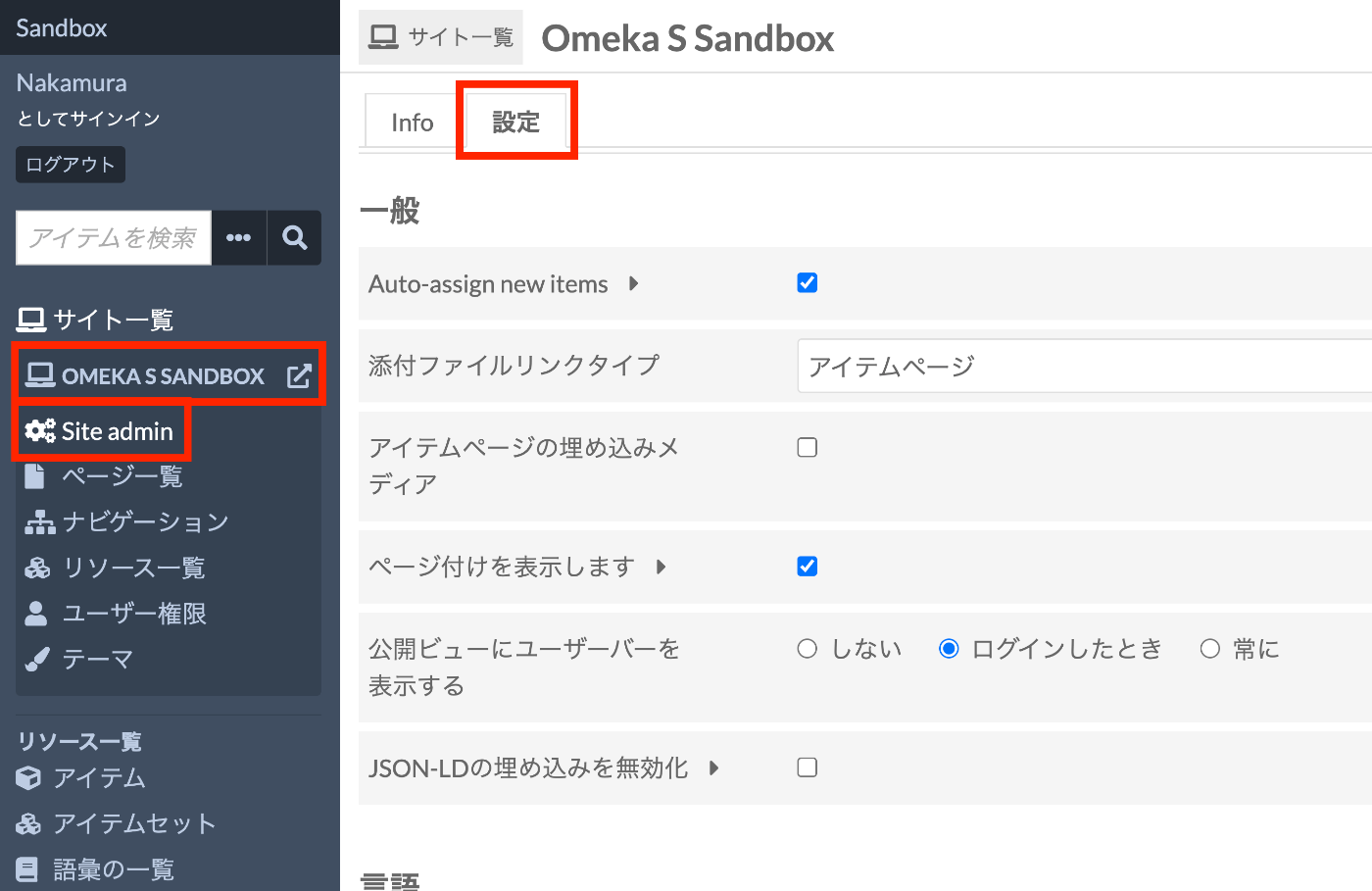
At the bottom of the settings screen, there is an option to enable dynamic sitemap generation as shown below.

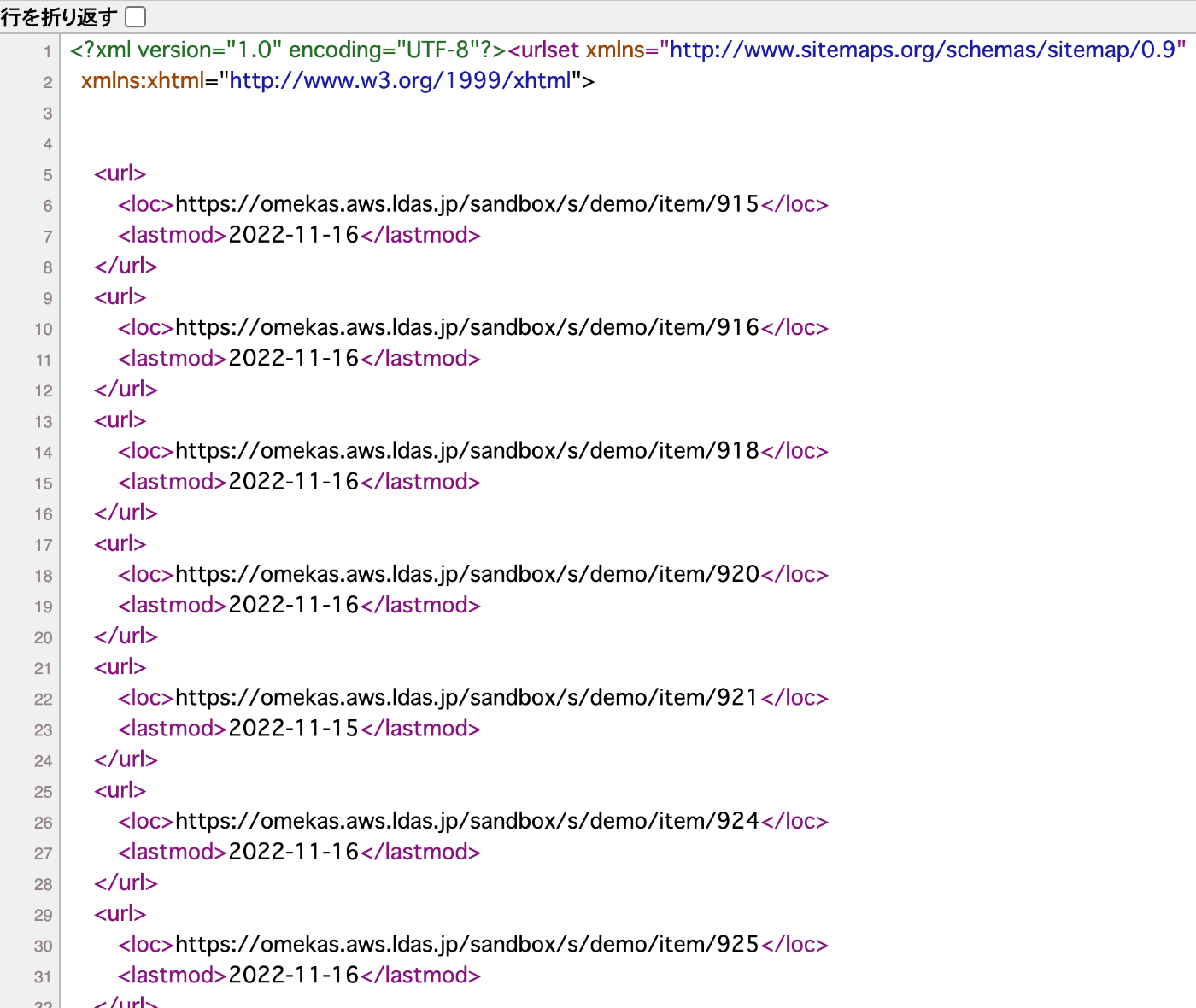
When enabled, a sitemap is generated as shown below.
https://omekas.aws.ldas.jp/sandbox/s/demo/sitemap.xml
Summary
I hope this serves as a useful reference when introducing sitemaps to Omeka S.