Overview
This is an introduction to the “Timeline” module for creating timelines in Omeka S.
https://omeka.org/s/modules/Timeline/
Installation
You can install this module using the standard method for Omeka S. Below is an example of the installation method.
Usage
To use this module, you need to create a page on your site. In the following example, a page named “Timeline” has been created.

Then, select Timeline from “Add new block” on the right side of the screen. By default, mapping to the timeline is performed targeting values stored in dcterms:date.

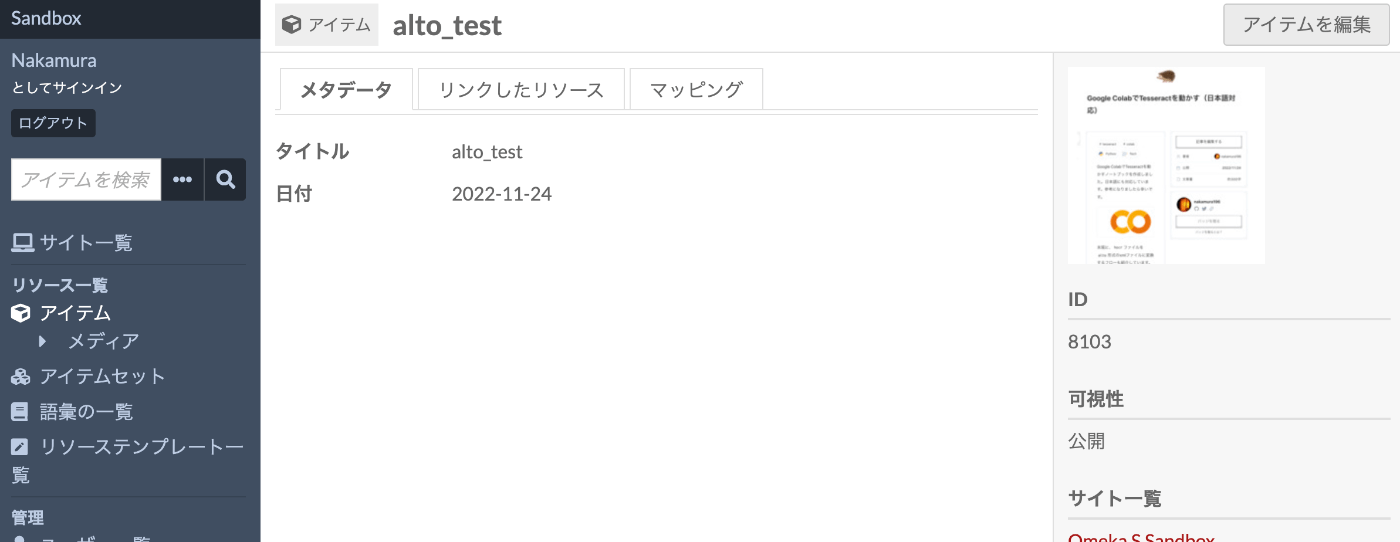
Next, enter a date value in the dcterms:date field of the item.
As a result, it becomes possible to search items using the timeline as shown below.

Summary
I hope this serves as a useful reference for visualizing items using timelines.