Overview#
I had the opportunity to manipulate CVAT data using Python, so this is a personal note for future reference.
Setup#
This time, we will start it using Docker.
Creating an Account#
Access http://localhost:8080 and create an account.
Operations with Python#
First, install the following library.
Write the account information in .env.
Creating an Instance#
Creating a Task#
The following result is obtained.
Uploading Images#
Images of The Tale of Genji held by the University of Tokyo and Kyoto University are used.
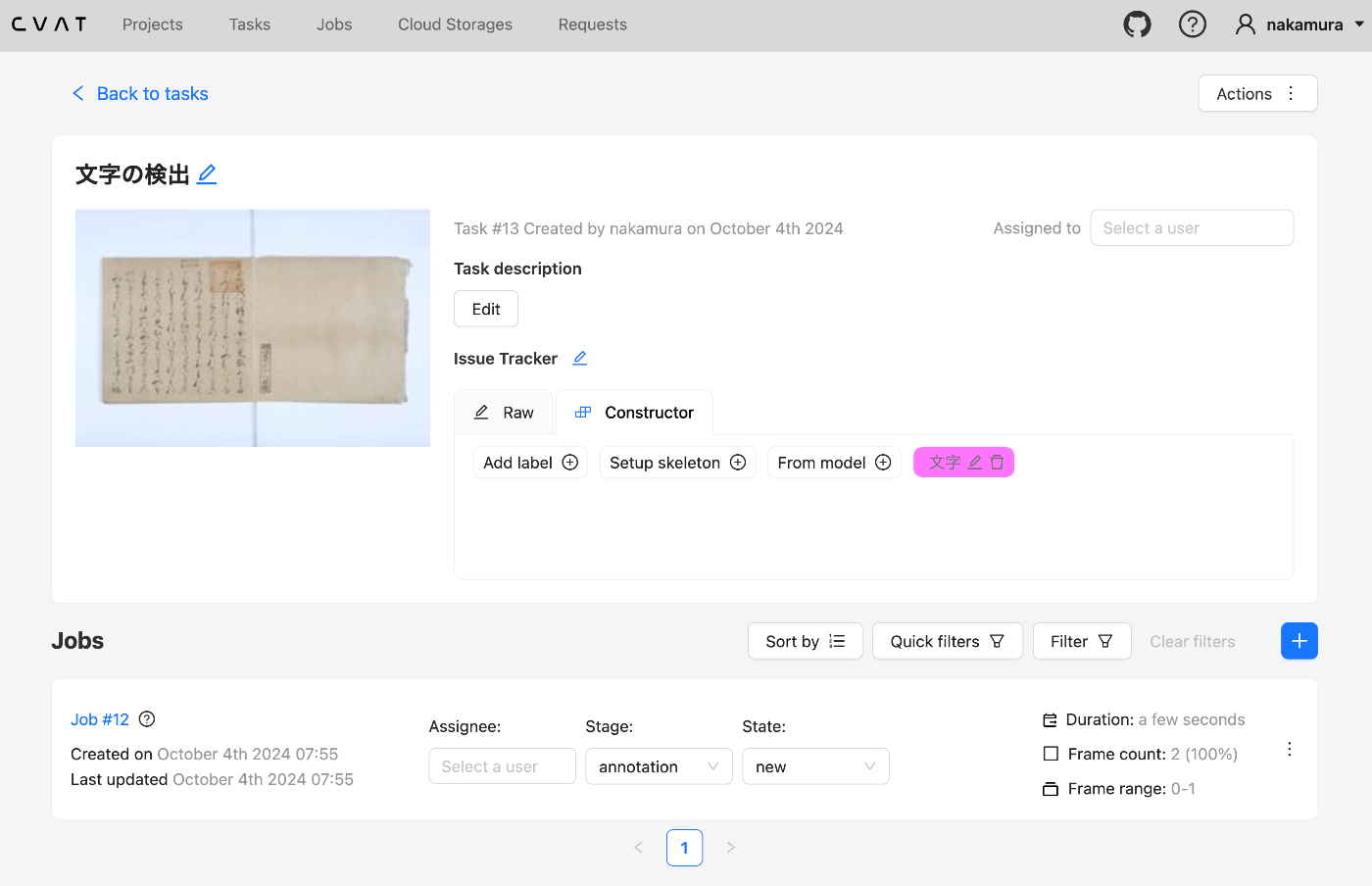
The following result is obtained. In particular, note the label id (16 here) and the id of the “score” attribute (also 16 here).
Registering Annotations#
Prepare a file like the following. The following is used.
https://huggingface.co/spaces/nakamura196/yolov5-char
Register the annotations.
0
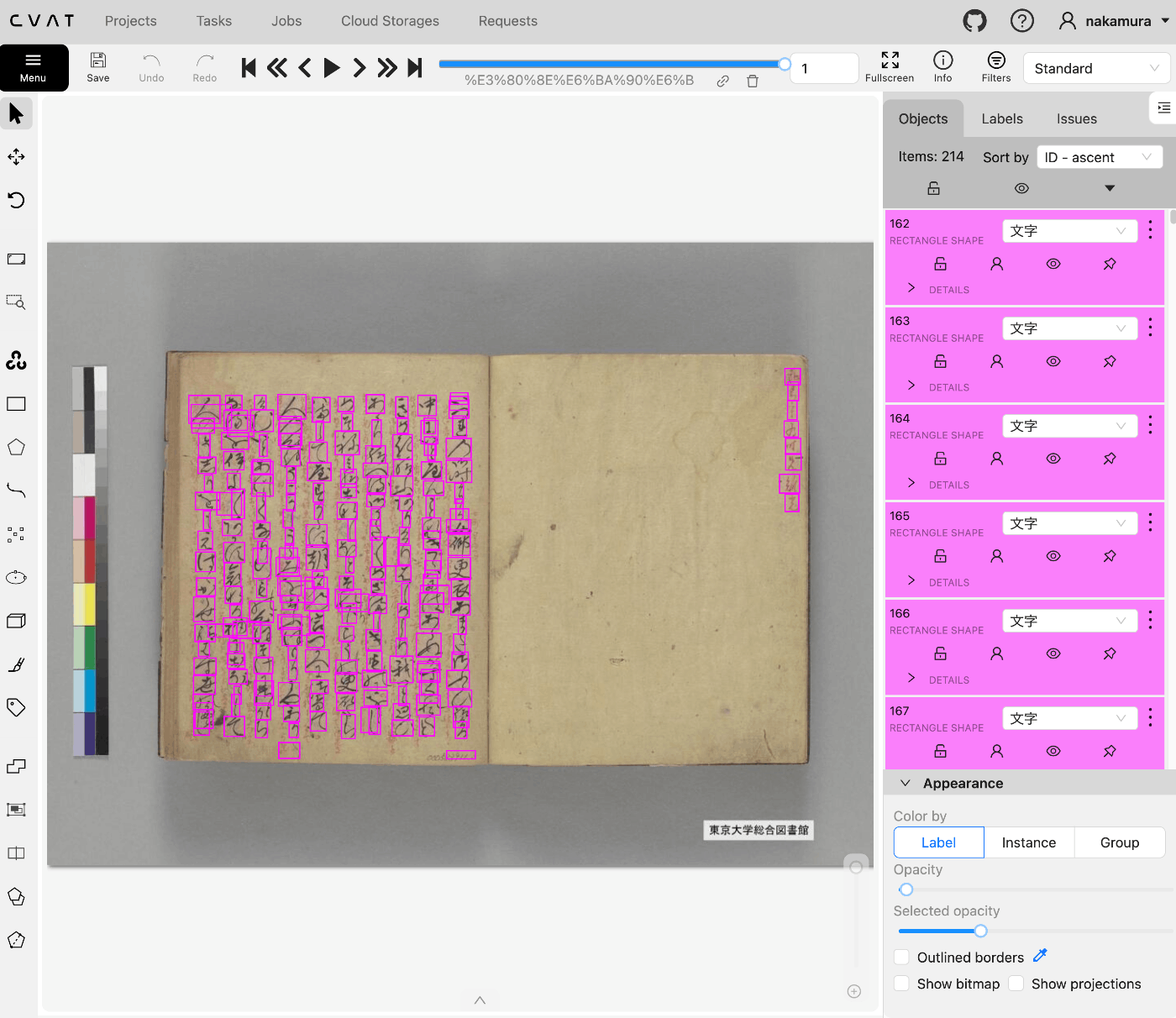
As a result, the annotations are reflected as shown below.
(Reference) Bulk Deletion of Tasks#
Bulk deletion of tasks can be done as follows.
1
Summary#
This article described how to manipulate CVAT data using Python.
This only covers some of the available features, but I hope this serves as a useful reference.