Overview
This is a personal note on how to restrict attributes used for tags according to your project using Roma.
Background
In the following article, I described how to restrict tags according to your project using Roma.
This time, as an extension of that, we will customize the attributes used for each tag.
Use Case
Here, as an example, we will try restricting the available attributes for persName.
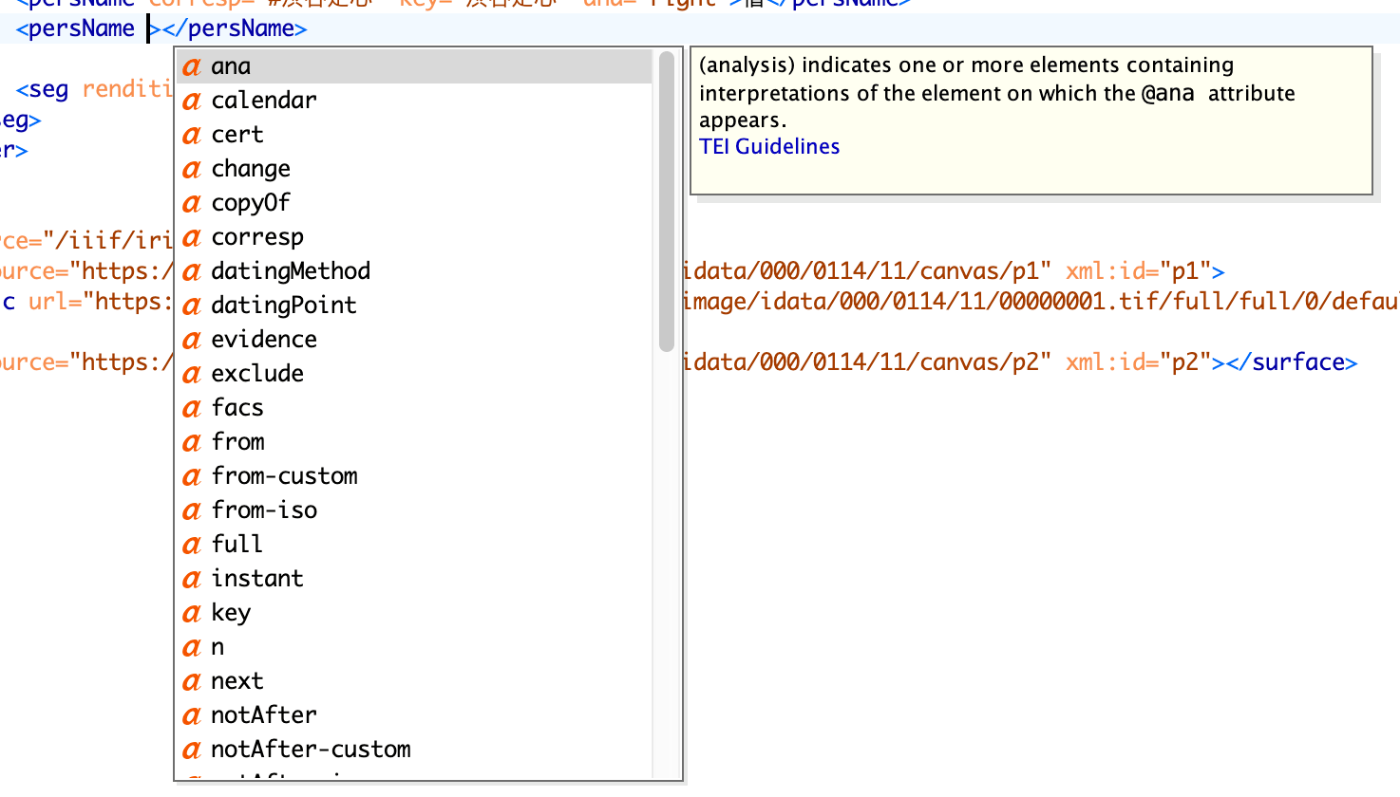
When using the default (tei_all.rng) with Oxygen XML Editor, as shown below, many options are presented as available attributes for the persName tag.
On the other hand, when using the customized rng file described in this article, as shown below, only 5 attributes are available.
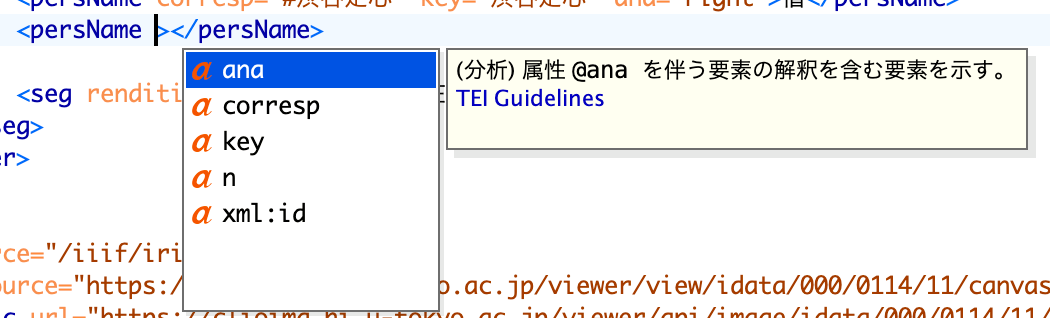
By restricting the available tags and attributes for each project in this way, we can expect to reduce the burden on data entry personnel and improve validation efficiency.
Procedure
Referring to the following article, start by either creating a new ODD file in Roma or loading an existing ODD file.
Then, confirm that persName, our target for this time, is checked.
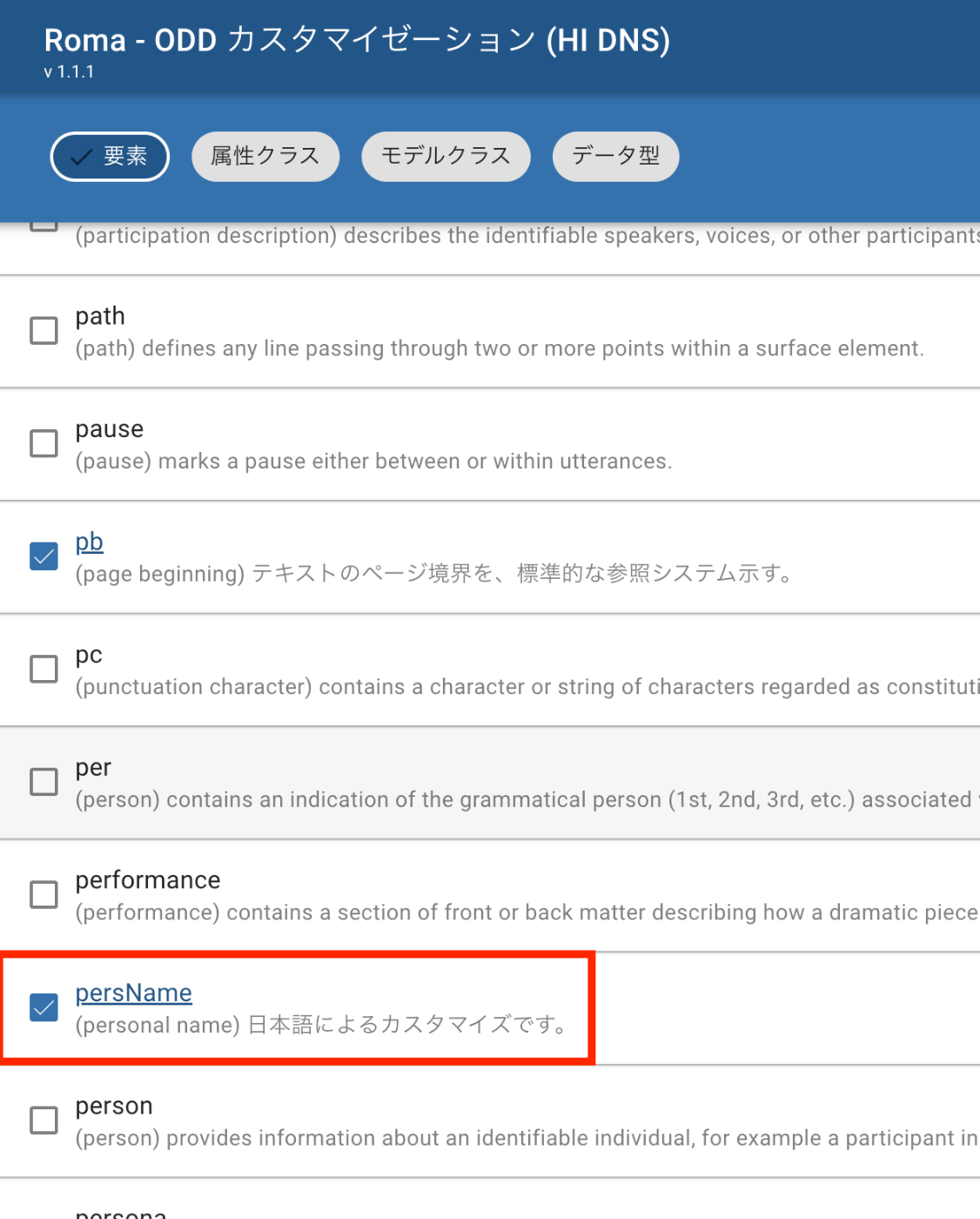
Next, click the persName link above to navigate to the following screen.

Then, click on attributes. On this page, you can restrict which attributes to use.
In the following example, although it may be a bit hard to see, the key attribute is kept as one to use, while the xml:lang attribute is excluded as one not to use.

Additionally, you can create new attributes,
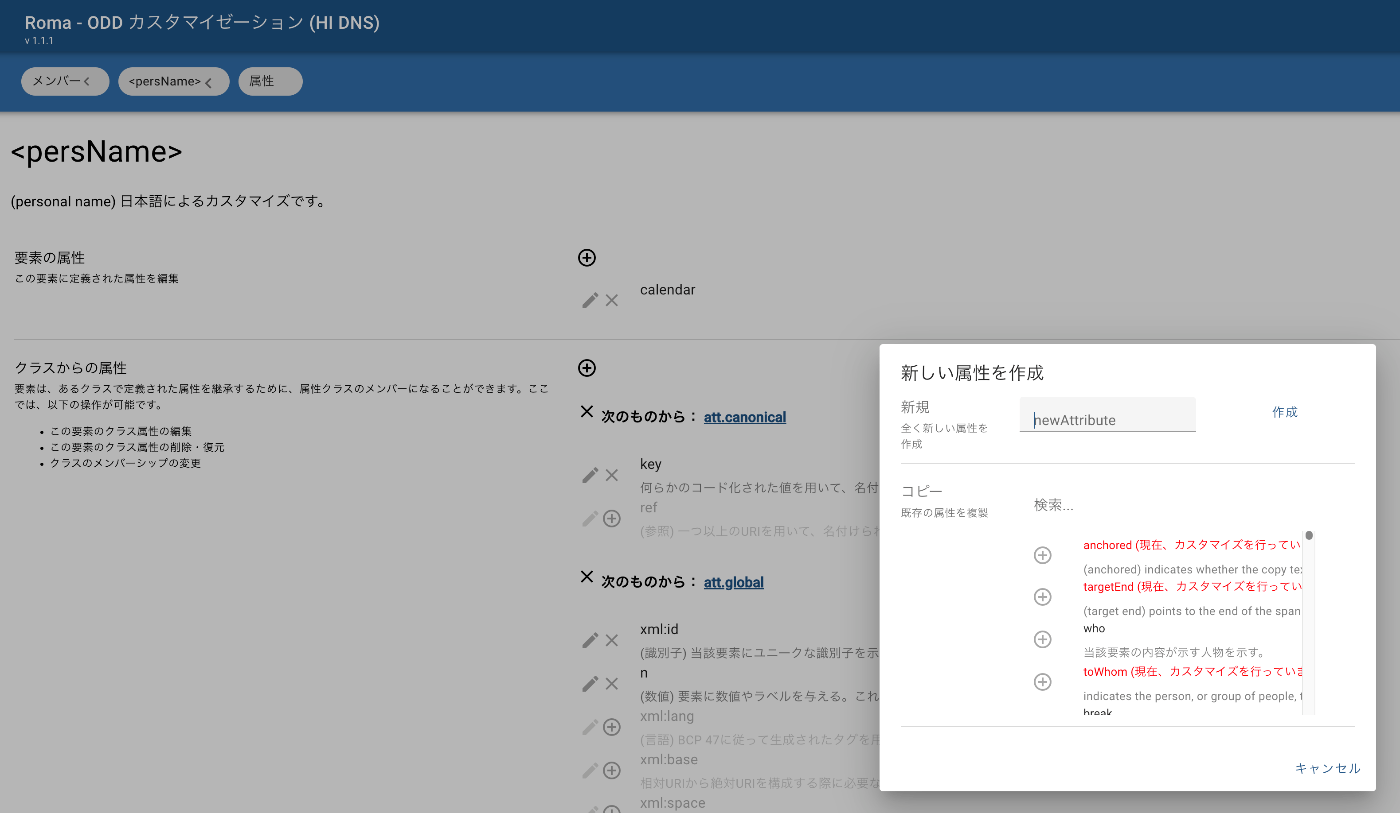
or import from existing ones (I am not sure if “import” is the correct term).

To be able to save these customizations, download the ODD file via Download > “Customization as ODD”. Also, select “RELAX NG Schema” or similar to download the file to actually use with TEI/XML.
For details, please refer to the following.
Reference: Customizing Descriptions
Roma
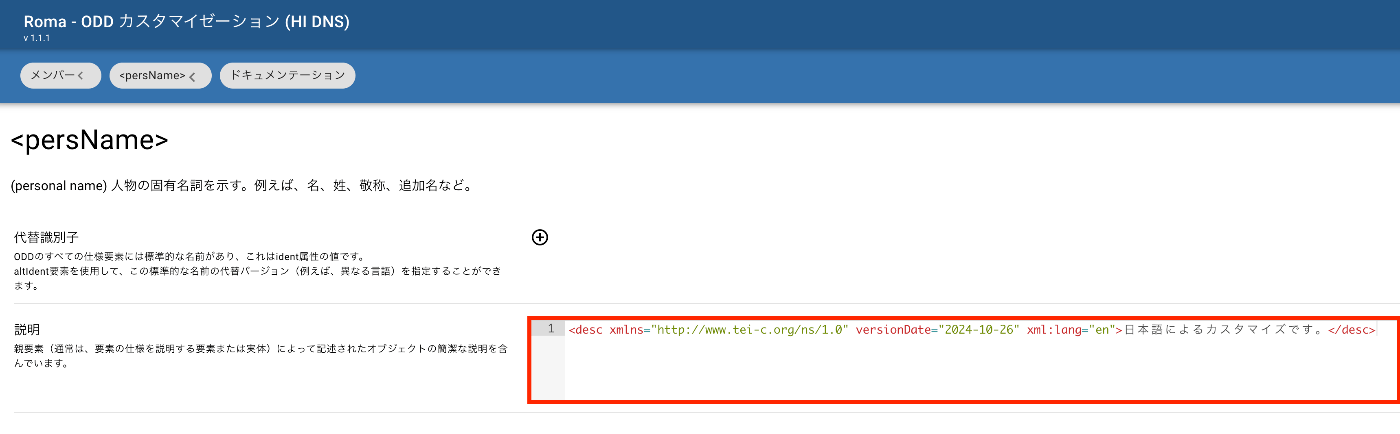
RELAX NG Schema
LEAF Writer
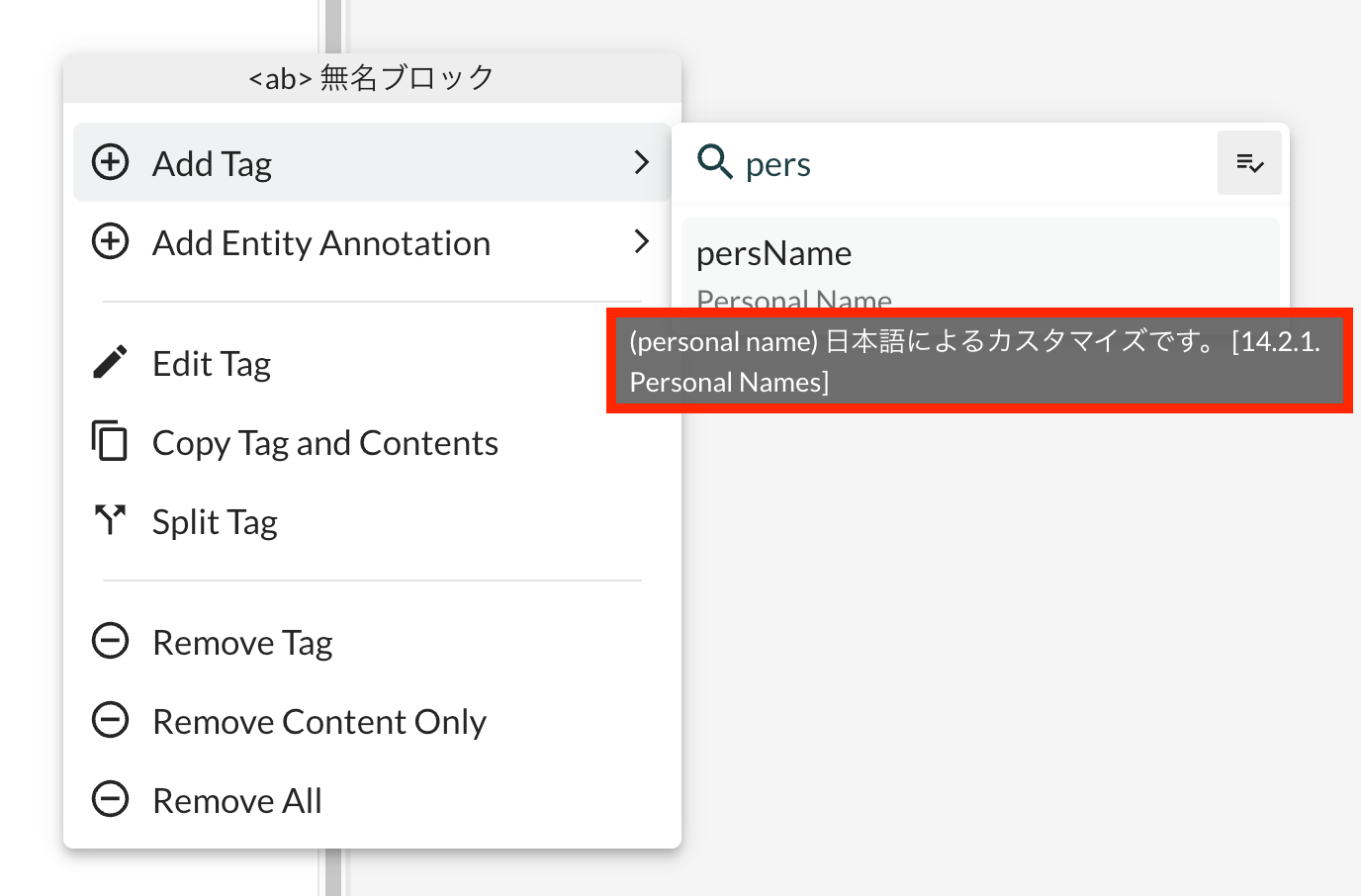
Summary
I hope this serves as a useful reference for introducing TEI/XML.