Overview
TEI Boilerplate is described as follows:
A lightweight solution for publishing TEI (Text Encoding Initiative) P5 content directly in modern browsers. With TEI Boilerplate, you can serve TEI XML files directly to the web without server-side processing or conversion to HTML. The TEI Boilerplate Demo demonstrates many TEI features rendered by TEI Boilerplate.
TEI Boilerplate is not a replacement for the many excellent XSLT solutions for publishing and displaying TEI/XML on the web. It is intended to be a simple, lightweight alternative to more complex XSLT solutions.
This time, I will explain how to use TEI Boilerplate with an example.
Cloning the Repository and Starting the Server
The following repository is used.
https://github.com/TEI-Boilerplate/teibp-teach
This repository is described as a project for setting up a TEI-Boilerplate compatible HTTP server.
First, clone the repository.
Next, install the libraries.
Then, start the local server.
Screen Examples
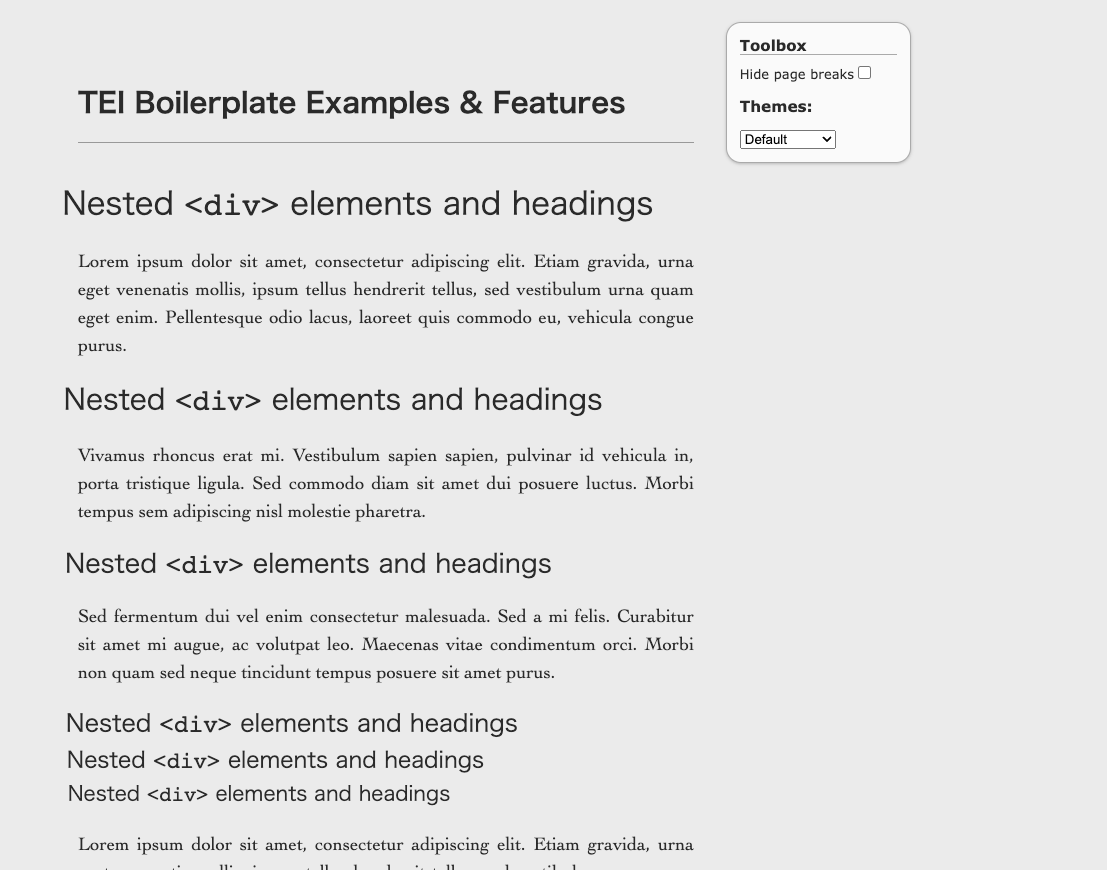
When you access http://localhost:3000, the following screen is displayed.

Clicking the demo link allows you to see display examples. In these display examples, a Toolbox is provided in the upper right corner of the screen that lets you switch the display content.
Applying to the Koui Genji Monogatari Text
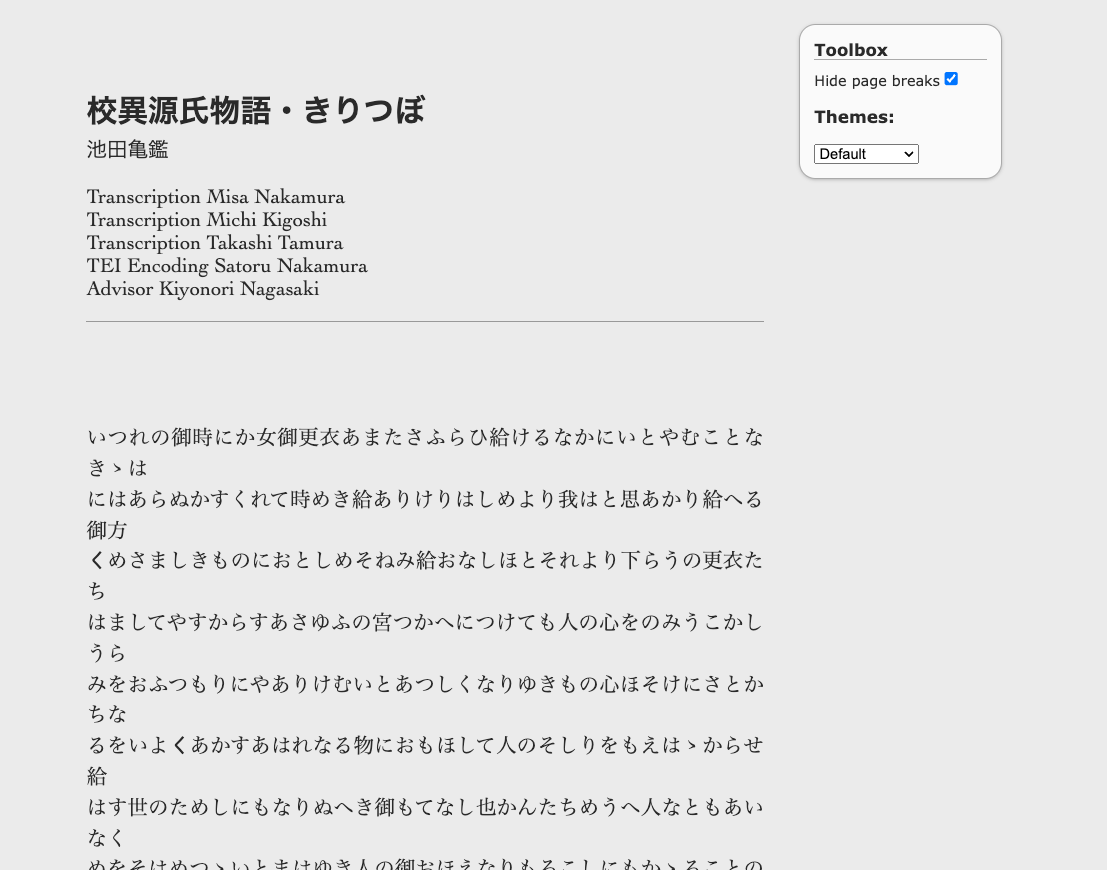
I also applied it to the TEI/XML published on the Koui Genji Monogatari Text DB.
You can view it from the following GitHub Pages.
https://nakamura196.github.io/teibp-teach/content/01.xml
The source code can be found at the following URL.
https://github.com/nakamura196/teibp-teach
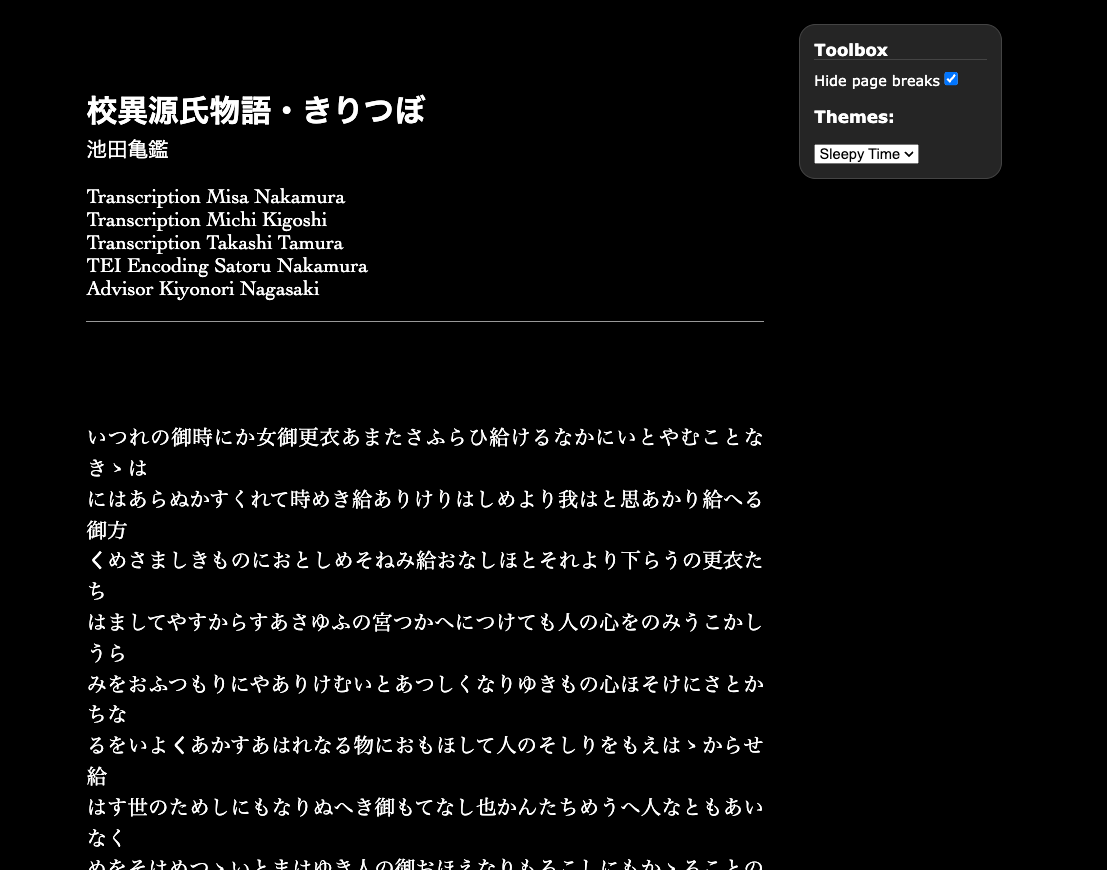
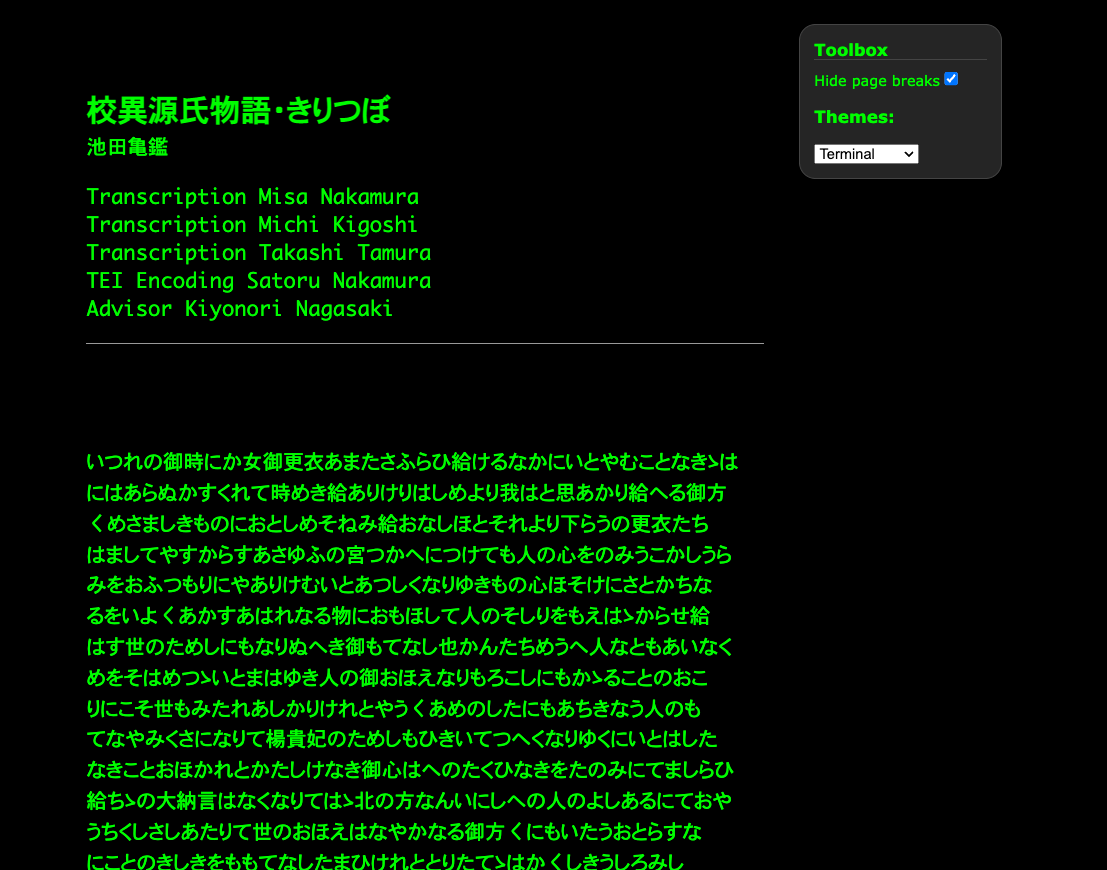
Below are examples of changing the Toolbox Themes.
- Default
- Sleepy Time
- Terminal
Summary
While JavaScript-based approaches such as CETEIcean in Gatsby and React, introduced in the repository below, are becoming more widespread as modern methods for publishing TEI, I hope this serves as a useful reference for understanding what TEI Boilerplate is.