Overview
As of 2023/07/20, this module appears to still be in beta, but I had the opportunity to try out “Omeka-S-module-HistoryLog,” a module for recording change history in Omeka S. Here are my notes.
https://github.com/Daniel-KM/Omeka-S-module-HistoryLog
Installation
As noted in the documentation, you may need to install the Generic module beforehand.
https://github.com/Daniel-KM/Omeka-S-module-HistoryLog#installation
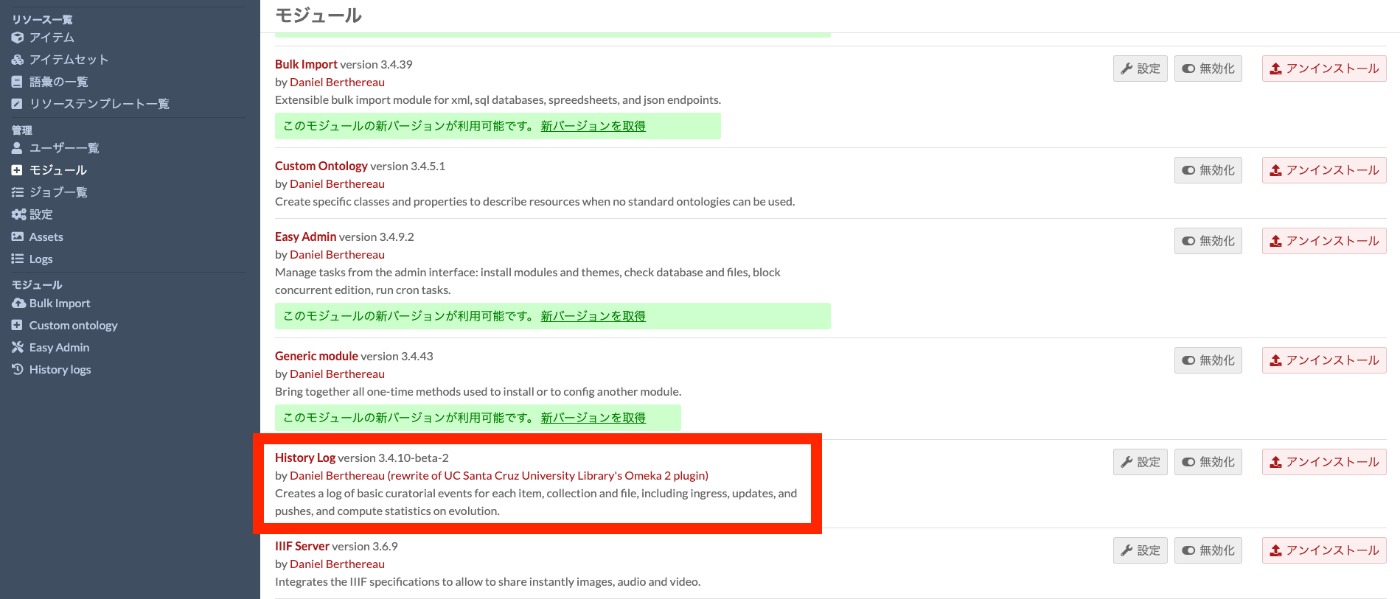
Otherwise, the installation procedure is the same as for standard modules. After installation, the module will appear in the module list as shown below.
Usage
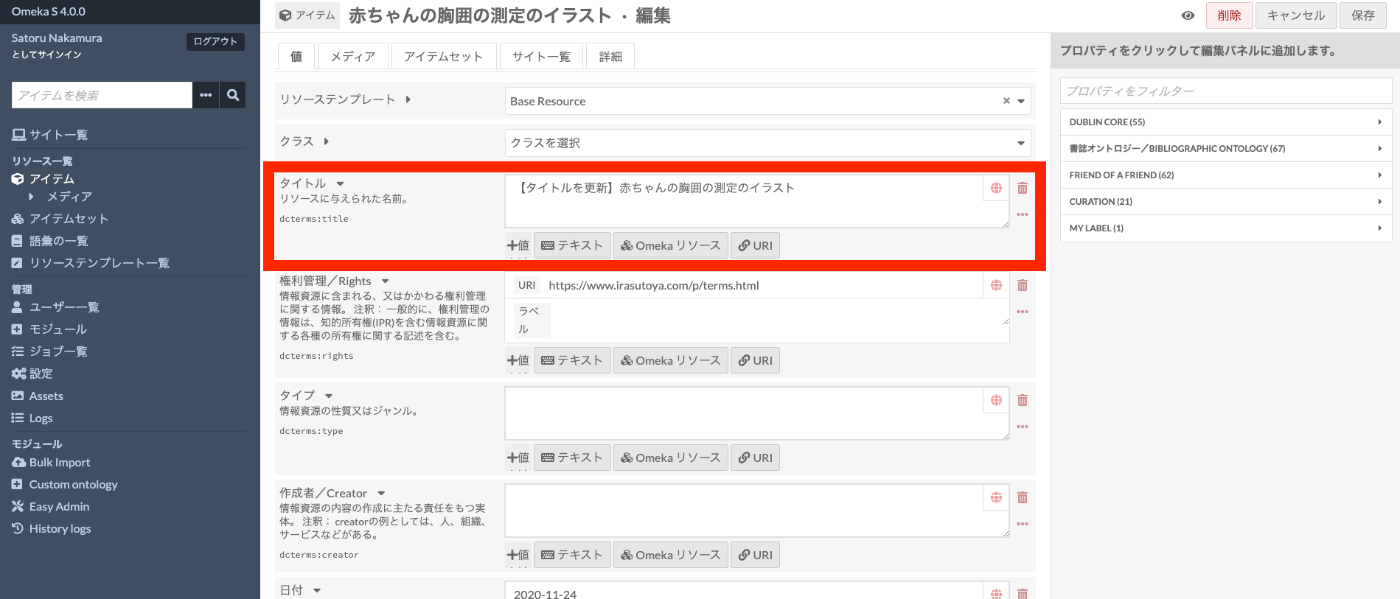
For example, let’s update the title of a specific item as follows.
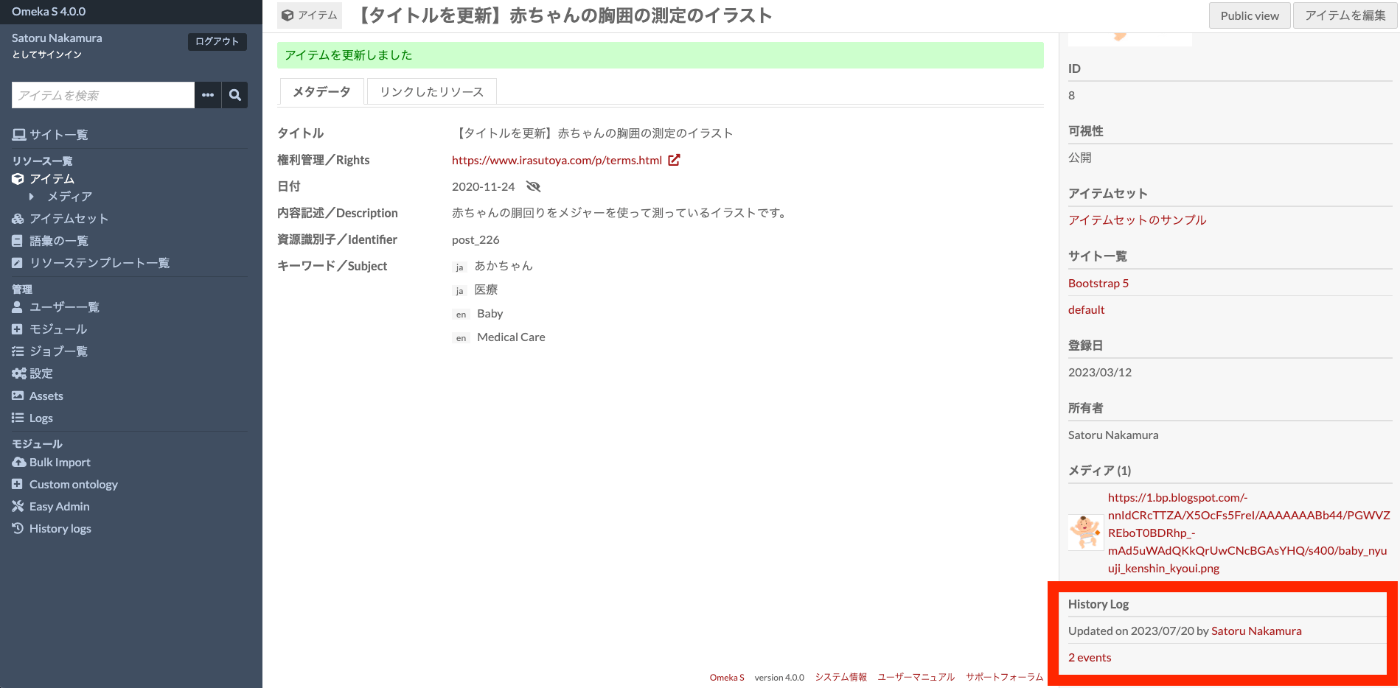
After saving, a “History Log” section appears in the bottom right of the screen, showing the last update date and a link to the update events.
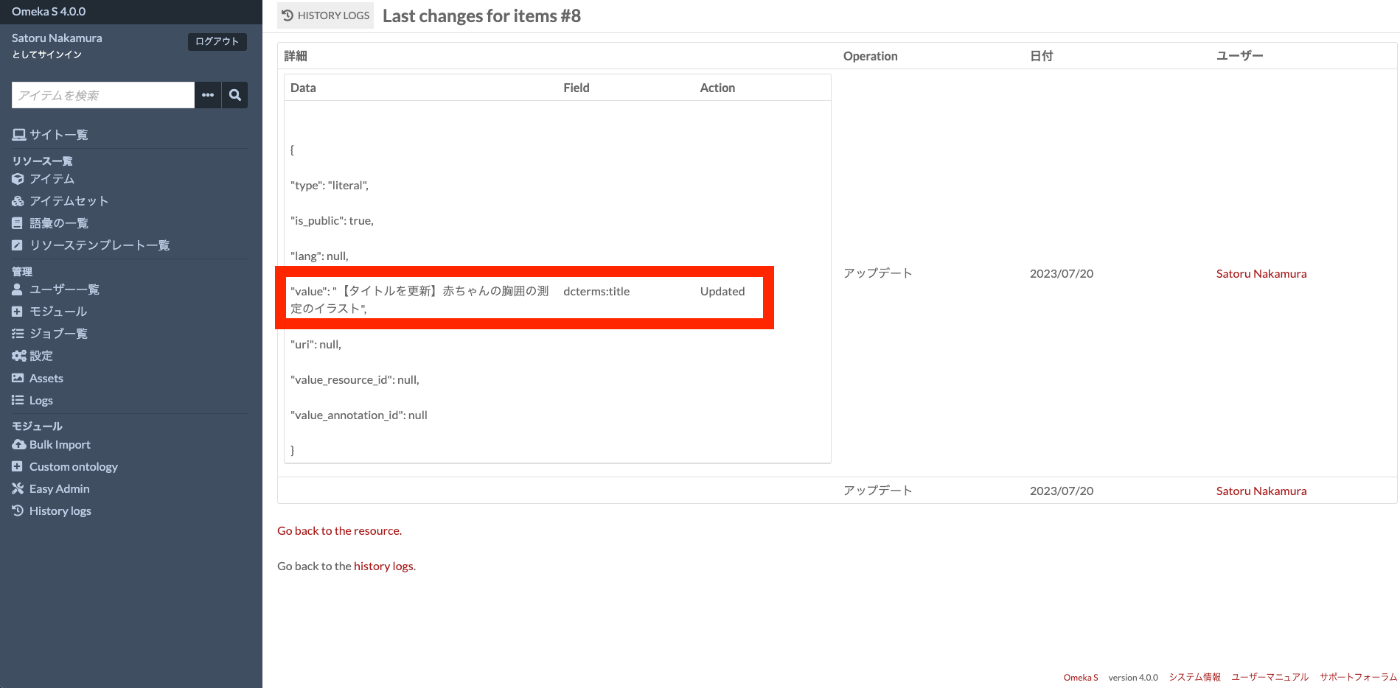
Clicking the link displays a list of change events, where you can see when, who, and what kind of updates were made.
Summary
While change history tracking is a standard feature in CMSs like Strapi and Drupal, being able to record change history in Omeka S would make it even more useful.
Since this module is still under development, please use it with caution. I hope this is helpful as a reference.