Overview
This article describes how to add mdx.jp object storage to GakuNin RDM storage.
Procedure
mdx.jp
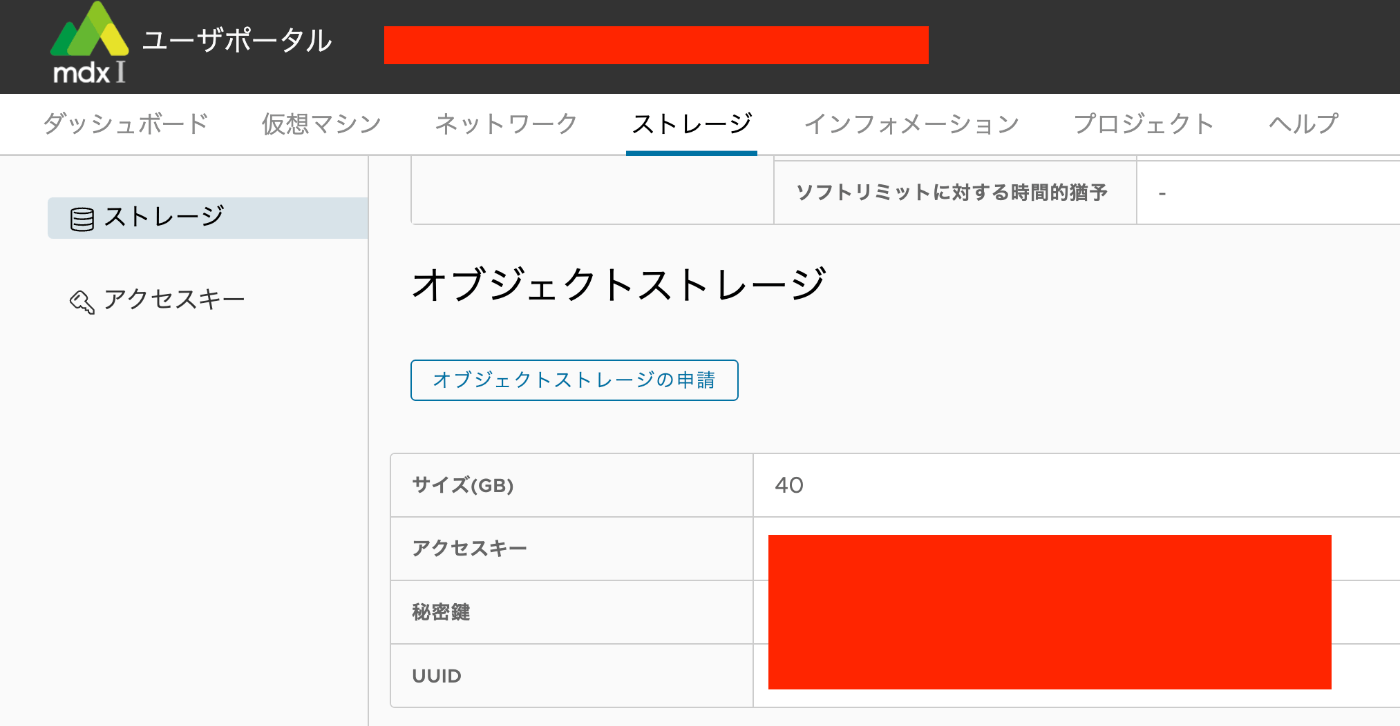
Submit a usage application for mdx.jp object storage and note down the access key and secret key.
GakuNin RDM
Enable S3 Compatible Storage.

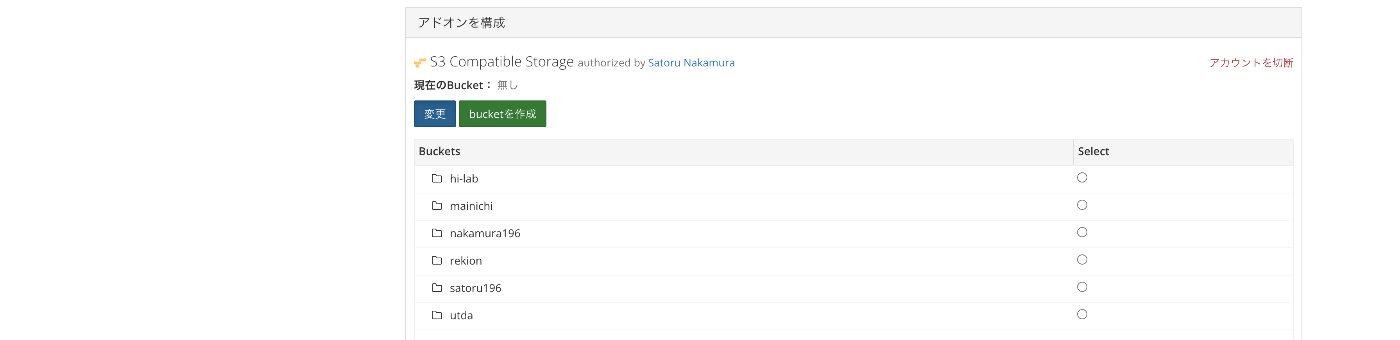
Select mdx S3DS as the S3-compatible service and enter the access key and secret key you noted earlier.

A list of buckets will be displayed. Select the bucket you want to connect to.
As a result, the mdx.jp object storage will be added to the storage accessible from the “Files” menu.
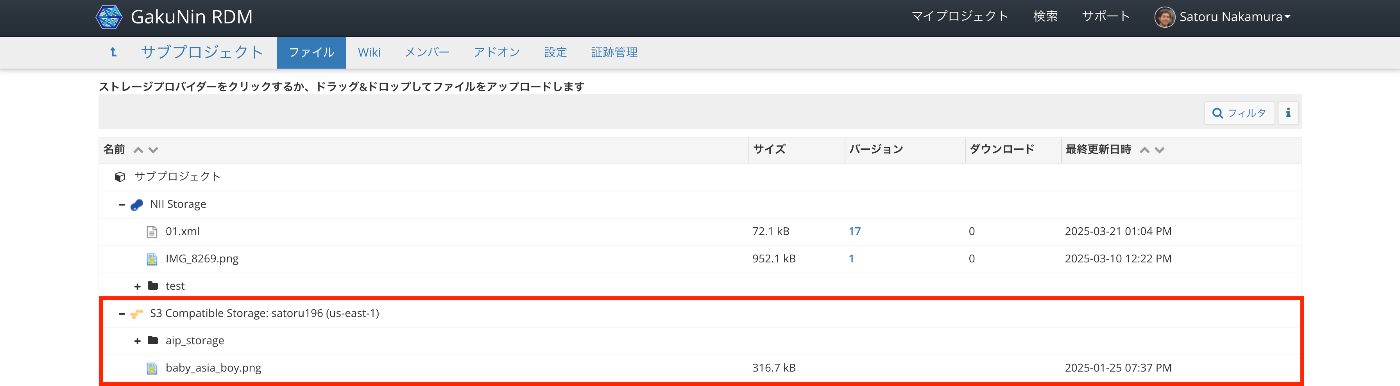
From here on, you can upload files by drag and drop, among other operations.
Summary
I hope this is helpful for connecting GakuNin RDM with mdx.jp object storage.