Overview
This is a research note on how to customize LEAF Writer.
https://gitlab.com/calincs/cwrc/leaf-writer/leaf-writer
This article specifically covers CSS-based visual customization. This allows you to set up an editing environment with vertical text display, as shown below.

The following shows the display before customization.

Method
Specify the schema file as follows.
https://github.com/kouigenjimonogatari/kouigenjimonogatari.github.io/blob/master/xml/lw/01.xml
Specifically:
LEAF Writer reads this schema file and changes the editor’s style accordingly.
This is not a LEAF Writer-specific feature but is supported by general web browsers as well.
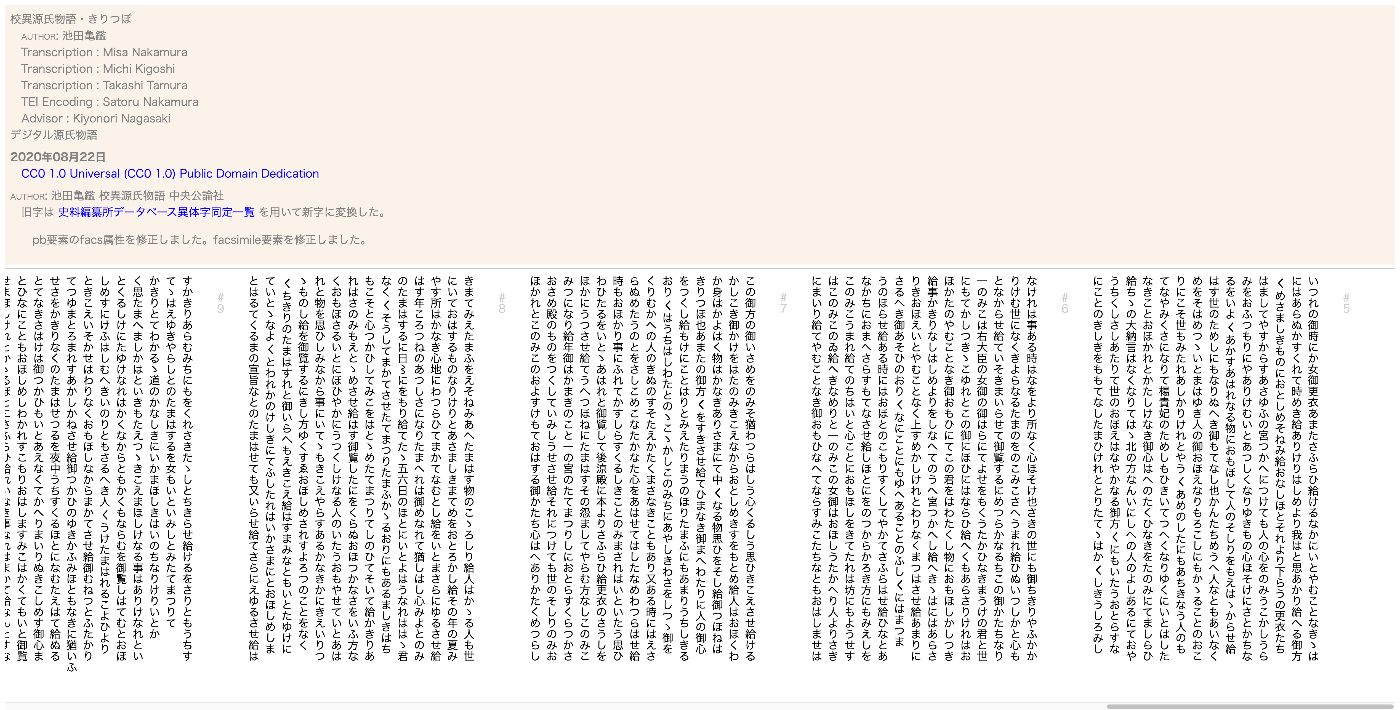
For example, when viewing the above XML file in Google Chrome, the CSS file contents are applied as shown below.
Summary
I hope this is helpful regarding how CSS files are handled in TEI and tools like LEAF Writer.