Overview
A research colleague introduced me to “FairCopy,” a TEI text creation support tool. This tool allows you to create TEI texts through a GUI, and I found it very useful.
It is a paid tool, but you can try it for free for 2 weeks, so I am sharing my findings here.
Installation
By submitting your information through the Sign Up page below, a trial code and the application download link will be displayed.
https://faircopyeditor.com/sign_up

After downloading and launching the application, a project selection screen like the following will appear.

Creating a Project
Create a project. For this example, I entered the following information.

After that, the following screen will be displayed.

Data to Create
This time, I will attempt to reproduce the TEI data for “Kiritsubo” from the publicly available Koui Genji Monogatari Text DB using this tool.
https://kouigenjimonogatari.github.io/tei/01.xml
This is a TEI/XML file that maps IIIF images published by the National Diet Library to text data transcribed by the project.
Creating a New Resource
Click “NEW RESOURCE” to display the following registration form. Assign an appropriate Name and ID.
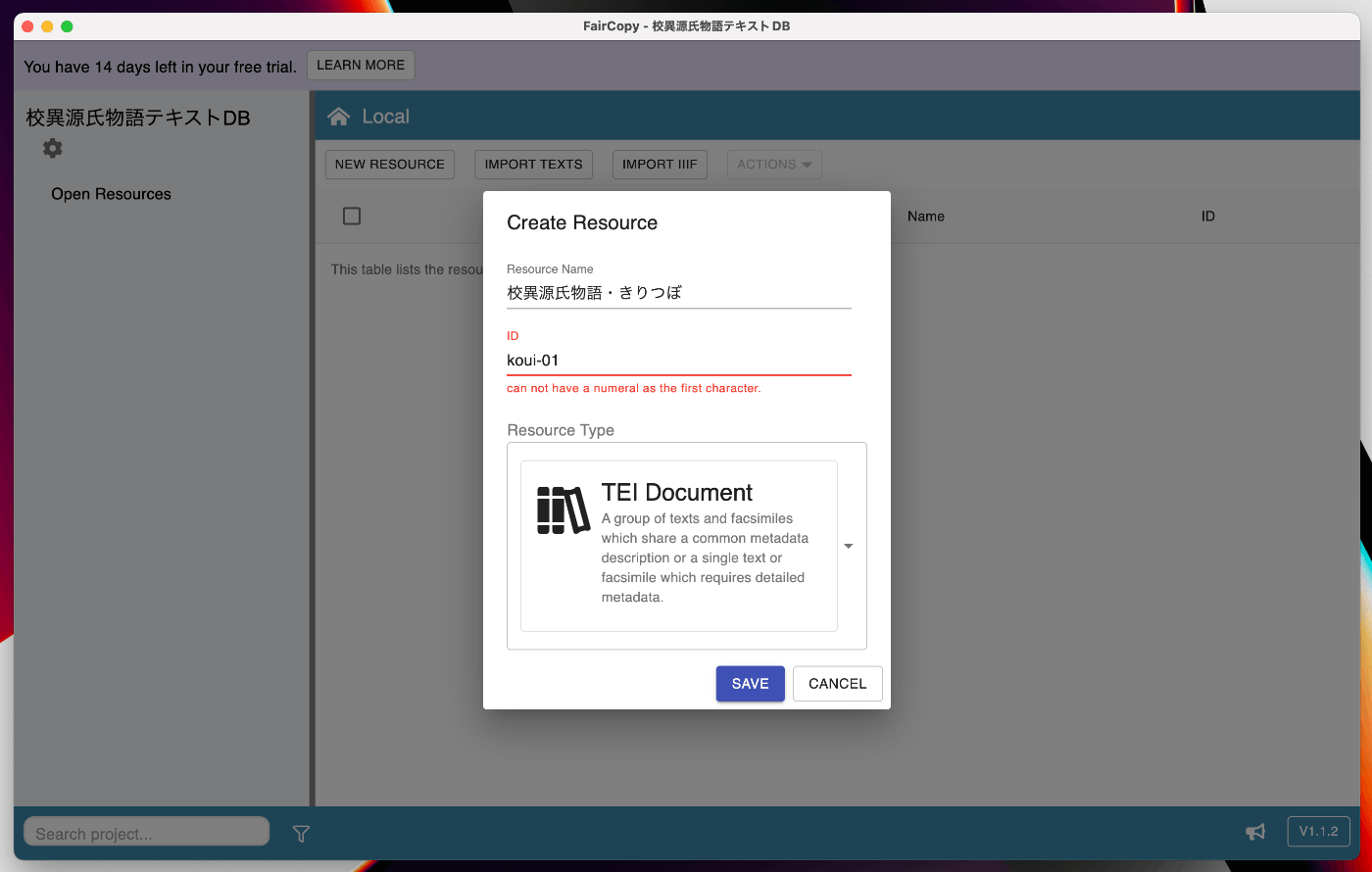
For “Resource Type,” multiple options are displayed. If you want to create an XML file combining TEI with a TEI Header and IIIF, selecting “TEI Document” seems to be the best choice.
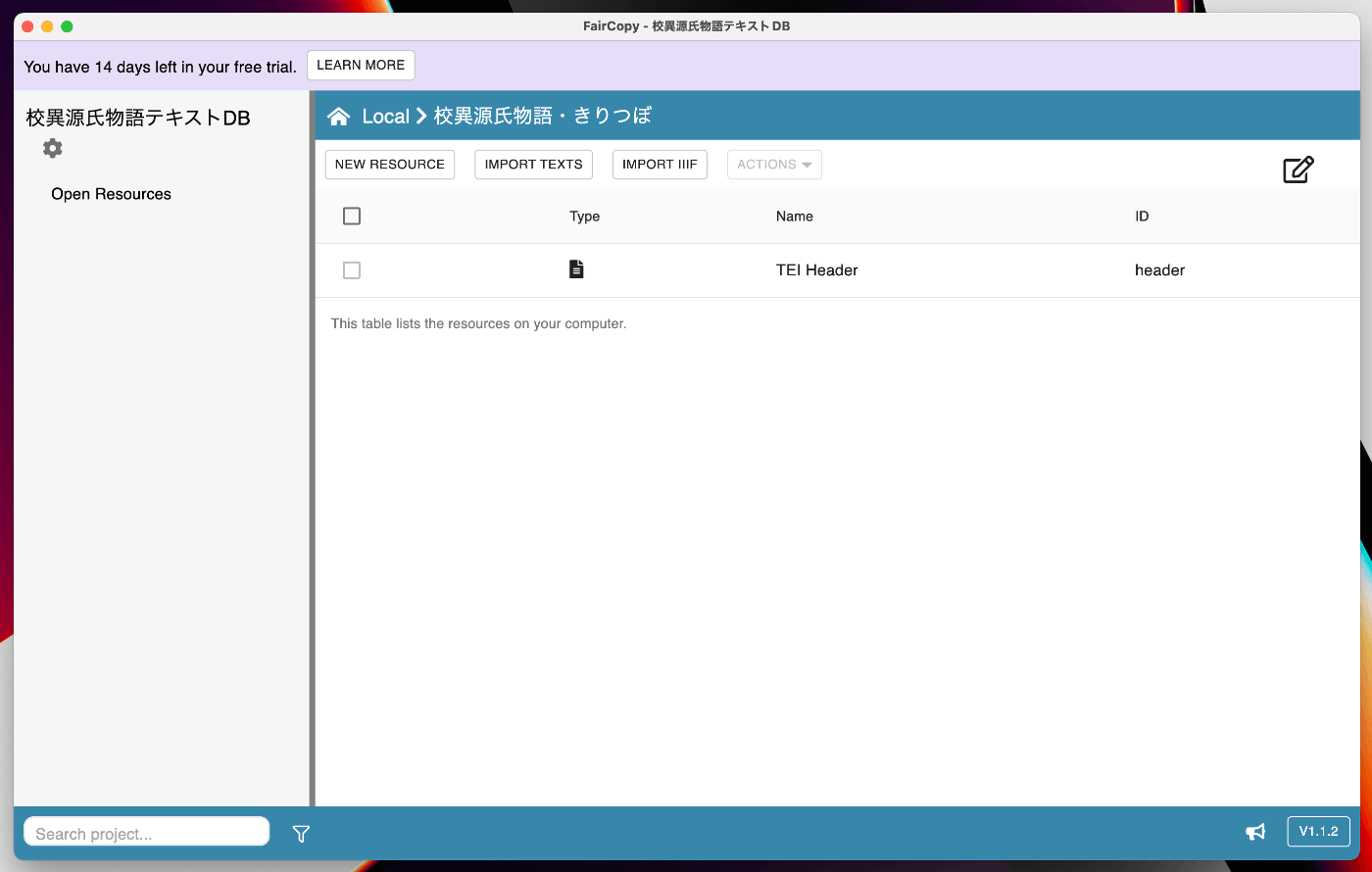
As a result, a “TEI Header” file is created inside the “Koui Genji Monogatari - Kiritsubo” folder as shown below.
Importing IIIF
First, let’s try importing IIIF images. Press the “IMPORT IIIF” button and enter the URL in the IIIF manifest import screen as shown below.

I entered the following manifest URL.
https://www.dl.ndl.go.jp/api/iiif/3437686/manifest.json
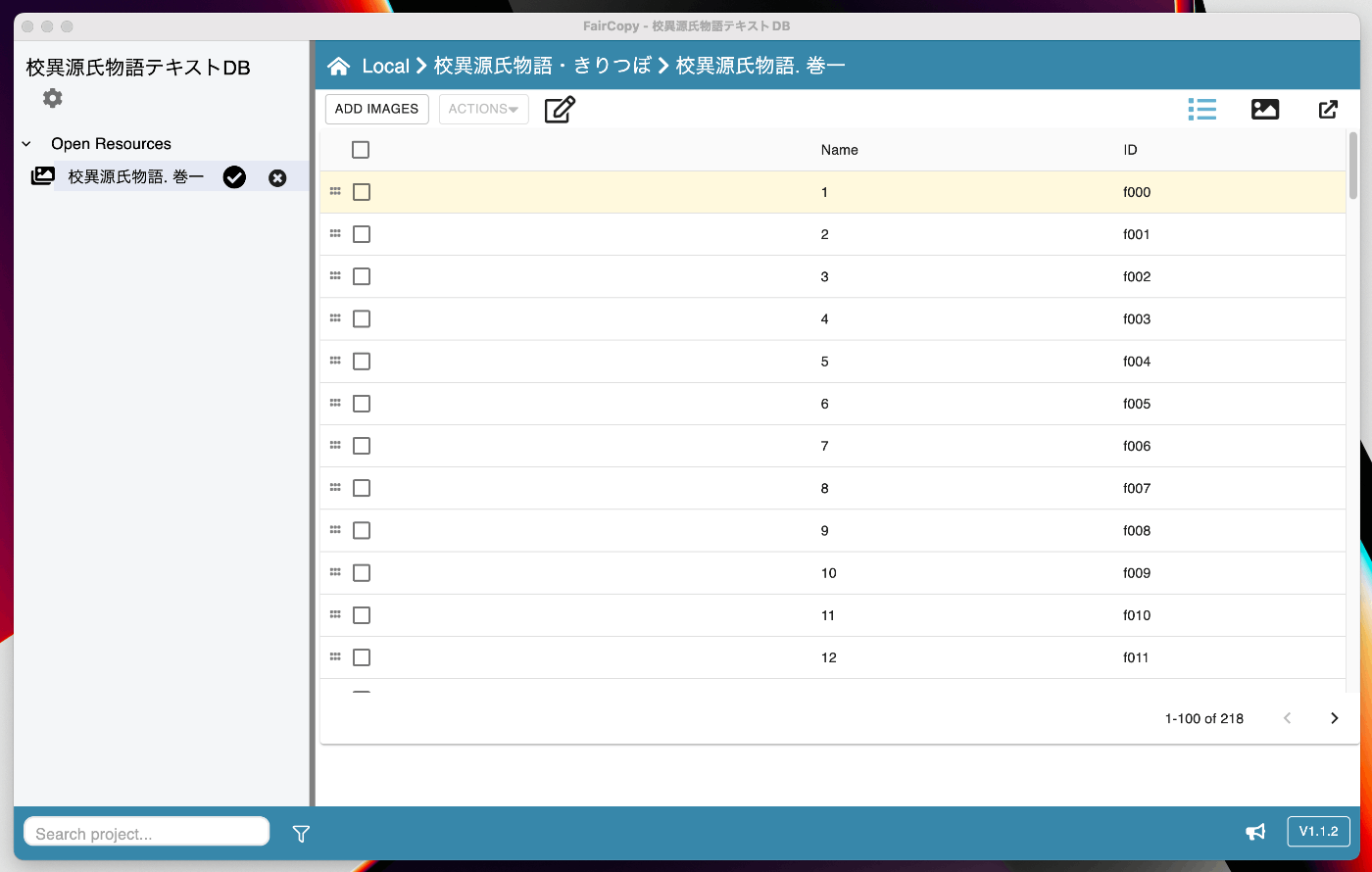
The images are then added as shown below.

Clicking on the row shows the images from the manifest file being imported. You can see that each image is assigned an ID in the ID column. These will be used later for linking text with images.
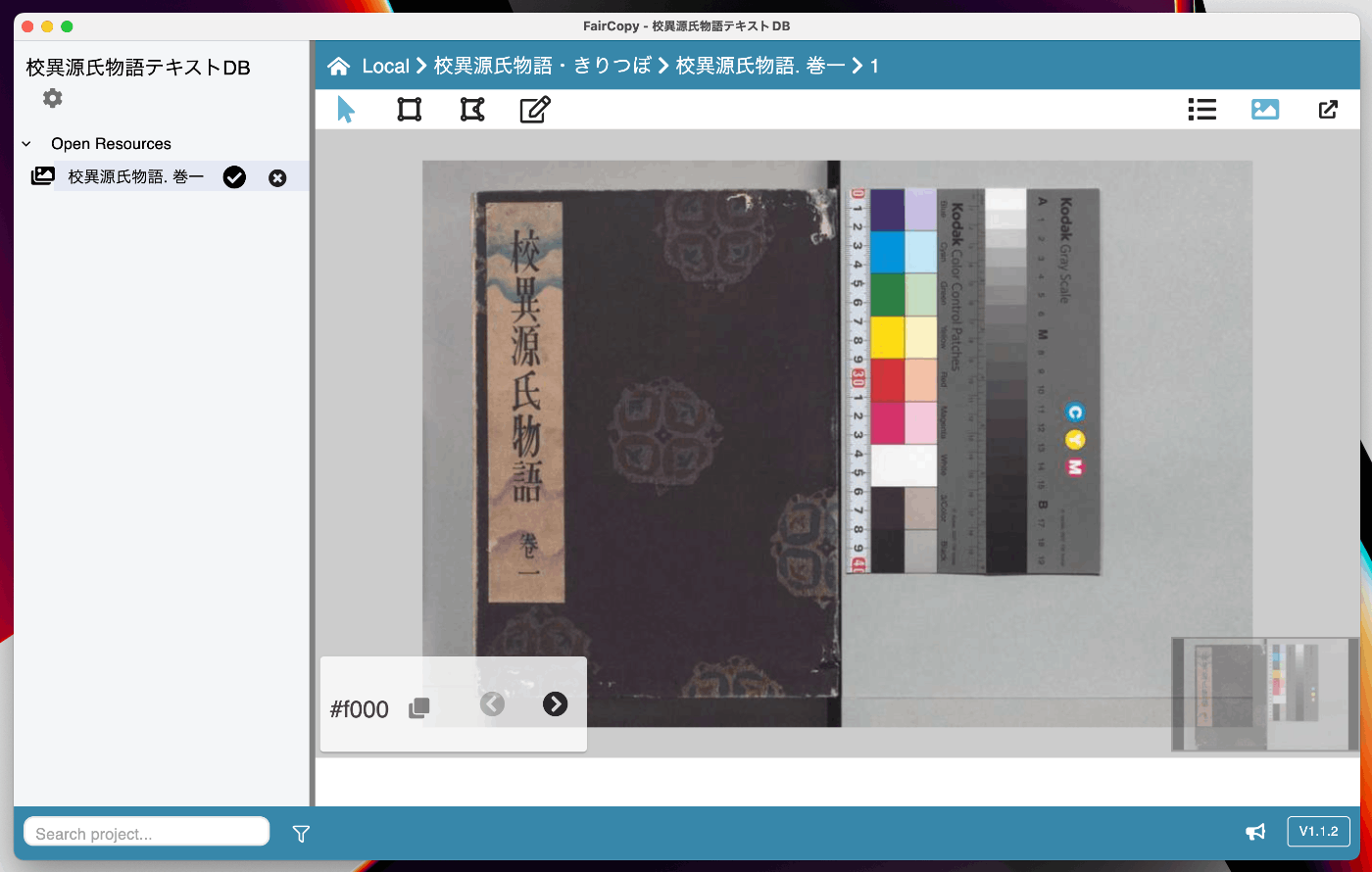
Clicking the image icon in the upper right of the screen also allows you to view the images.
For reference, returning to “Koui Genji Monogatari - Kiritsubo” and selecting the checkbox on the image row, then clicking “ACTIONS” > “Export,” outputs an XML file as shown below.
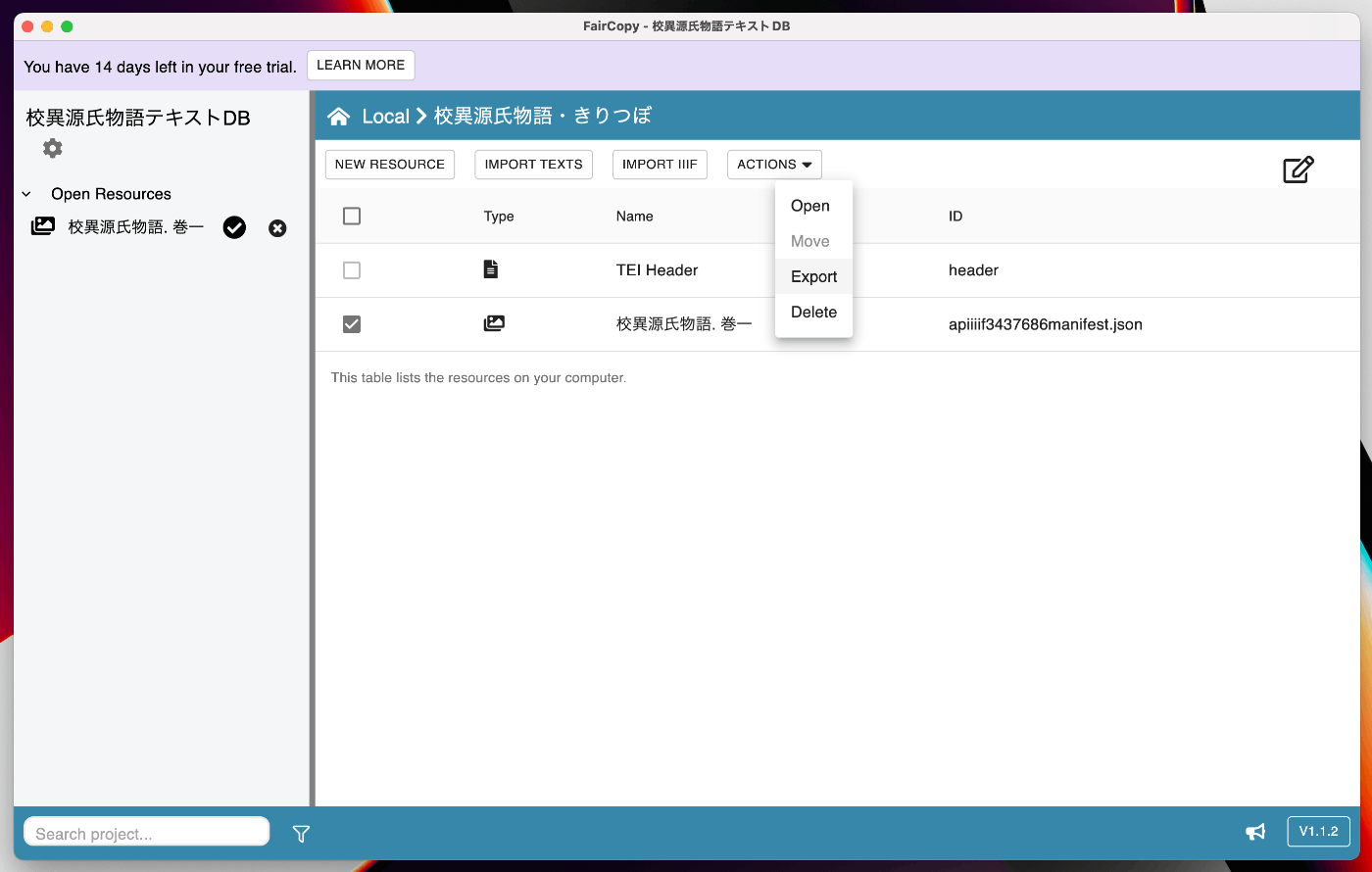
This creates an XML file containing the facsimile element as follows.
Later, we will export a TEI/XML that combines the TEI Header with text - body, but as shown above, the tool provides functionality to export TEI/XML for individual elements such as images, text, and TEI Header.
Importing Text
Next, let’s import text. For now, register a sample text file as follows.
A text entry named sample is registered as shown below.

Clicking on the row displays the text editing screen as shown below.

Since the content would become too extensive, I will cover the operation of this editing screen in a separate article.
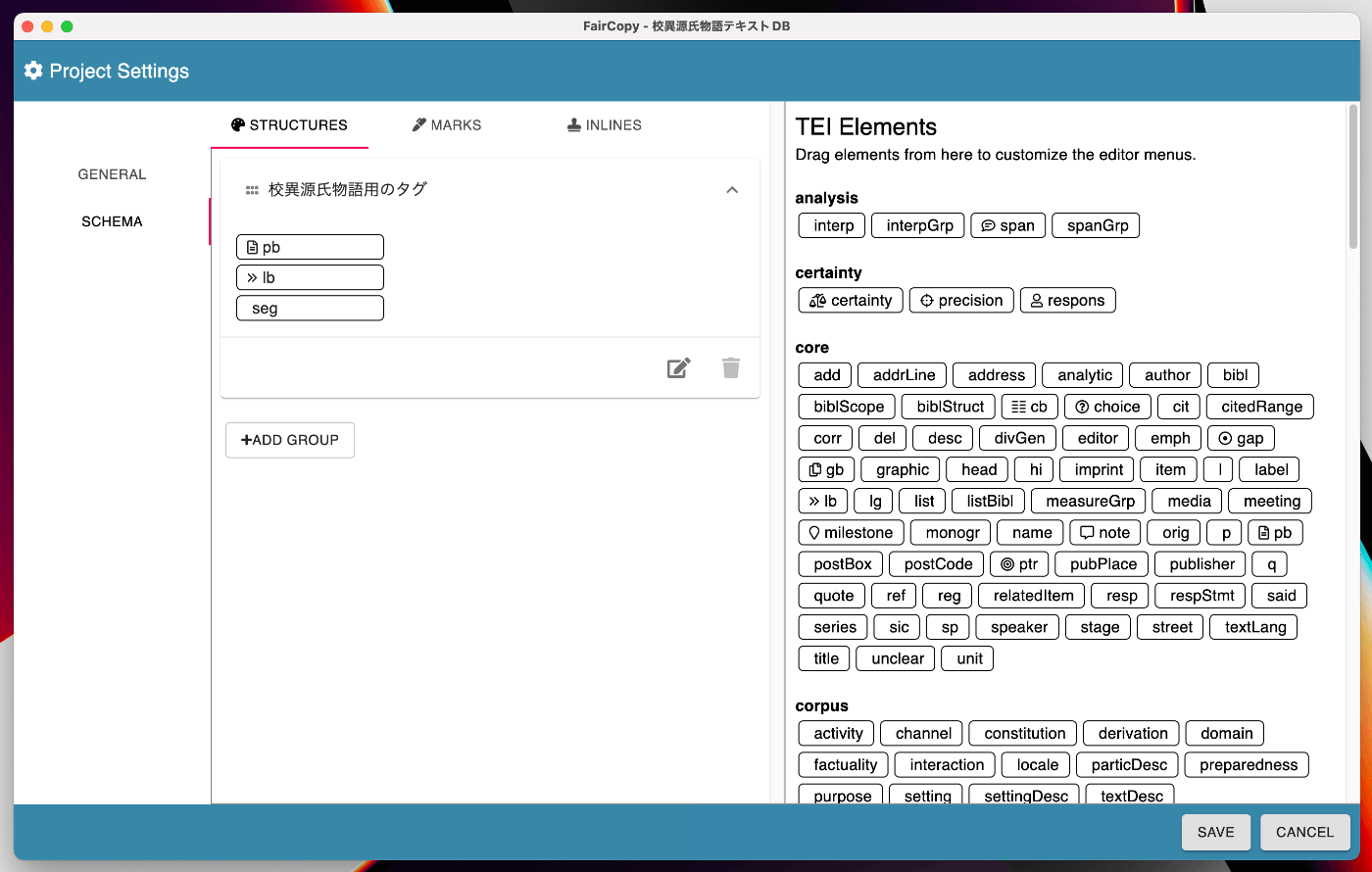
One key point is that you can select which tags to use for each project, as shown below, which helps avoid confusion from the large number of TEI tags.
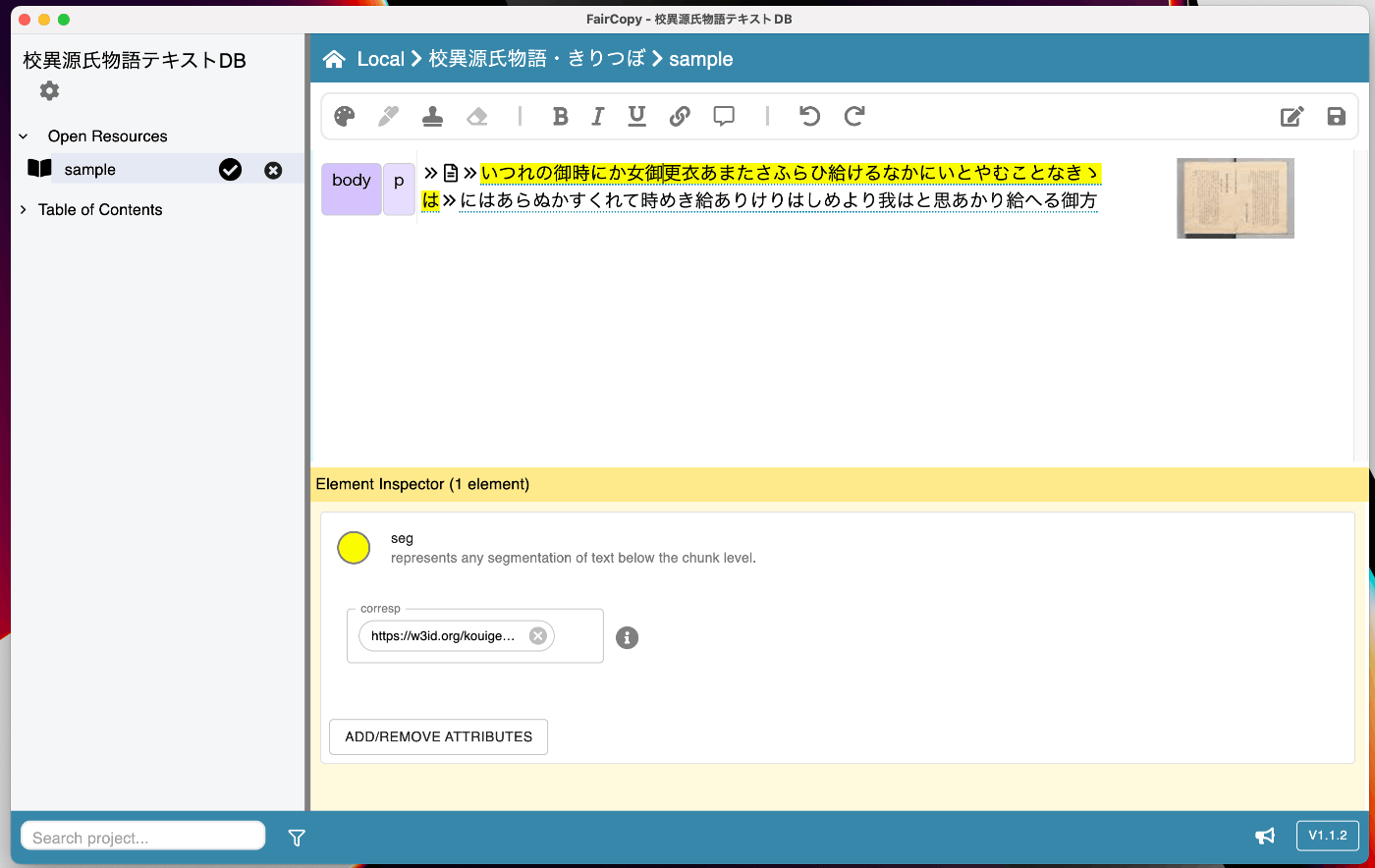
As a result, the text was created as follows. By mapping it to images, you can confirm that the corresponding page images are displayed on the right side of the screen.
Editing the TEI Header
Next, edit the TEI Header. Since the editing method is the same as for the text above, I will explain the details in a separate article.
While still partial, the TEI Header can also be edited using the GUI as shown below.

Export
The TEI Header, text, and images created so far can be merged and exported as a single TEI/XML file.
Return to the project top screen, select the relevant rows, and click “Export” from Actions as shown below.
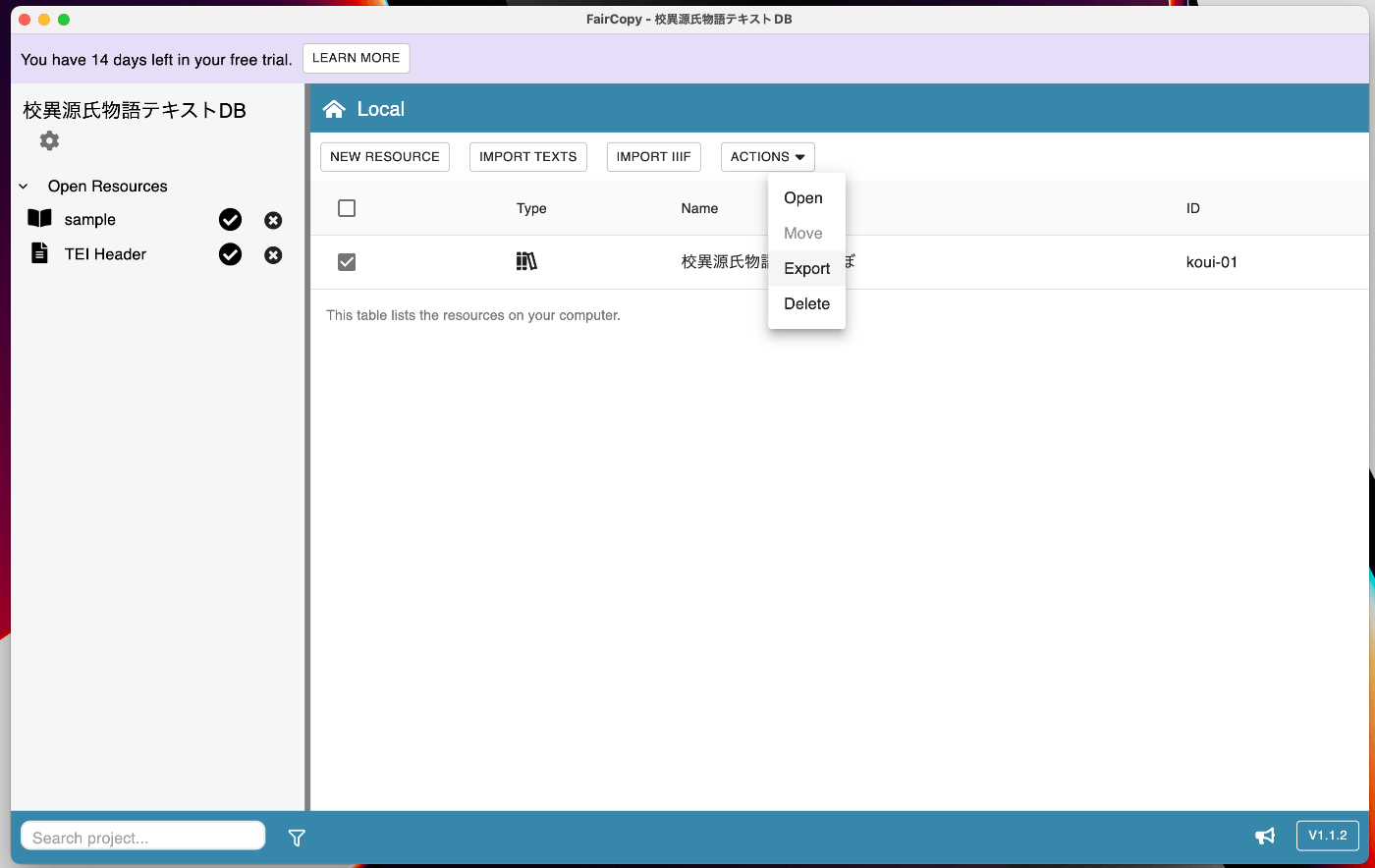
The following XML file is output as a result.
Using this tool alone, I was able to create the intended TEI/XML file.
Summary
I found this to be a useful tool for reducing the cost of creating TEI/XML files. In the future, I plan to add related articles covering topics such as text data editing methods.
I hope this is helpful as a reference.