Overview
I had the opportunity to add mdx.jp object storage to Archivematica, so this is a note for reference.
Background
In the following article, I described how to configure Amazon S3 as both a processing target and AIP storage destination for Archivematica.
This time, based on those steps, I tried connecting mdx.jp object storage.
Configuration Method
Configure as follows.
For S3 Endpoint URL, set https://s3ds.mdx.jp.

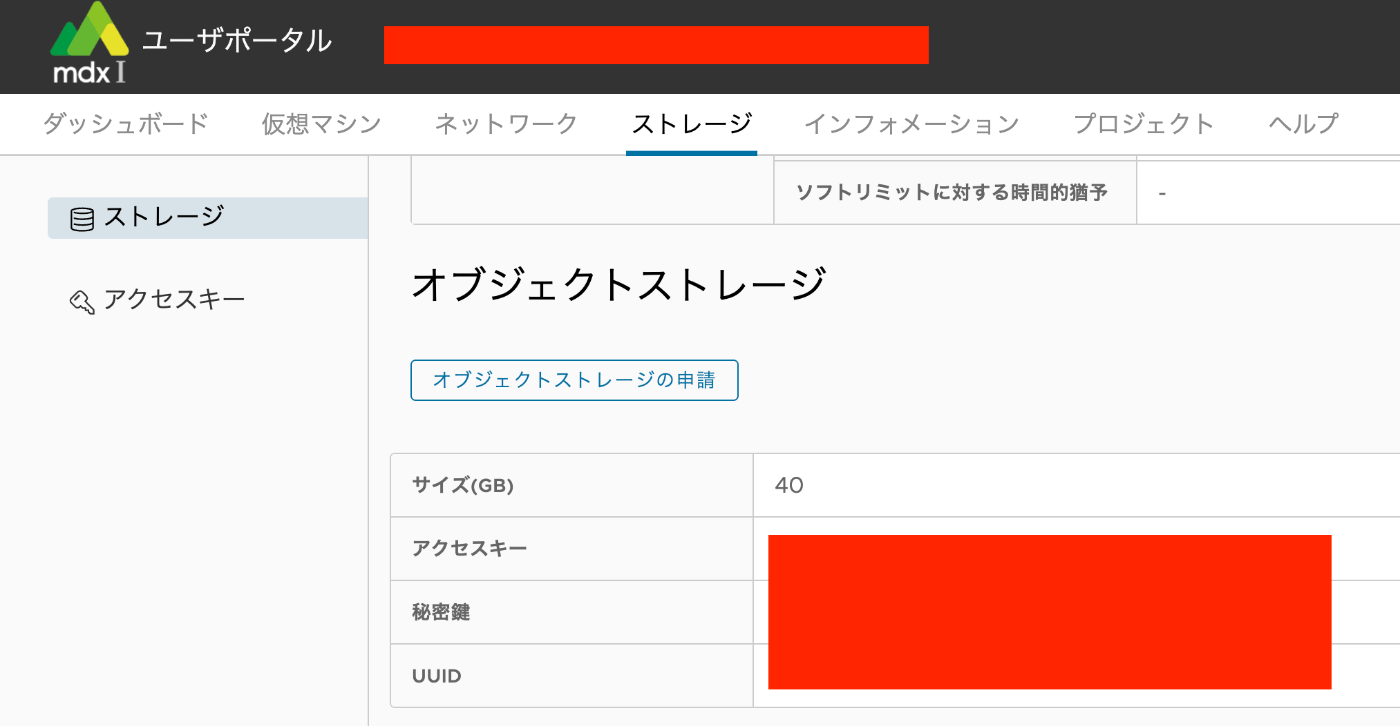
For Access Key ID to authenticate and Secret Access Key to authenticate with, use the Access Key and Secret Key obtained from the following.
Result
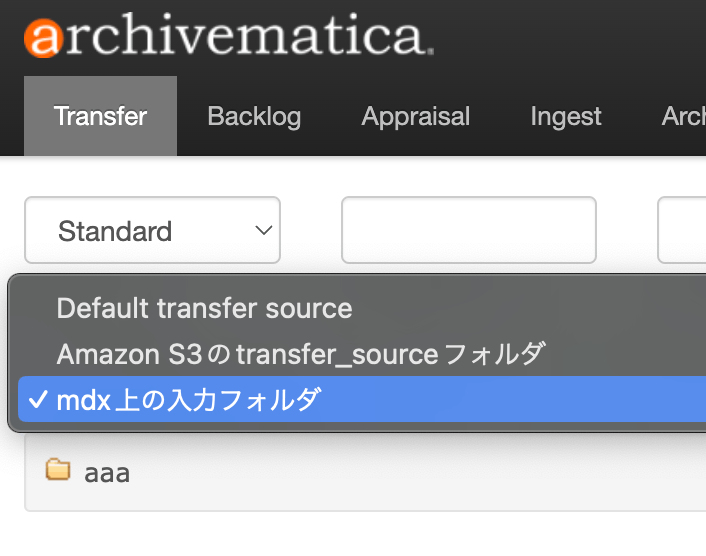
As a result, mdx.jp object storage became available as input/output storage as shown below. This allows AIPs and DIPs to be stored in mdx.jp object storage.
Supplement
Using the method described in the following article, you can connect GakuNin RDM with mdx.jp object storage.
This enables verification of AIPs and DIPs on GakuNin RDM. Furthermore, this allows analysis and visualization of AIPs using GakuNin RDM’s BinderHub.
As a visualization example, applications of METSFlask, which enables human-friendly exploration of Archivematica METS files, can be considered.
Summary
I hope this is helpful for integrating Archivematica, GakuNin RDM, mdx.jp, and other services.