With the default settings of the Omeka S IIIF Server module, you can access IIIF manifest files using URLs like the following.
Example (version 2):
https://shared.ldas.jp/omeka-s/iiif/2/1267/manifest
Example (version 3):
https://shared.ldas.jp/omeka-s/iiif/3/1267/manifest
However, since this uses Omeka’s internal ID, it is recommended to use custom identifiers.
The solution is to additionally install the Clean Url module and enable Use the identifiers from Clean Url in the IIIF Server module settings screen shown below.
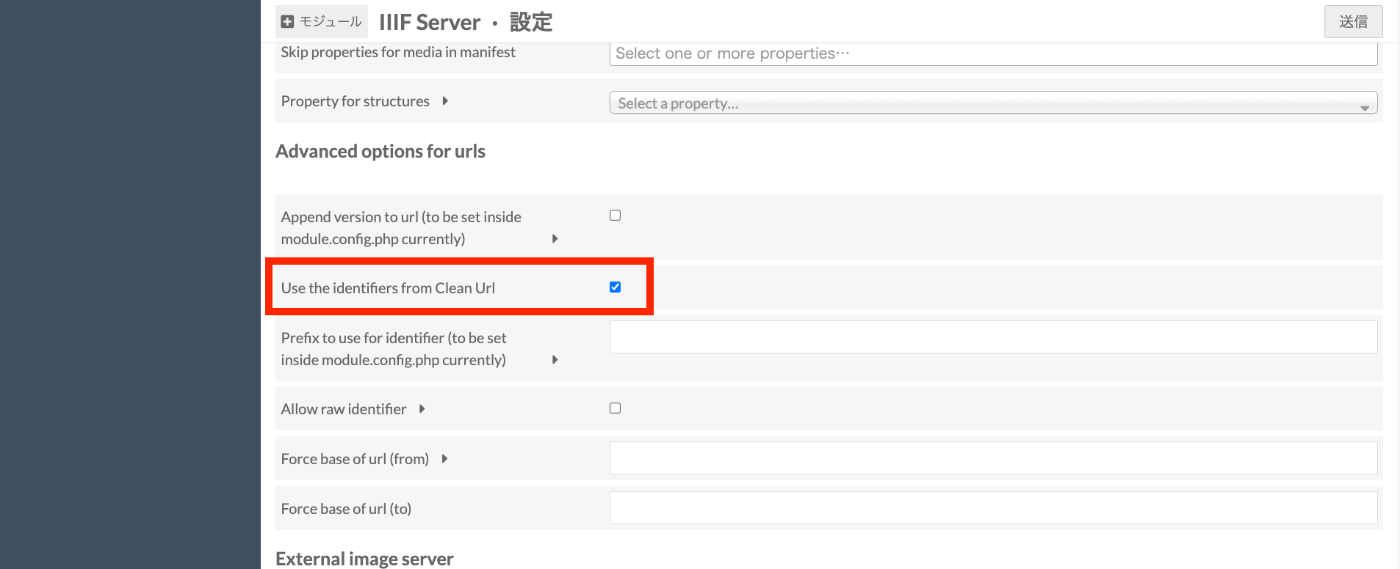
By doing this, for example, if you assign the identifier 99999 to the previous item, you can access the same manifest file with the following URL as well.
https://shared.ldas.jp/omeka-s/iiif/2/99999/manifest
This time I used a numeric identifier, but alphanumeric characters such as abc or abc1234 are also fine.
I hope this is helpful when using the IIIF Server module.