Overview
I had the opportunity to work with Omeka S at the following workshop. This time, I introduce the modifications made to themes and modules based on feedback received from participants during the exercise.
https://dh.nihu.jp/news/post/dihuco_20250724
Universal Viewer Module
The Universal Viewer module introduces Universal Viewer into Omeka S.
https://gitlab.com/Daniel-KM/Omeka-S-module-UniversalViewer
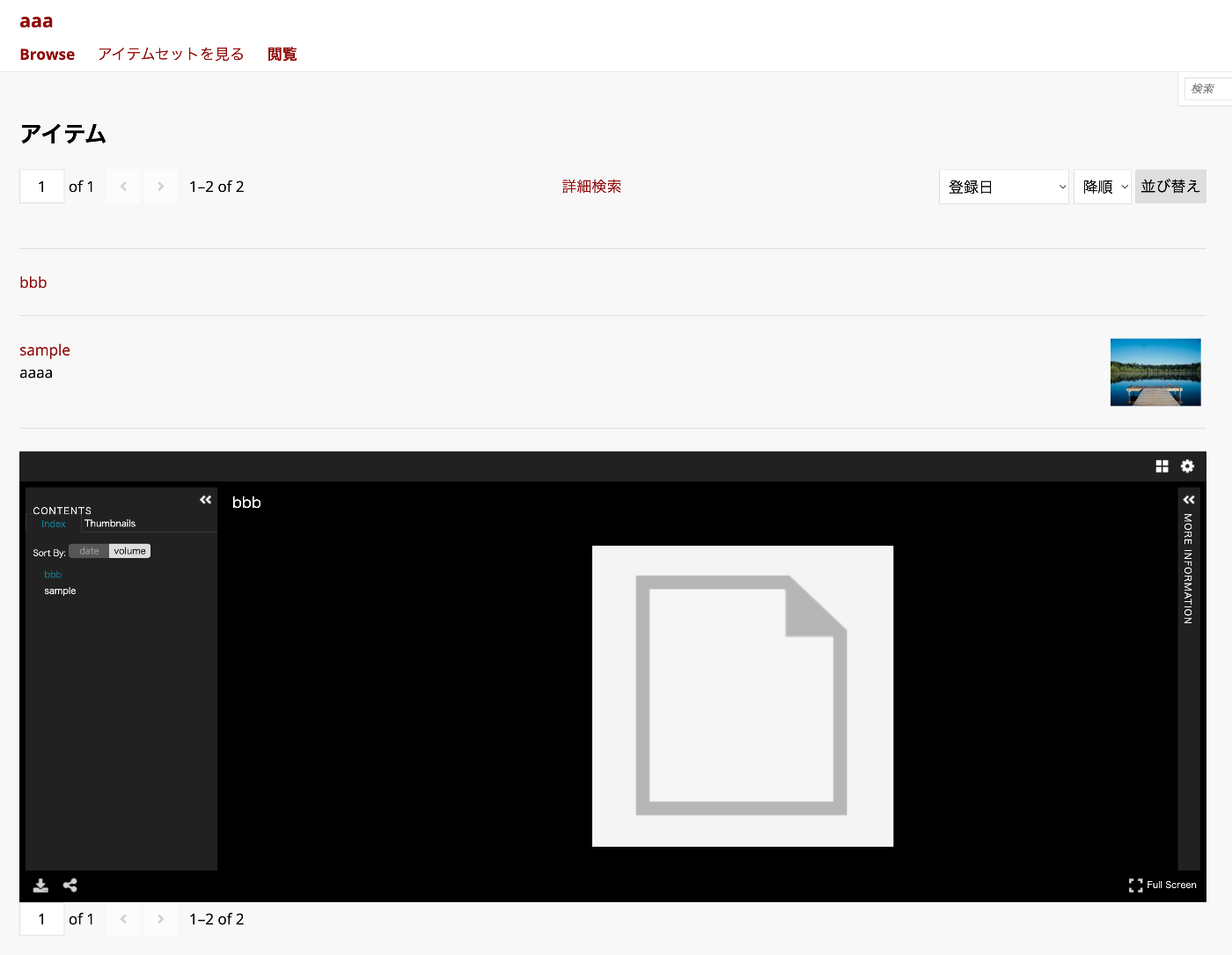
One of the features provided by this module is the ability to display Universal Viewer on the item list page as shown below.
However, when there were items without associated media in this display, issues arose with the creation of IIIF manifest files or IIIF collection files, causing alerts to be displayed each time.
Therefore, I made the following feature modifications and submitted a pull request.
https://gitlab.com/Daniel-KM/Omeka-S-module-UniversalViewer/-/merge_requests/3
Specifically, I added an option to the per-site settings screen like the following:
http://localhost/admin/site/s/aaa#site-settings
This option allows configuring whether to display UV on the item list screen.

As a result, when this setting is turned OFF, UV is no longer displayed on the item list screen as shown below.

Japanese translations have been applied as well.
Bootstrap5-based Omeka S Theme
Background
I have been creating the following theme for Omeka S v.4 series.
https://github.com/nakamura196/Omeka-S-theme-Bootstrap5
The following was originally created for Omeka S v.3 series, so I rebuilt it with the help of generative AI.
https://github.com/ldasjp8/Omeka-S-theme-Bootstrap5
Details about this theme will be introduced in a separate article.
Changes
Before changes

After changes

This theme originally used square-cropped thumbnail images as shown in the Before changes image above.
However, with this setting, there were cases where users could not properly display the areas they wanted to show. Therefore, I added an option to enable the display shown in the After changes image.
Specifically, I added a “Thumbnail Display Mode” to the theme settings screen as follows.

The commit used for this change is as follows.
Summary
I plan to continue making modifications to Omeka S themes and modules based on user feedback and to adapt them for the Japanese language environment.