This article summarizes the steps for setting up Backup and Migrate for backups and Automatic Updates for automatic module and core updates on Drupal 10.6.1 running on a shared server.
Current Status Check
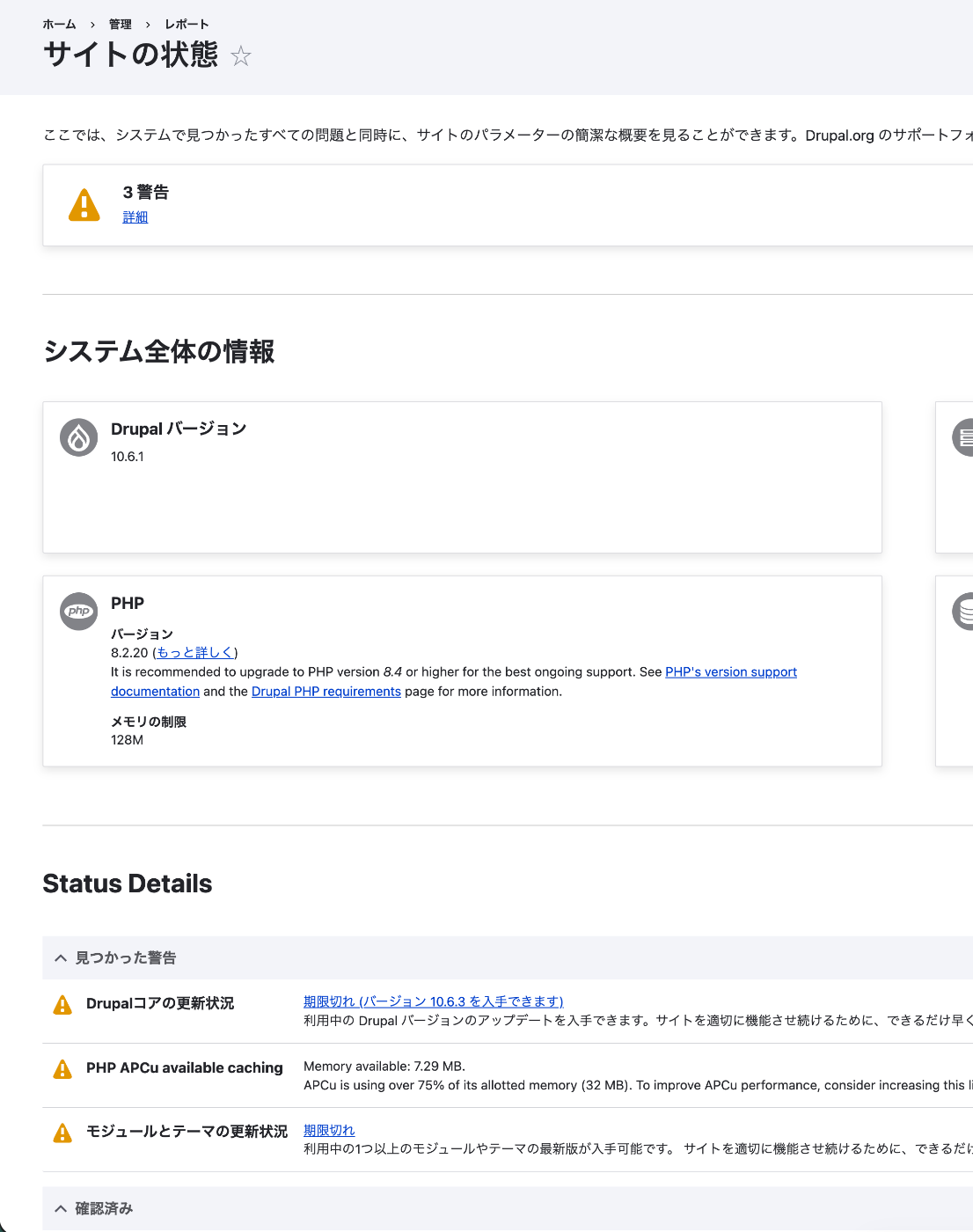
Checking “Reports > Status report” in the admin interface revealed three warnings:
- Drupal core update status: Out of date (version 10.6.3 available)
- PHP APCu available caching: Memory usage exceeds 75%
- Module and theme update status: Out of date
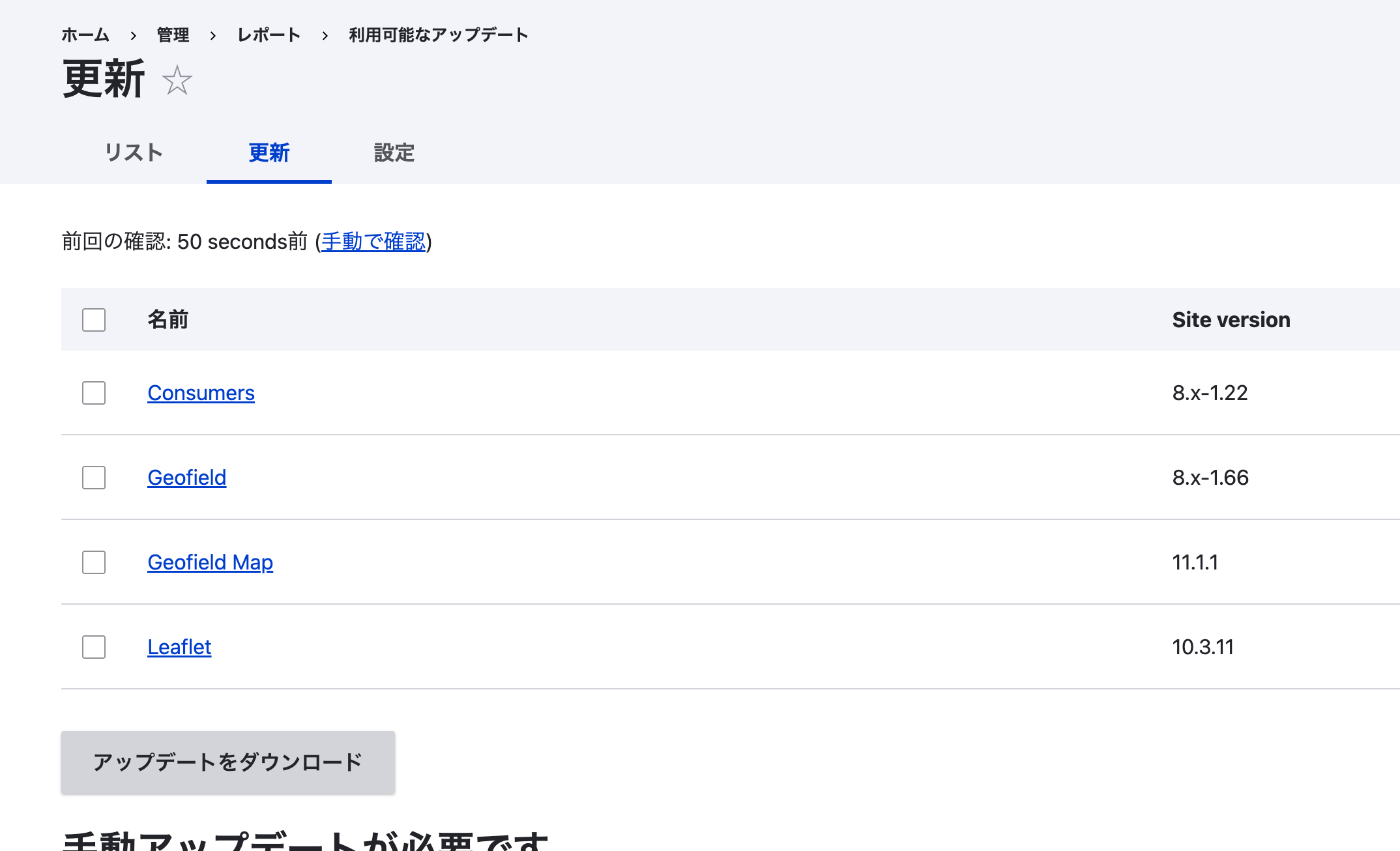
Looking at “Reports > Available updates,” the following modules had updates:
- Consumers 8.x-1.22
- Geofield 8.x-1.66
- Geofield Map 11.1.1
- Leaflet 10.3.11
Installing Backup and Migrate
Before performing updates, first prepare a backup method.
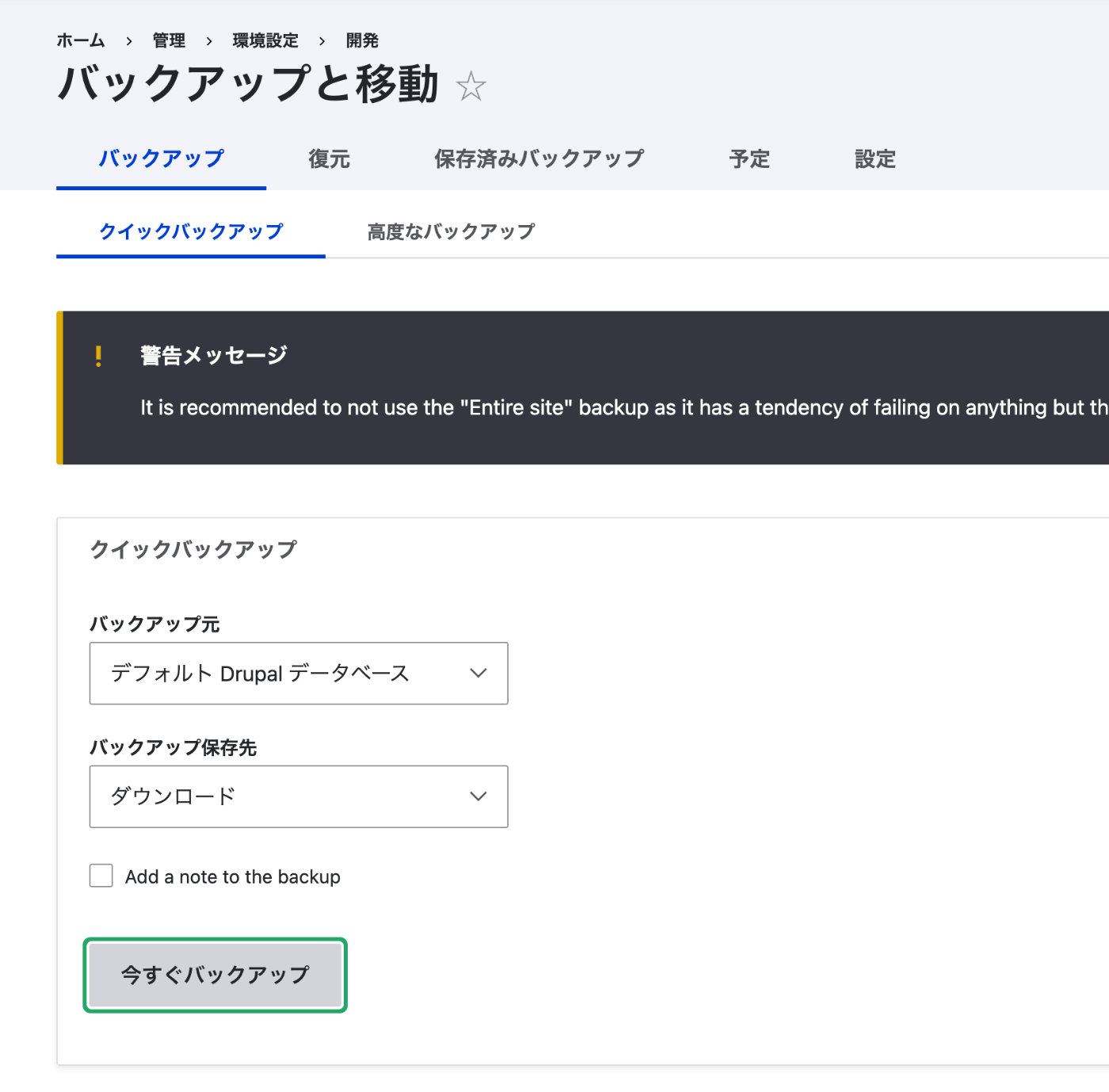
After installation, a quick backup can be performed from “Administration > Configuration > Development > Backup and Migrate.” Select “Default Drupal Database” as the backup source and “Download” as the backup destination, then press “Backup now” to download a database backup file.
Installing Automatic Updates
The Automatic Updates module allows module and core updates from the admin interface.
Configuring the Composer Path
Immediately after enabling, an error appeared on the Automatic Updates screen.
The composer executable cannot be found. Make sure it’s installed and in the $PATH

On shared servers, Composer is often not in the system PATH, so the path needs to be explicitly specified in settings.php.
Add the following:
If composer.phar does not have execute permission, grant it.
After configuration, clear the cache.
Updating Drupal Core
First, update the core. Navigate to the “Reports > Available updates > Update” tab to see the core update screen. Currently 10.6.1 is installed, and an update to 10.6.3 is available.
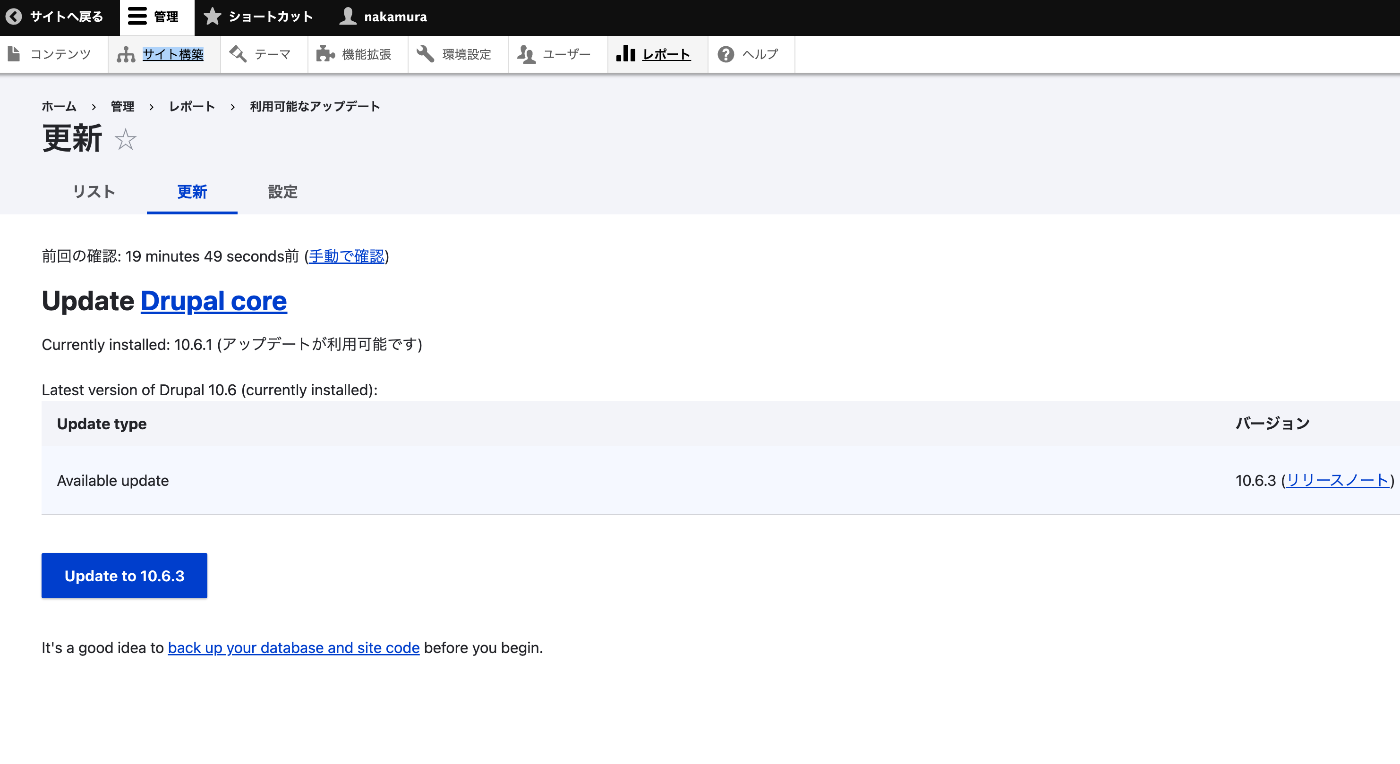
Press the “Update to 10.6.3” button to start the update download.
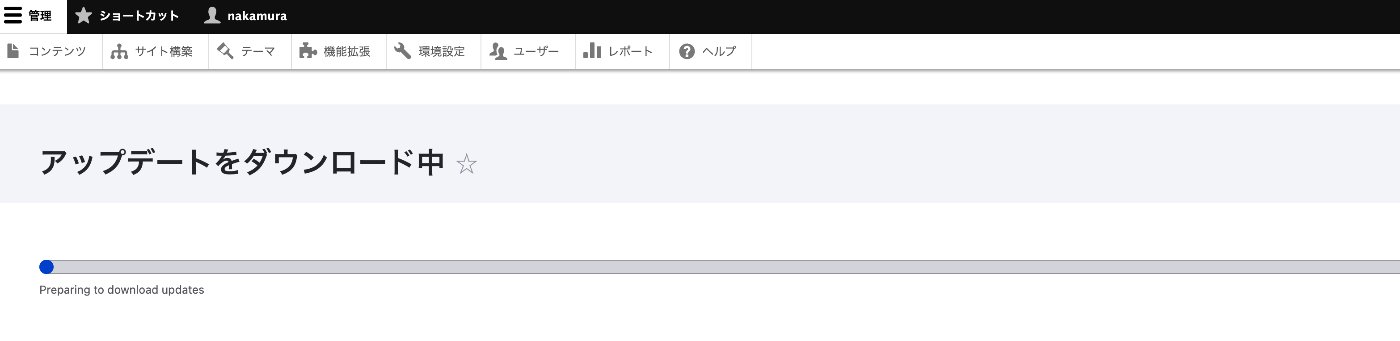
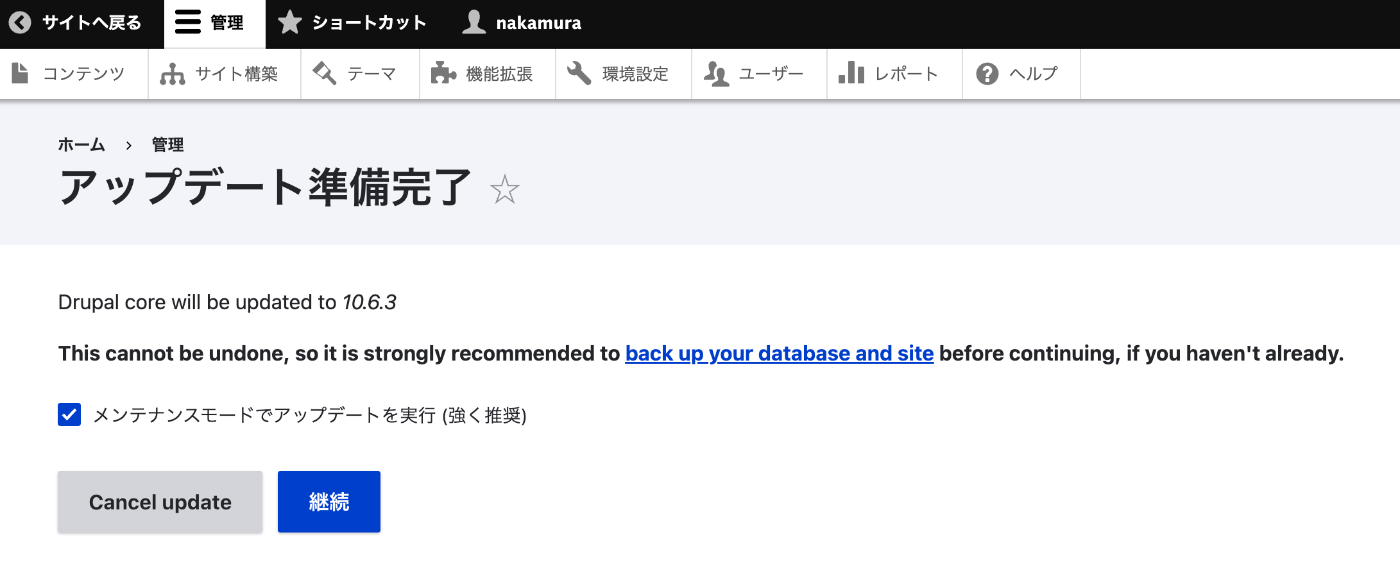
After the download completes, the “Update ready” screen appears. It shows “Drupal core will be updated to 10.6.3,” so confirm that “Run updates in maintenance mode” is checked and press “Continue.”
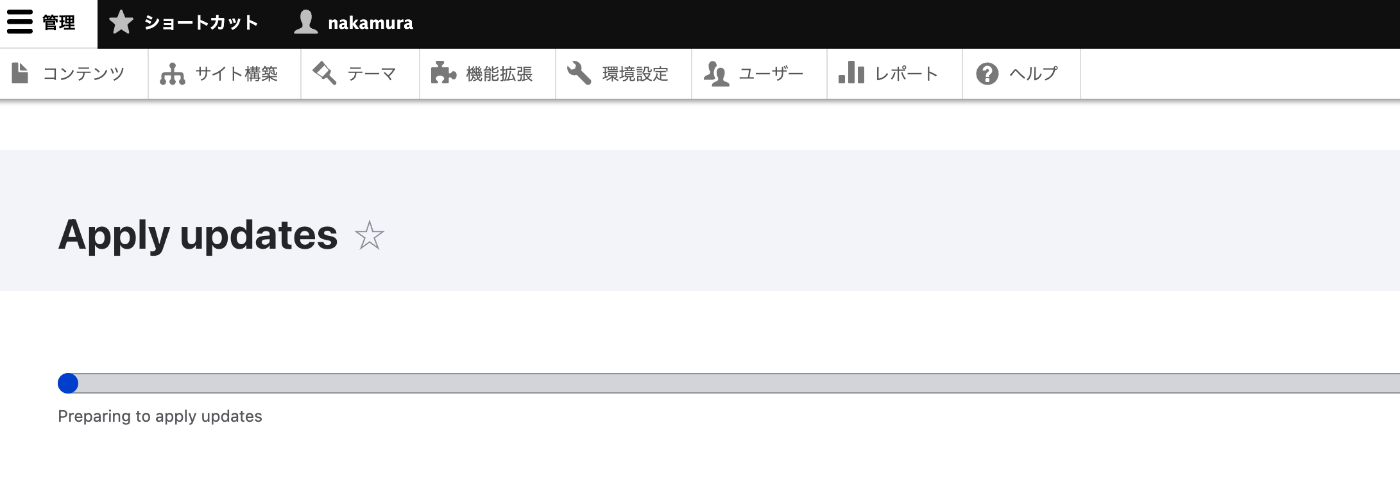
The update application begins.
Upon completion, a “Update complete!” status message appears. Drupal core has been updated to 10.6.3.
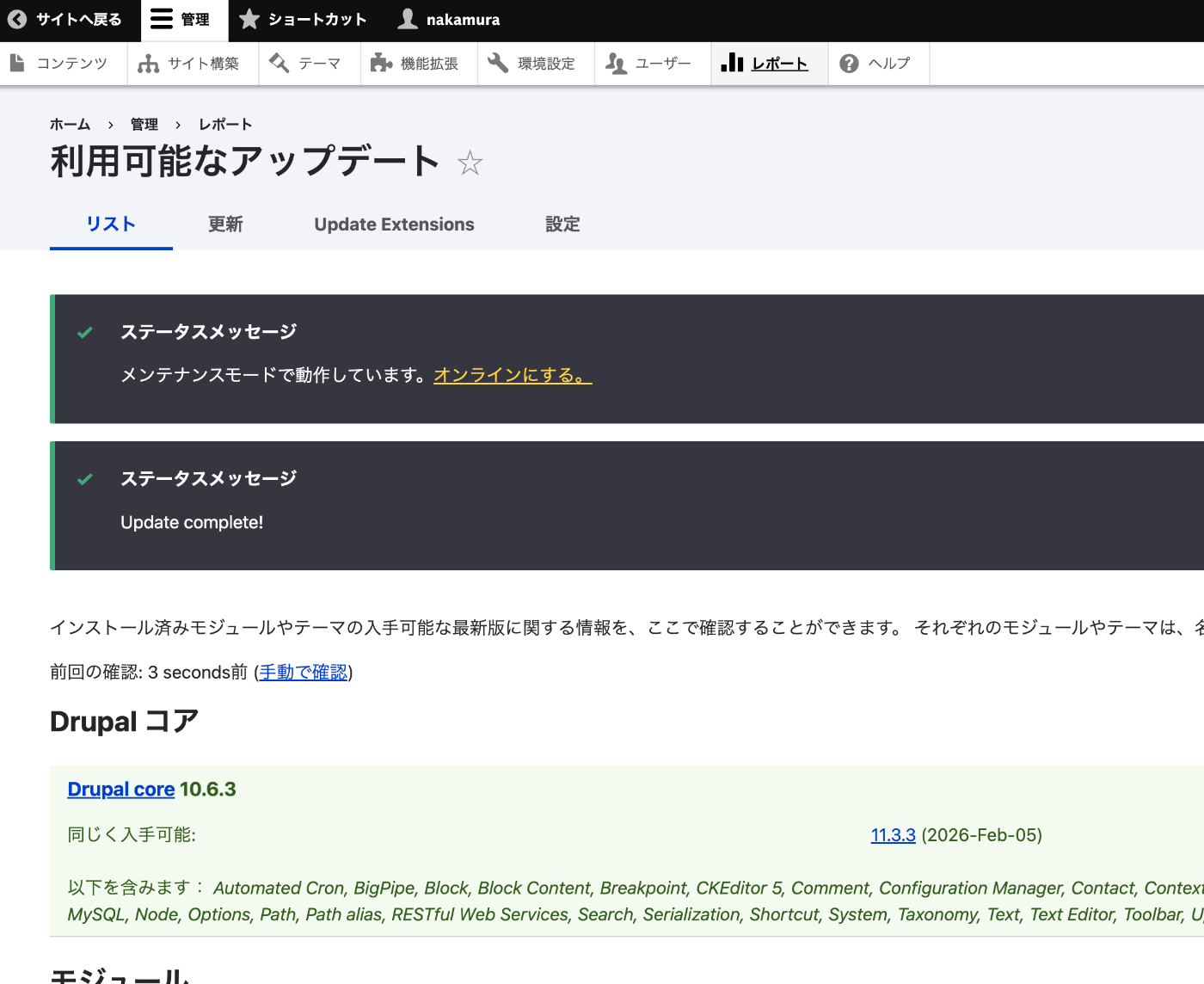
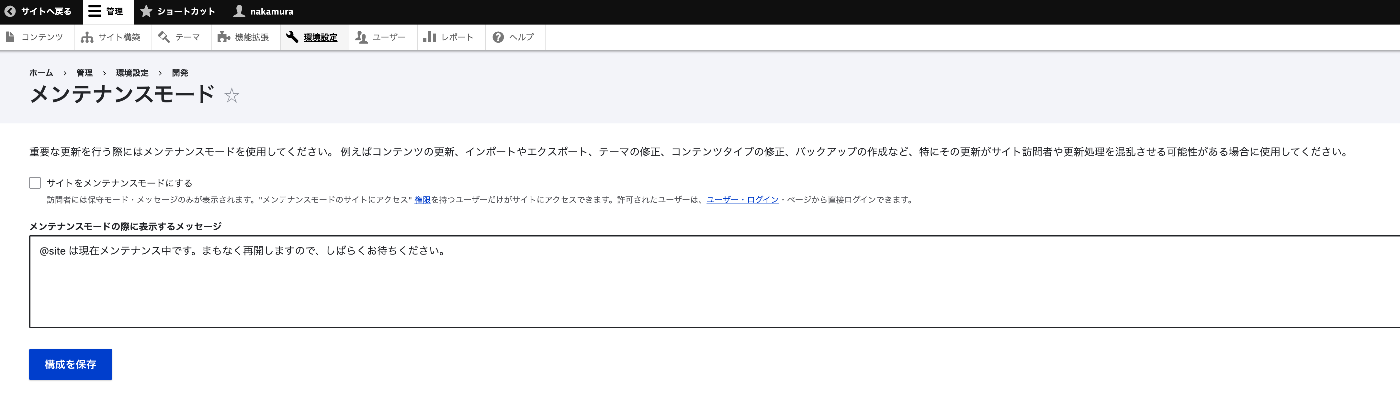
Since updates are performed in maintenance mode, after completion, disable maintenance mode from the “Go online” link. On the “Administration > Configuration > Development > Maintenance mode” screen, uncheck “Put site into maintenance mode” and press “Save configuration.”
Updating Extension Modules
After the core update is complete, open the “Administration > Extend > Update Extensions” tab. Modules with available updates are listed.
- Geofield 8.x-1.66
- Geofield Map 11.1.1
- Leaflet 10.3.11
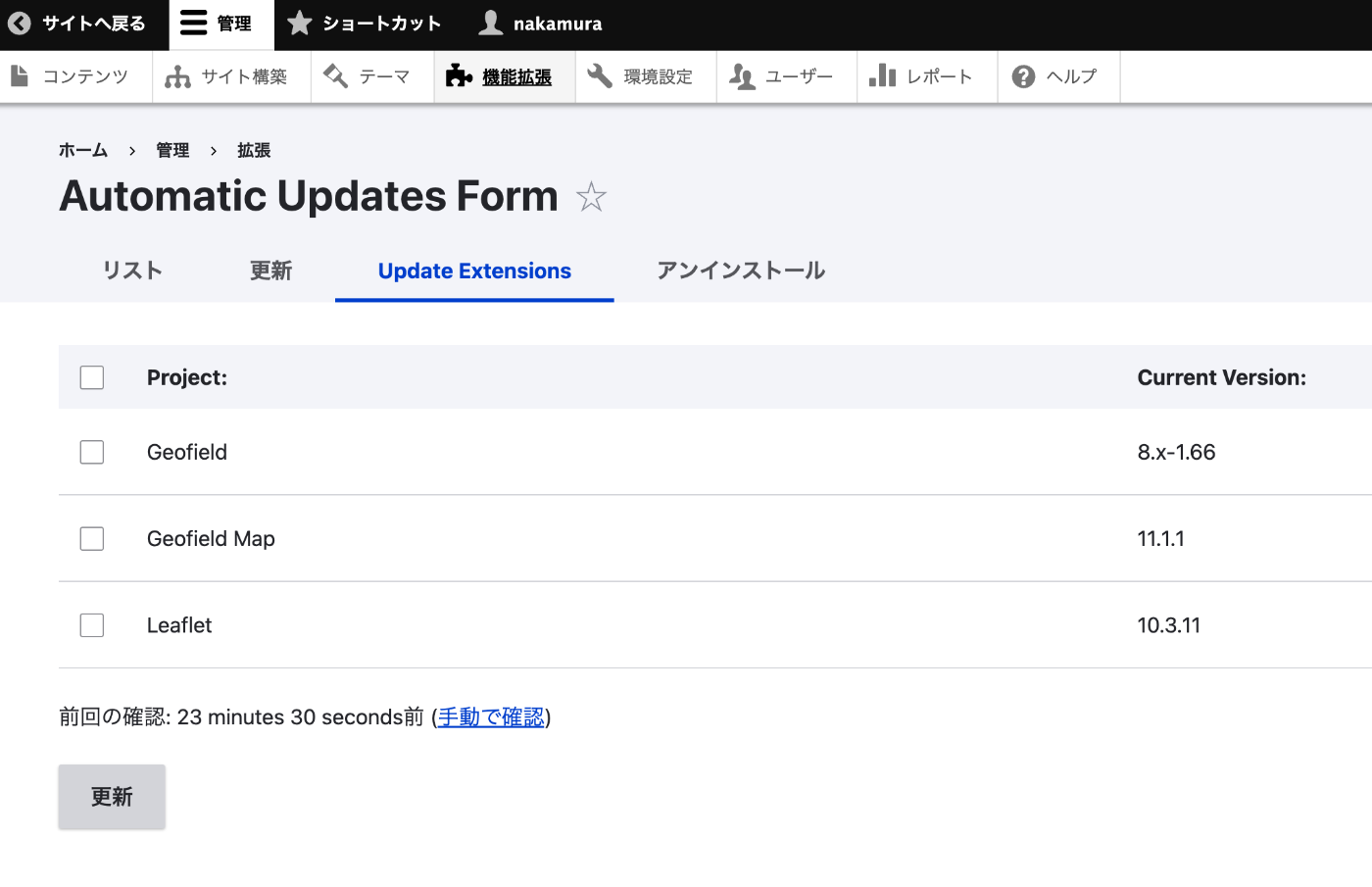
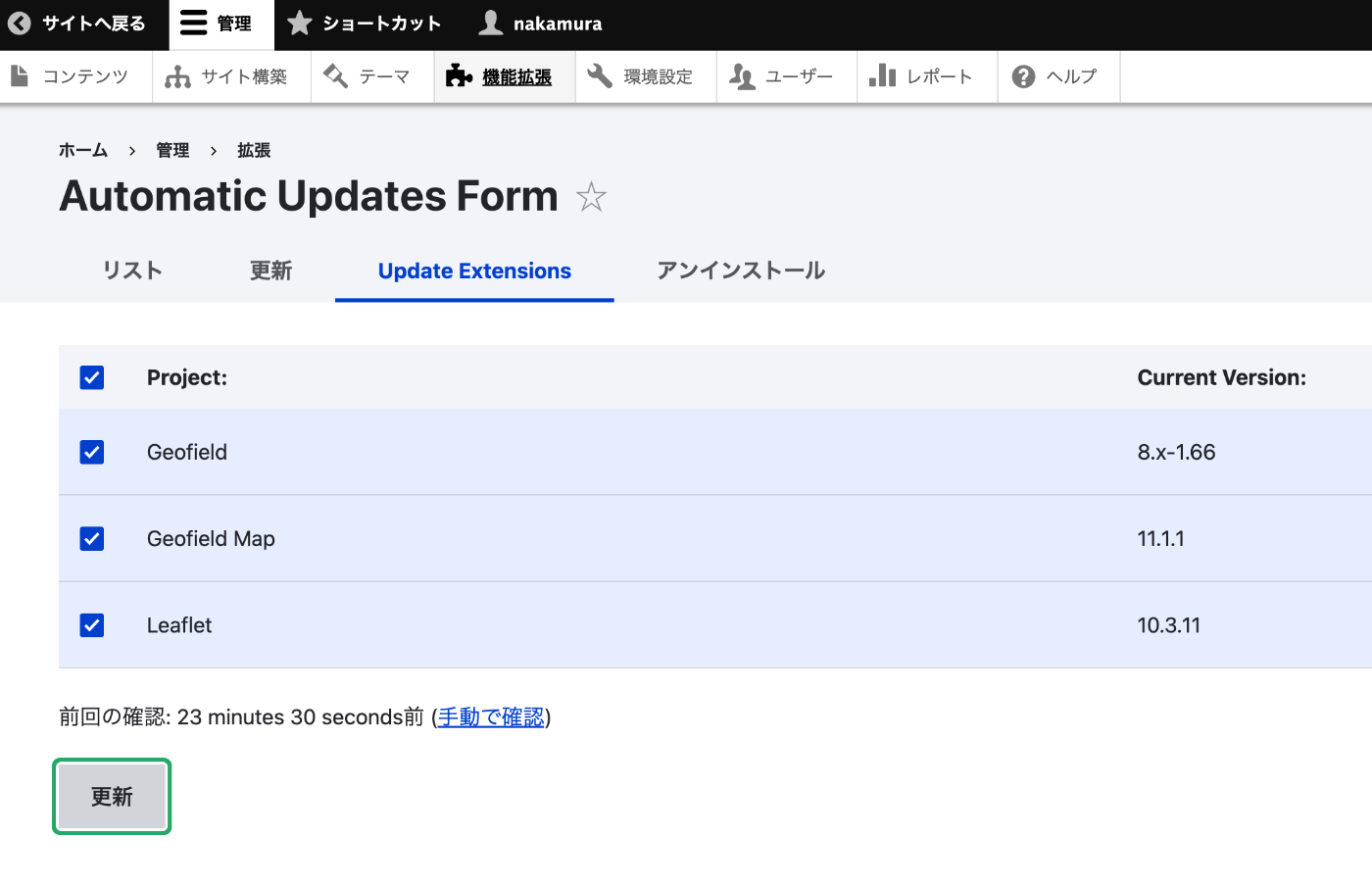
Check all modules and press the “Update” button.
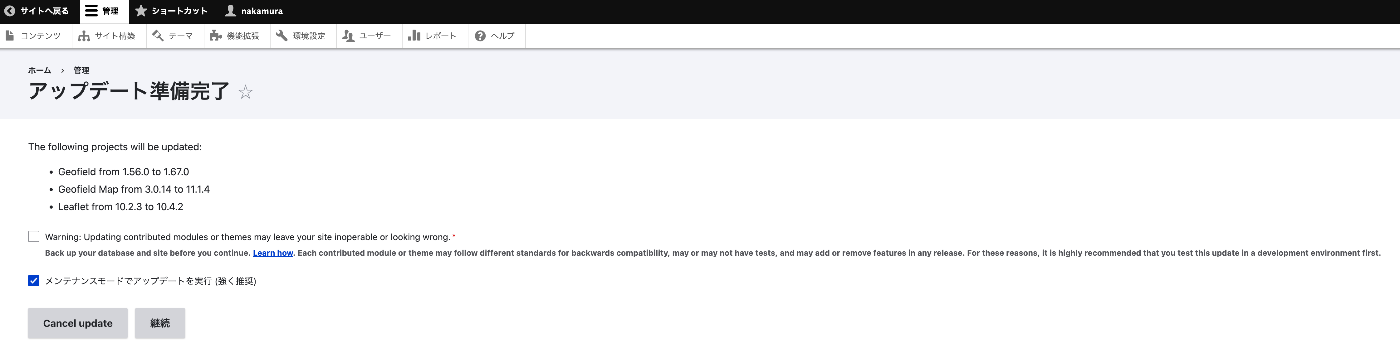
The “Update ready” screen appears. Review the update details.
- Geofield 1.56.0 -> 1.67.0
- Geofield Map 3.0.14 -> 11.1.4
- Leaflet 10.2.3 -> 10.4.2
Check “Run updates in maintenance mode” and press “Continue.”
As with the core update, disable maintenance mode after completion.
Note: Simultaneous updates of core and extension modules are not supported. Always update the core first, then update extension modules.
Verifying Update Completion
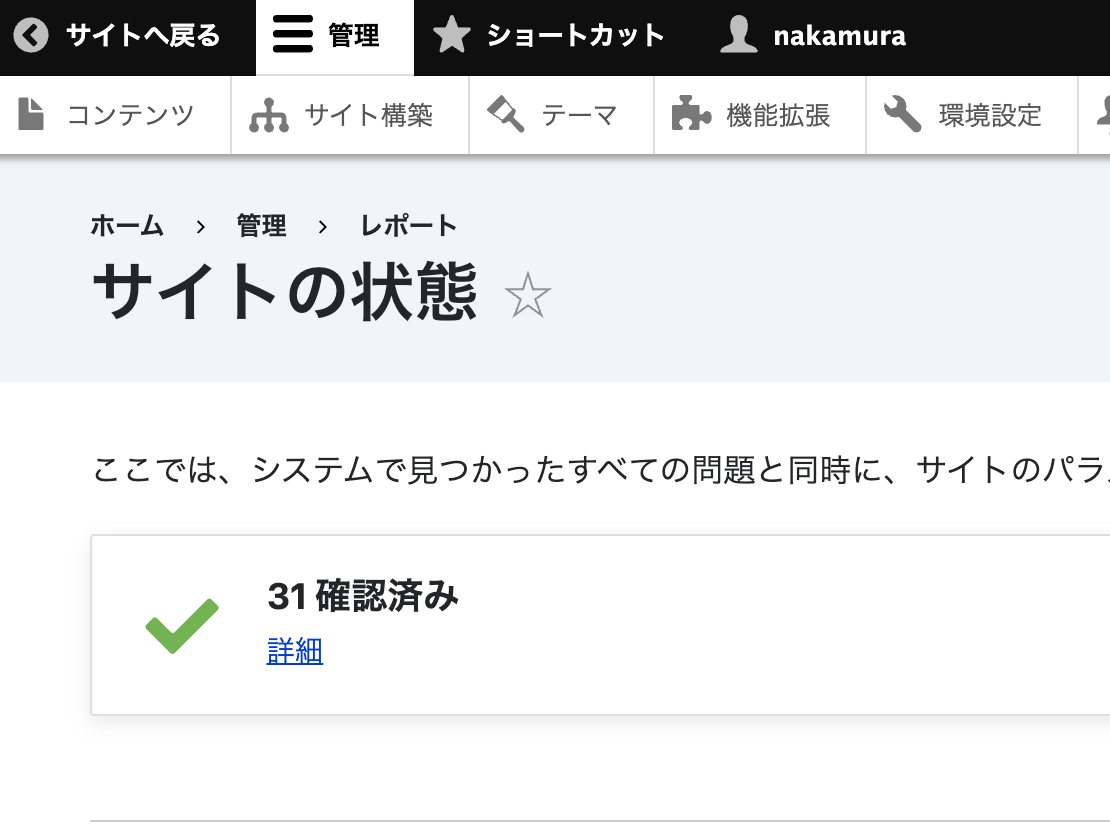
After all updates are complete, check “Reports > Status report.” If warnings have been resolved and “31 checked” is displayed, the process was successful.
Summary
- Take a backup using Backup and Migrate
- Install the Automatic Updates module and configure the Composer path in
settings.php - Update the core first, then update extension modules
- On shared servers, Composer is often not in the PATH, so explicit path specification in
settings.phpis required