Overview
In Algolia, a pagination limit (paginationLimitedTo) is set for search results, and by default, only up to 1,000 results can be accessed. By changing this setting, you can adjust the maximum number of items available through pagination.
Configuration Method
To change the pagination limit (paginationLimitedTo), the following methods are available.
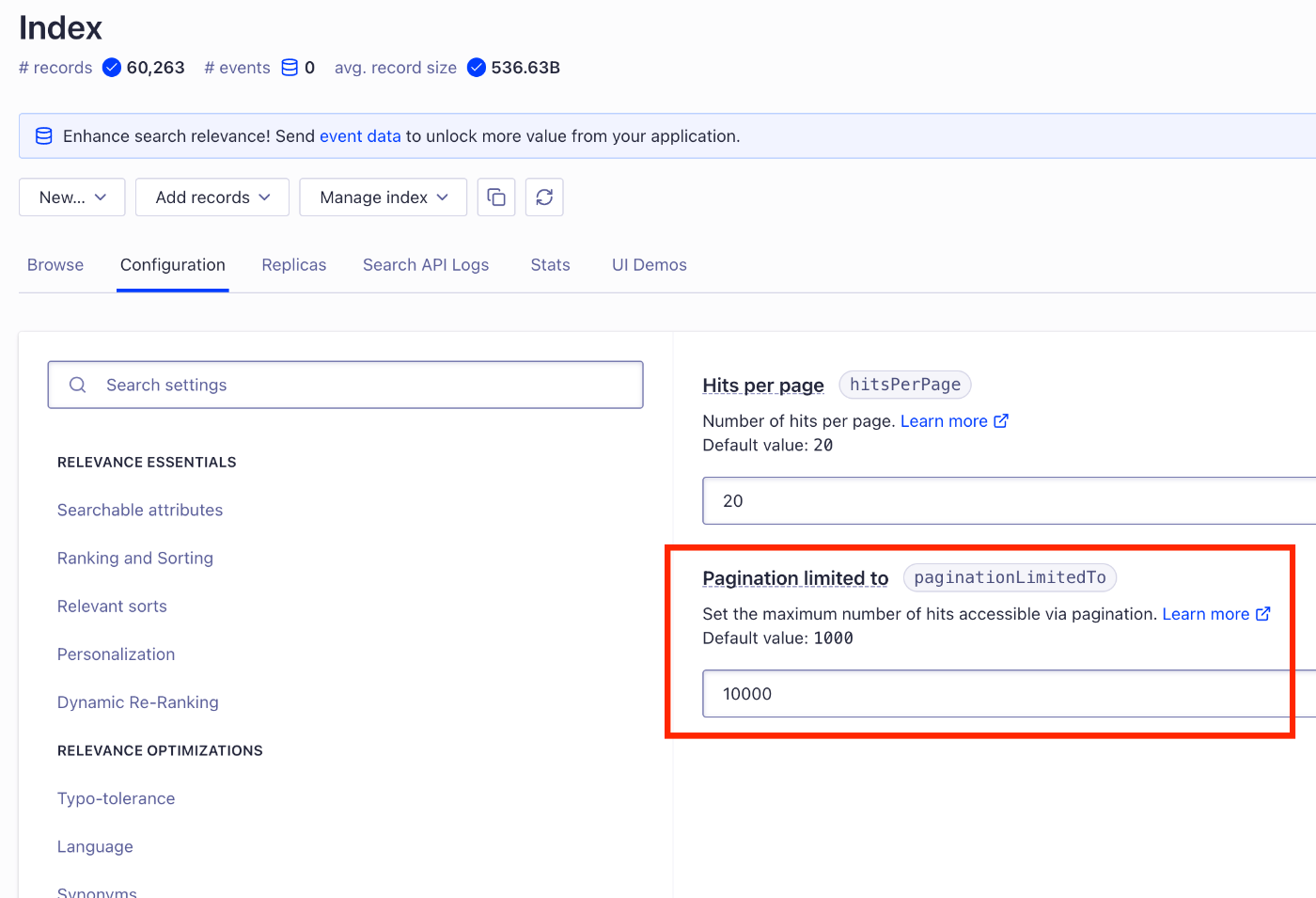
Configuring from the Algolia Dashboard
- Log in to Algolia
- Select the target index
- Open Configuration → Pagination
- Change the paginationLimitedTo value
Other Methods
It appears that configuration changes via the API are also possible.
Summary
By properly utilizing this setting, you can provide a more flexible search experience.
We hope this serves as a useful reference.