Overview
I had the opportunity to try AllegroGraph, so this is a memo of my experience.
Usage
There appear to be several setup methods, but I will try the following cloud version.
After setup, the following screen is displayed.

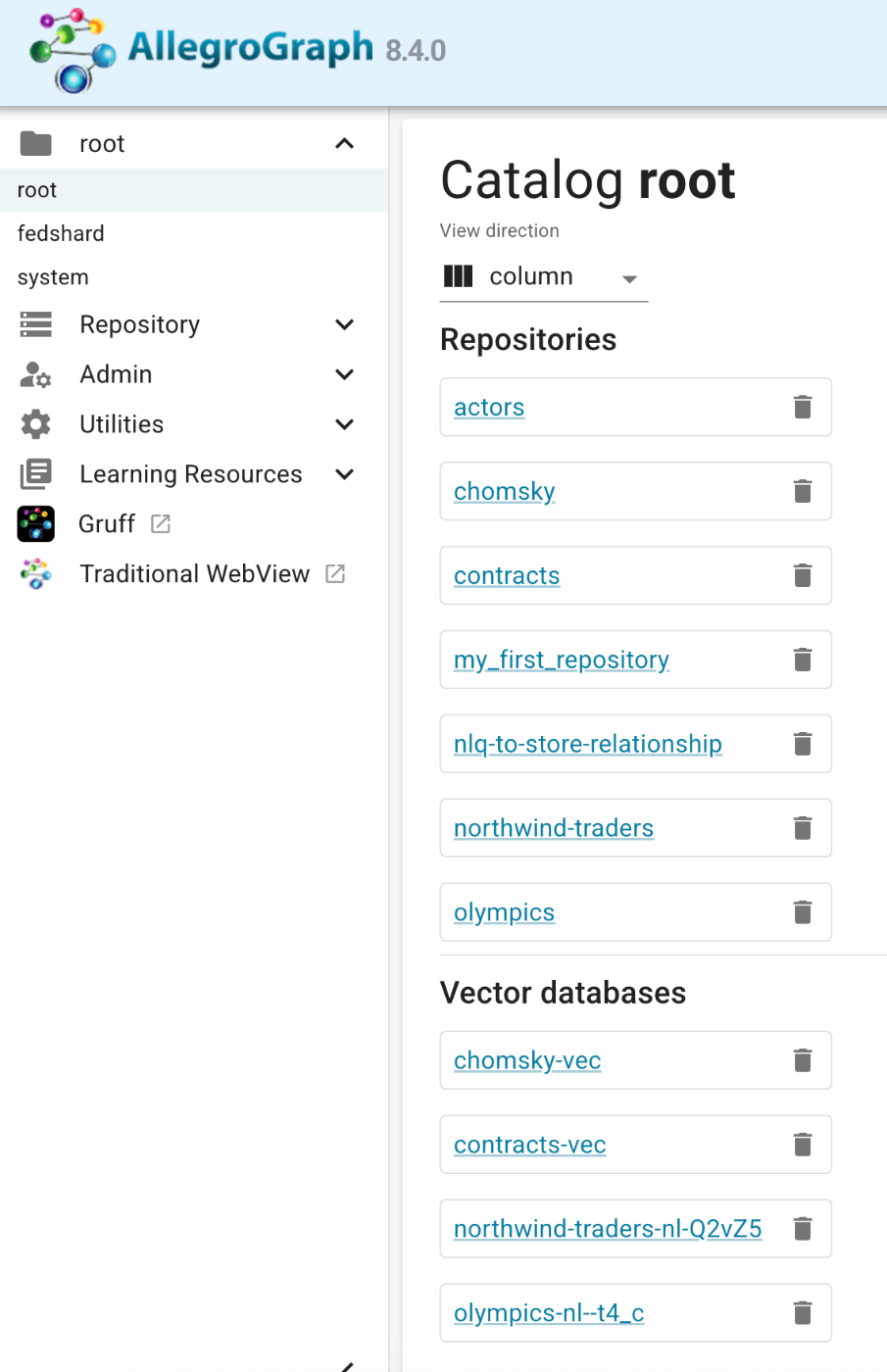
After logging in, multiple repositories are displayed.
Enabling Anonymous Access
For example, the SPARQL endpoint for the “actors” repository is:
https://ag1edt2www58hzzy.allegrograph.cloud/repositories/actors/sparql
By default, Basic authentication is required.
To address this, I created an anonymous user. By setting the username to “anonymous,” I was able to skip password entry.
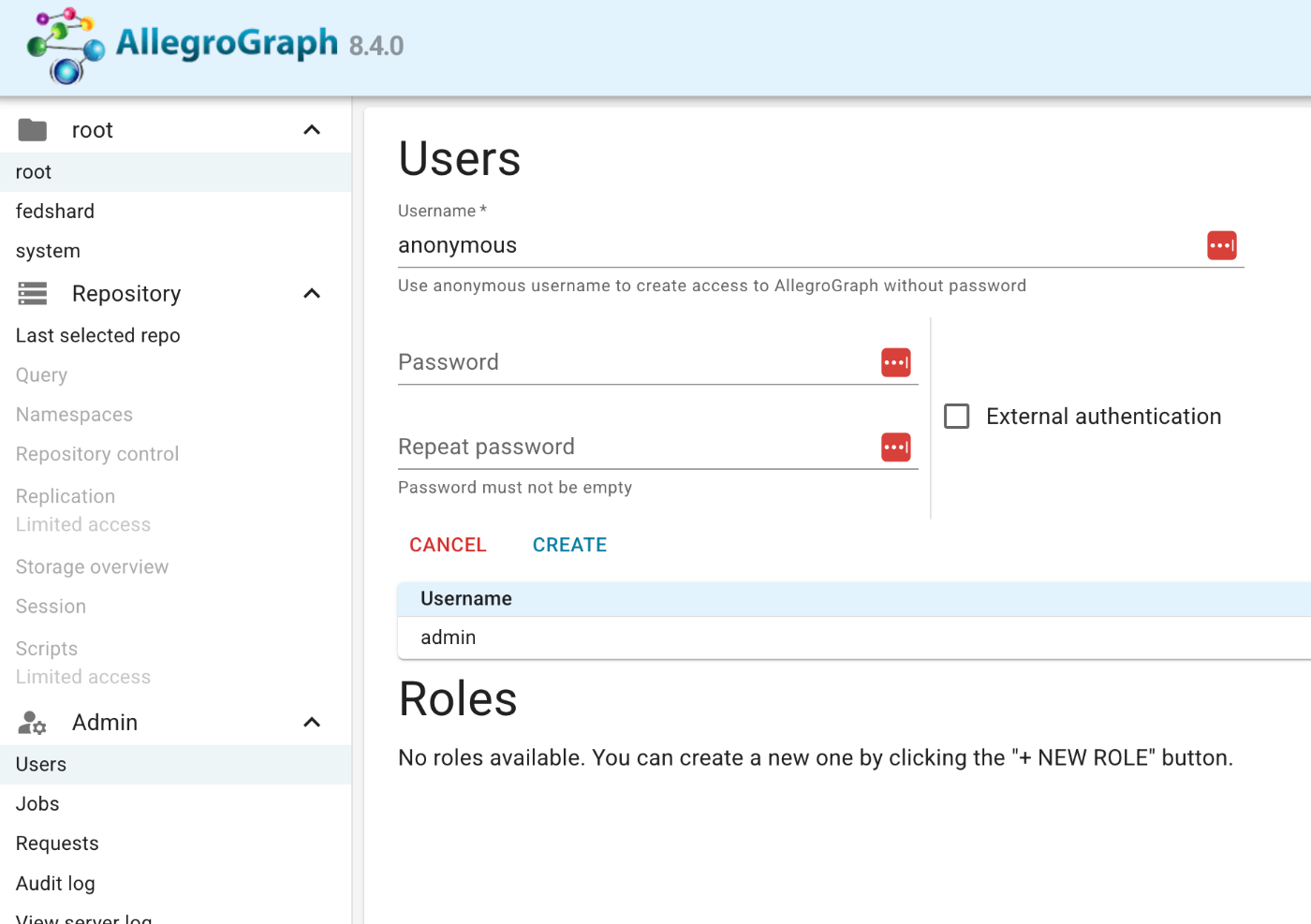
The official documentation is available at the following link.
https://franz.com/agraph/support/documentation/managing-users.html#anonymous-access
Then, I granted READ permission to the “actors” repository.
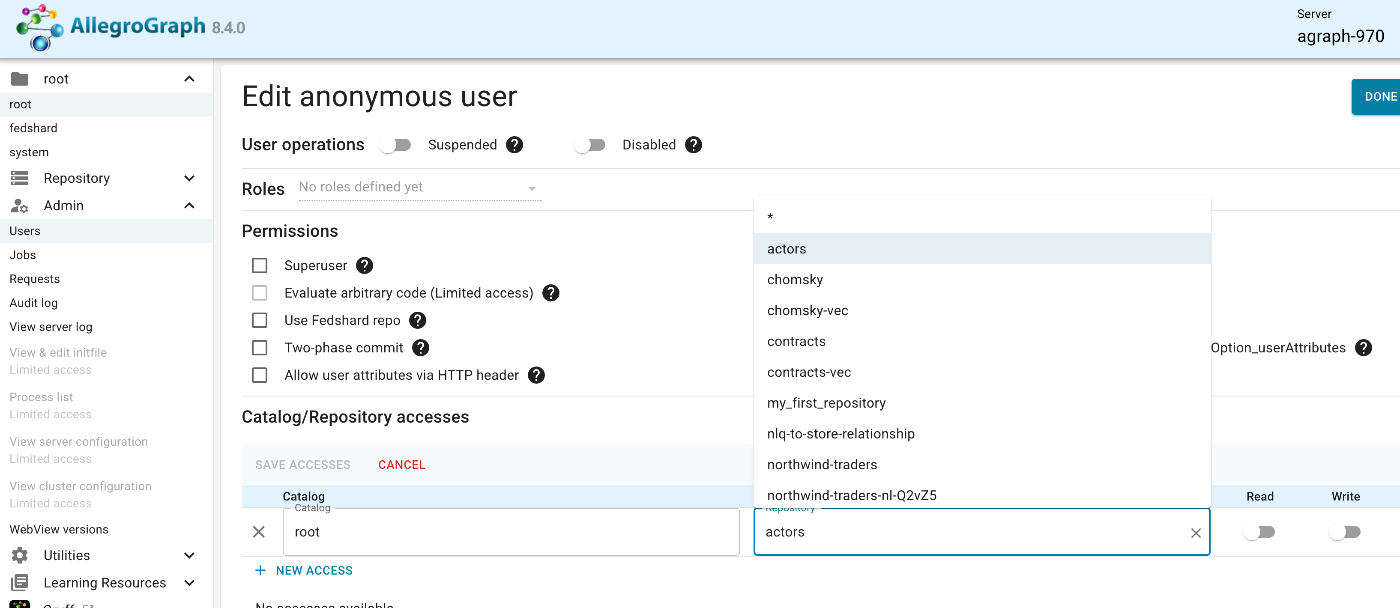

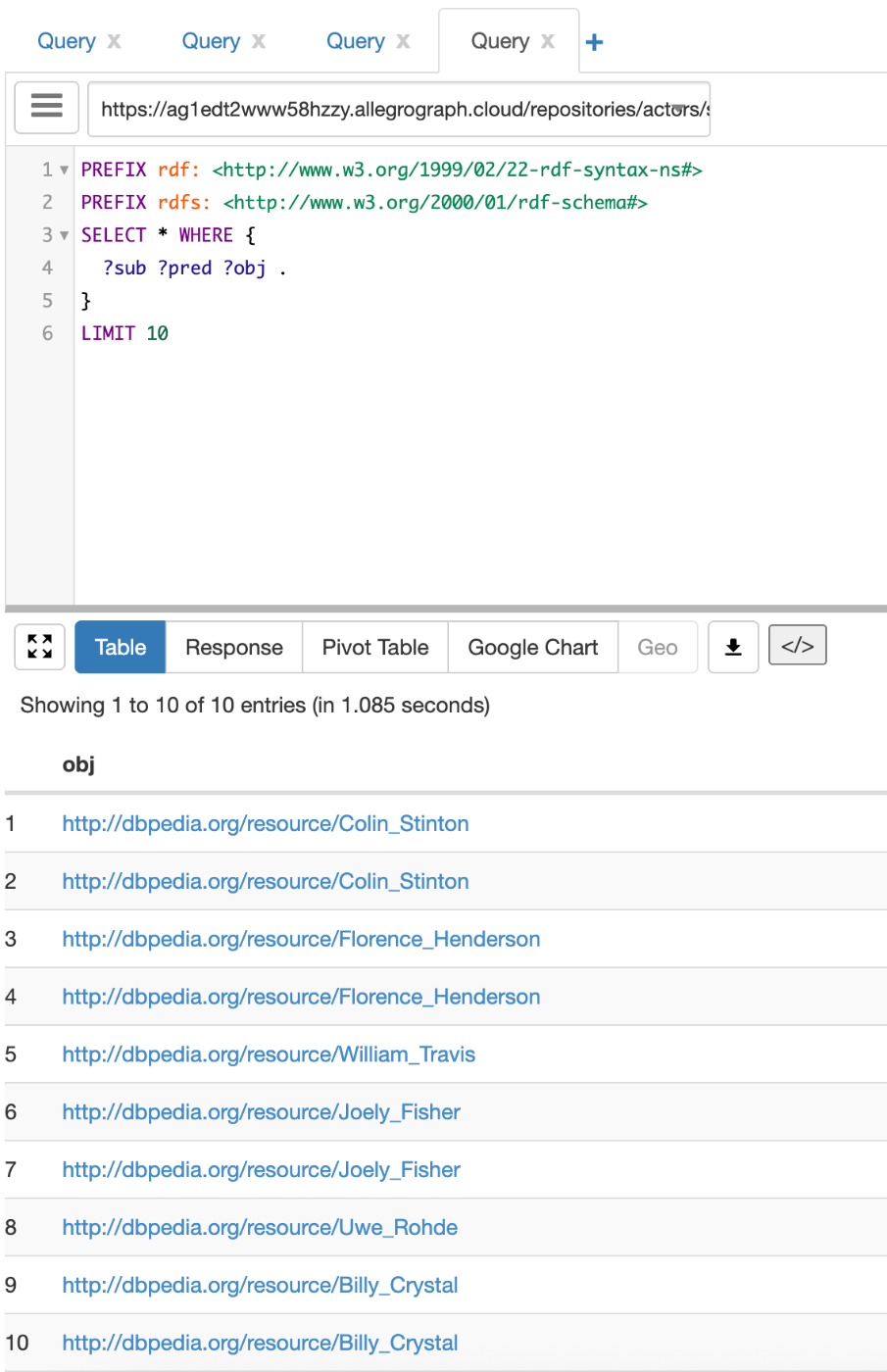
With this setting, the specified repository can be accessed without authentication. The following is an example of accessing it with YASGUI.
Adding a Repository
I added a repository called “my_first_repository.” I will try registering an RDF file.

I will try registering the following RDF file used in the Koui Genji Monogatari Text DB.
When registering, you can optionally specify a Graph URI. Following the input example, I entered it as follows.

Exporting
You can export from “Repository Control” > “Archiving.”
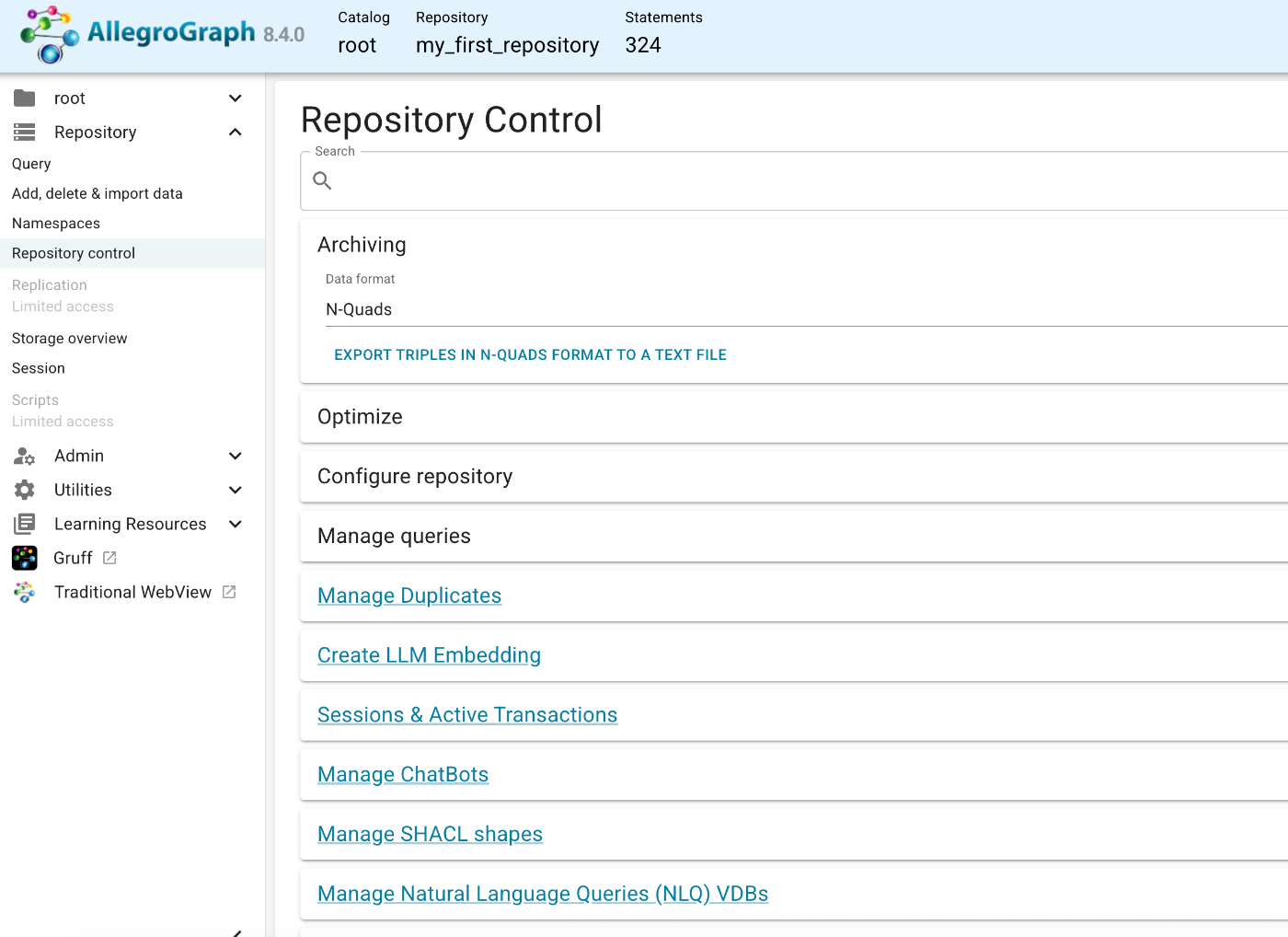
Selecting “N-Quads” and exporting produced the following results. You can confirm that the Graph URI registered earlier is output in addition to the triples.
Managing SHACL Shapes
Pressing the Generate SHACL Shapes button creates a SHACL file.


The following JSON was created.
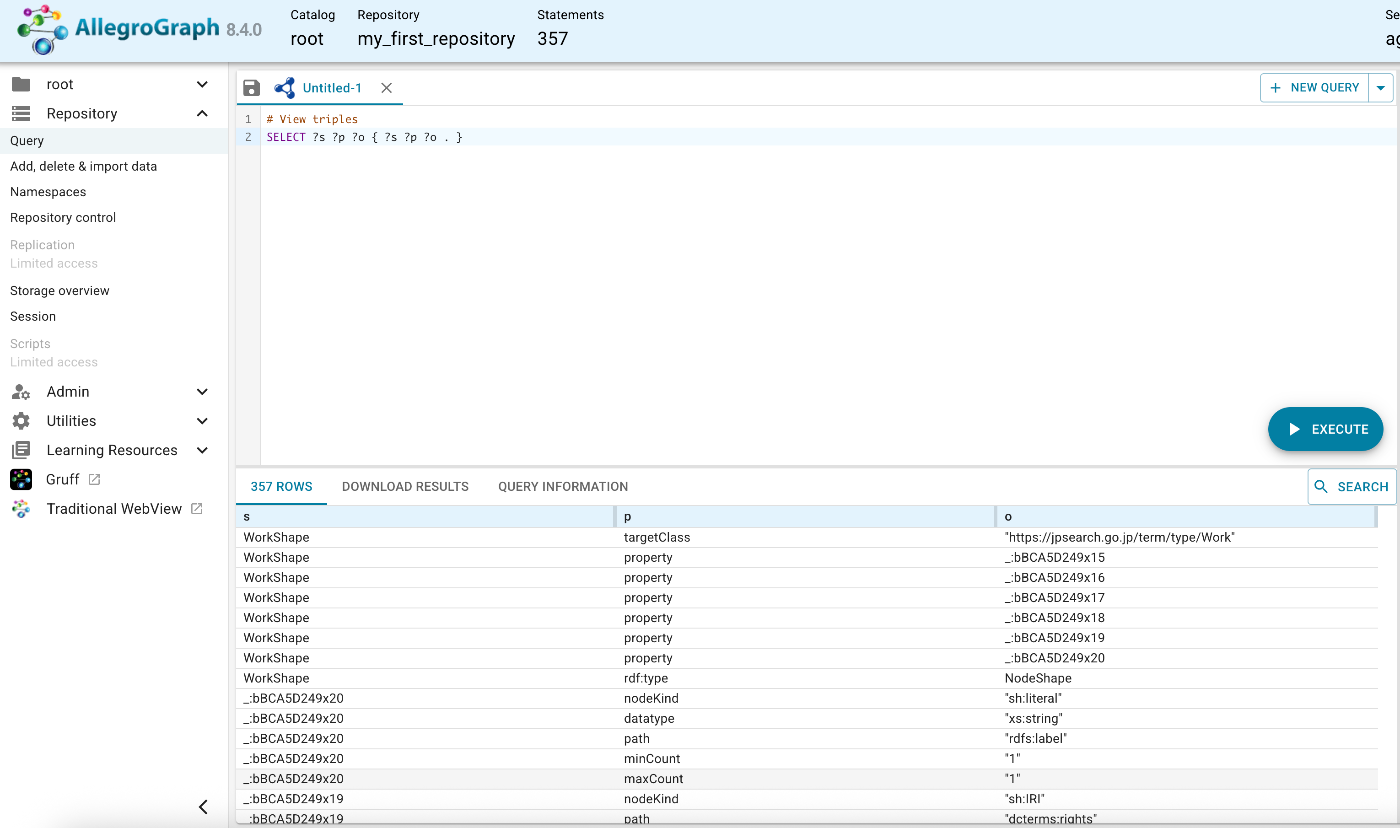
When running a query, triples related to SHACL were also registered.
Periodic Monitoring
With the free tier, it required usage at least every 8 hours.
We noticed that your AllegroGraph server at https://allegrograph.cloud/ hasn’t been used in over 8 hours, so it has been temporarily stopped. You can log in and start the server again at any time to resume your work as usual.
To ensure your data isn’t lost, please note that if the server isn’t restarted within 5 days, it will be automatically deleted, and all associated data will be permanently removed.
Therefore, I set up periodic requests using UptimeRobot.
https://stats.uptimerobot.com/Yza2XsEI13
Any type of request should work, but since the free tier required GET parameters, I used the following URL.
The query is as follows. It means “Does at least one RDF triple exist in the database?”
The following result is returned.
Summary
AllegroGraph emphasizes the following, as indicated by its headline “Knowledge Graph + LLM Solutions”:
Enhance Your LLM with AllegroGraph and Neuro-symbolic AI Making accurate decisions is challenging without trusted, connected, and shared data. Explore your data’s possibilities with Generative AI and seamless Large Language Model (LLM) integration powered by AllegroGraph.
The Next Phase of AI is Neuro-Symbolic Neuro-symbolic AI, combining the strengths of symbolic reasoning and neural networks, is critical for the next phase of AI development. This approach allows for more accurate, explainable, and trustworthy AI systems by integrating human-like reasoning with the pattern recognition capabilities of neural networks. Our AllegroGraph platform is designed to leverage these capabilities, enabling sophisticated data analysis and decision-making.
Powering Enterprise AI with Knowledge Graphs Global enterprises gain profound insights from their diverse data sources using our technology, enabling informed decision-making and maintaining competitiveness. Whether managing distributed knowledge more effectively, supporting digital twin or data fabric initiatives, addressing Generative AI efforts, or tackling data catalogs and metadata challenges, we power your data strategy with precision.
I would like to continue investigating the usage methods described above.