Overview
I had the opportunity to enable OpenAPI in Drupal, so this is a memo. Note that the JSON:API module has already been enabled.
Installing Modules
Install the following two modules.
https://www.drupal.org/project/openapi
https://www.drupal.org/project/openapi_jsonapi
As a result, JSON can be obtained from the following URL.
/openapi/jsonapi
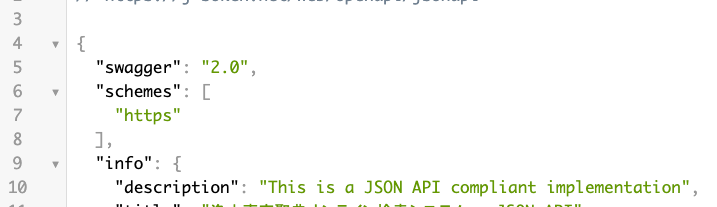
Accessing the following displays “No UI …”. Next, let’s add a UI.
/admin/config/services/openapi

Adding a UI
Install the following two modules.
https://www.drupal.org/project/openapi_ui
https://www.drupal.org/project/openapi_ui_redoc
As a result, an “Explore” button is displayed.

Clicking the button navigates to the following screen.
/admin/config/services/openapi/redoc/jsonapi
A Swagger UI-like screen is displayed.
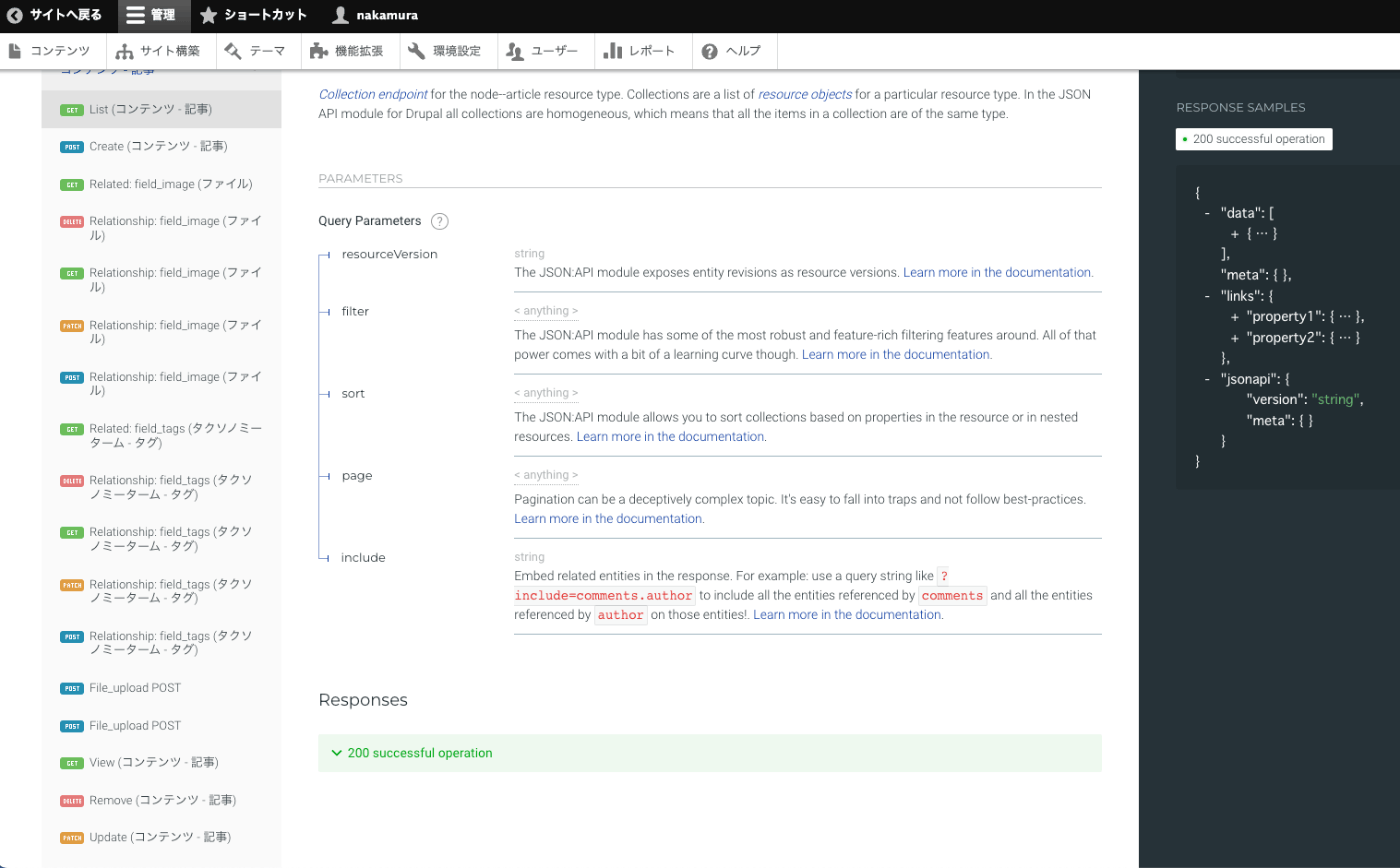
Note that Redoc is described as follows.
Redoc is an open-source tool for generating documentation from OpenAPI (fka Swagger) definitions.
https://github.com/Redocly/redoc
References
I also tried installing the following “Swagger UI for OpenAPI UI,” but it resulted in an error in my environment.
https://www.drupal.org/project/openapi_ui_swagger
Summary
We hope this serves as a useful reference when using OpenAPI with Drupal.