Overview
This is a memo about prototyping a TEI/XML file editing environment using LEAF Writer and GakuNin RDM.
References
The following article introduced how to use LEAF Writer from Next.js.
In particular, the following npm package is used.
https://www.npmjs.com/package/@cwrc/leafwriter
For the input/output of TEI/XML files to be edited above, GakuNin RDM is used. The following article may also be helpful regarding how to use the GakuNin RDM API from JavaScript.
Usage
The following is the prototype system URL. (Please note that it contains various bugs.)
https://rdm-leaf-editor.vercel.app/

The UI was created by Claude 3.7 Sonnet.
Pressing the “Sign In” button proceeds to the authentication screen for login.

After login, you are redirected and a list of projects is displayed.

Navigate to the directory containing TEI/XML files. If the file name contains “.xml,” an “Edit” button is displayed in the “Leaf Writer” column.
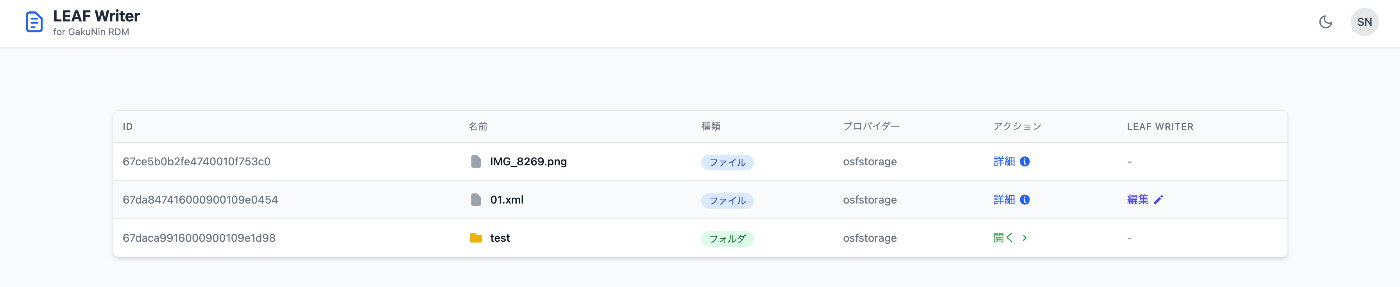
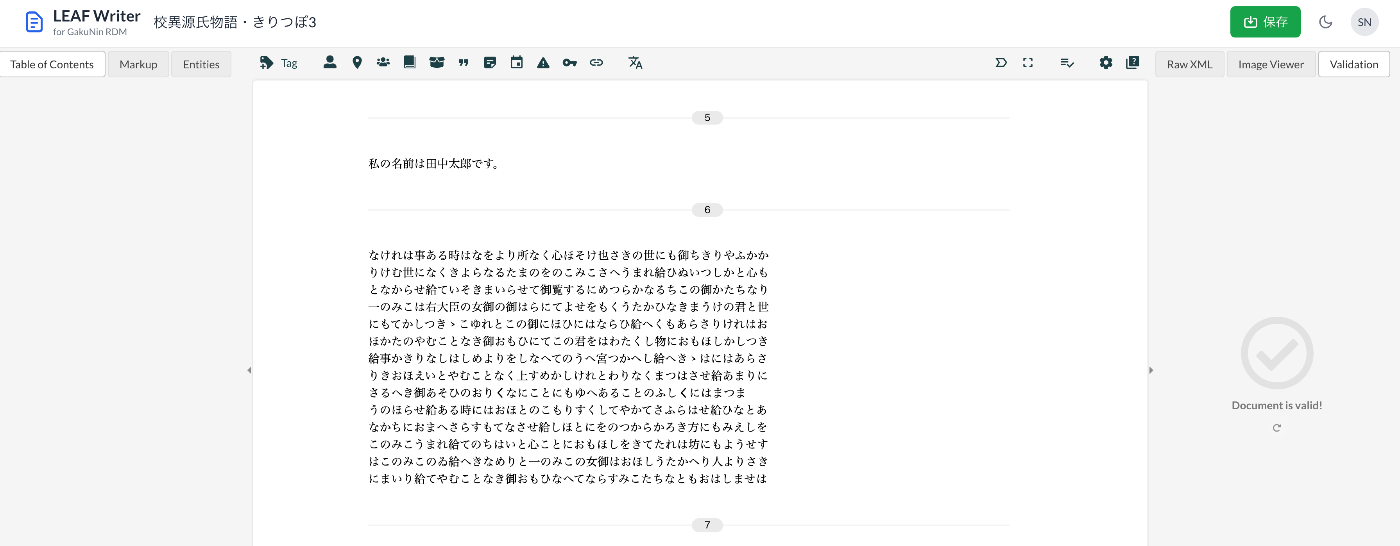
Navigate to the LEAF Writer editing screen and edit the text. When work is complete, press the “Save” button at the top right of the screen.
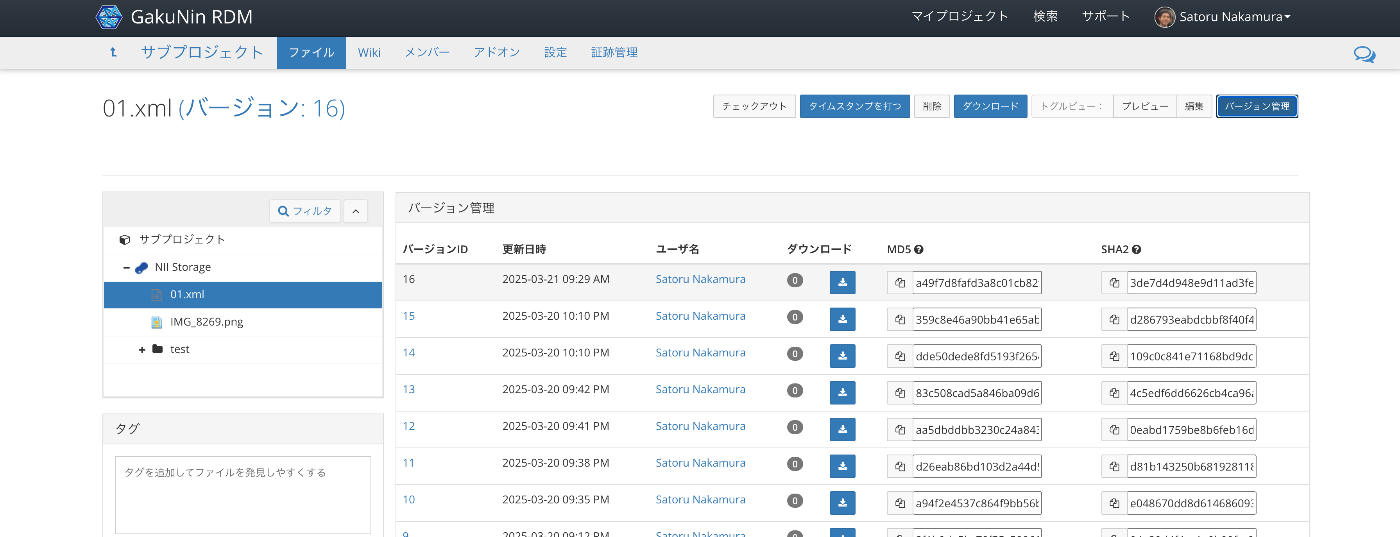
Checking from the GakuNin RDM UI confirms that versions are saved.
Implementation
File retrieval and update from GakuNin RDM is performed as follows.
The URL used above is as follows.
The values can be confirmed from JSON data retrievable from the following API. (The following URL should not be accessible due to permissions.)
https://api.rdm.nii.ac.jp/v2/files/67da847416000900109e0454/
Summary
LEAF-Writer Commons uses GitHub as the default storage and authentication system.
https://leaf-writer.leaf-vre.org/
The system developed this time uses GakuNin RDM instead of GitHub.
I am grateful to those who publish LEAF Writer as an npm package.