Overview
This describes how to register files from URLs using the Feeds module. The following was helpful.
https://www.drupal.org/docs/contributed-modules/feeds/feeds-howtos/importing-files
Method
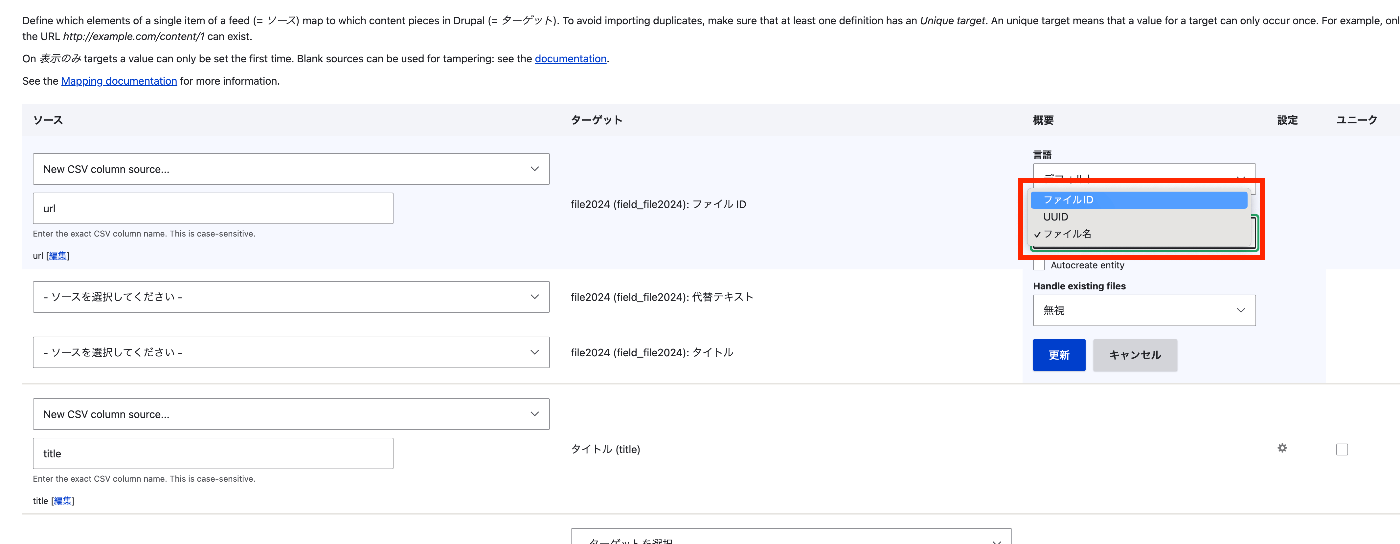
- Find the file field from the dropdown list and create a mapping target for the file or image field.
- For “File ID,” specify a mapping to the full URL (including the http/https prefix).
- Select “File ID” under “Reference by.”
- Configure the action so that the feed processes existing files.
- After configuring these changes, save the mapping.
CSV
Prepare and register a CSV file like the following.
| title | url |
|---|---|
| Otaku Illustration | https://1.bp.blogspot.com/-EGQiXxfkfQA/U5gFr1g8qHI/AAAAAAAAhDM/17wwYnxWmHE/s800/otaku.png |

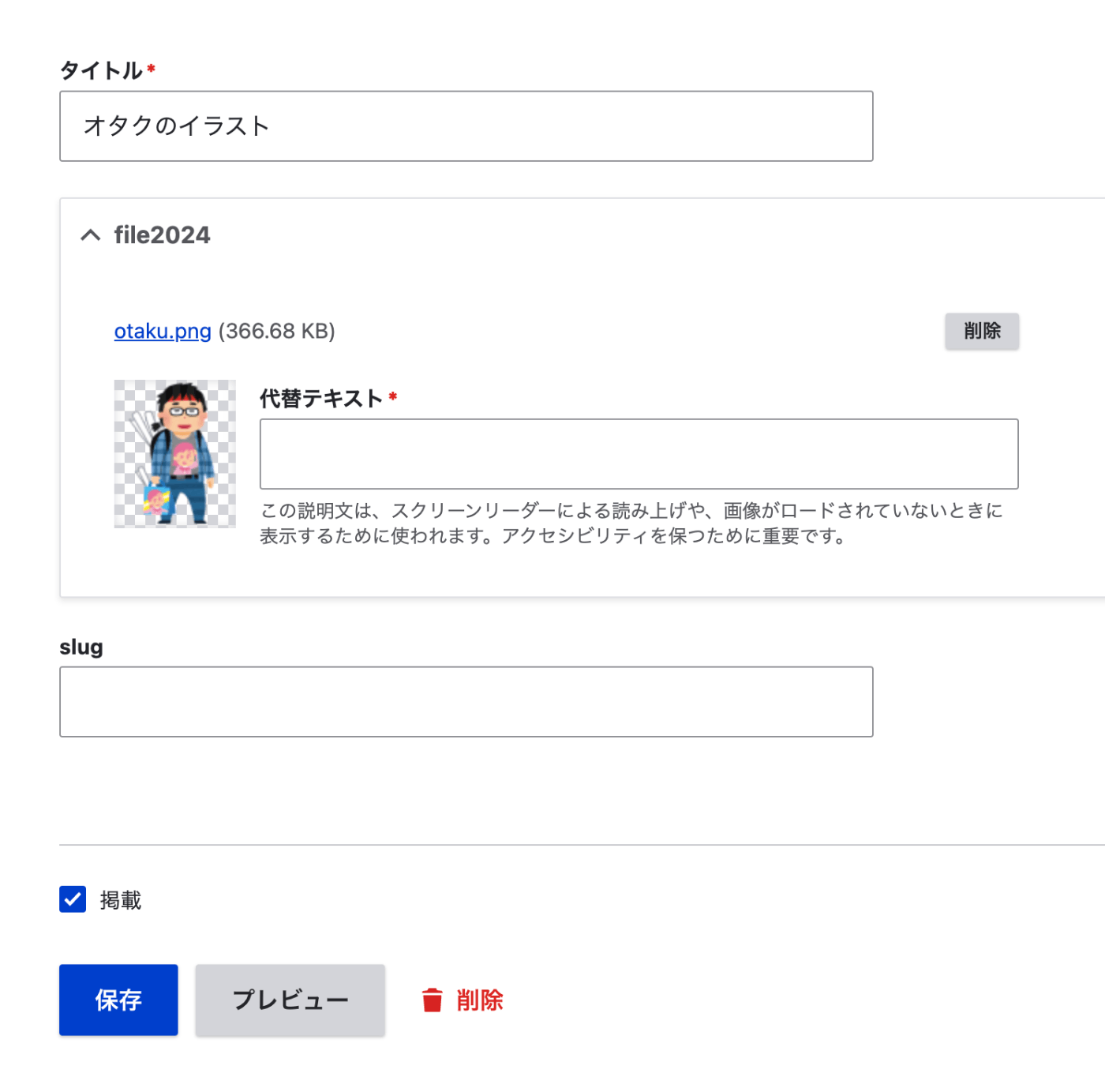
As a result, it was registered as follows.
Summary
We hope this is helpful when registering files using the Feeds module.