Overview
This is a memo on how to add Normalization rules in Archivematica’s Preservation planning.
Background
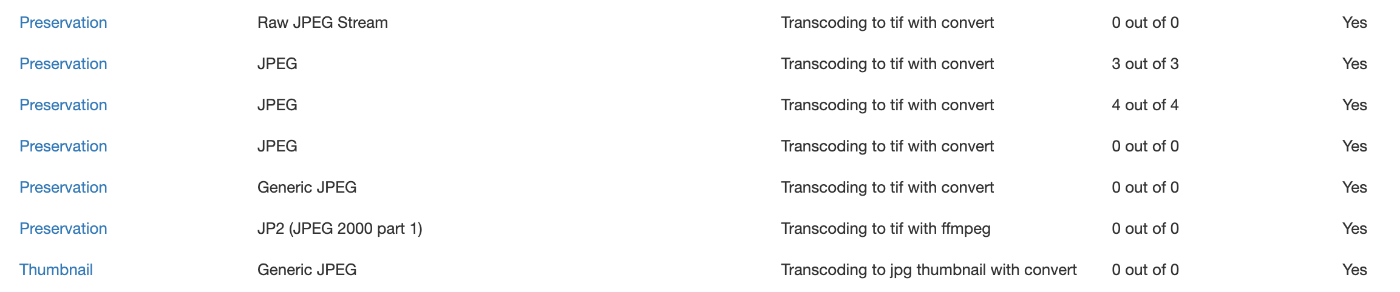
When ingesting images with the .jpg extension into Archivematica, there were cases where tif files were not created for preservation, despite having a rule to create tif files for items with Format of JPEG as shown below.
I checked the task details from the history screen shown below.
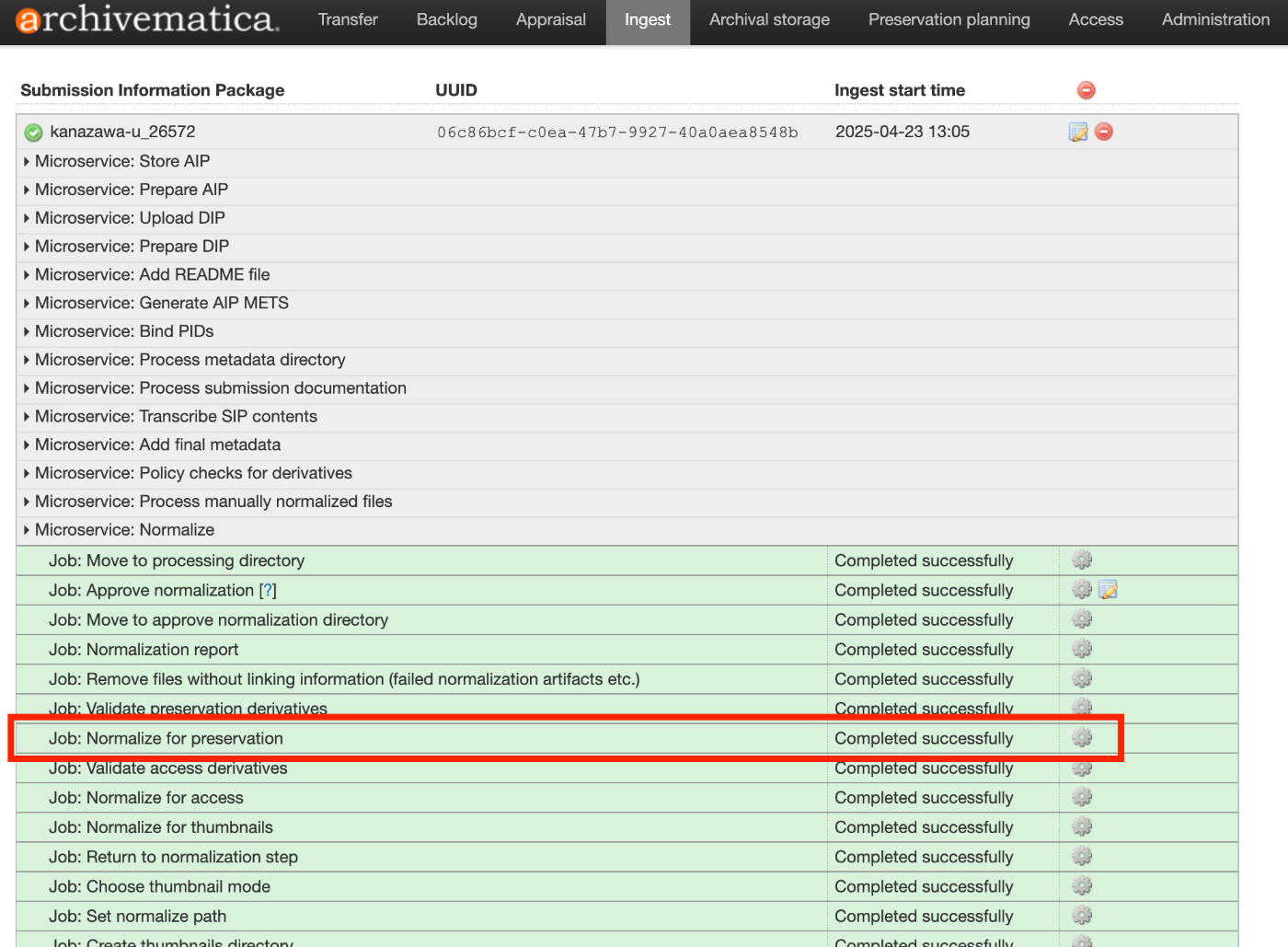
The results were as follows.
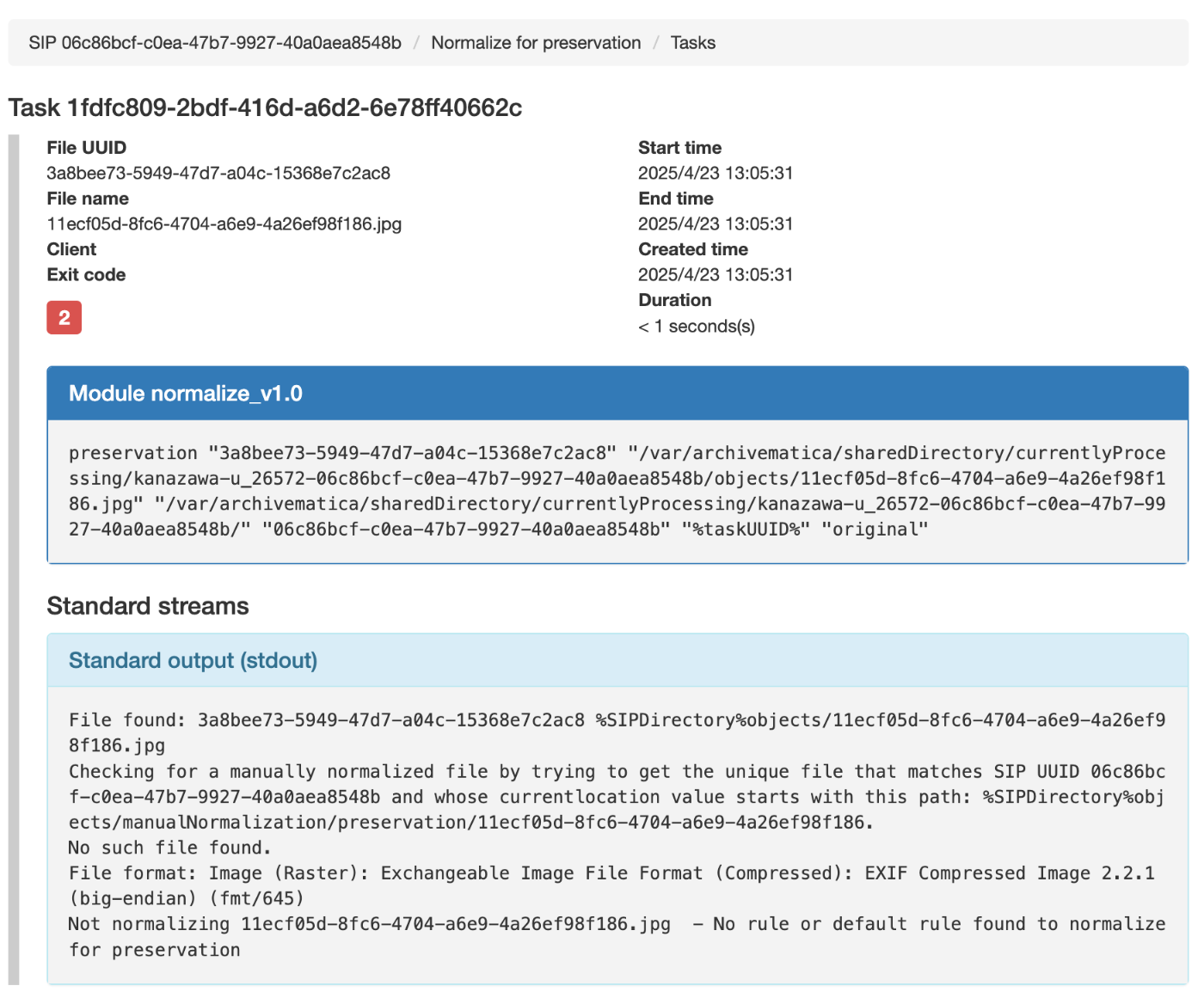
Specifically, the following message indicated that no matching rule existed.
So I added a rule for fmt/645.
Adding the Rule
Click the “Create new rule” link.
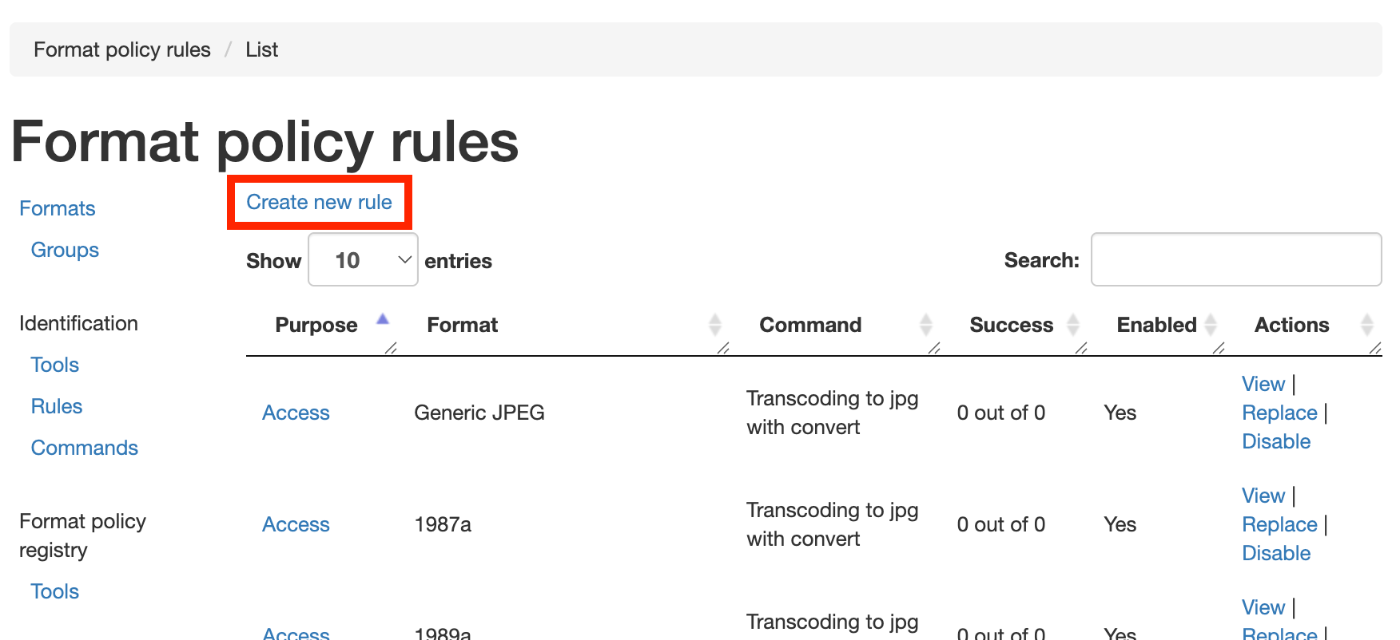
Then enter the following.
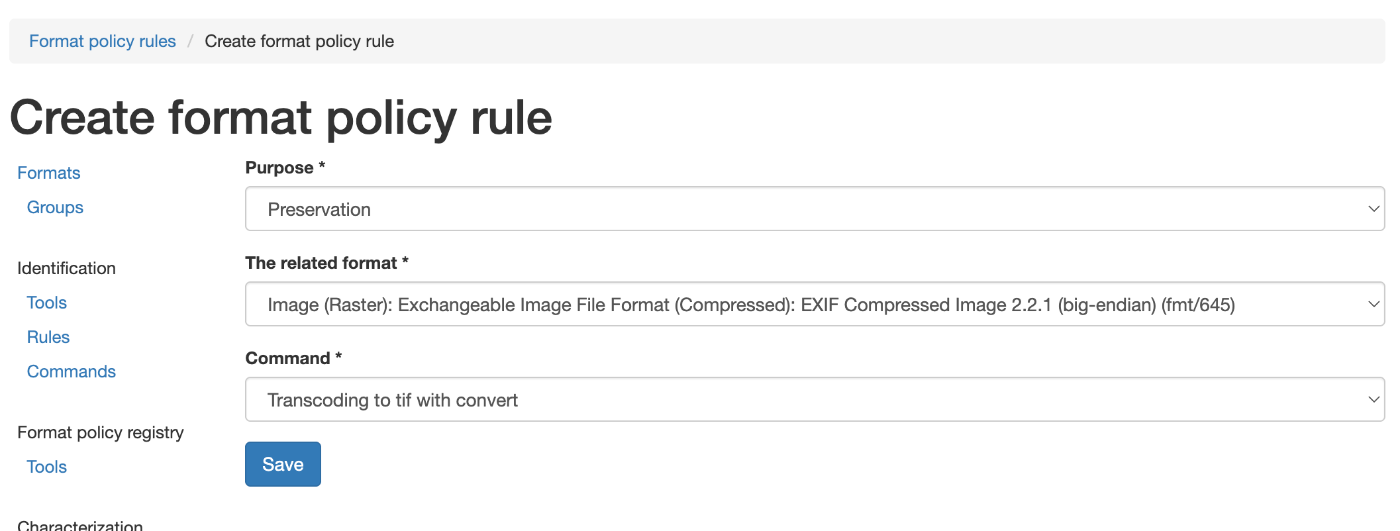
This time, the following was specified as “The related format”:
Image (Raster): Exchangeable Image File Format (Compressed): EXIF Compressed Image 2.2.1 (big-endian) (fmt/645)
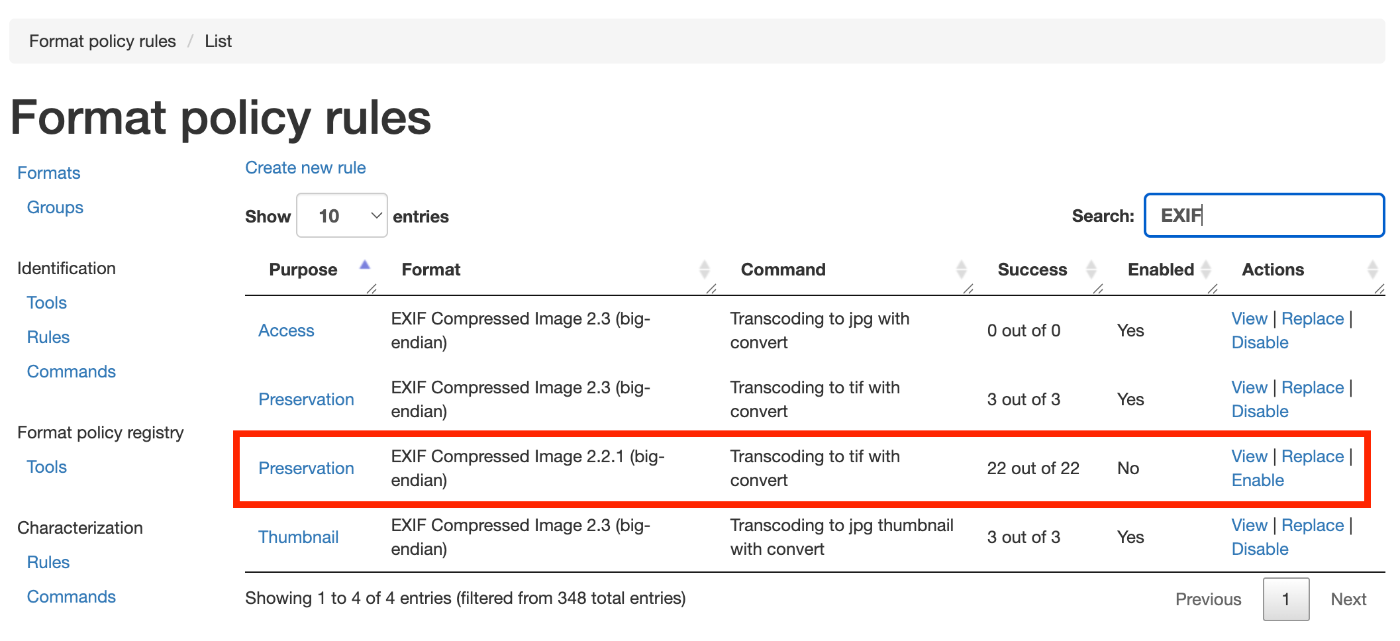
As a result, the rule was newly added as shown below, and from then on, preservation tif files were generated.
Summary
I introduced an example of adding rules in Archivematica’s Preservation planning. We hope this is helpful.