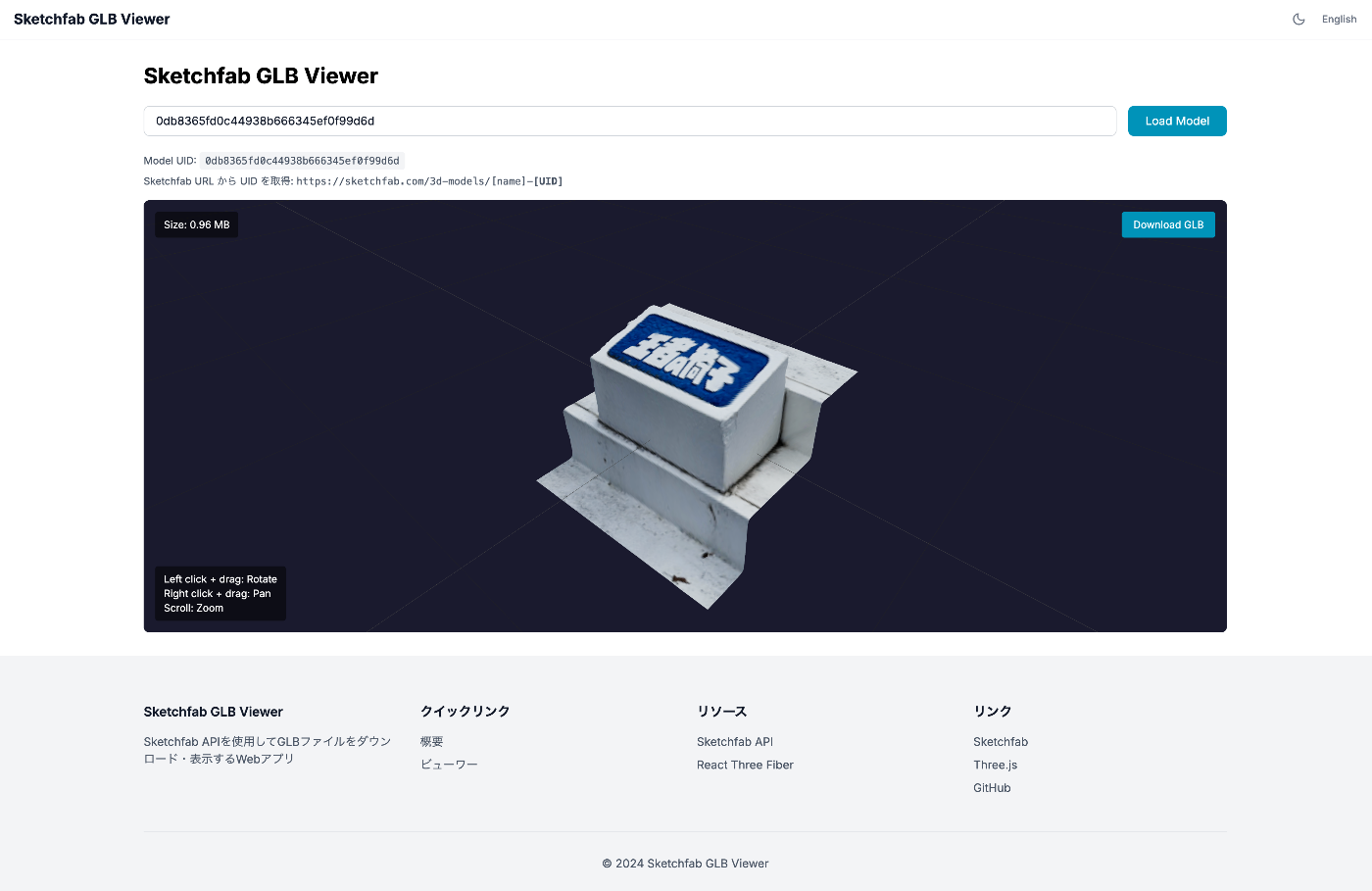
I built a web app that uses the Sketchfab API to download 3D models as GLB files and display them in the browser using Three.js. This article covers everything from the security-conscious architecture design to implementation.
What I Wanted to Do
- Download 3D models from Sketchfab in GLB format
- Display downloaded GLB files in 3D within the browser
- Manage API tokens securely
Tech Stack
- Next.js 16 (App Router)
- React Three Fiber / @react-three/drei
- TypeScript
First Attempt: Client-Side Only Implementation
Initially, I tried implementing it with just HTML + JavaScript.
This itself worked, but there were two problems.
Problem 1: API Token Exposure
Using the API token on the client side means it can be easily viewed from the browser’s developer tools. If the API token leaks, others can use the API with your account, so this should be avoided.
Problem 2: CORS Errors (depending on circumstances)
Browser security restrictions may block requests to different origins. In this case, requests to the Sketchfab API themselves had CORS allowed, but this could be problematic in some environments.
Solution: Architecture Using Server-Side API
I designed the architecture to communicate with the Sketchfab API on the server side using Next.js API Routes.
Key Point: Using Signed URLs
The Sketchfab API returns not the GLB file itself, but a “signed S3 URL.”
This signed URL has the following characteristics:
- Time-limited (invalidated after a few minutes)
- Only permits access to a specific file
- Read-only
Therefore, it is safe to pass this signed URL to the client. The client can directly access S3 using this URL to download the GLB.
Why Not Transfer GLB Through the Server?
While transferring the entire GLB file through the server is possible, the signed URL approach was adopted for the following reasons:
| Method | Advantages | Disadvantages |
|---|---|---|
| GLB transfer through server | Completely avoids CORS | High server load, slower transfer speed |
| Return signed URL | Fast, no server load | Depends on CORS (no issue in this case) |
Sketchfab S3 returns Access-Control-Allow-Origin: *, so direct client access was possible.
Implementation
1. Environment Variable Setup
Since the API token is only used server-side, the NEXT_PUBLIC_ prefix is not added.
2. API Route (Server-Side)
3. GLB Viewer Component (Client-Side)
4. Viewer Page
Security Summary
| Information | Exposed | Reason |
|---|---|---|
| Sketchfab API Token | Not exposed | Managed as server-side environment variable |
| Signed S3 URL | OK to expose | Time-limited, specific file only, read-only |
Notes
- Only downloadable models are supported: Only models that the author has set as “downloadable” on Sketchfab can be downloaded via the API
- Signed URL expiration: URLs expire after a few minutes, so re-fetching is needed after extended periods
Summary
I implemented GLB download and display functionality using the Sketchfab API with security considerations.
- API tokens are managed server-side and not exposed to the client
- Signed URLs returned by Sketchfab are leveraged for efficient file transfer
- React Three Fiber makes it easy to build a 3D viewer
Source code is available at: https://github.com/nakamura196/sketchfab-api-test