Overview
LEAF Writer provides a feature for displaying text and images side by side, as shown below. It also offers a feature where the text moves in sync when you navigate through image pages.
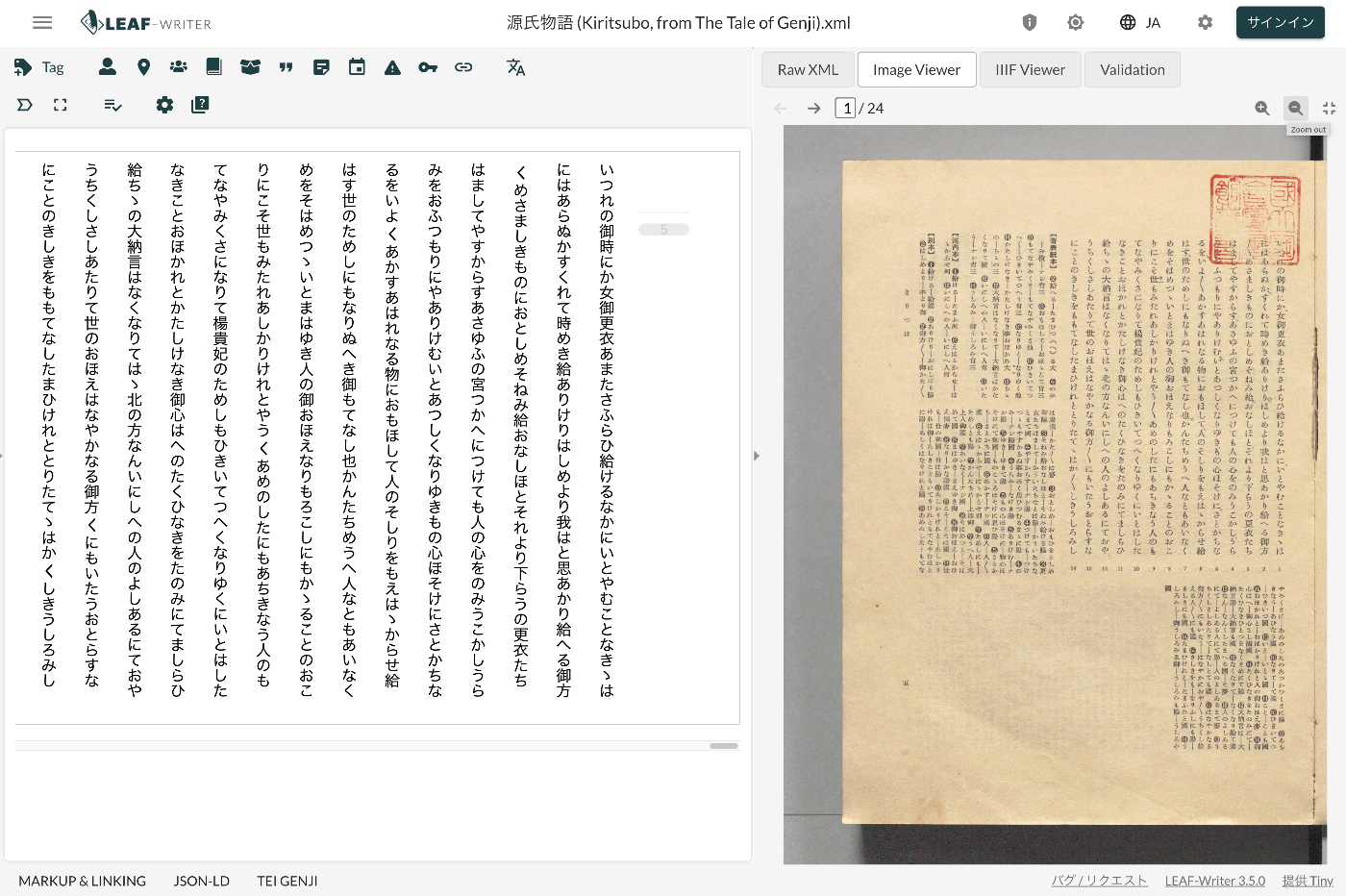
This article introduces TEI/XML markup examples for displaying images in the Image Viewer section.
Method
Specify the pb tag as follows.
https://github.com/kouigenjimonogatari/kouigenjimonogatari.github.io/blob/master/xml/lw/01.xml
Specifically, it looks like this:
The image specified in the facs attribute of the pb element appears to be displayed in the Image Viewer section.
Summary
In recent years, there have been many cases of combining TEI and IIIF.
https://github.com/TEI-EAJ/jp_guidelines/wiki/IIIF画像とのリンク
Based on notation like the above, I would like to work on developing an Image Viewer for LEAF Writer that integrates with the IIIF Image API.
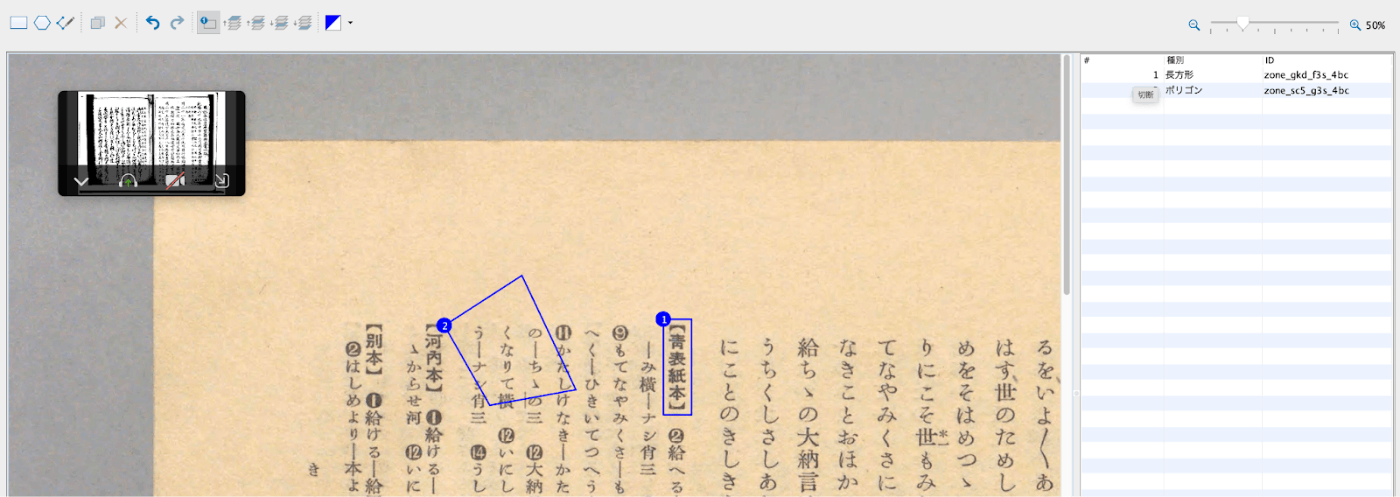
As an extension of this, I also hope to provide tools similar to the annotation feature of Oxygen XML Editor.
I hope this is helpful for using LEAF Writer.