Overview
This article explains how to batch register data to the Omeka Classic IIIF Toolkit. For setting up the Omeka Classic IIIF Toolkit, please refer to the following.
This is also an enhancement of the following article, making it easier to use by taking Excel data as input.
Preparing the Excel File
Prepare an Excel file like the following.
https://github.com/nakamura196/000_tools/blob/main/data/sample.xlsx
Prepare three sheets: “collection,” “item,” and “annotation.”
collection
manifest_uri
https://d1fasenpql7fi9.cloudfront.net/v1/manifest/3437686.json
item
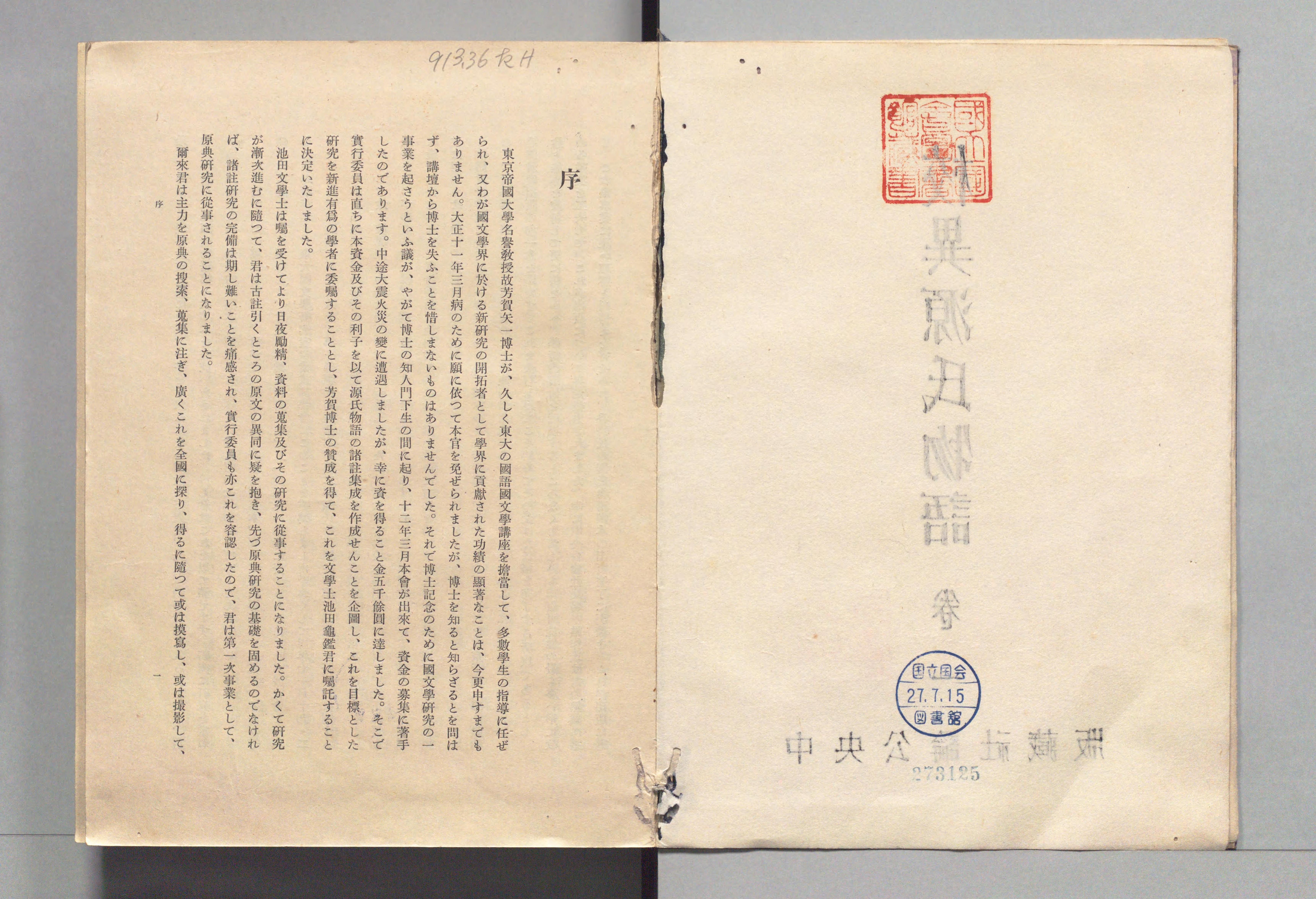
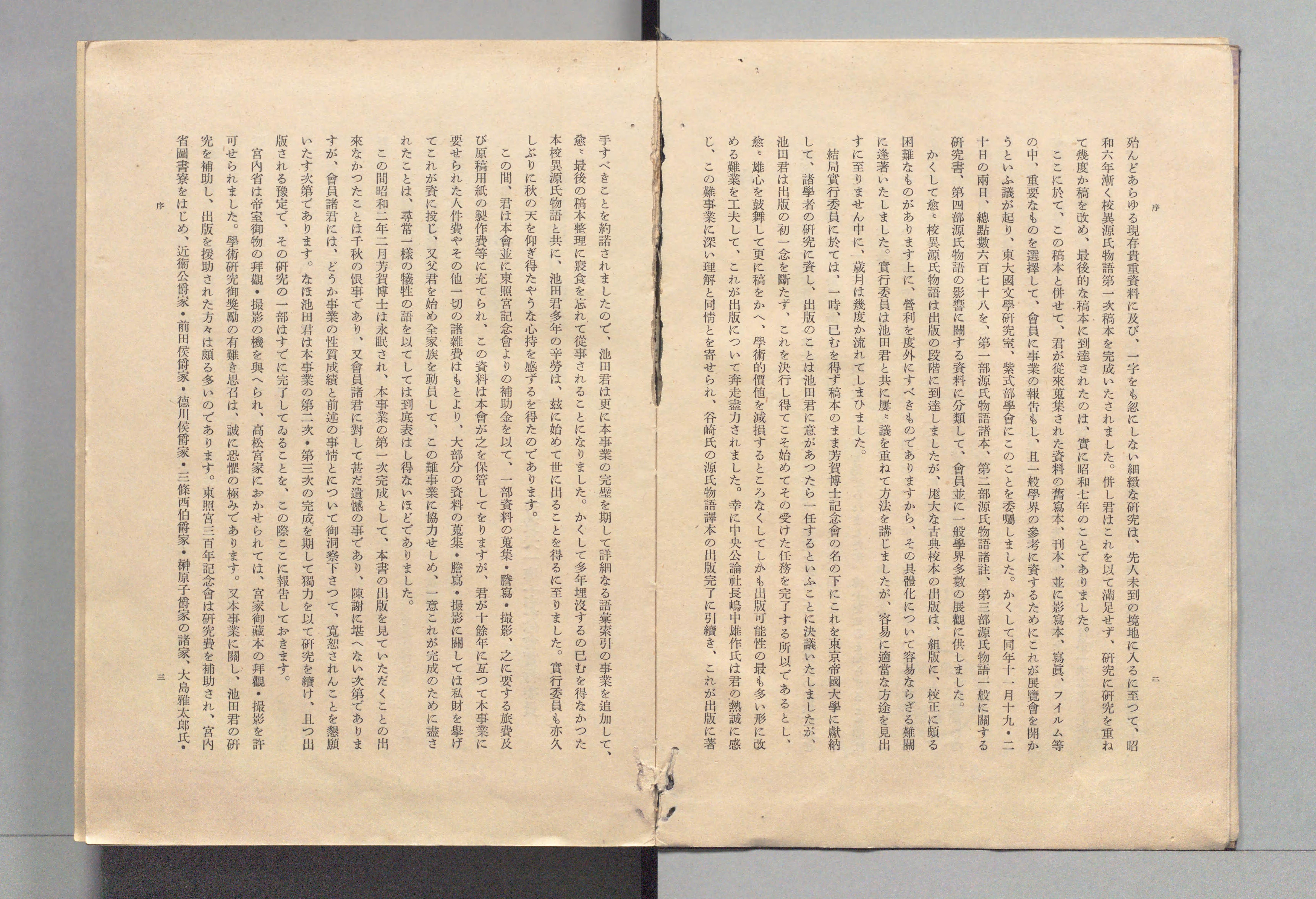
annotation
| chars | x | y | w | h | canvas_uri | tag |
|---|---|---|---|---|---|---|
| 3125 | 4898 | 4008 | 241 | 79 | https://www.dl.ndl.go.jp/api/iiif/3437686/canvas/4 | |
| 序 | 2910 | 868 | 147 | 140 | https://www.dl.ndl.go.jp/api/iiif/3437686/canvas/4 | |
| 913.36 たH | 2228 | 226 | 586 | 156 | https://www.dl.ndl.go.jp/api/iiif/3437686/canvas/4 | |
| 或は撮影して、 | 897 | 3517 | 83 | 434 | https://www.dl.ndl.go.jp/api/iiif/3437686/canvas/4 | |
| 一 | 810 | 3528 | 30 | 17 | https://www.dl.ndl.go.jp/api/iiif/3437686/canvas/4 | |
| 序 | 6018 | 1055 | 65 | 65 | https://www.dl.ndl.go.jp/api/iiif/3437686/canvas/5 | |
| 二 | 6025 | 3535 | 49 | 39 | https://www.dl.ndl.go.jp/api/iiif/3437686/canvas/5 | |
| 殆んどあらゆる現存貴重資料に及び、 | 5889 | 707 | 86 | 1090 | https://www.dl.ndl.go.jp/api/iiif/3437686/canvas/5 | |
| 一字をも忽にしない細緻な〓究は、 | 5889 | 1837 | 86 | 1012 | https://www.dl.ndl.go.jp/api/iiif/3437686/canvas/5 | |
| フイルム等 | 5501 | 3614 | 76 | 323 | https://www.dl.ndl.go.jp/api/iiif/3437686/canvas/5 | |
| 大島雅太郞氏· | 916 | 3491 | 89 | 436 | https://www.dl.ndl.go.jp/api/iiif/3437686/canvas/5 | |
| 序 | 807 | 1048 | 65 | 61 | https://www.dl.ndl.go.jp/api/iiif/3437686/canvas/5 | |
| 三 | 815 | 3517 | 61 | 57 | https://www.dl.ndl.go.jp/api/iiif/3437686/canvas/5 |
Python
Install the following library.
Set the information for the target Omeka and upload the Excel contents.
Results
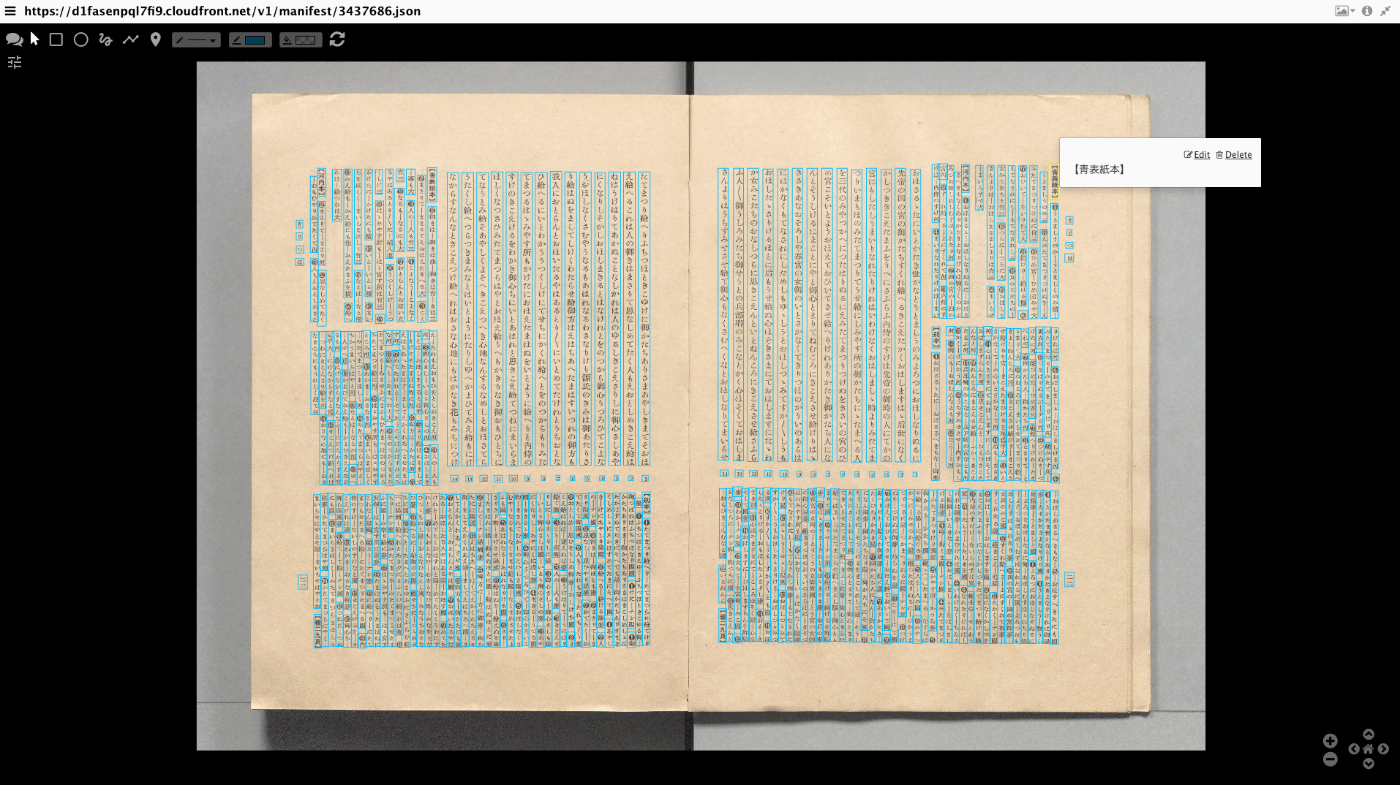
Annotations will be registered as shown below. By editing the registered annotations, you can correct OCR results and more.
Summary
I hope this is helpful for batch data registration to the Omeka Classic IIIF Toolkit.